 GameWiki
GET YOUR BEARINGS
About From Madness with Love
From Madness with Love is a single‑player dating simulation for Windows. You play a sophomore who transfers to a wealthy private academy after a terrorist bombing destroyed your former school. Over the course of a school year you meet four male characters, make dialogue choices, and uncover hidden secrets.
Your decisions shape each relationship and determine whether a happy ending is achieved. The game warns of strong language, horror elements, loud noises, and other intense content, and it supports Steam Cloud, Trading Cards, and Family Sharing.
01 / THE GUIDE
Character Roster
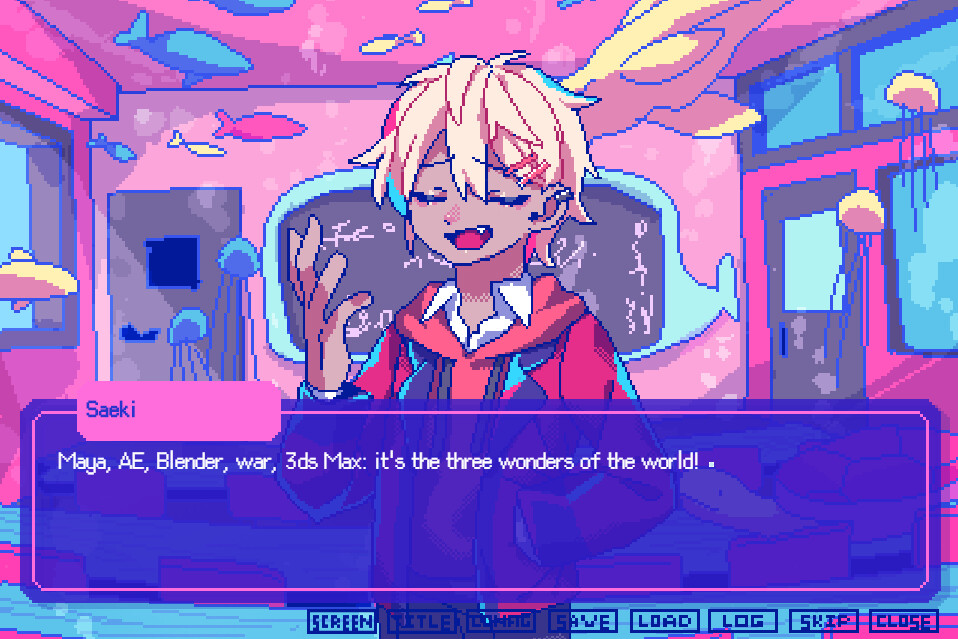
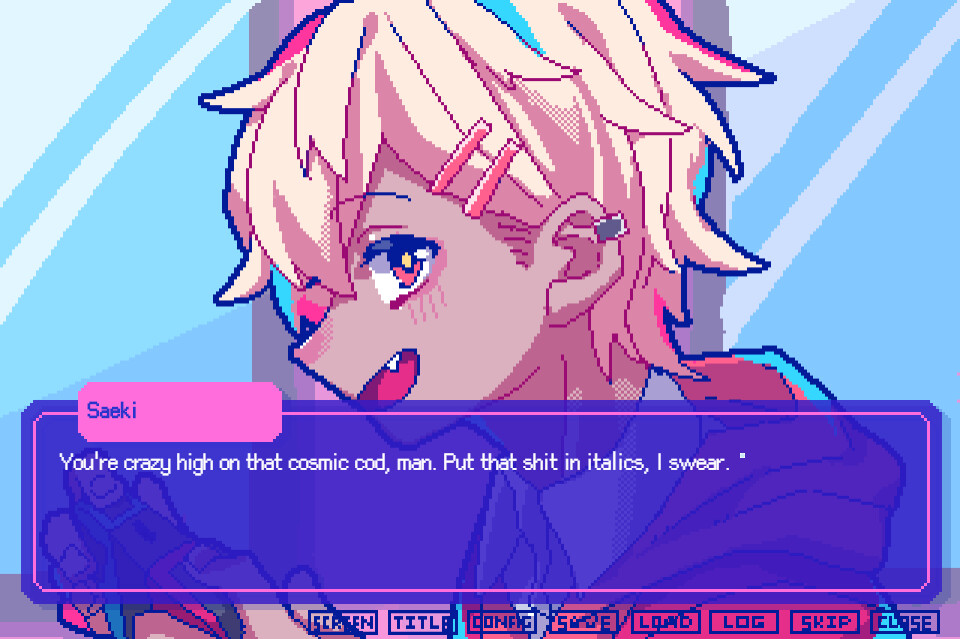
Four male characters populate the academy, each with distinct traits. Saeki Yuusuke is a bright, flirtatious blond who enjoys sports and video games but often speaks in gibberish. Arakawa Shuuji is the sexy school nurse who loves music and muscle training, yet may hide a darker side and always has a seahorse in his hair.
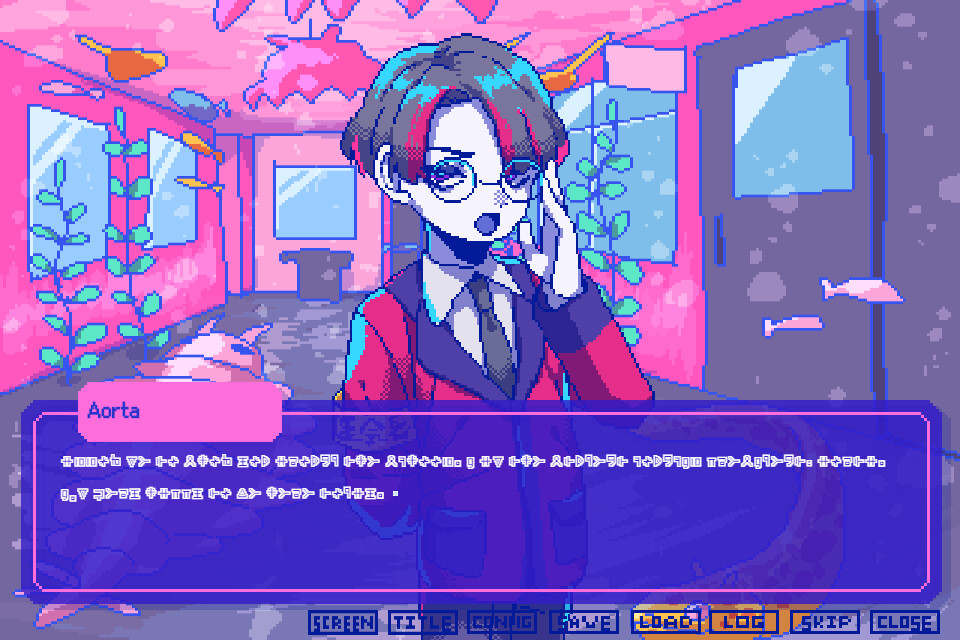
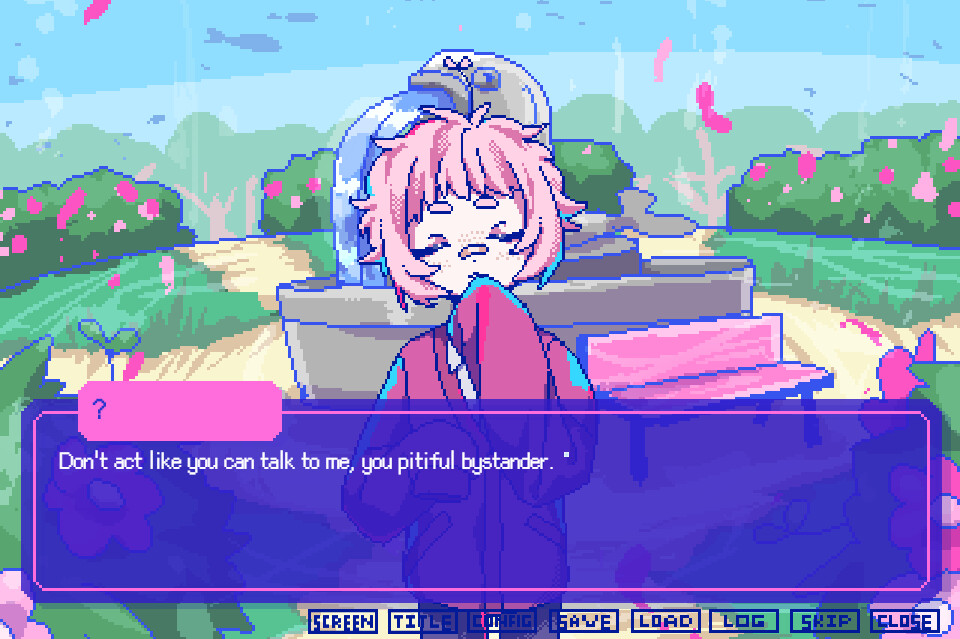
Tamura Marshmallow is a mysterious, occult‑knowledgeable boy who prefers eating, sleeping, and hurling insults. Aorta, a senior student council president, is cool, dignified, and fluent in an indecipherable foreign language, while also showing a clumsy side and an interest in Japanese culture.
- Record each character’s hobbies to anticipate relevant dialogue options.
- Notice how characters react to your choices; reactions hint at relationship progress.
02 / THE GUIDE
Story Setup
The protagonist is a high‑school sophomore whose previous school was bombed by terrorists, prompting a transfer to the nearby private academy for rich students. The narrative covers a full academic year, during which you interact with the four boys and uncover their secrets.
Every choice you make influences the unfolding story and can lead to different endings, including a possible happy ending with the character you favor.
- Keep the bombing backstory in mind; it may affect character motivations.
- Track the weekly timeline to align choices with key story moments.
03 / THE GUIDE
Content Warnings
The description lists strong language, sensitive topics, violence, horror, unreasonable scenarios, intelligible nonsense, and very loud noises as present in the game. These warnings are intended to inform players of potentially distressing material.
Because of the intense audio and thematic elements, the developers advise proceeding with caution and adjusting settings as needed.
- Lower the volume before encountering loud sections.
- Play in a comfortable environment if sensitive topics could affect you.
04 / THE GUIDE
Technical Features
From Madness with Love runs on Windows and includes Steam Cloud, Steam Trading Cards, and Family Sharing. No macOS or Linux support is listed, and the game is single‑player only.
The description notes possible cloud‑save problems when carrying over data from the demo, and directs players to a FAQ for recovery instructions.
- Enable Steam Cloud to keep progress synced across devices.
- Consult the FAQ if you encounter save‑data issues after the demo.
05 / THE GUIDE
Development and Genres
The game was created by Jamsanpoid and VampireK.K. and is classified under Adventure, Casual, and Indie genres. These labels reflect a story‑driven experience with approachable pacing.
Being an indie title suggests a smaller production scope, while the adventure tag indicates that narrative choices are the primary gameplay focus.
- Expect a narrative focus rather than complex mechanics.
- Enjoy the casual pacing typical of indie dating sims.

COMMUNITY
Player discussion