 GameWiki
GET YOUR BEARINGS
About Froguelike
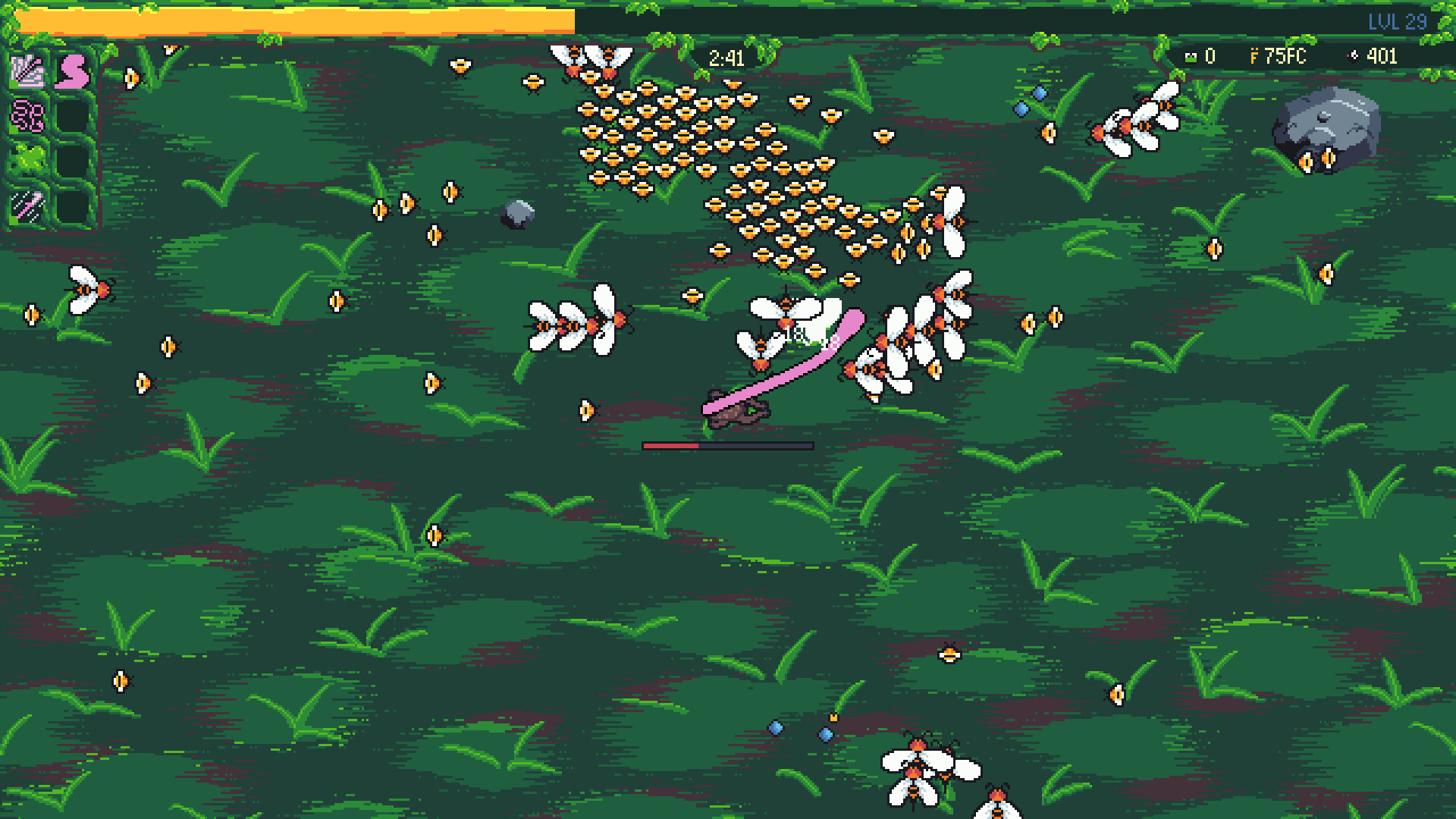
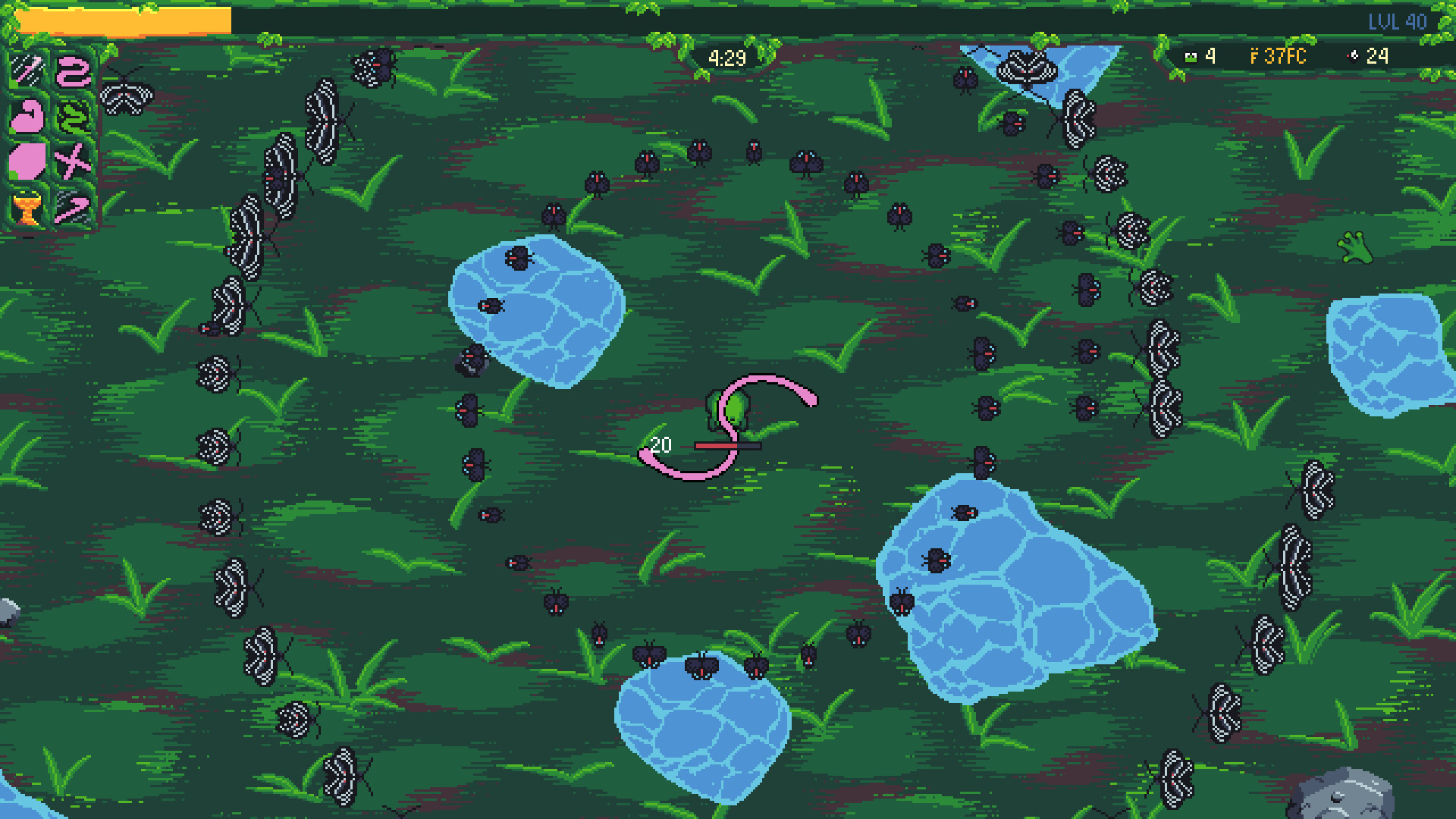
Froguelike pits you against swarms of bugs invading a pond, challenging you to eat as many flies as possible. You shape the adventure by picking chapters, leveling up, and buying items with froins between runs. The game expands through new tongues, items, frogs, and chapters, letting each playthrough head in unexpected directions.
The title offers full controller support, Steam Achievements, and cloud saves, and runs on Windows and macOS. It is a single‑player indie experience blending action and casual strategy, encouraging players to craft their own story while becoming the best frog.
01 / THE GUIDE
Moving on the Map
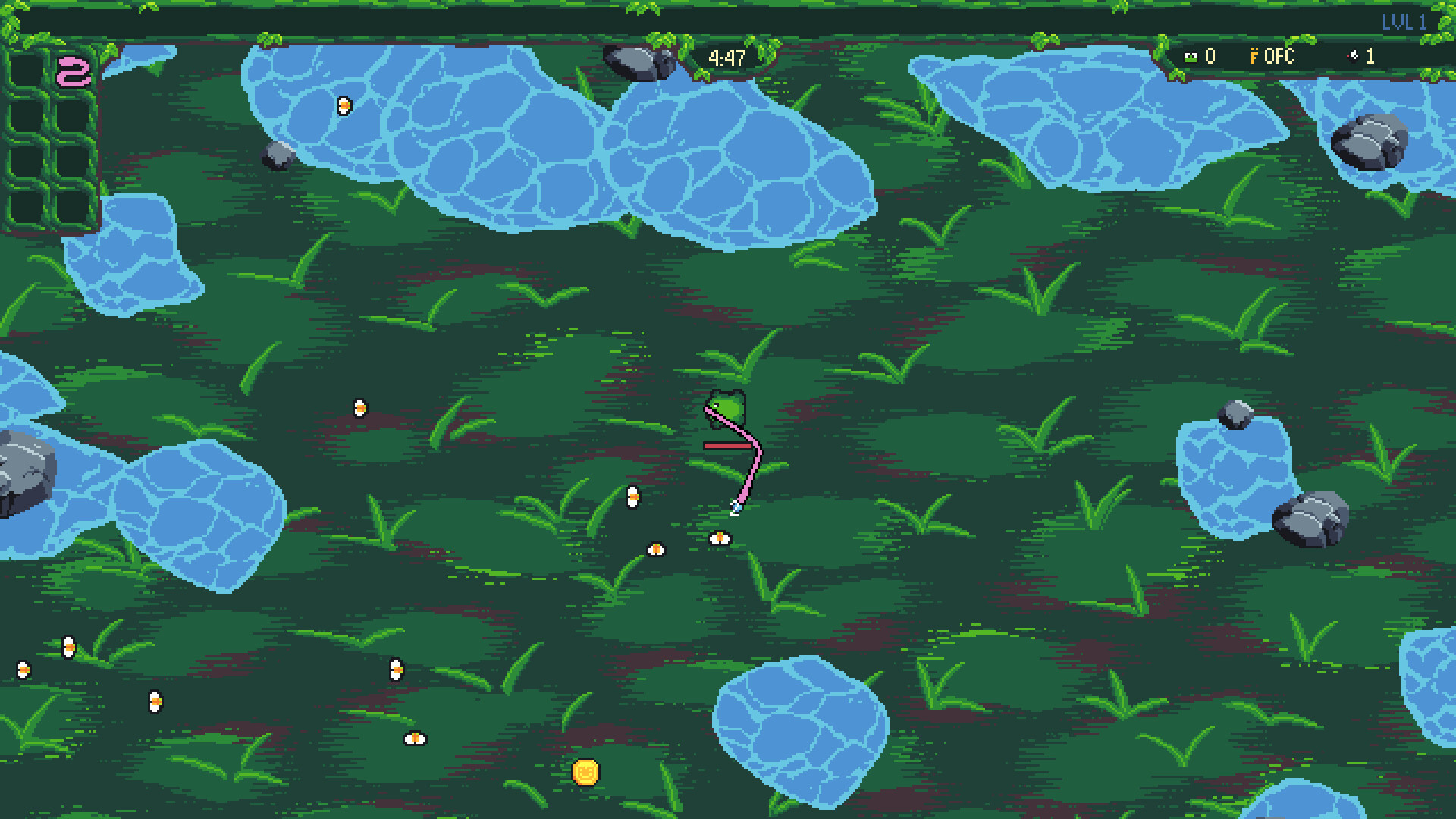
Players navigate a map, dodging strong enemies while seeking weaker bugs to eat. Movement is central to avoiding danger and positioning for attacks.
The map serves as the arena where strategic positioning determines success, as you must balance risk and reward when approaching enemy clusters.
- Observe enemy patterns before committing to a path.
- Use open spaces to regroup after a tough encounter.
02 / THE GUIDE
Leveling Up and Upgrades
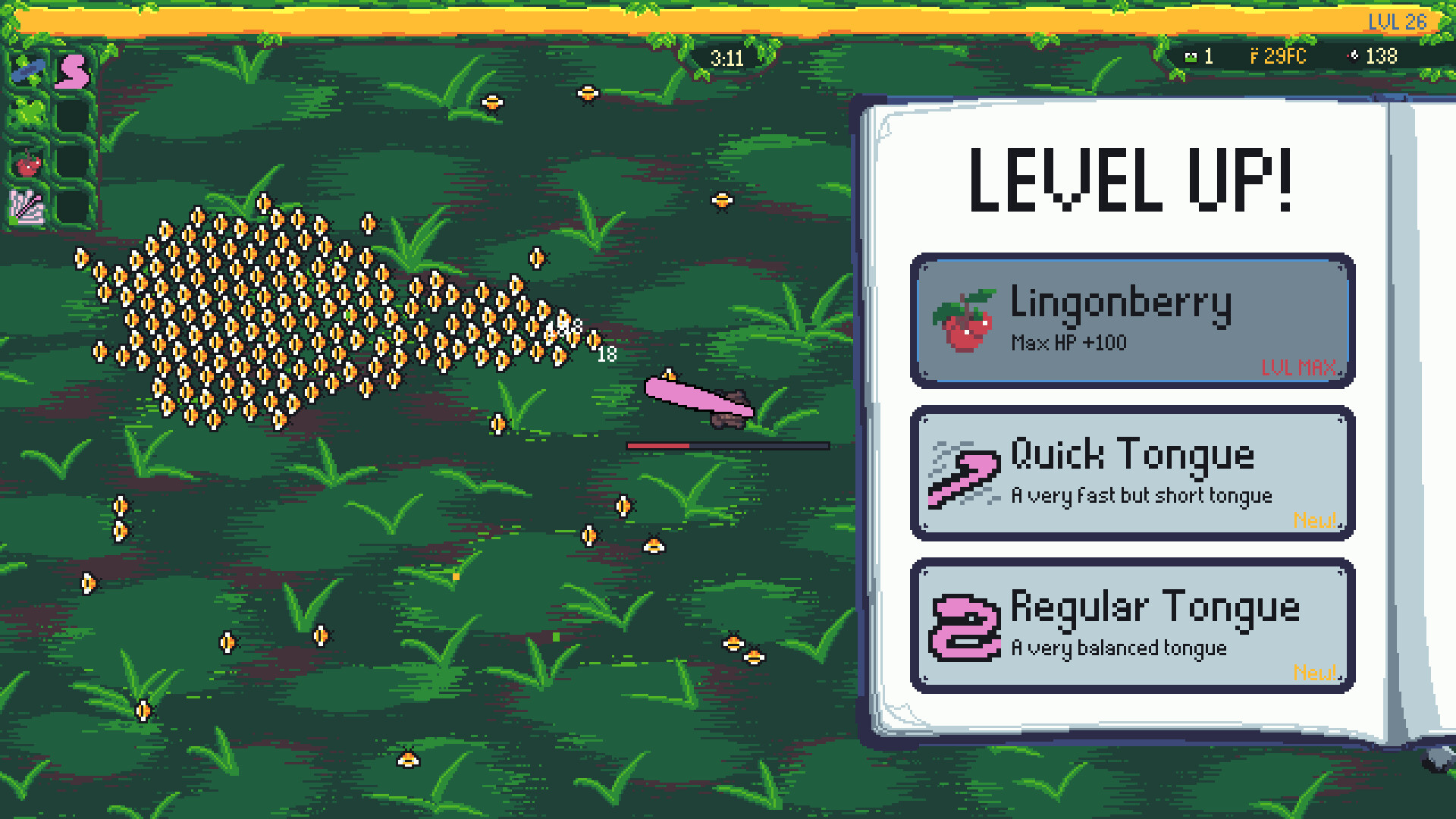
As you play, you level up and choose upgrades. Selecting upgrades wisely shapes your strategy for future runs.
Choosing upgrades wisely is part of implementing your own strategy, making each decision impactful.
- Prioritize upgrades that match your preferred playstyle.
- Consider future chapter challenges when picking upgrades.
03 / THE GUIDE
Choosing Chapters
The game lets you pick the next chapter, effectively steering the story’s direction. Each chapter introduces new scenarios and potential rewards.
Chapter choice adds narrative variety, allowing you to explore different environments and encounter fresh bugs or frogs.
- Experiment with different chapter orders to see varied outcomes.
- Read chapter previews to anticipate new challenges.
04 / THE GUIDE
Froins and the Shop
During runs you collect froins, the in‑game currency used in the shop to purchase items that strengthen future attempts. Spending froins wisely can give you an edge.
The shop offers items that improve abilities, making each subsequent run potentially stronger than the last.
- Save froins for items that complement your upgrade path.
- Compare item costs to gauge long‑term value.
05 / THE GUIDE
Discovering New Content
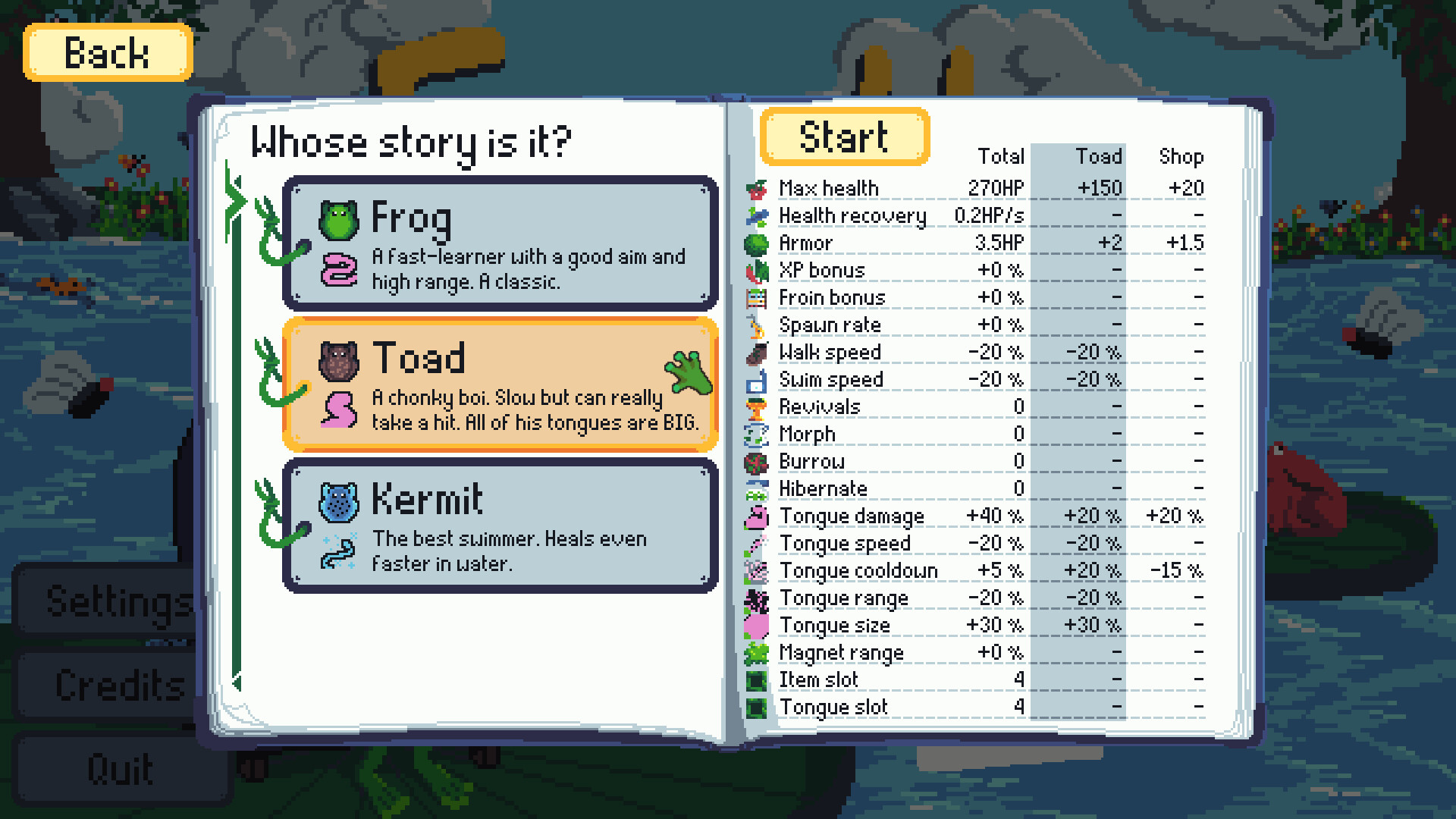
As you progress, you uncover new tongues, items, frogs, and chapters, expanding the game’s variety. Each discovery can alter how you approach later runs.
Unlockable content provides fresh strategic options and narrative branches, encouraging continued play to see all possibilities.
- Track which tongues you have unlocked to plan future runs.
- Try new frogs to experience different playstyles.
COMMUNITY
Player discussion