 GameWiki
GET YOUR BEARINGS
About Froggy's Battle
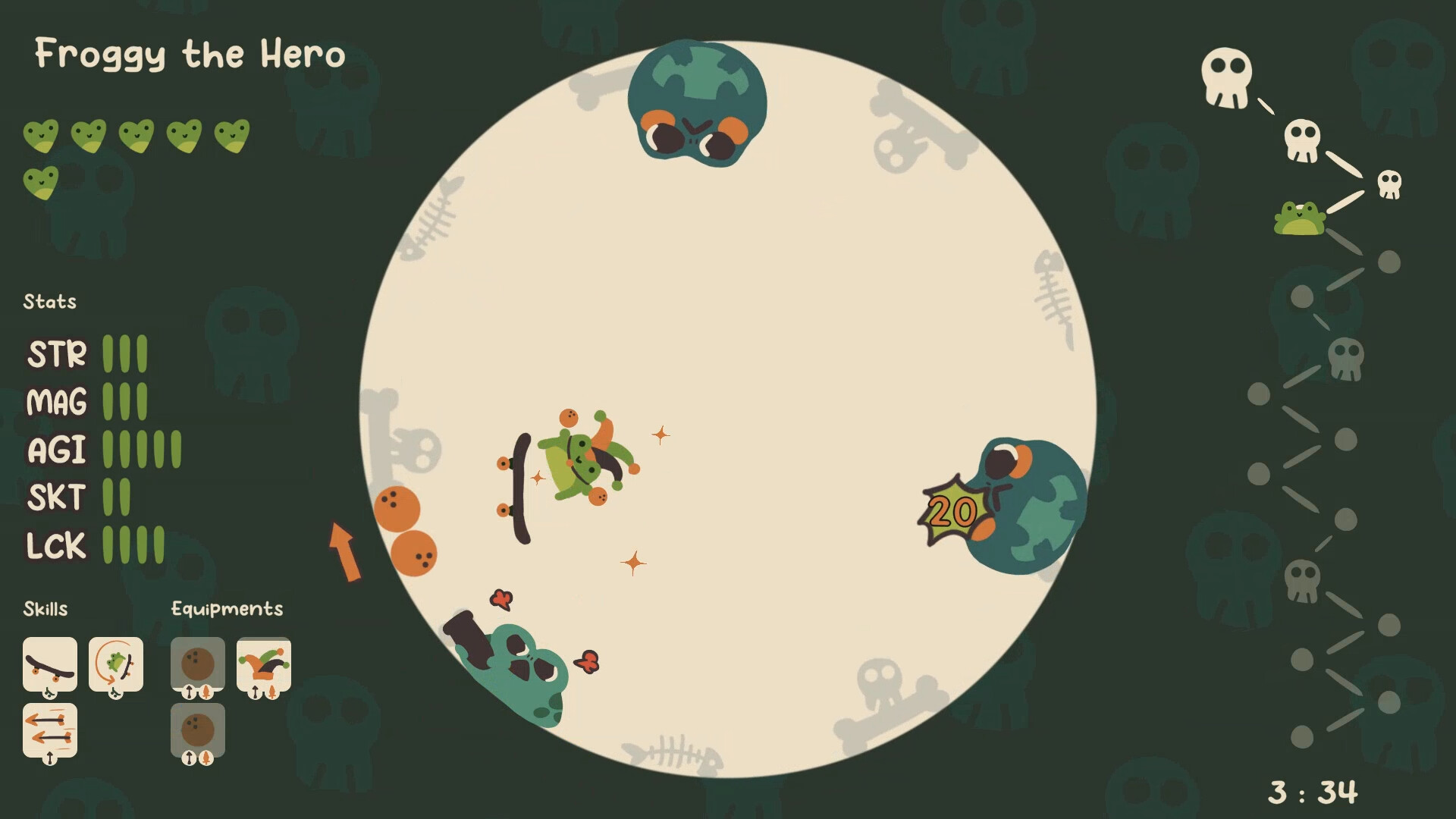
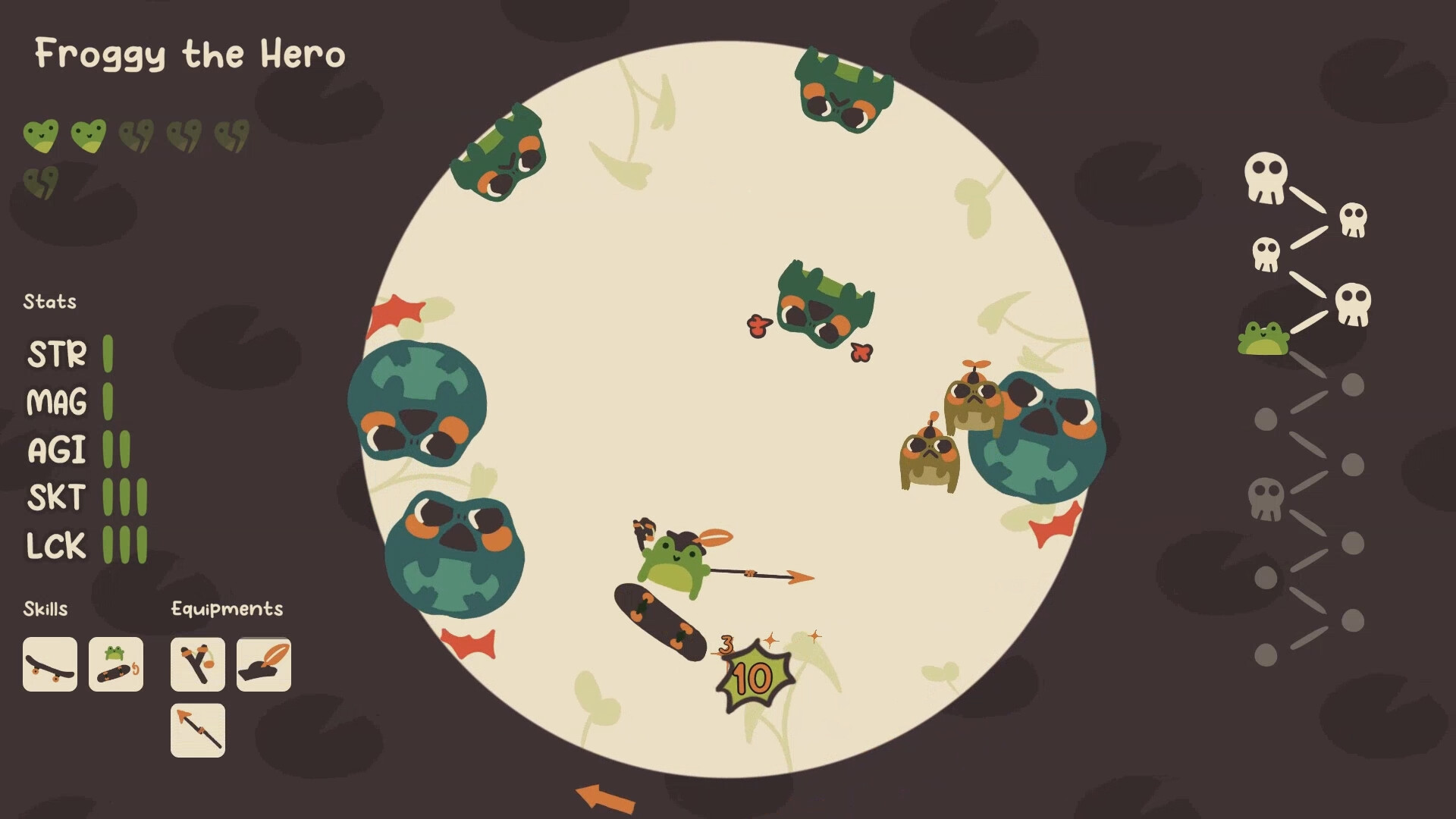
Froggy's Battle is a whimsical action roguelike where the player controls a skate‑boarding frog that never walks. The core loop revolves around skating around a circular arena, using tricks and weapons to survive endless enemy waves.
The game offers a variety of upgrades, from simple ollies to thunder‑summoning kickflips, letting players customize their frog’s combat style. With single‑player mode, full controller support, and Steam features like achievements and cloud saves, it aims for a casual yet challenging experience.
01 / THE GUIDE
Loop Movement
The arena is a continuous loop that the frog rides on, allowing forward motion, turning, jumping, crouching, and accelerating. Mastering these actions is essential for dodging attacks and positioning for offense.
Because the frog cannot walk, movement relies entirely on skate‑board tricks and the loop’s geometry, creating a distinct rhythm compared to typical walking shooters.
- Experiment with different speeds to find a comfortable rhythm for evading enemy patterns.
- Use the loop’s turn to keep enemies on your flank while you line up attacks.
02 / THE GUIDE
Upgrades & Weapons
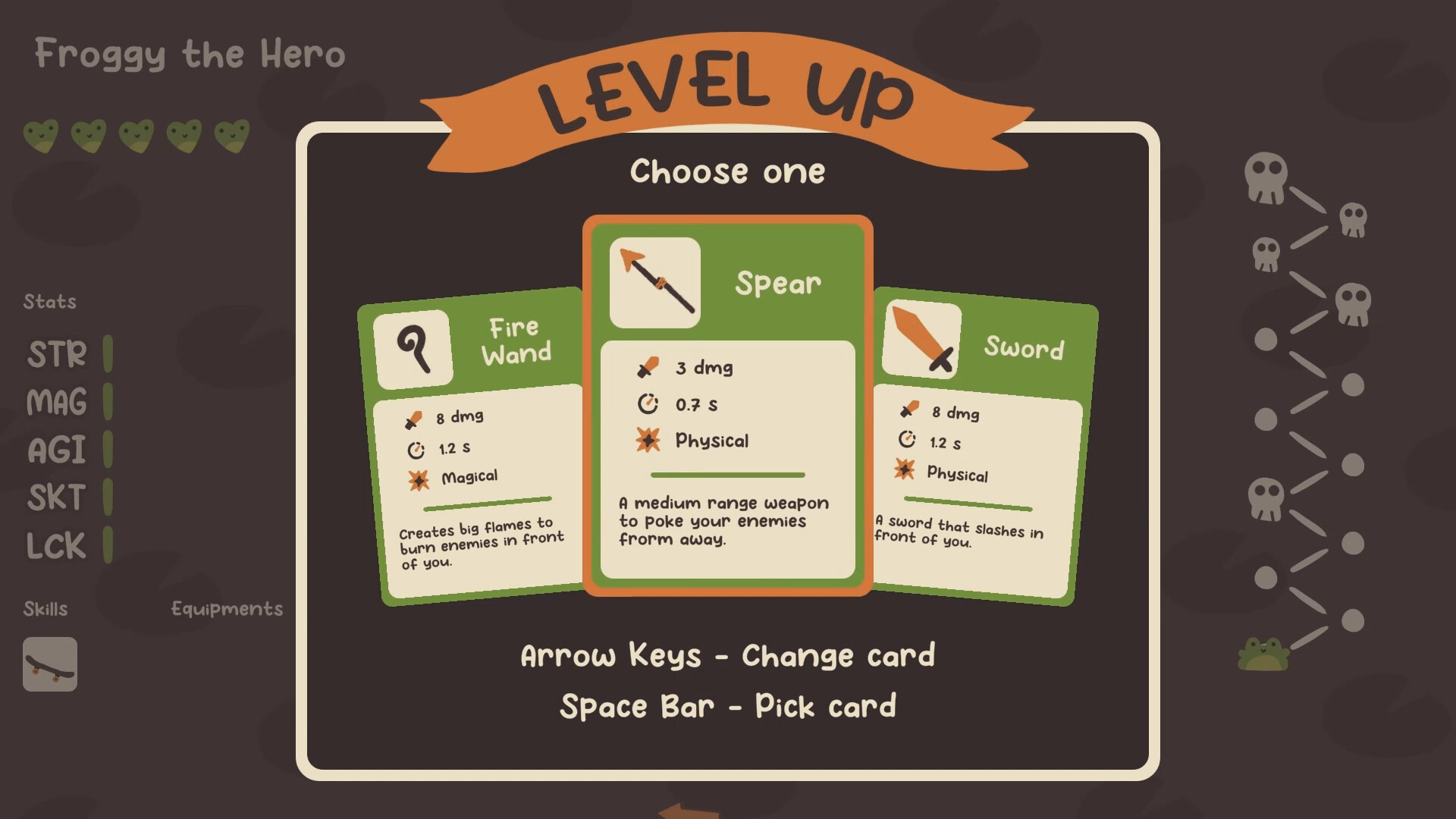
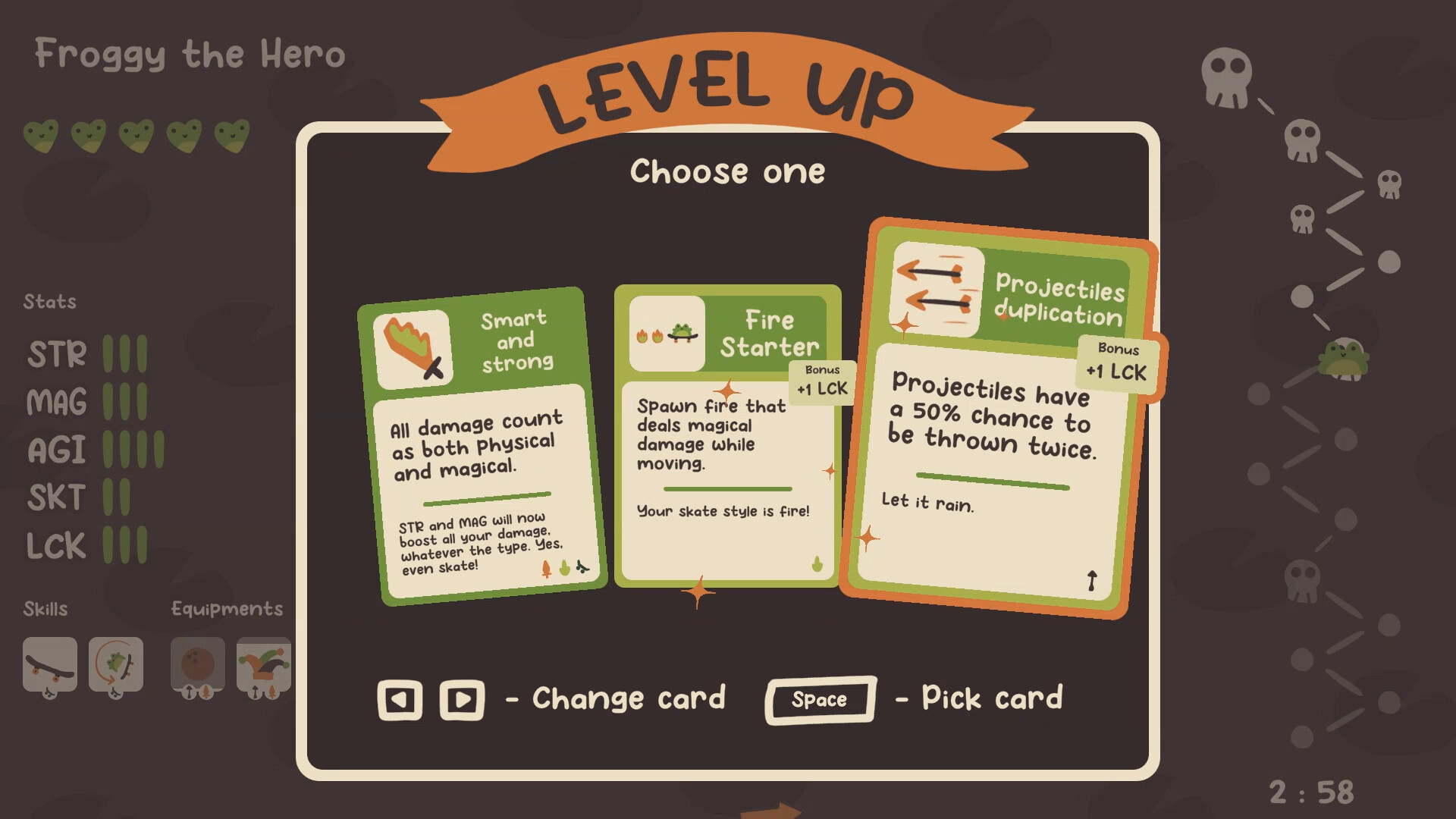
Players can select weapons and modify skate tricks, combining them into powerful combos such as a thunder‑summoning kickflip with a huge sword. Upgrades are described as “shiny” and allow customization of combat style.
The system encourages mixing offensive and movement abilities, letting you create unique strategies like a backflip that launches a bowling ball while blasting music.
- Pair a high‑damage weapon with a fast trick to maximize hit frequency.
- Consider visual flair upgrades that also add functional effects, like thunder or fire.
03 / THE GUIDE
Enemy Waves & Bosses
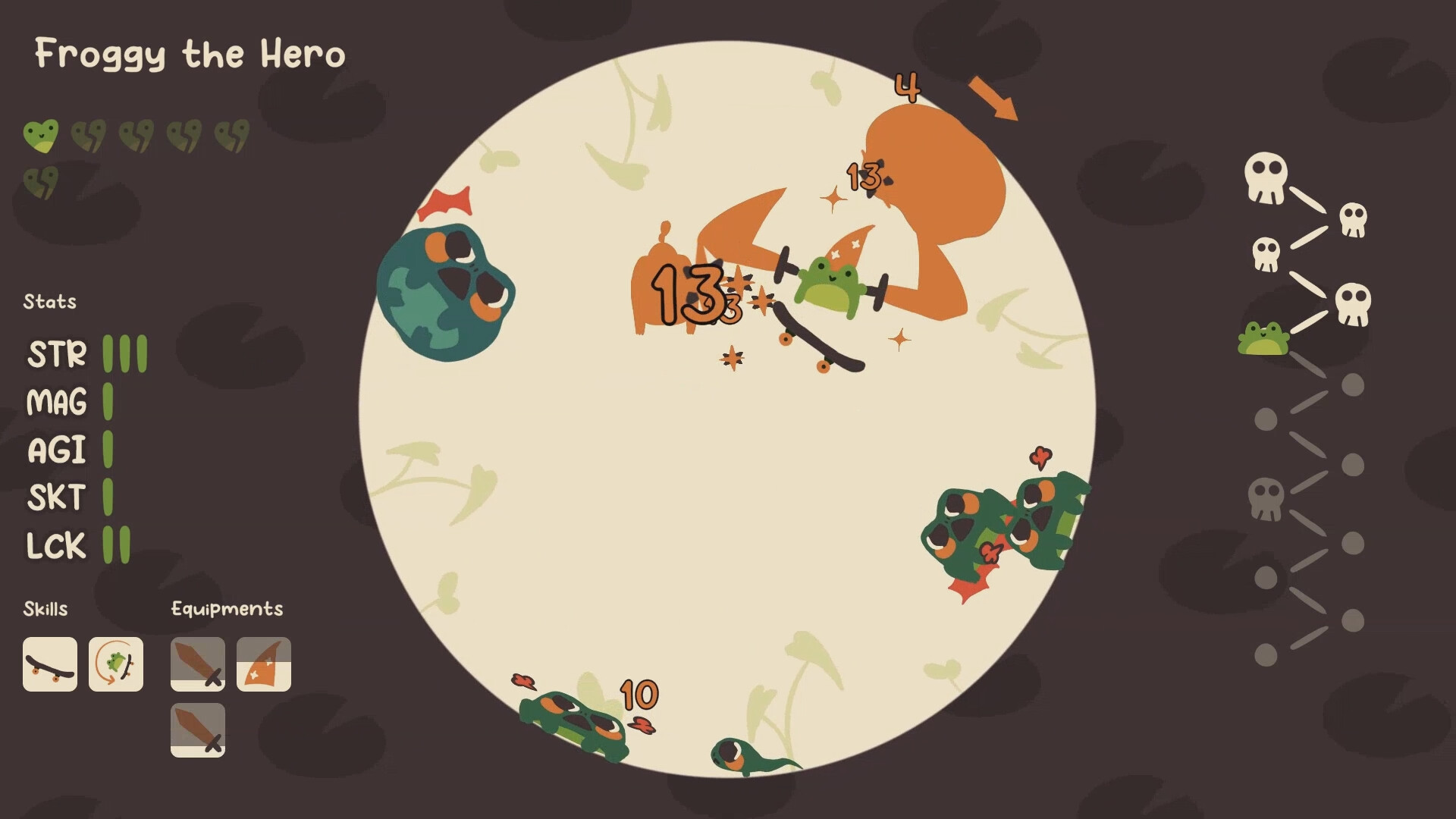
The game sends continuous waves of “cute but angry” enemies that bounce, fly, or roll toward the player. Larger bosses appear periodically, demanding more skillful use of tricks and weapons.
Survival depends on staying mobile on the loop and adapting to the varied enemy movement patterns.
- Watch the enemy entry points to anticipate which trick will give the best escape route.
- Save high‑damage combos for boss encounters where they can break through tougher defenses.
04 / THE GUIDE
Visual Style & Theme
Froggy's Battle presents a cute, loopy aesthetic with a frog protagonist on a skateboard, surrounded by colorful enemies and whimsical effects like thunder and fireballs. The trailer music is credited to Heatley Bros, adding a playful audio backdrop.
The art direction emphasizes a light‑hearted take on action roguelikes, contrasting the intense combat with charming visuals.
- Notice how visual cues, like enemy color, hint at their attack patterns.
- Enjoy the soundtrack as it reinforces the game’s energetic pacing.
05 / THE GUIDE
Platform & Features
Available on Windows, macOS, and Linux, the game supports full controller input and includes Steam achievements, cloud saves, and family sharing. It is a single‑player experience, focusing on personal skill development.
These Steam features include achievements and cloud support, and let players showcase achievements to the community.
- Steam Cloud is available if you want cloud support across installations.
- Check the achievements list for optional challenges that highlight different playstyles.
COMMUNITY
Player discussion