 GameWiki
GET YOUR BEARINGS
About Frightened Beetles
Frightened Beetles is a brief adventure crafted by Anatoliy Loginovskikh, designed to be completed in just a few minutes. The game’s modest length aims to deliver a quick, humorous experience that can lift a player’s mood.
Although the developer notes the challenge of identifying the culprit behind the frightened bugs, the title offers free‑to‑play access, animated visuals, and lighthearted characters. It runs on Windows and supports full controller input, making it approachable for casual play.
01 / THE GUIDE
Story premise
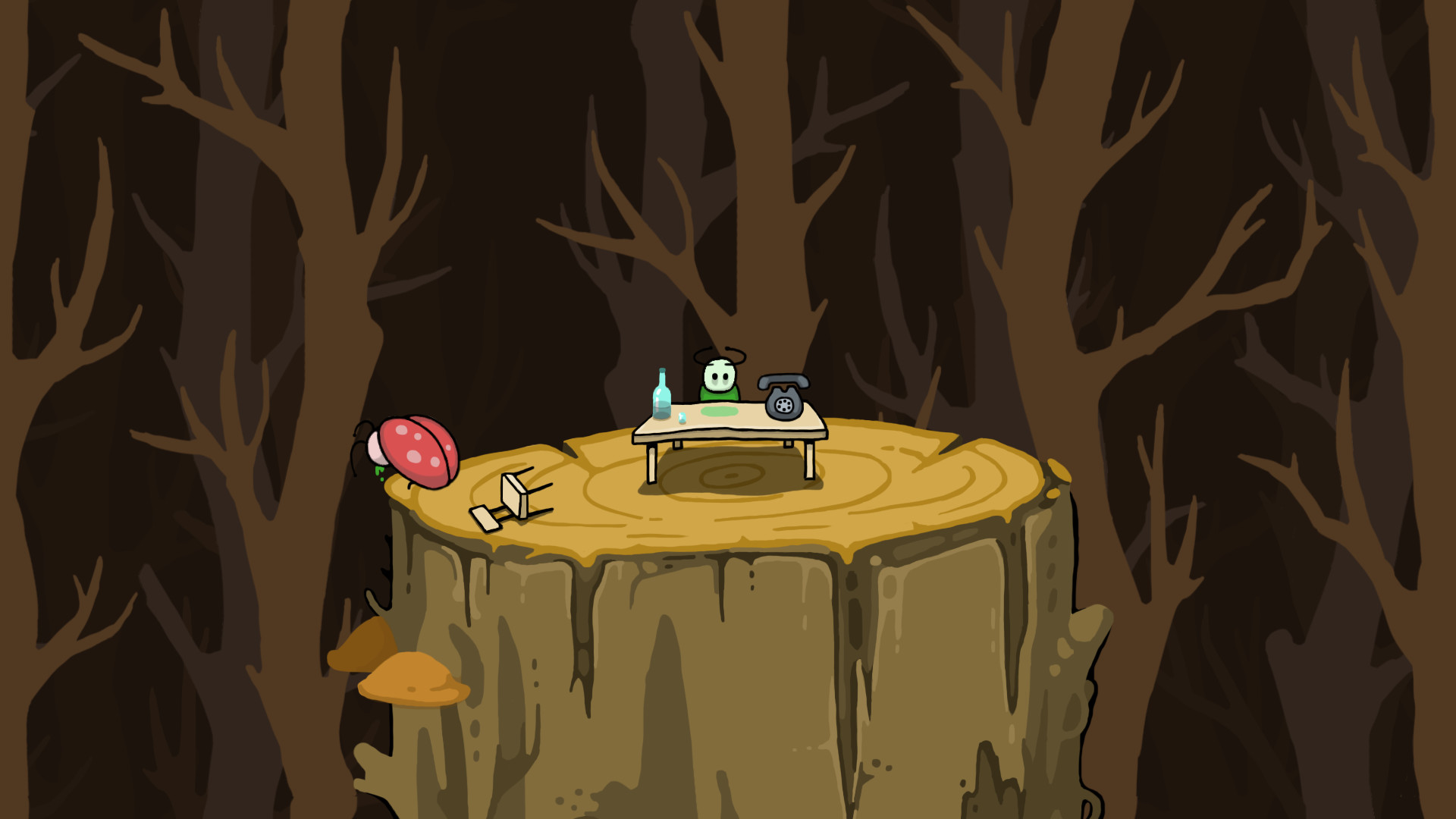
The core narrative asks players to discover who frightened the bugs and disturbed the worm. This mystery forms the sole objective of the short adventure.
The description emphasizes that solving the mystery quickly can bring laughter and cheer, suggesting a comedic tone throughout the gameplay.
- Observe any visual clues that hint at the cause of the bugs’ fear.
- Consider the worm’s reaction as a possible narrative hint.
02 / THE GUIDE
Game length
Frightened Beetles is intended to be finished in a matter of minutes, offering a concise play session. The developer notes that with effort the game can end quickly.
This brief duration aligns with the casual genre, allowing players to experience the full story without a large time commitment.
- Allocate a short break to try the game for a quick mood boost.
- If the puzzle feels hard, revisit after a brief pause.
03 / THE GUIDE
Animation quality
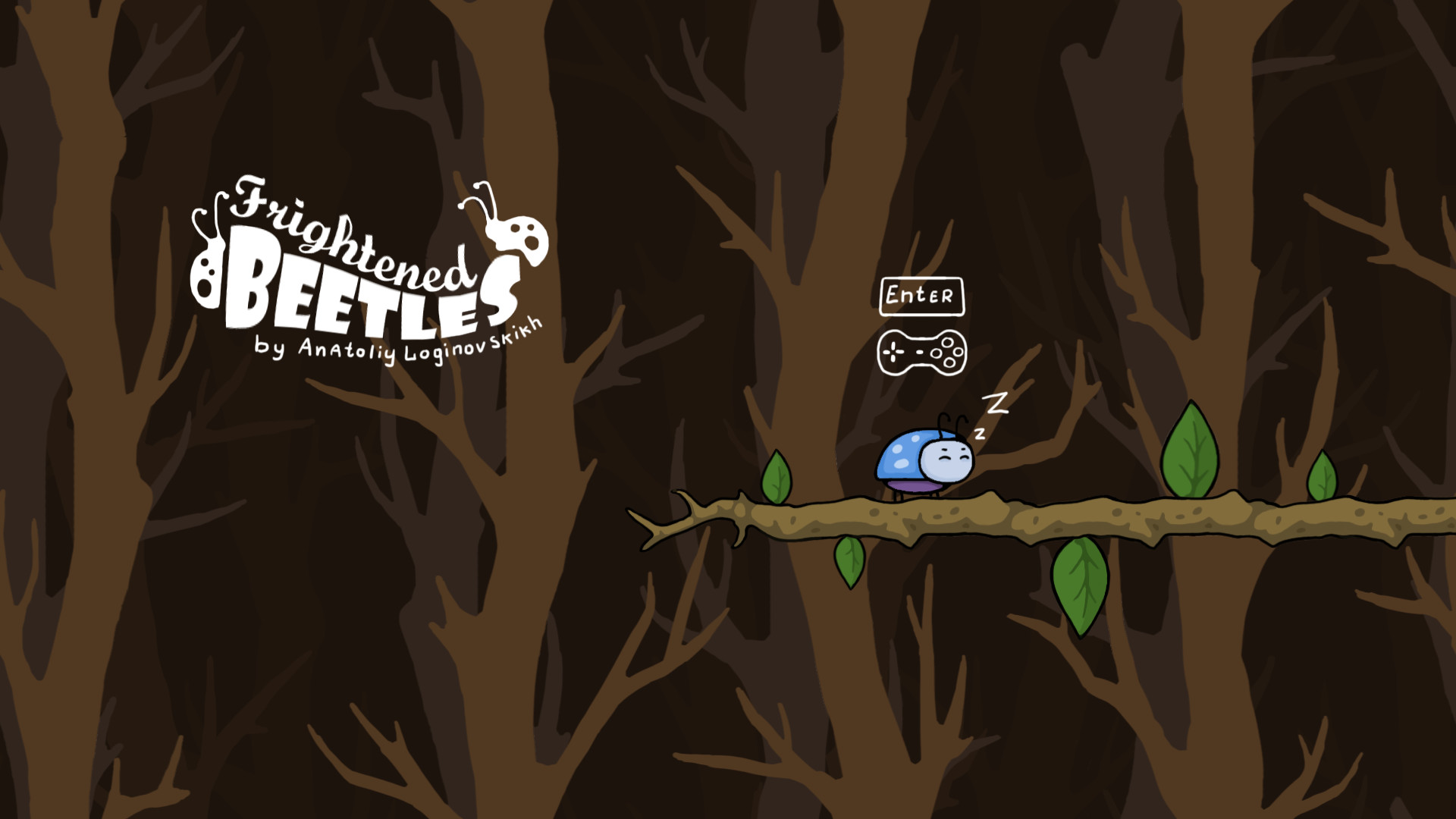
The developer highlights that the final product exceeded expectations in animation, describing the characters as funny and well‑animated. This focus suggests visual polish despite the game's small scope.
Good animation contributes to the comedic atmosphere and helps convey the story within the limited playtime.
- Watch character movements for subtle humor cues.
- Appreciate the pixel‑art transition that the developer mentions.
04 / THE GUIDE
Full controller support
The title lists full controller support among its features, indicating that a gamepad can be used for the entire experience. No other input methods are specified, but the label confirms compatibility.
Players with controllers can enjoy the adventure without needing a keyboard, fitting the casual, short‑session design.
- Test the controller’s default layout before starting.
- If a button feels unresponsive, try a different controller model.
05 / THE GUIDE
Family Sharing
Family Sharing is listed as a feature, meaning the game can be shared with other accounts on the same platform. This facilitates multiple household members playing the same copy.
Sharing aligns with the free‑to‑play model, encouraging broader access without additional purchases.
- Enable sharing in your platform’s settings to let others try the game.
- Check that the shared account has controller access for seamless play.



COMMUNITY
Player discussion