 GameWiki
GET YOUR BEARINGS
About Freedom Planet 2
Freedom Planet 2 continues the high‑speed adventure of Avalice’s heroes as an ancient water dragon, Merga, awakens. The story pits the four protagonists against each other and a looming threat, testing friendships while the world faces war.
The game offers four distinct characters from the start, each with a unique combat style, and multiple ways to play: a sprawling Adventure mode, a streamlined Classic mode, and a Battlesphere arena for challenge runs. Customizable potions, equippable items, and a new Guard mechanic deepen the action.
01 / THE GUIDE
Four Playable Characters
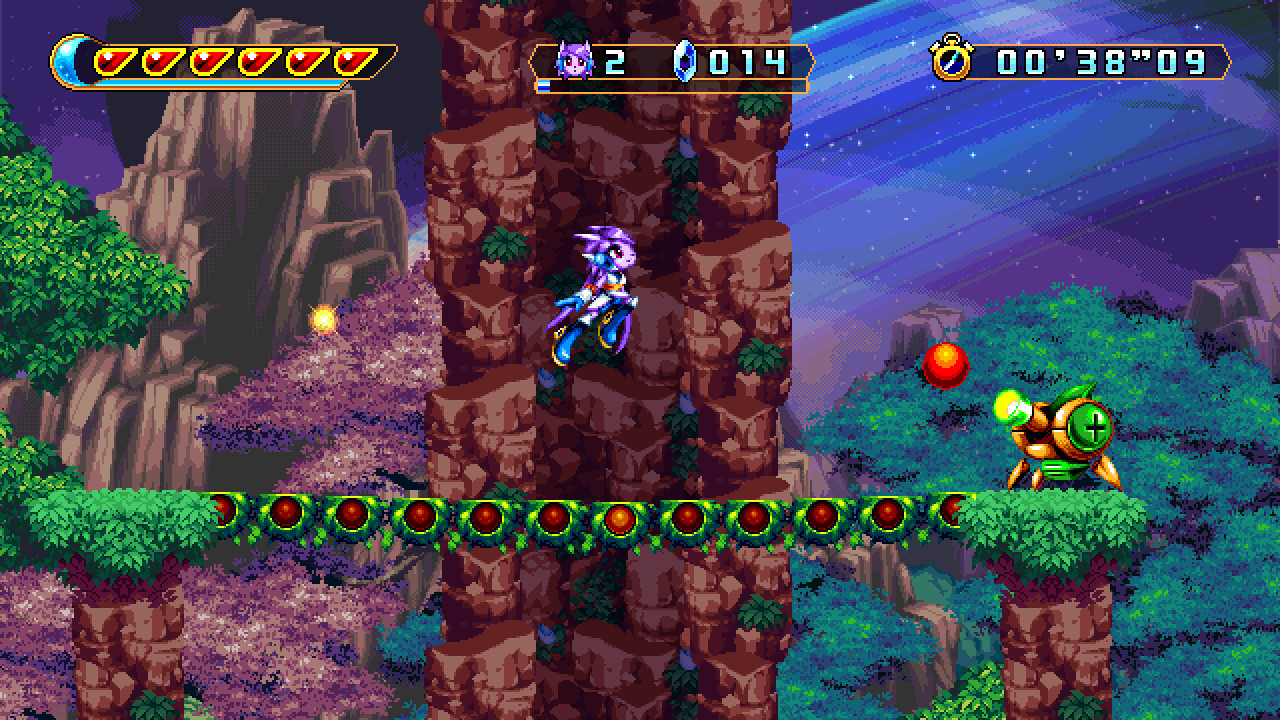
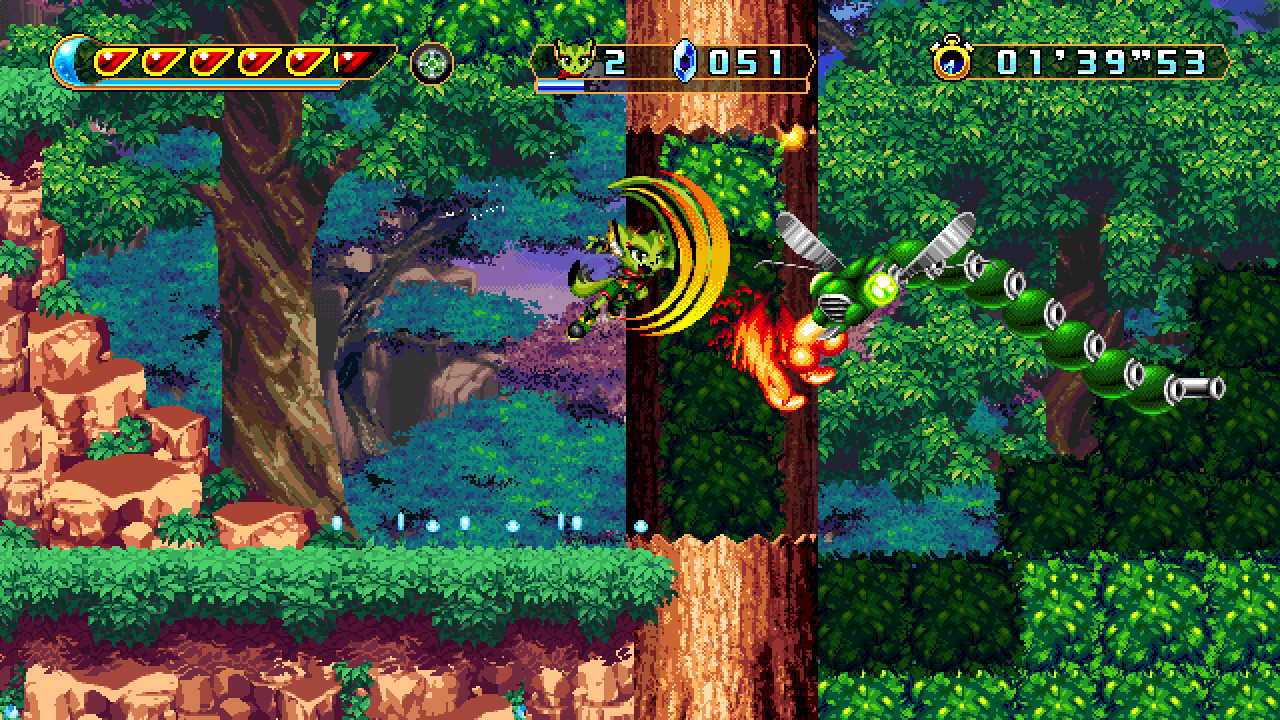
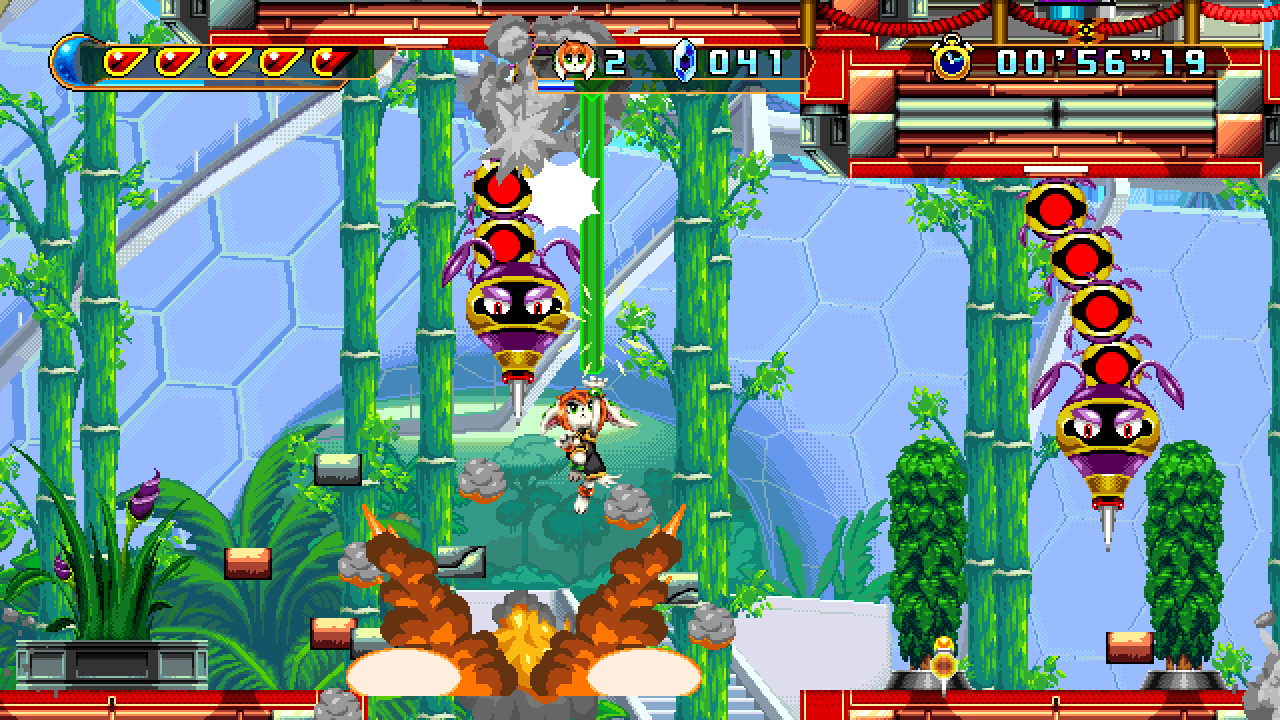
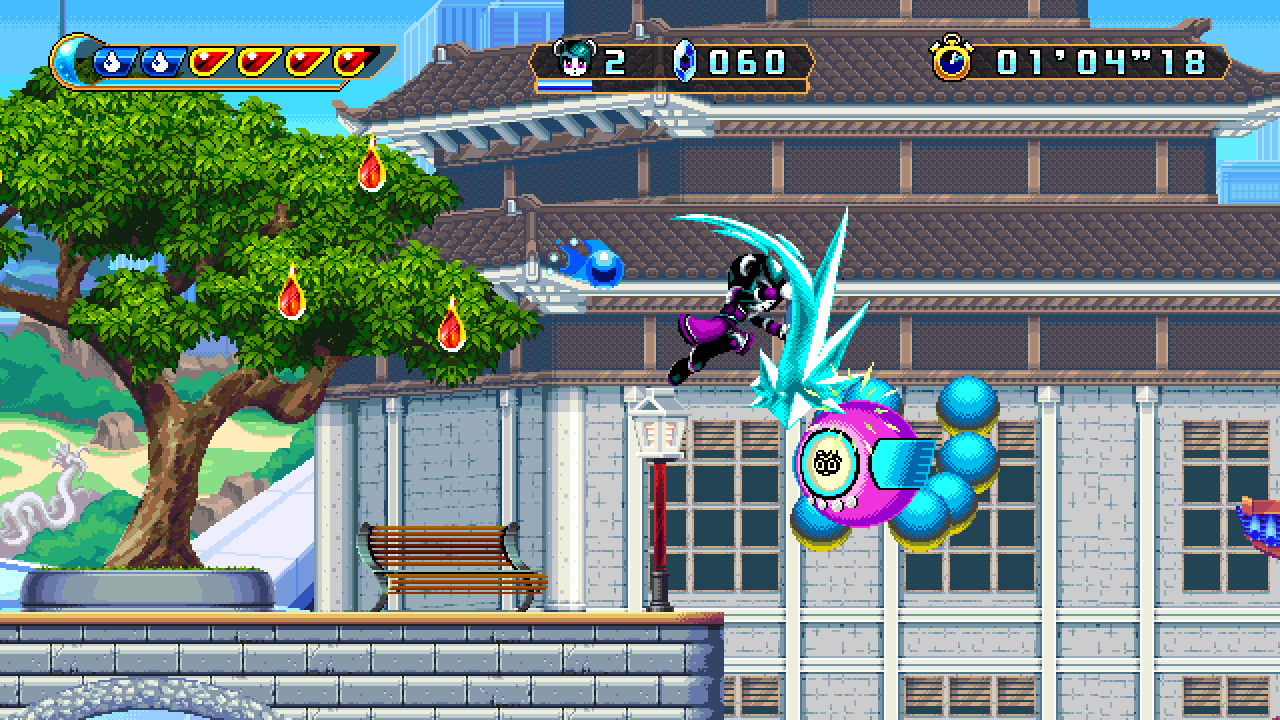
All four heroes—Lilac the Dragon, Carol the Wildcat, Milla the Hound, and Neera the Frost Knight—are available from the beginning. Each character follows a specific fighting archetype: Speed, Brawler, Explorer, and Power.
These archetypes affect movement, attack patterns, and how players approach platforming and combat, giving players a choice that matches their preferred play style.
- Try each character on the same level to notice how speed versus power changes navigation.
- Observe how the Explorer type interacts with hidden areas compared to the Brawler.
02 / THE GUIDE
Adventure Mode
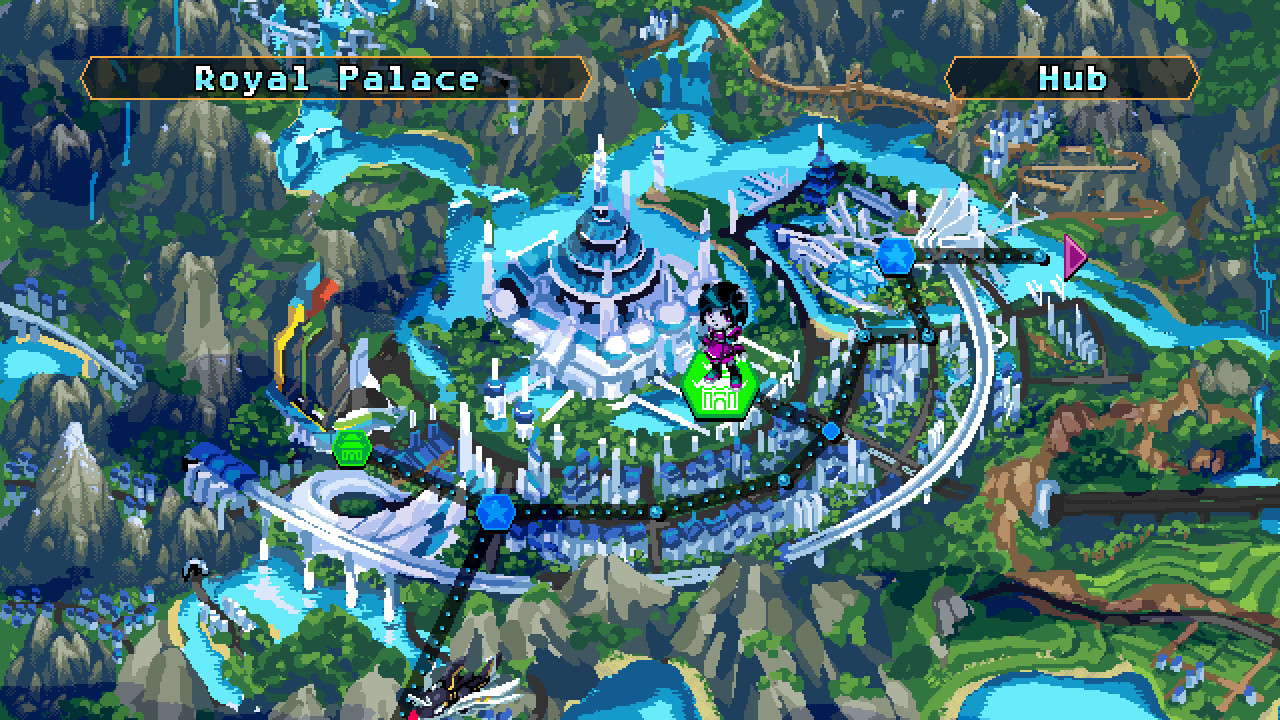
Adventure mode presents a world map of Avalice filled with treasures, landmarks, and over 100 animal NPCs to catalog. Players travel between stages, uncover secrets, and progress the story.
The mode encourages exploration, as the map’s layout and NPC locations provide context for the world and reward thorough investigation.
- Take time to catalog NPCs; it adds to the sense of world‑building.
- Use the map to plan routes that pass by multiple landmarks in one trip.
03 / THE GUIDE
Classic Mode
Classic mode unlocks after completing Adventure mode once. It offers a streamlined navigation screen that lets players jump directly to stages and other features without traveling across the map.
This mode is useful for players who want to focus on level replay or speedrunning without the overhead of map traversal.
- Use Classic mode to practice difficult stages after a first playthrough.
- Combine Classic mode with the Battlesphere for quick challenge runs.
04 / THE GUIDE
Battlesphere Arena
The Battlesphere arena becomes available once reached and hosts a variety of challenges featuring familiar enemies, bosses, and new surprises. It serves as a test of combat skill beyond the story stages.
Players can experiment with different characters and equipment here, making it a hub for mastering the Guard and Revival systems.
- Try the arena with each character to see how their archetype handles the same challenge.
- Use the arena to gauge the effectiveness of new potions before returning to Adventure mode.
05 / THE GUIDE
Potions, Items, and Guard
A new Guard button lets players parry attacks, with an Auto Guard option for automatic defense. The Revival system offers a one‑stock chance to survive a close defeat, after which two more hits will end the fight.
Players can craft potions from collected ingredients to boost vitality, stock count, shield durability, attack power, speed, and more. Equippable amulets, charms, and Brave Stones modify combat rules, adding strategic depth.
- Mix potions that increase stock count if you rely on Revival often.
- Experiment with Brave Stones to weigh higher risk against extra crystal rewards.
COMMUNITY
Player discussion