 GameWiki
GET YOUR BEARINGS
About Freddi Fish and the Case of the Missing Kelp Seeds
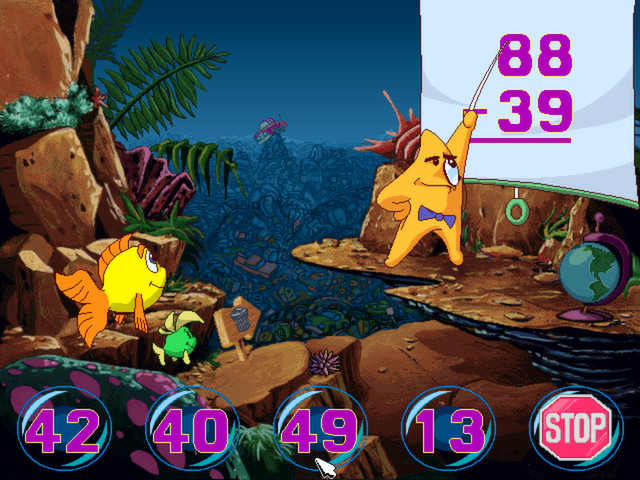
Freddi Fish and the Case of the Missing Kelp Seeds puts players in the role of the underwater detective Freddi and her friend Luther as they hunt for Grandma Grouper’s lost kelp seeds. The adventure spans colorful reefs, deep canyons, and hidden caves, encouraging children to use logical thinking to piece together clues.
The game offers over 500 secret click points across 40 locations, providing fresh surprises on each playthrough. It runs on Windows, macOS, and Linux via ScummVM, and supports single‑player features such as Steam Cloud and Family Sharing.
01 / THE GUIDE
Exploration
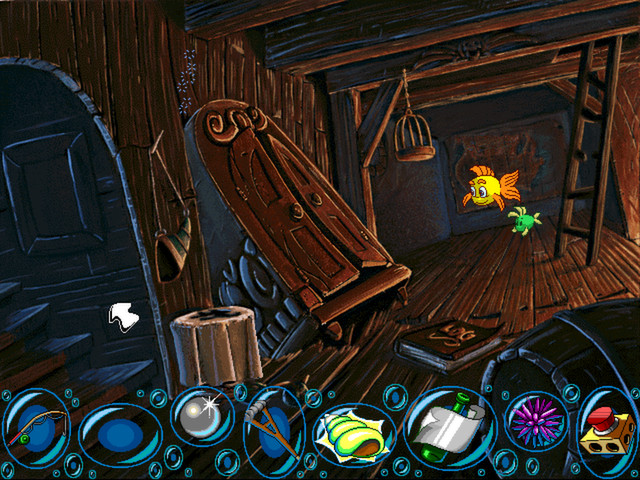
Players wander through underwater environments like King Crab’s Castle and a Sunken Ship Out of Time, discovering new areas as they search for the missing seeds. The world is designed for children to click around and uncover hidden details.
Each location contains multiple secret click points, offering a new surprise every time the game is played. This encourages repeated exploration and curiosity about the ocean floor.
- Take your time in each area to notice subtle visual cues.
- Compare the layout of similar environments to spot patterns.
02 / THE GUIDE
Logic Puzzles
The core gameplay revolves around gathering information and applying logical reasoning to solve the mystery of the missing kelp seeds. Children must piece together clues found in the environment to progress.
The game’s design emphasizes logical thinking, making it a suitable educational experience for young players while still being entertaining.
- Write down clues you find to see connections later.
- Look for cause‑and‑effect relationships in the story.

03 / THE GUIDE
Secret Click Points
More than 500 secret click points are scattered throughout the game, each offering a surprise when discovered. These points add replay value by providing new content on subsequent playthroughs.
Finding these hidden spots rewards curiosity and thoroughness, reinforcing the exploratory nature of the adventure.
- Hover over objects to see if they respond before clicking.
- Revisit areas to catch surprises you missed the first time.
04 / THE GUIDE
Platform Support
The title runs on Windows, macOS, and Linux using the ScummVM engine, which is released under the GNU GPL v2. This broad compatibility ensures many players can access the game.
ScummVM’s open‑source nature also means the game can be updated or modified within the terms of its license, providing flexibility for the community.
- Check the ScummVM website for any platform‑specific tips.
- Ensure your operating system meets the basic requirements for ScummVM.
05 / THE GUIDE
Steam Features
On Steam, the game includes Single‑player, Steam Trading Cards, Steam Cloud, and Family Sharing. These features enhance the experience by with Steam Cloud storing progress online and Family Sharing letting family members access the game.
Trading cards provide a collectible aspect, while Cloud saves let players resume where they left off.
- Enable Steam Cloud in the settings to keep your progress synced.
- Explore the Trading Card collection for fun artwork.


COMMUNITY
Player discussion