 GameWiki
GET YOUR BEARINGS
About Freddi Fish 2: The Case of the Haunted Schoolhouse
Freddi Fish 2: The Case of the Haunted Schoolhouse puts players in an undersea mystery where Freddi and Luther must expose a fake ghost. The game asks children to locate a shifting set of items, making each play‑through unique.
Beyond the core investigation, the title offers a variety of side activities such as mini‑games, puzzles, drawing, and sing‑along moments, all wrapped in a festive soundtrack. The adventure can be paused and saved, letting kids return later, and runs on Windows, macOS, and Linux via ScummVM.
01 / THE GUIDE
Changing Item List
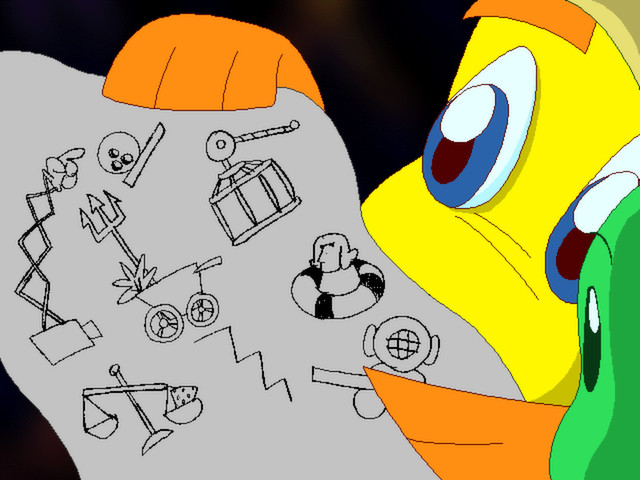
Each session presents a new collection of objects that Freddi and Luther must find to set their trap. Because the list varies, players cannot rely on memorization and must explore each area anew. This design encourages repeated discovery and keeps the mystery fresh.
The shifting list also means that the order of tasks can differ, prompting children to adapt their search strategy each time they play. The variability is highlighted in the description as a core part of the gameplay loop.
- Observe which locations you have already checked to avoid redundant searching.
- Take note of any items you find early; they may be useful later in the same play‑through.
02 / THE GUIDE
Varied Undersea Locations
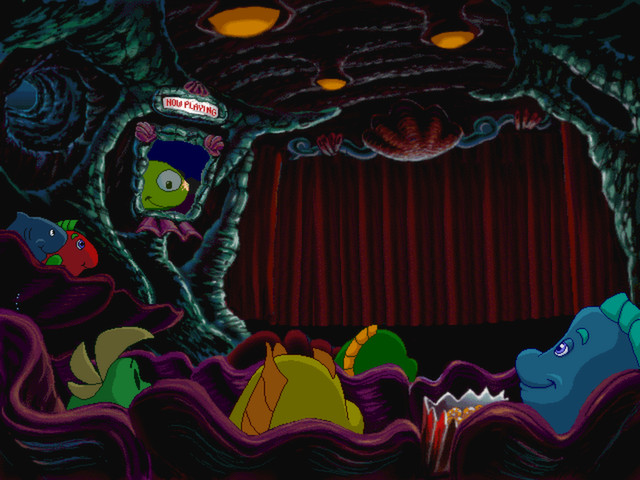
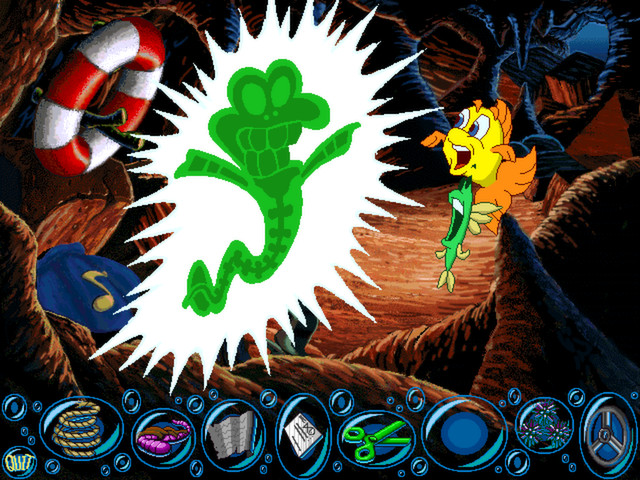
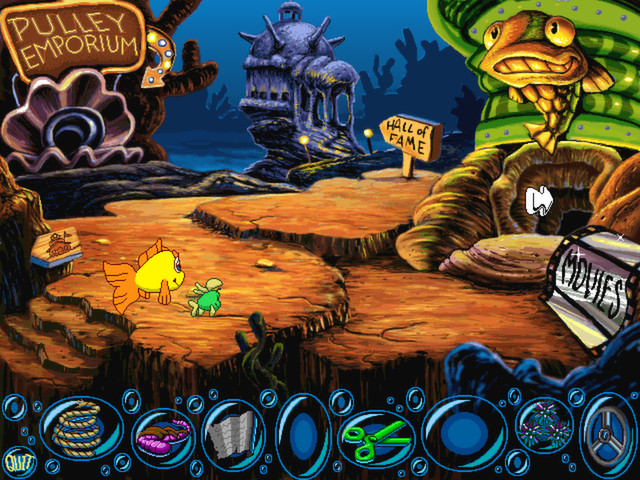
The game world includes distinct settings such as a submarine, a ship, and the mythical city of Atlantis. These environments are explored during the investigation and each offers its own visual style and hidden spots. The description emphasizes that the world changes with each play‑through.
Exploring these varied locales provides visual variety and new clues, reinforcing the sense of an expansive underwater adventure. Players encounter both familiar friends and new faces within these settings.
- Look for interactive elements that differ between the submarine and the ship.
- Use the unique layout of each location to guide your item search.

03 / THE GUIDE
Save and Resume
Freddi Fish 2 lets players save the game and finish it later, so a break doesn't have to mean restarting the mystery from the beginning. The description notes that the game can be paused and finished later.
Saving is especially helpful given the dynamic item list and multiple side activities, ensuring that children can return to the mystery without restarting from the beginning.
- Save after locating a new item to lock in your progress.
- Use the save function before starting a mini‑game to avoid losing main‑story progress.
04 / THE GUIDE
Mini‑Games and Creative Breaks
Between clue‑hunting, players can engage in activities like Crab Invaders, puzzle solving, drawing pictures, or singing songs. These diversions are presented as ways to take breaks while staying within the Freddi Fish universe. The description lists each activity as part of the experience.
The mini‑games provide a change of pace and reinforce the family‑friendly tone, offering both skill‑based and creative outlets that complement the adventure.
- Try a mini‑game after a long search session to refresh your focus.
- Experiment with drawing or singing to see which activity you enjoy most.
05 / THE GUIDE
Cross‑Platform Support via ScummVM
The title runs on Windows, macOS, and Linux, using the ScummVM engine that is released under the GNU GPL v2. This ensures the game can be played on multiple operating systems without separate native builds. The description explicitly mentions this technical foundation.
ScummVM’s open‑source nature means the game benefits from community updates and compatibility layers, providing a stable experience across the listed platforms.
- Check that your operating system meets the basic requirements for ScummVM.
- If you encounter a display issue, verify you are using the latest ScummVM version.
COMMUNITY
Player discussion