 GameWiki
GET YOUR BEARINGS
About Frame of Mind
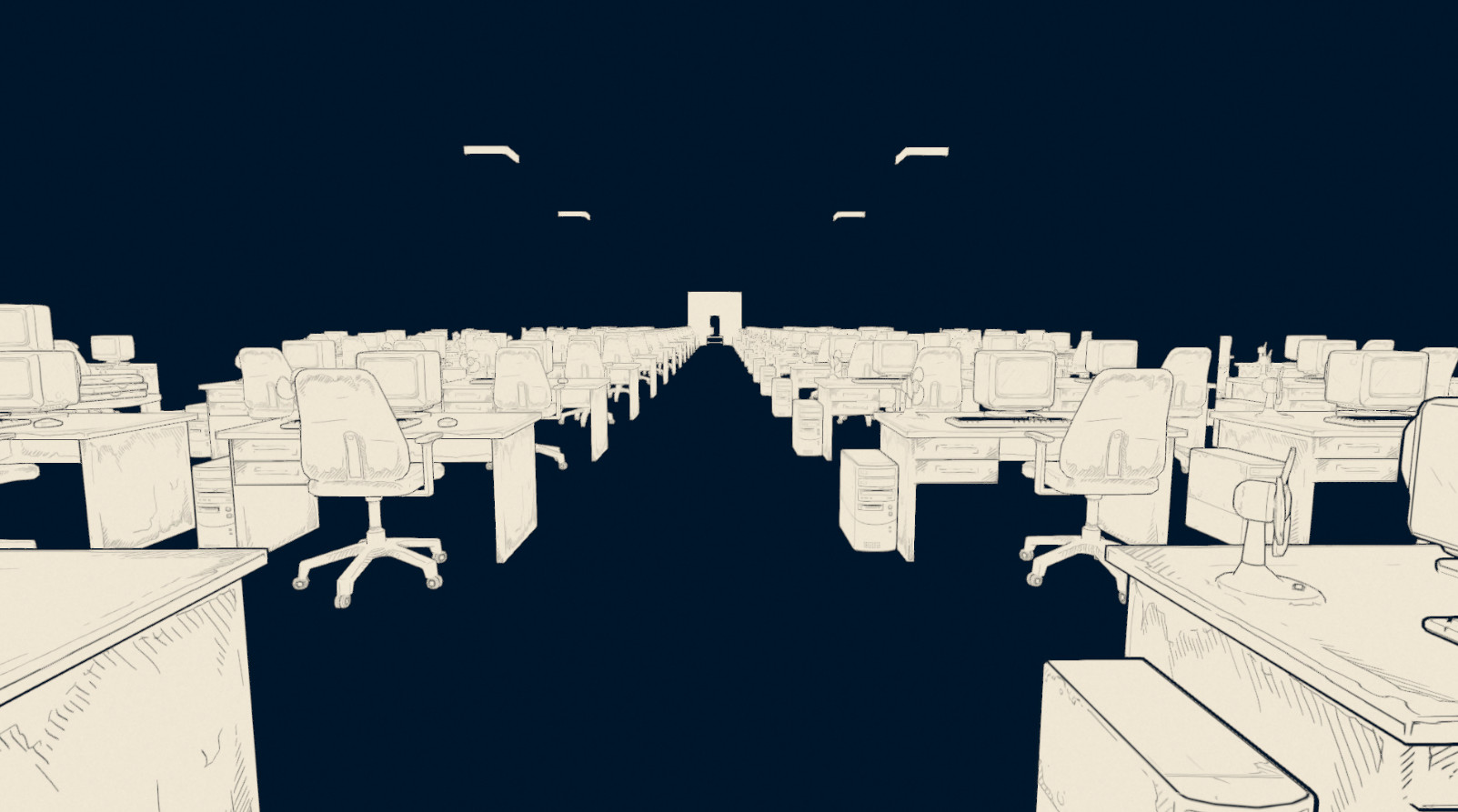
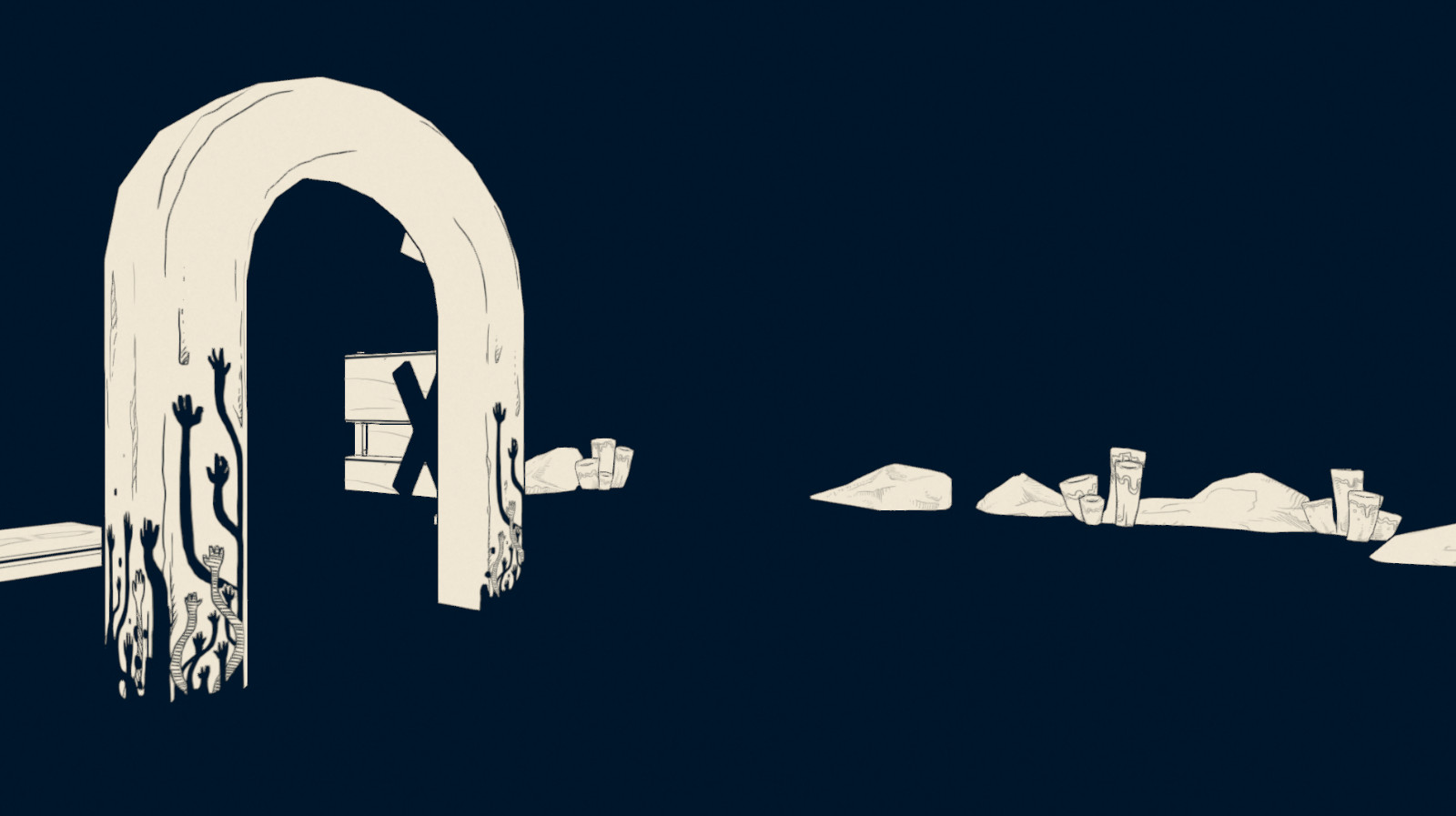
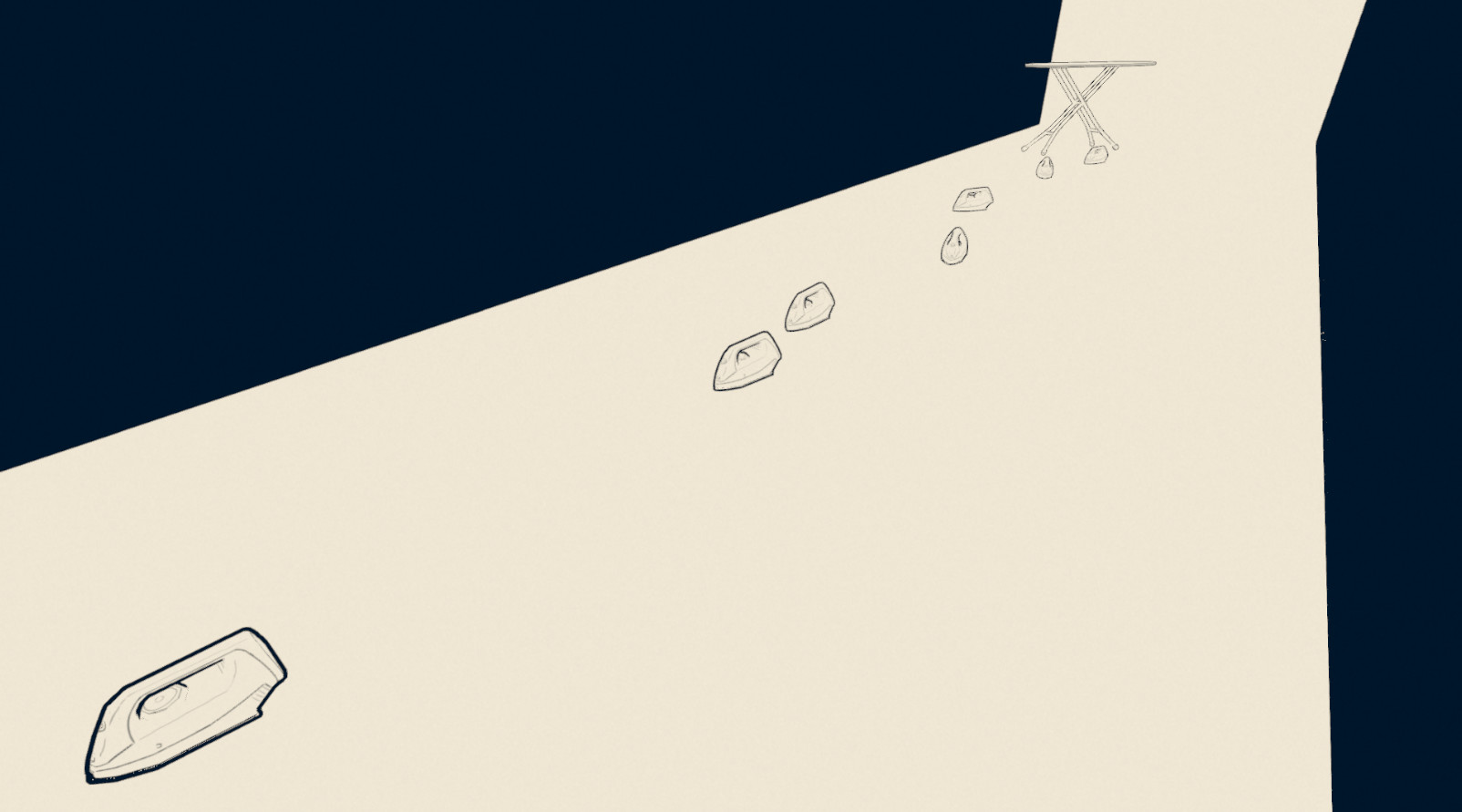
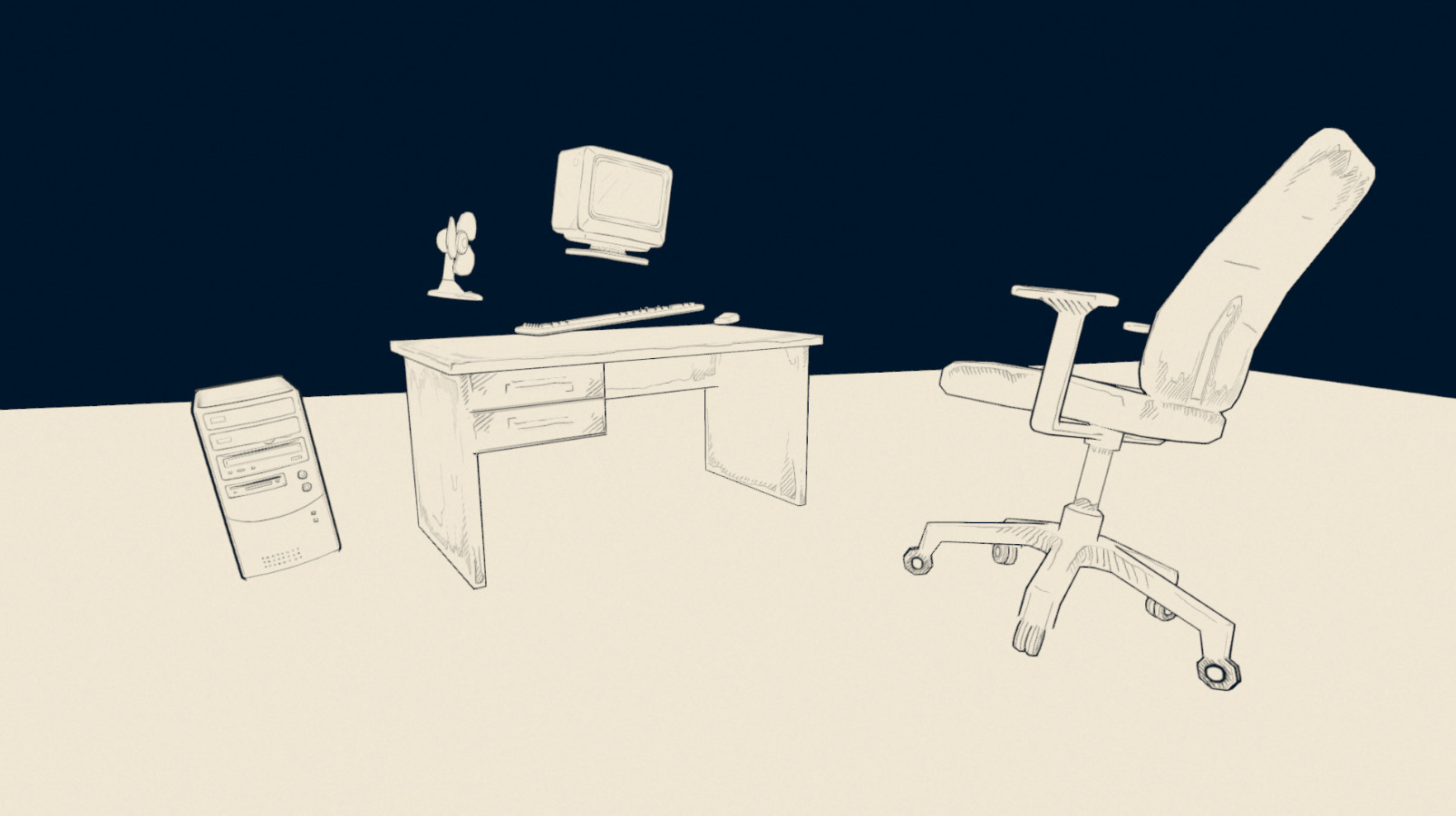
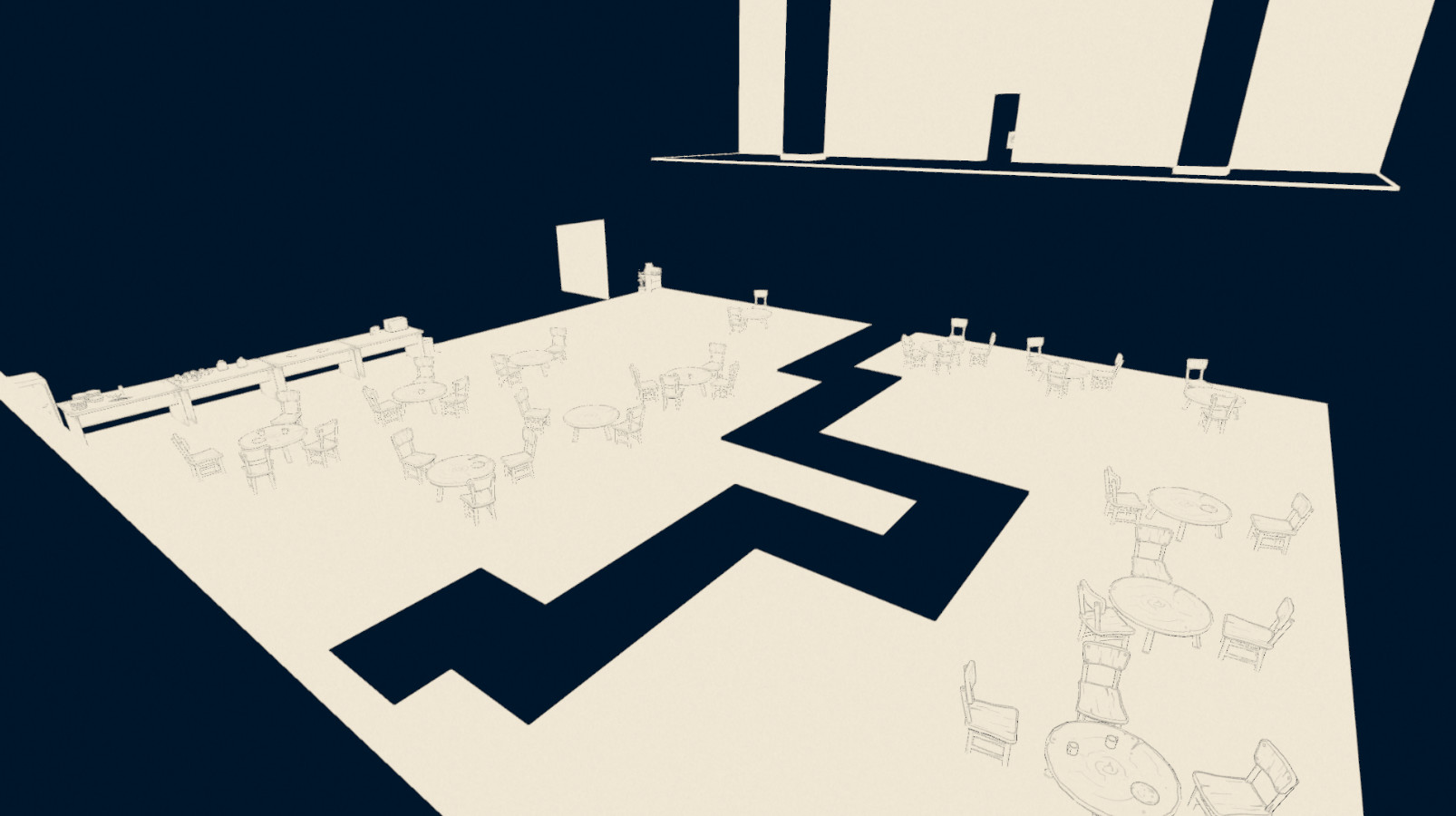
Frame of Mind drops you into a surreal world where logic slips away, forcing you to solve puzzles that defy ordinary reasoning. The game offers over fifteen reality‑defying challenges within a concise, thirty‑minute experience that rewards creative thinking.
Developed by a small team at Media Design School, the title includes a Speedrun Mode unlocked after finishing the main game, and it supports standard keyboard‑mouse controls. It is free‑to‑play, single‑player, and available through family sharing on Windows.
01 / THE GUIDE
Surreal Premise
The narrative places the player in a setting where logic is actively escaping, creating environments that require unconventional solutions. Each area is designed to challenge expectations and push the mind beyond typical puzzle conventions.
This premise underpins the entire experience, ensuring that every challenge feels tied to the theme of madness and observation. The world reacts to how you perceive it, reinforcing the need to think outside standard patterns.
- Observe environmental cues before attempting a solution.
- Consider multiple interpretations of a puzzle’s visual hints.
02 / THE GUIDE
Puzzle Quantity
Frame of Mind includes more than fifteen puzzles that each bend reality, offering a varied set of challenges within a short playtime. The puzzles are crafted to test lateral thinking rather than reflexes.
Because the game’s length is around thirty minutes, the puzzles are tightly integrated, providing a dense experience without filler. This design encourages players to stay engaged throughout the entire session.
- Take notes on patterns that recur across puzzles.
- Experiment with different approaches rather than sticking to one method.
03 / THE GUIDE
Speedrun Mode
After completing the main game, a Speedrun Mode becomes available, allowing players to replay the challenges with a focus on speed. This mode adds replay value for those who enjoy timing their solutions.
The unlock condition ties directly to finishing the primary storyline, ensuring that only players familiar with the puzzles can attempt the timed version. It offers a new way to replay the existing challenges.
- Practice each puzzle individually before attempting a full run.
- Watch your own timing to identify slower sections.
04 / THE GUIDE
Keyboard‑Mouse Controls
The game uses a standard keyboard‑mouse scheme: mouse to look, WASD for movement, space to jump, and ESC to pause. These inputs are explicitly listed, confirming the control layout.
No alternative input methods are mentioned, so players should rely on these keys for navigation and interaction. The simplicity of the scheme aligns with the game’s focus on puzzle solving rather than complex combat.
- Adjust mouse sensitivity in your system settings for smoother looking.
- Use the pause function to step back and reassess a tricky puzzle.
05 / THE GUIDE
Developer Community
Players can join the developer’s Discord server for puzzle help or to talk directly with the creators. This community channel offers a place for discussion and assistance.
The presence of a Discord indicates ongoing support and a venue for feedback, though no formal support system is detailed. Engaging with the community can provide insights that may not be obvious from solo play.
- Ask specific puzzle questions to get targeted advice.
- Share your own solution ideas to contribute to the community.
COMMUNITY
Player discussion