 GameWiki
GET YOUR BEARINGS
About FPV LOGIC
FPV LOGIC is an indie racing‑simulation hybrid that aims to replicate real‑world drone flight through a detailed physics engine. The game runs on Windows and macOS, supports single‑player and family sharing, and is developed by UT STUDIO.
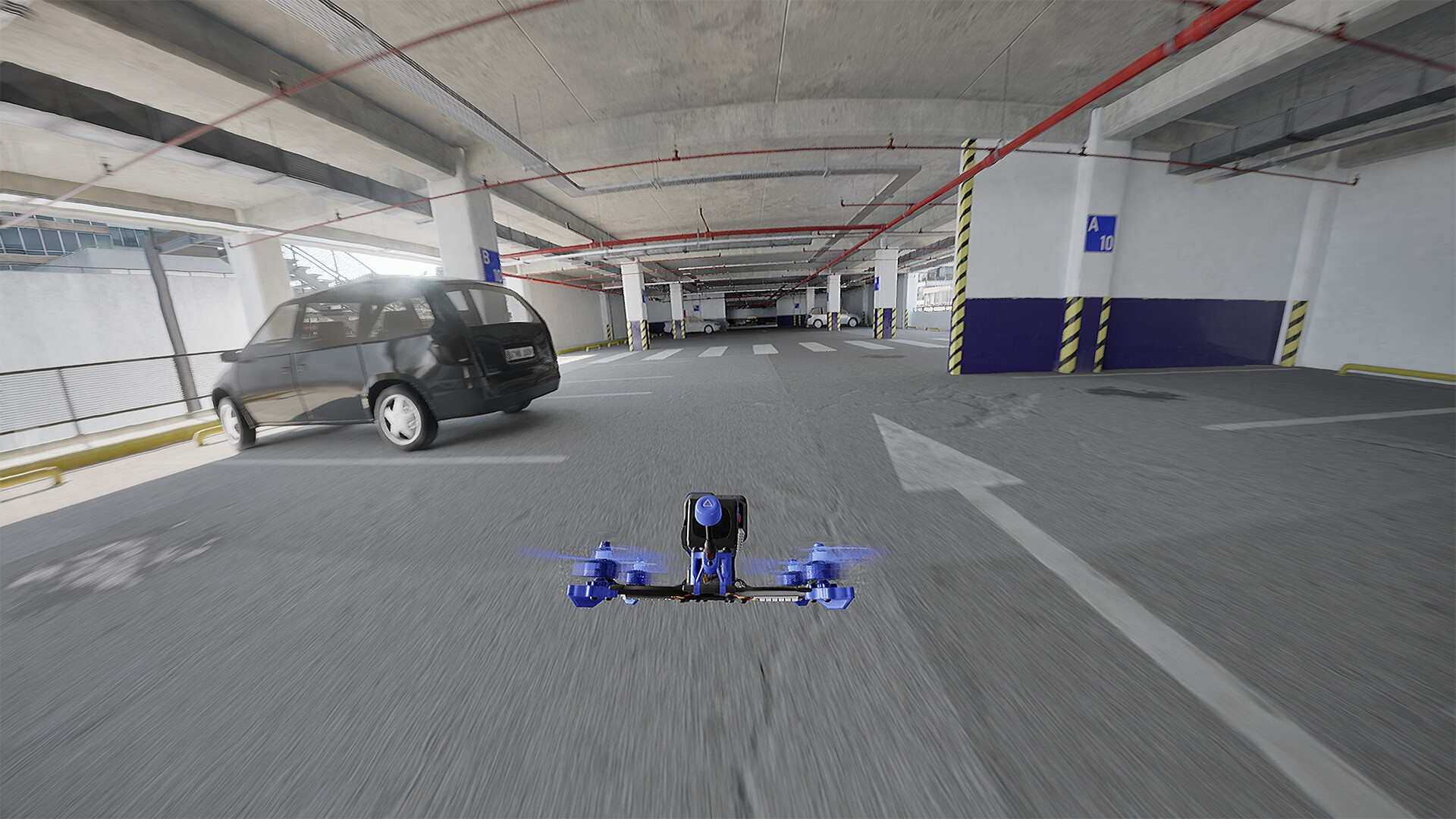
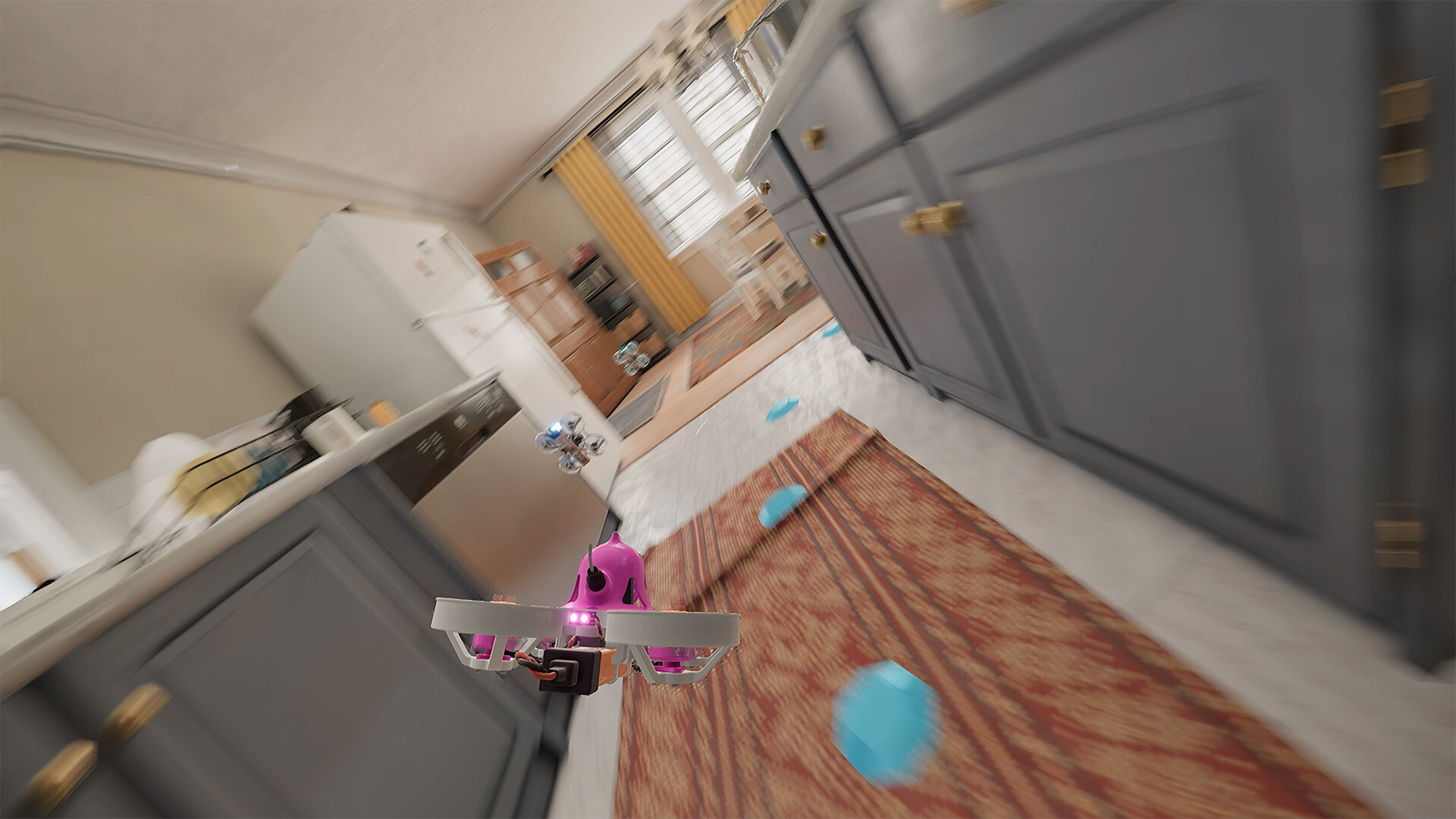
Players can explore a range of virtual drones, switch between three camera views, and tackle both freestyle maps and competitive racing tracks that host up to twenty AI opponents. The simulator also accepts any Windows‑compatible RC transmitter or joystick, with a strong recommendation for a transmitter to maximize realism.
01 / THE GUIDE
Real‑World Physics Engine
The core of FPV LOGIC is its physics engine, which is described as closely mimicking the real flight state of drones. This design choice gives users an operation experience that feels similar to handling an actual drone.
Because the engine strives for realism, pilots can expect nuanced responses to inputs, making the simulator useful for both casual enjoyment and skill development.
- Observe how subtle control changes affect the drone’s motion to gauge the engine’s realism.
- Compare flight feel between different drone setups to notice physics variations.
02 / THE GUIDE
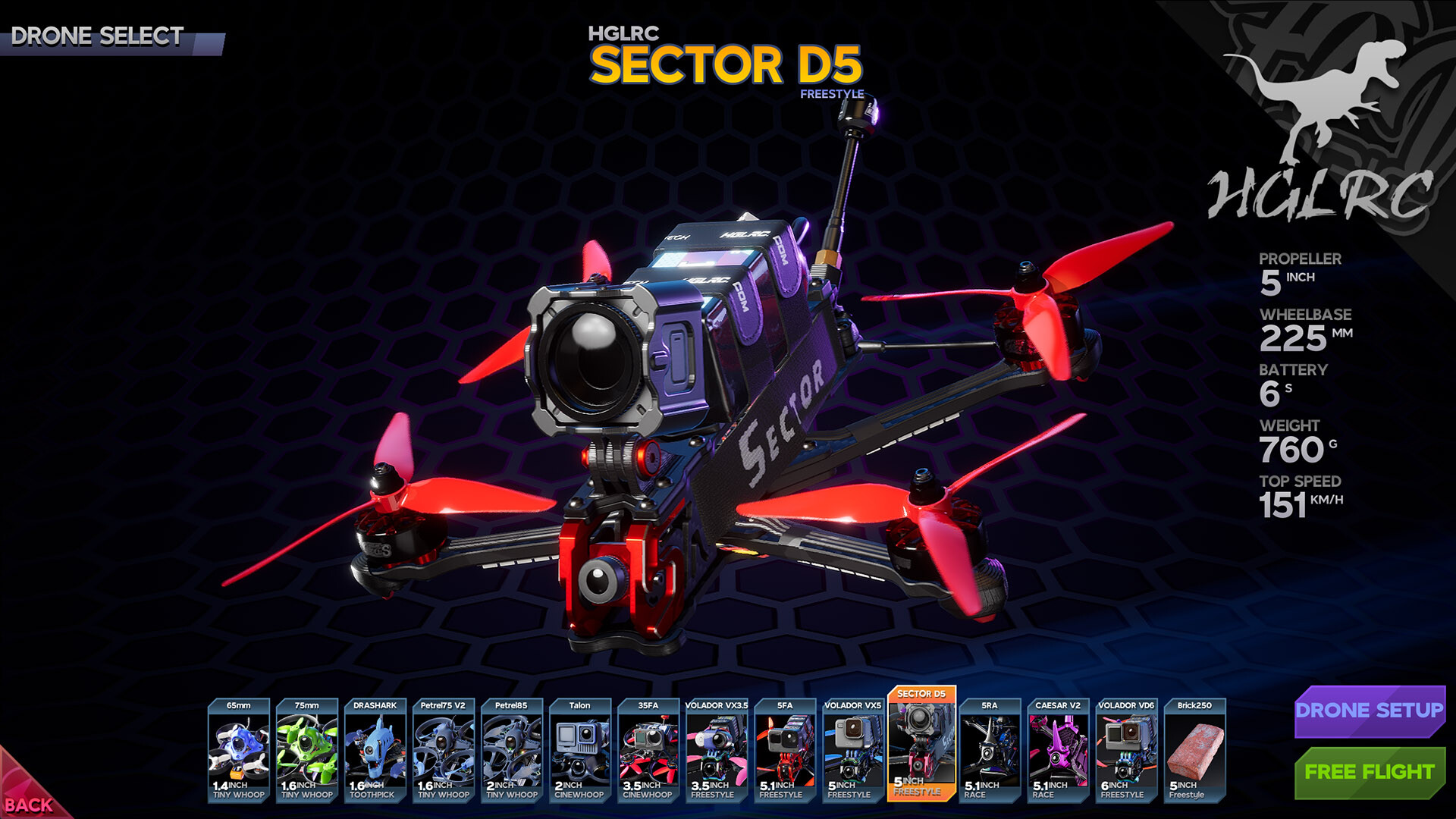
Wide Drone Selection
The game offers drones from various manufacturers, covering differences in frames, propellers, weight, and performance. Each model provides a distinct operational feel, allowing pilots to experience multiple flight characteristics.
Both novices and professionals can benefit: beginners enjoy simplified parameters, while experts can fine‑tune drones for optimal performance.
- Start with the simplified settings if you are new to FPV flight.
- Experiment with different manufacturers to find a preferred handling style.
03 / THE GUIDE
Switchable Perspectives
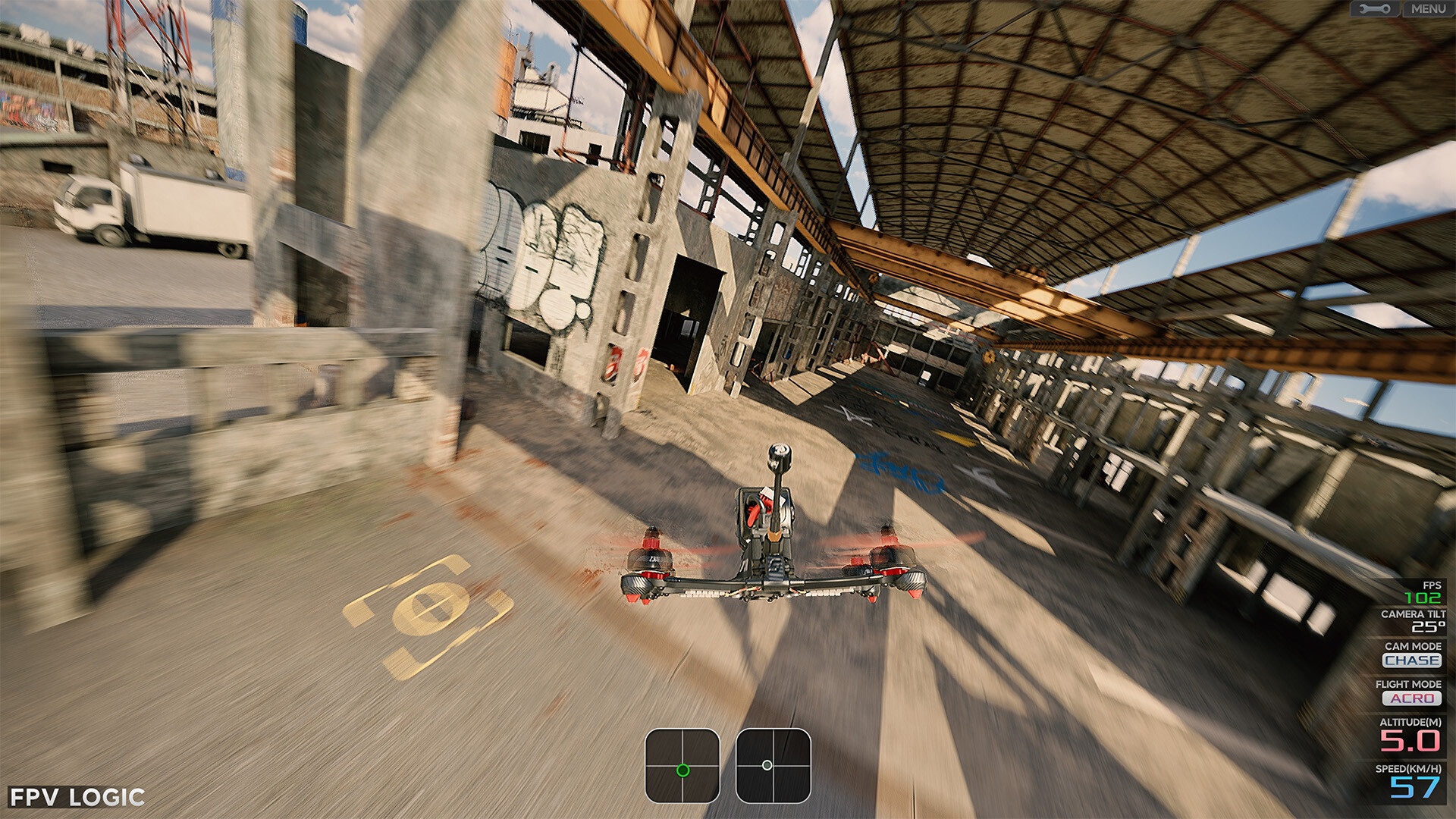
FPV LOGIC lets players toggle among three distinct viewpoints at any time, delivering varied visual experiences of the flight. This flexibility supports both immersive FPV views and broader situational awareness.
Changing perspectives can aid learning, as pilots can see how control inputs translate into motion from multiple angles.
- Use the wider view when navigating complex map geometry.
- Return to the FPV view for precise maneuvering during races.
04 / THE GUIDE
Freestyle Maps and Racing Tracks
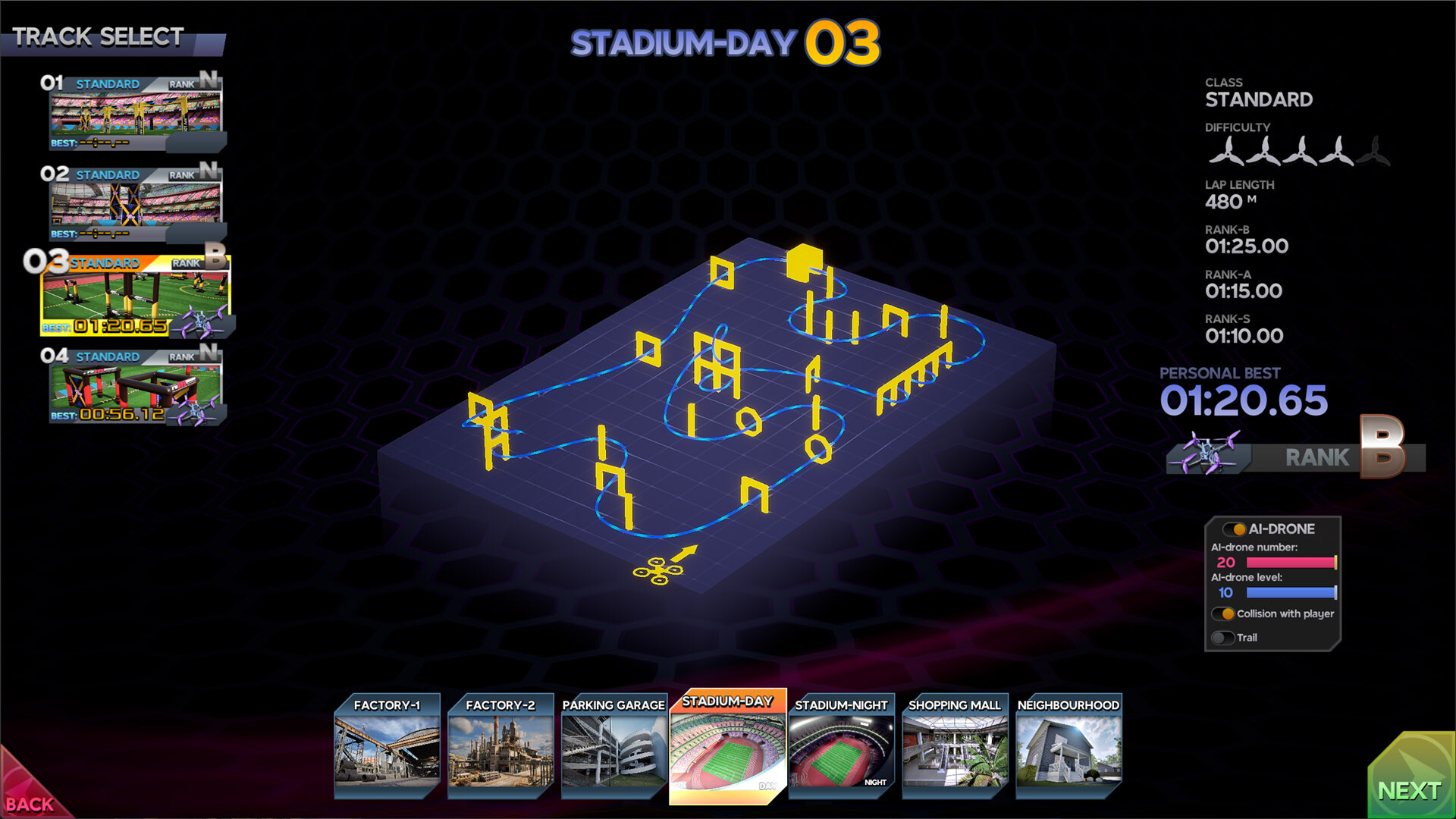
The simulator includes specially designed freestyle maps intended to help pilots improve their skills, as well as professional racing tracks that can host up to twenty AI drones simultaneously.
These environments cater to a spectrum of play styles, from leisurely micro‑drone flights to competitive racing scenarios.
- Practice on freestyle maps before entering a race to refine control.
- Observe AI drone patterns on tracks to anticipate racing lines.
05 / THE GUIDE
RC Transmitter and Joystick Compatibility
FPV LOGIC supports any RC transmitter or joystick that Windows recognizes. While the game can operate with various input devices, the developers strongly recommend using an RC transmitter for the best experience.
This broad compatibility ensures that players can choose their preferred hardware without being limited to a single controller type.
- Test your joystick before a long session to confirm Windows recognition.
- If possible, try an RC transmitter to compare the feel against a joystick.
COMMUNITY
Player discussion