 GameWiki
GET YOUR BEARINGS
About FPV Freerider
FPV Freerider is a simulation that lets you pilot a virtual RC quadcopter in first‑person view or line‑of‑sight mode. You can practice racing or freestyle tricks without risking a real drone, using a range of flight styles from self‑leveling to inverted thrust. The game runs on Windows and macOS and supports single‑player sessions with family sharing.
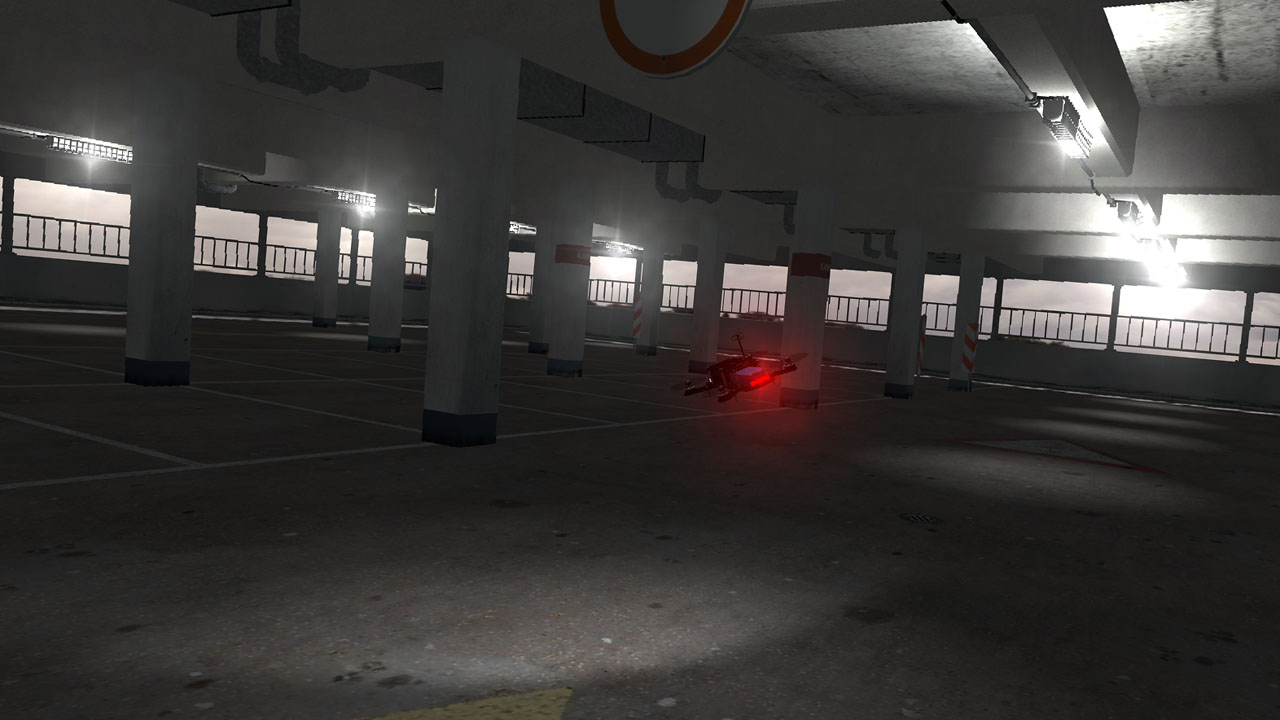
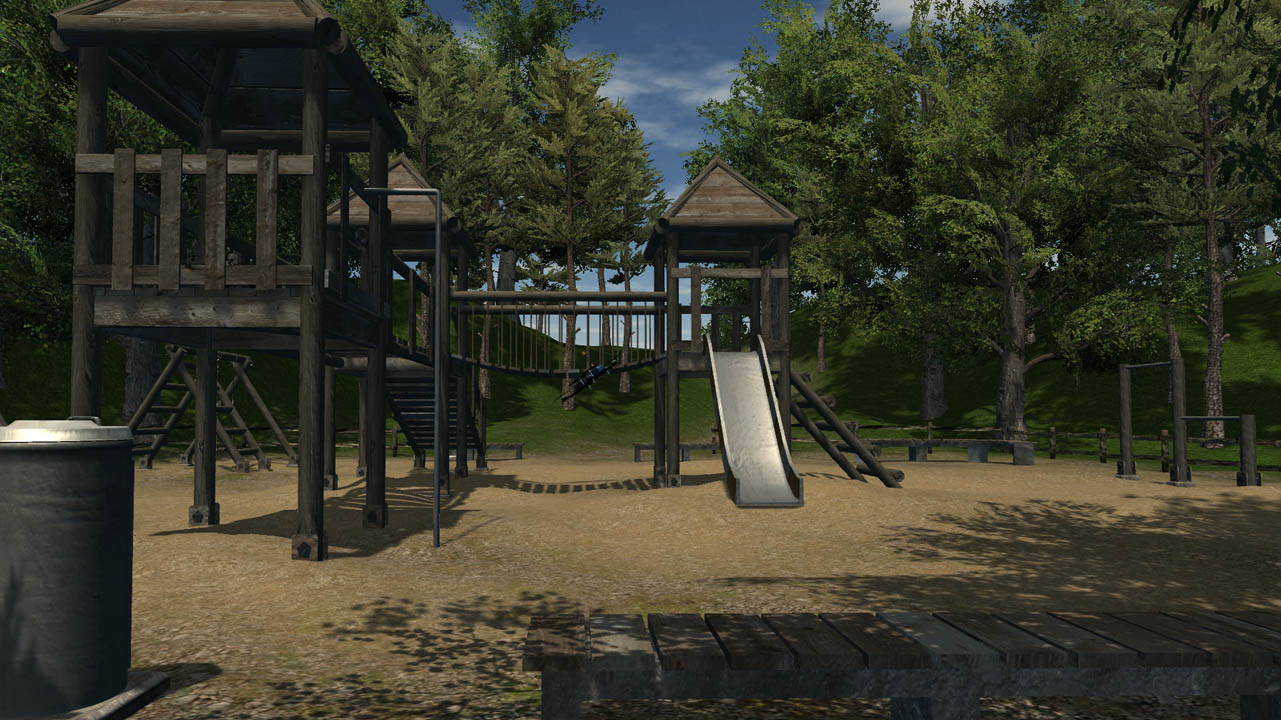
The classic edition offers six built‑in sceneries and a procedural racetrack generator that can produce millions of tracks, each featuring a timed race mode. Controllers such as USB gamepads or RC radios are recommended, and the title provides adjustable input, camera, and physics settings for a personalized experience.
01 / THE GUIDE
Flight Modes
The simulator includes self‑leveling, acro, and a 3D flight mode that allows inverted thrust, giving players a variety of handling characteristics. These modes let you choose between stable hovering and full‑acro maneuvering for freestyle practice.
Each mode changes how the virtual quadcopter responds to inputs, so experimenting can help you find the style that matches your skill level or the trick you wish to master.
- Try self‑leveling first if you are new to FPV to get comfortable with basic controls.
- Switch to acro mode when practicing rapid flips or rolls for more direct control.
02 / THE GUIDE
Procedural Track Generator
Six built‑in sceneries are complemented by a racetrack generator capable of creating millions of unique tracks automatically. This provides endless variety for timed races without needing external content.
Every generated track includes a timed race feature, allowing you to measure performance and improve lap times across different environments.
- Use the generator to test different track layouts and discover which scenery suits your racing style.
- Record your best times on each generated track to track progress over sessions.

03 / THE GUIDE
Control Mode Support
FPV Freerider supports control modes 1, 2, 3, and 4, covering the major stick configurations used by RC pilots. This flexibility lets you match the game to the layout you are accustomed to.
Partial controller support means a range of USB gamepads and RC radios have been successfully used, giving you options beyond keyboard‑only input.
- Select the control mode that matches your real‑world transmitter for a smoother transition.
- Test a few supported controllers to see which feels most natural for your hand positioning.
04 / THE GUIDE
Adjustable Settings
Players can fine‑tune input rates, camera behavior, and physics parameters, allowing a customized flight feel. Adjusting these values can make the simulation feel more realistic or more arcade‑like, depending on preference.
These settings let you experiment freely, so you can try different values without committing to a configuration you like.
- Start with default settings, then gradually modify input rates to find a comfortable sensitivity.
- Tweak camera lag to reduce motion sickness if the FPV view feels too jittery.
05 / THE GUIDE
Recommended Controllers
The developers highly recommend using a USB controller or RC radio for the best experience. A wide range of devices—from FrSKY Taranis to Xbox gamepads—have been reported as successful.
Using a dedicated controller can improve precision, especially in acro or 3D modes where fine stick movement matters.
- If you own an RC radio, connect it via USB for the most authentic control feel.
- Gamepads with analog sticks work well for casual play and can be a good entry point.


COMMUNITY
Player discussion