 GameWiki
GET YOUR BEARINGS
About FPS Chess
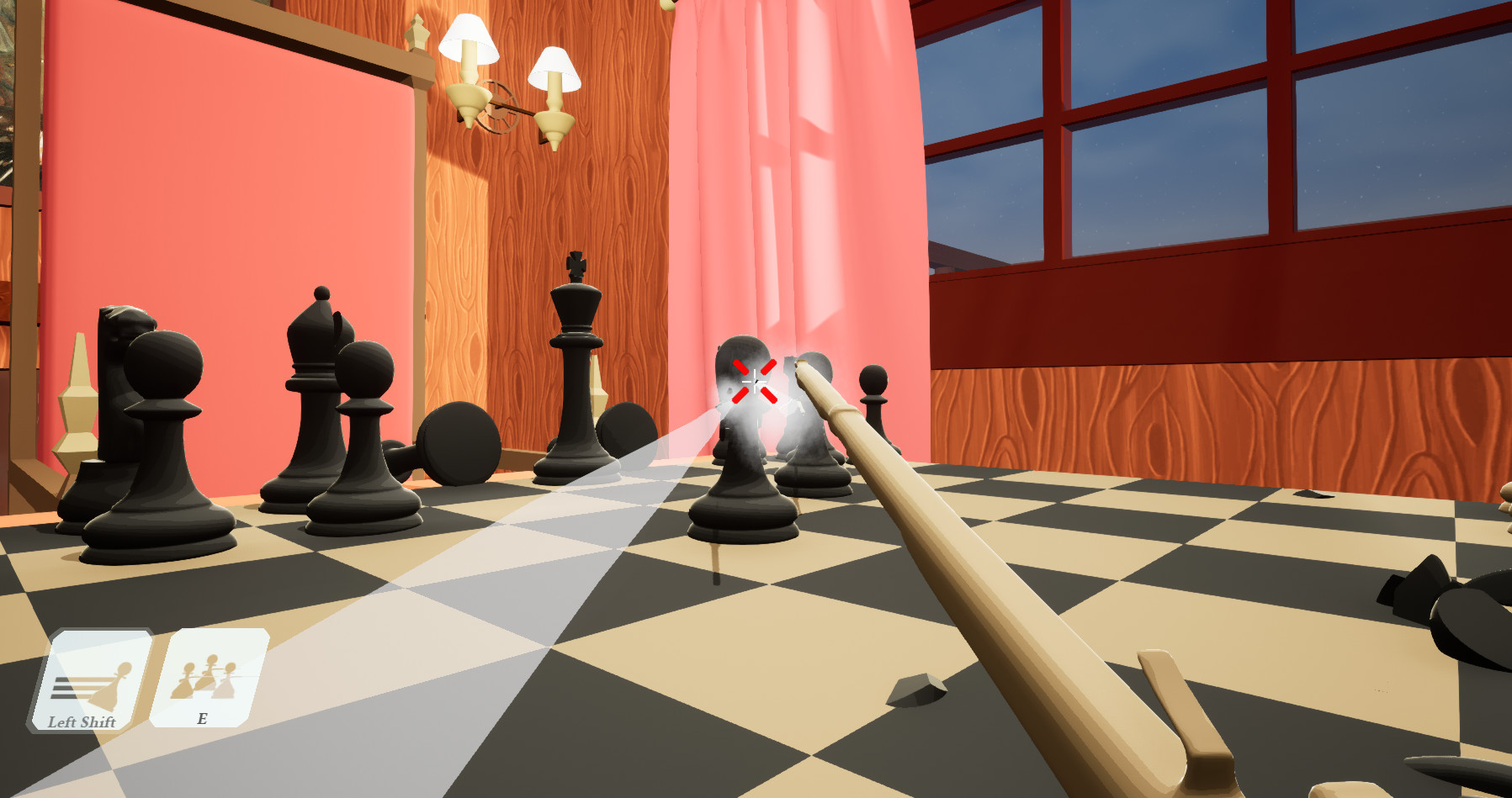
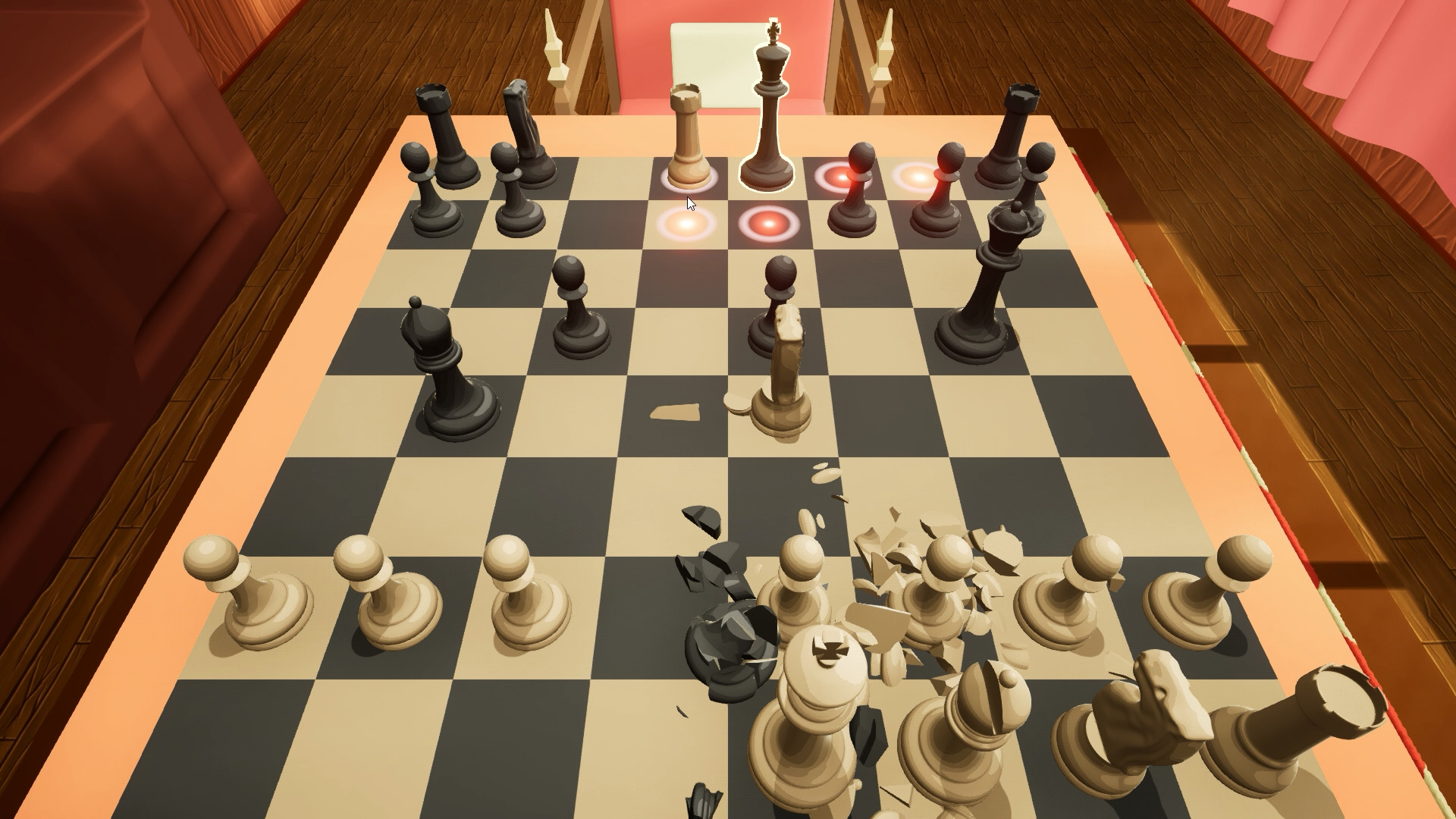
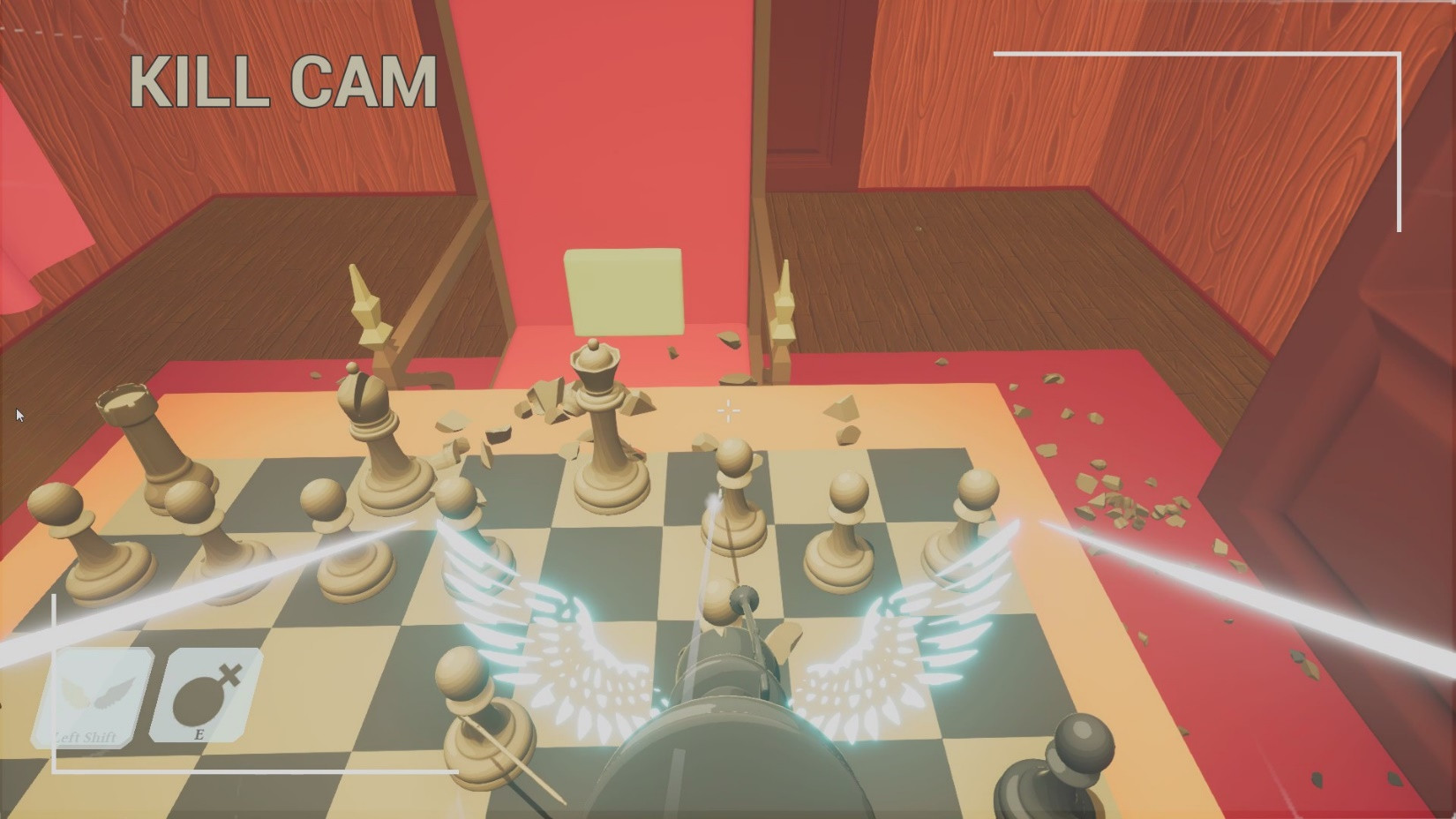
FPS Chess mixes the classic board game of chess with first‑person shooter mechanics. Players control the usual chess pieces, each equipped with its own weapon and ability, and must aim to defeat opponents rather than rely solely on traditional move patterns.
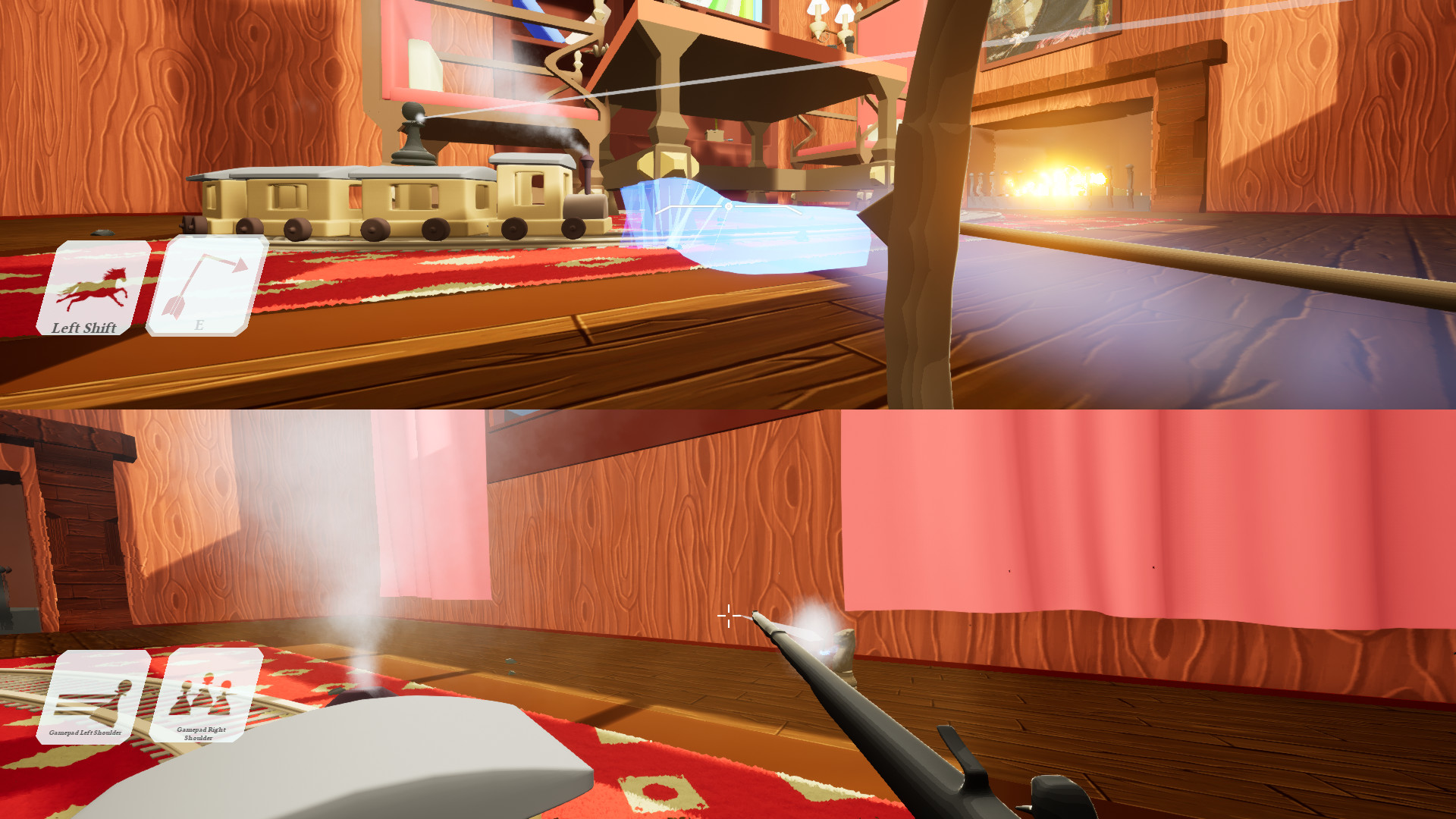
The title is free‑to‑play, was created as a student project, and runs on Windows and Linux. It offers online, LAN, and local split‑screen 1v1 multiplayer, plus a custom board editor for personalized matches.
01 / THE GUIDE
Hybrid Chess‑Shooter Concept
The core idea replaces standard chess movement with FPS combat. Every piece fires a unique weapon, so success depends on aiming skill as well as positioning, and the usual opening theory is no longer decisive.
Victory is still achieved by checkmating the king, but the description notes that the king can instantly kill the player, emphasizing that both strategic and reflexive play matter.
- Practice aiming with each piece to become comfortable with its weapon.
- Watch the king’s close‑range attack to avoid sudden defeat.
02 / THE GUIDE
Online, LAN, and Split‑Screen PvP
Matches can be played online, over a local network, or locally using split‑screen. The game supports 1v1 multiplayer, allowing players to invite friends or join a lobby for a duel.
Features list both “Shared/Split Screen PvP” and “Cross‑Platform Multiplayer,” meaning Windows and Linux users can compete together regardless of connection type.
- Test your connection on LAN first for the smoothest combat.
- Use split‑screen when playing with a friend in the same room.
03 / THE GUIDE
Six Unique Piece Toolkits
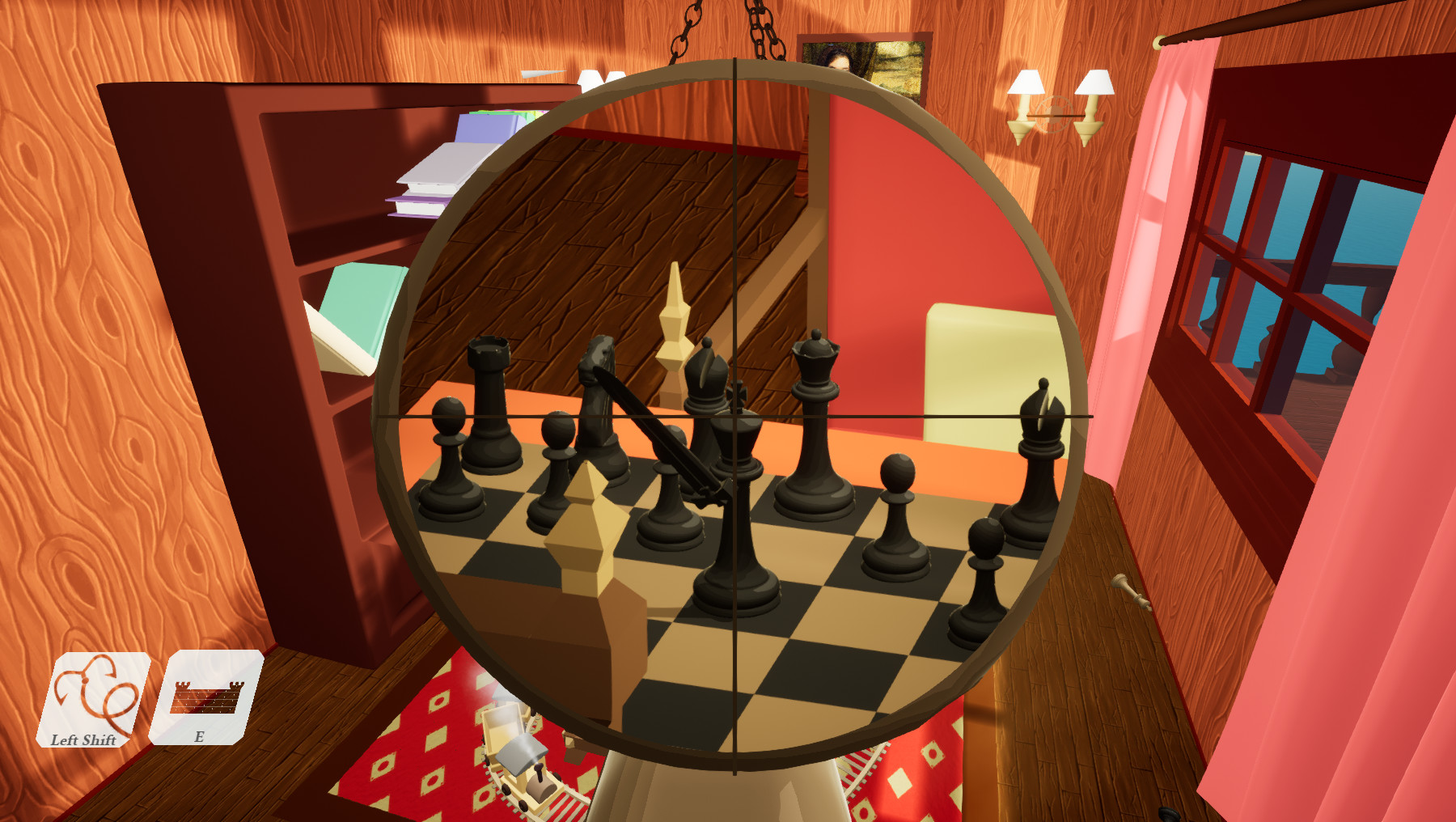
Each of the six toolkits assigns a distinct weapon and ability to the chess pieces, creating varied combat styles that differ from the classic piece hierarchy.
Because the weapons are unique, players are encouraged to experiment with different load‑outs to discover which combinations suit their play style best.
- Try each toolkit in separate matches to learn its strengths.
- Mix long‑range and close‑range pieces for balanced firepower.
04 / THE GUIDE
Custom Board Editor
A built‑in editor lets players design their own boards, placing pieces wherever they choose, which can be used for casual fun or to test new strategies.
The editor is accessible from the main menu and works on all supported platforms, allowing users to save and load their custom layouts for future matches.
- Save several board presets to switch between different setups quickly.
- Run a short test match on a new board before sharing it online.
05 / THE GUIDE
Supported Platforms and Controls
FPS Chess runs on Windows and Linux; no macOS version is listed. The feature set includes Partial Controller Support, indicating that controllers can be used but are not required for play.
Family Sharing is also supported, allowing multiple accounts on the same device to access the game without additional purchases.
- If you prefer a gamepad, enable controller support in the settings.
- Activate Family Sharing so other household members can play without buying another copy.
COMMUNITY
Player discussion