 GameWiki

GET YOUR BEARINGS
About Forever Skies
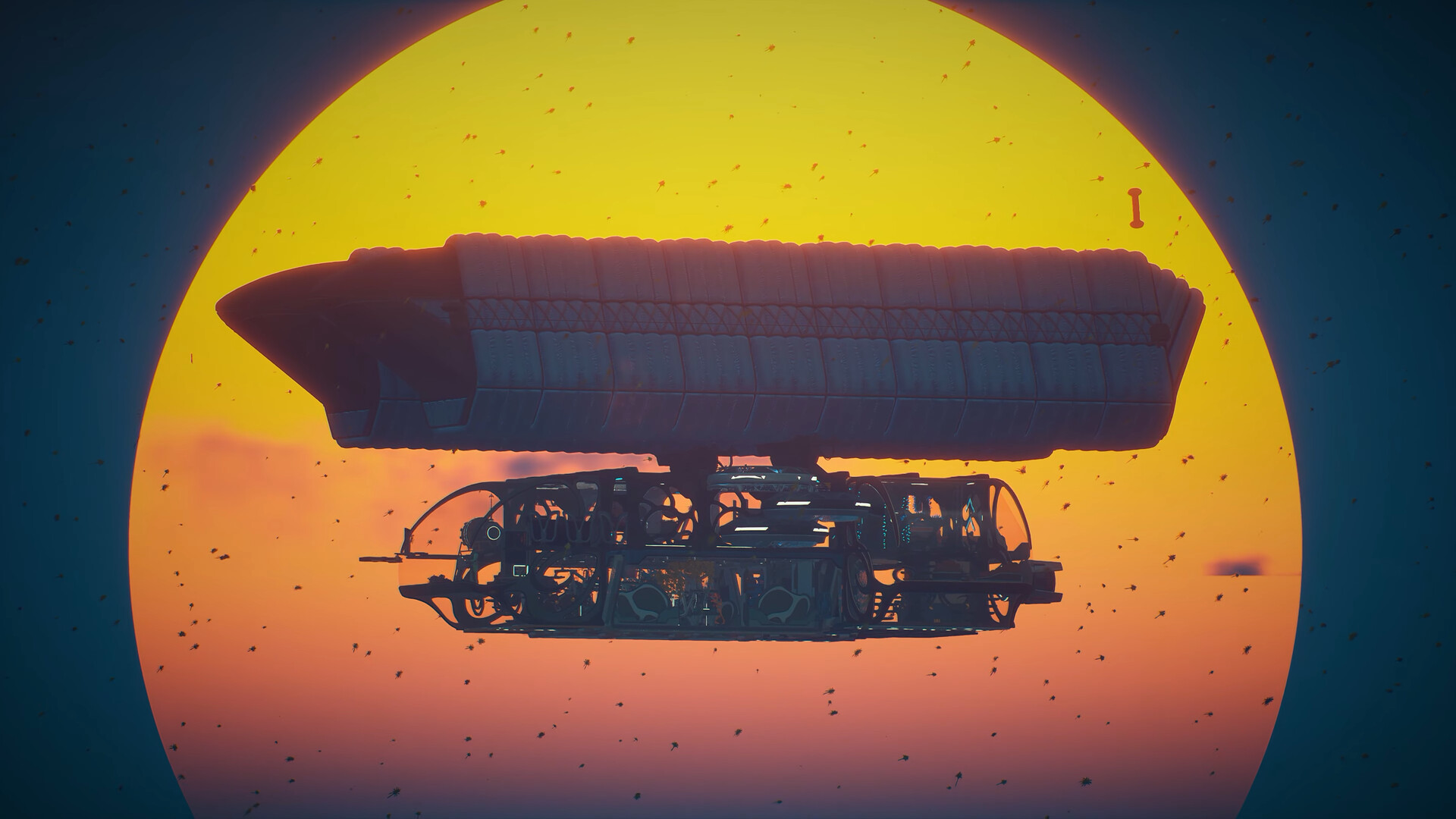
Forever Skies puts you aboard a high‑tech airship that serves as a mobile base, workshop, and laboratory while you survive on an ecologically ruined Earth. You can explore the skies, scavenge abandoned towers, and use science to expand your capabilities, with both single‑player and online co‑op options on Windows.
A key feature is the ability to fine‑tune survival parameters such as crafting costs, death penalties, and combat encounters. These custom difficulty settings can be changed at any moment and never affect progress or Steam achievements, letting you shift between a hardcore challenge and a relaxed journey.
01 / THE GUIDE
Custom Difficulty Settings
The game includes a menu where you can adjust individual survival needs, including crafting costs, death penalties, and combat encounters. Adjustments are allowed at any time, giving you flexibility as the game evolves.
Because changes do not alter progress or Steam achievements, you can experiment with different difficulty mixes within a single save, testing how higher costs or tougher combat affect your resource management.
- Start with default values, then raise one setting at a time to see its impact.
- Re‑adjust after a major airship upgrade to gauge new resource demands.
02 / THE GUIDE
Airship Building and Customization
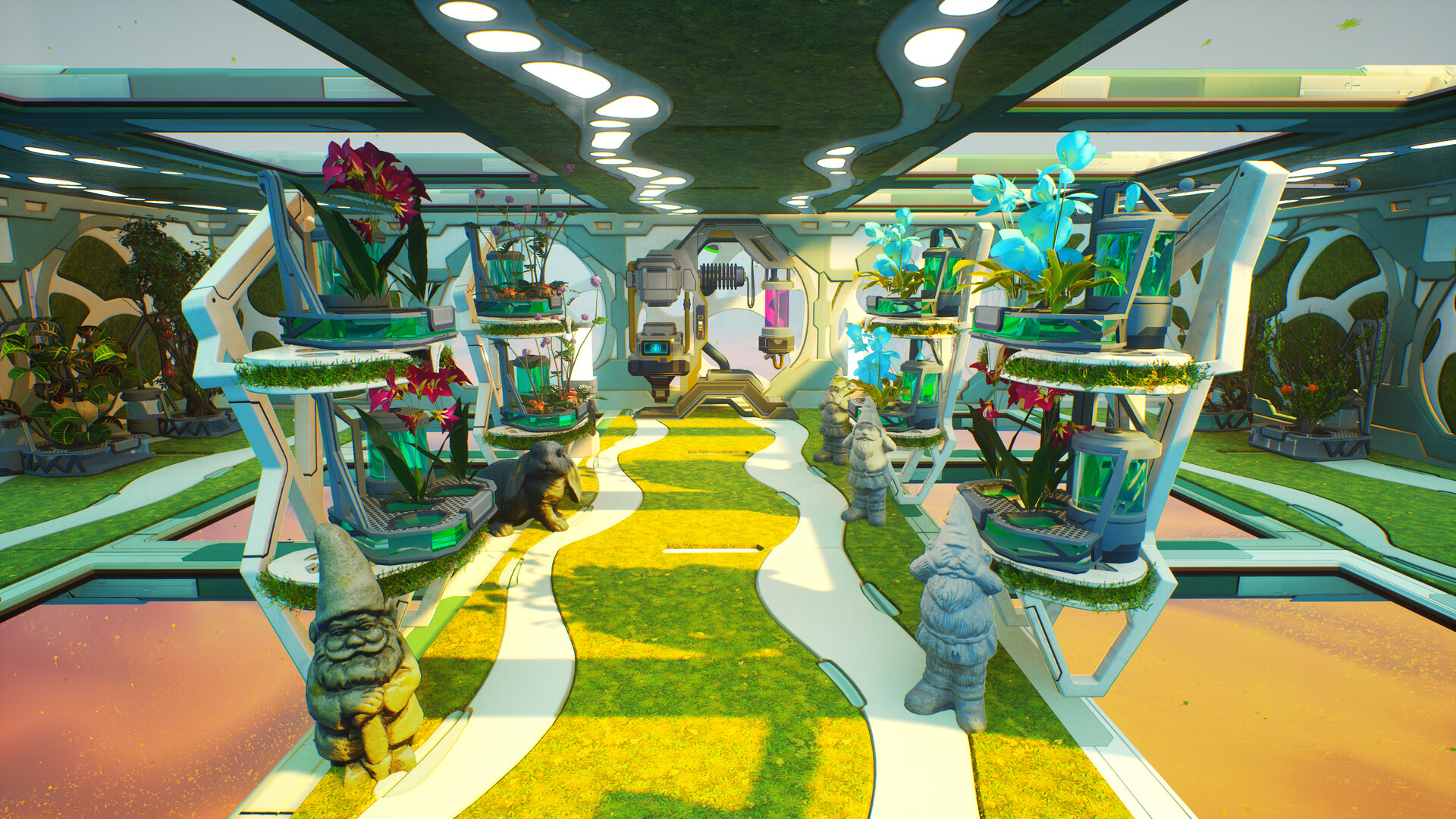
Your airship acts as a mobile base, workshop, and laboratory. New technologies can be unlocked to upgrade and expand both interior and exterior components, allowing you to reach higher altitudes and travel farther.
Customization is fully player‑driven, so the interior can host crafting stations while exterior upgrades change the ship’s appearance and capabilities, making each airship uniquely yours.
- Unlock a technology before building its corresponding module.
- Consider interior layout that supports your most used crafting recipes.
03 / THE GUIDE
Scavenging Ruined Skies
Abandoned makeshift towers and drifting debris provide supplies, materials, and clues about humanity’s past attempts to escape the dust‑filled surface. Visiting these locations yields essential resources for crafting and upgrades.
Collected items feed crafting recipes, airship improvements, and story progression, making each scavenging run a critical part of survival.
- Check tower interiors for hidden compartments that may hold rare components.
- Harvest drifting debris when the sky is calm to reduce exposure to storms.
04 / THE GUIDE
Harnessing Science
Science drives survival: you can craft essential tools, scan lost technology, and reverse‑engineer devices. These actions let you develop new ways to make survival easier.
Innovations such as harvesting lightning power or automating resource extraction simplify food and water production and open new possibilities for airship improvement.
- Scan unfamiliar artifacts early to reveal potential upgrades.
- Experiment with lightning harvesting after you have a stable power storage setup.
05 / THE GUIDE
Overcoming a Changed World
Above the dust, powerful lightning storms and hostile drones threaten both you and your airship. These hazards require careful navigation and preparation.
Below the dust, evolved flora and fauna present new biological dangers, adding further challenge to exploration of the transformed world.
- Observe storm patterns before entering high‑risk zones.
- Keep a safe distance from unfamiliar fauna until you understand their behavior.



COMMUNITY
Player discussion