 GameWiki
GET YOUR BEARINGS
About Forage Wizard
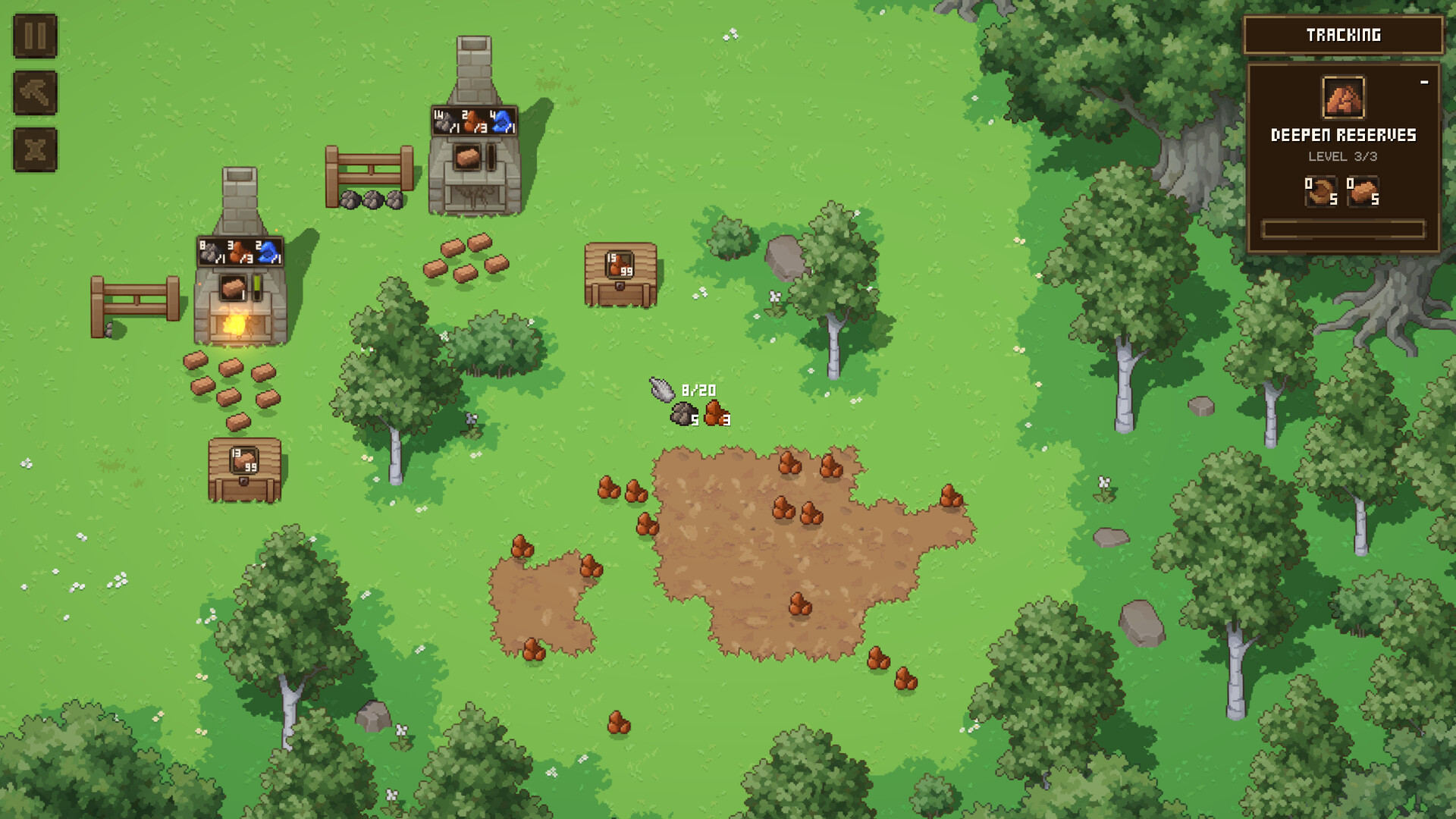
Forage Wizard lets you climb a magic‑themed skill tree while gathering items from a mystical glade. Clicking the cursor forages wood, ore, wheat, and primordial cubes, which you can refine into ingredients for buildings and incremental upgrades.
Refined resources let you construct machines, self‑chopping trees, and elemental distilleries, creating a base that can farm crops, slay monsters, and automate alchemical production. The game runs single‑player, supports Steam Cloud, custom volume controls, and a mouse‑only option.
01 / THE GUIDE
Incremental Skill Tree
Progress is driven by a magic skill tree that changes how you play as you unlock new branches. Each node grants a concrete benefit such as stronger resource generation or new building options, and the tree updates continuously as you advance.
Choosing nodes shapes the wizard’s capabilities and influences later decisions, so planning the path helps you move toward the ultimate artifact while keeping progression clear and measurable.
- Review upcoming nodes before spending points to keep upgrades aligned with current goals.
- Balance resource‑boosting nodes with those that unlock new structures for steady growth.
02 / THE GUIDE
Collecting and Refining Resources
Items are foraged from the woods using the cursor, then refined into magical ingredients. The game lists wood, ore, wheat and primordial cubes as collectable items, each convertible into materials used for construction or alchemy.
Refined materials become building components, alchemical reagents, or trade goods, creating a loop where collection feeds refinement, which in turn supports further expansion of your base.
- Prioritize refining ores into ingots early to unlock higher‑tier structures.
- Keep a small stock of each basic resource to avoid production stalls.
03 / THE GUIDE
Productive Base Construction
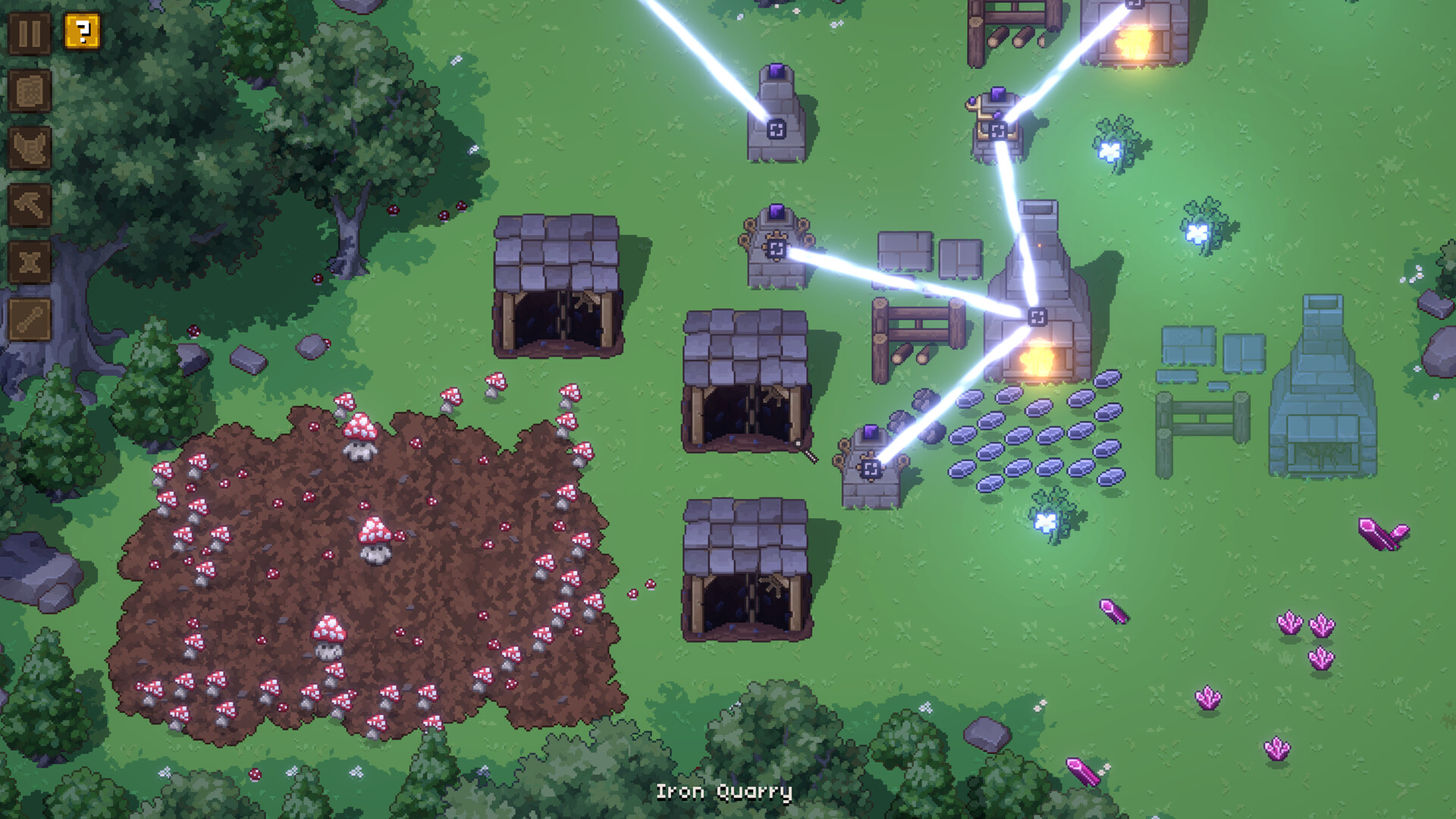
You can build machines, self‑chopping trees and elemental distilleries, arranging them to suit comfort or output goals. Structures refine, store and generate items, letting you automate parts of the production chain.
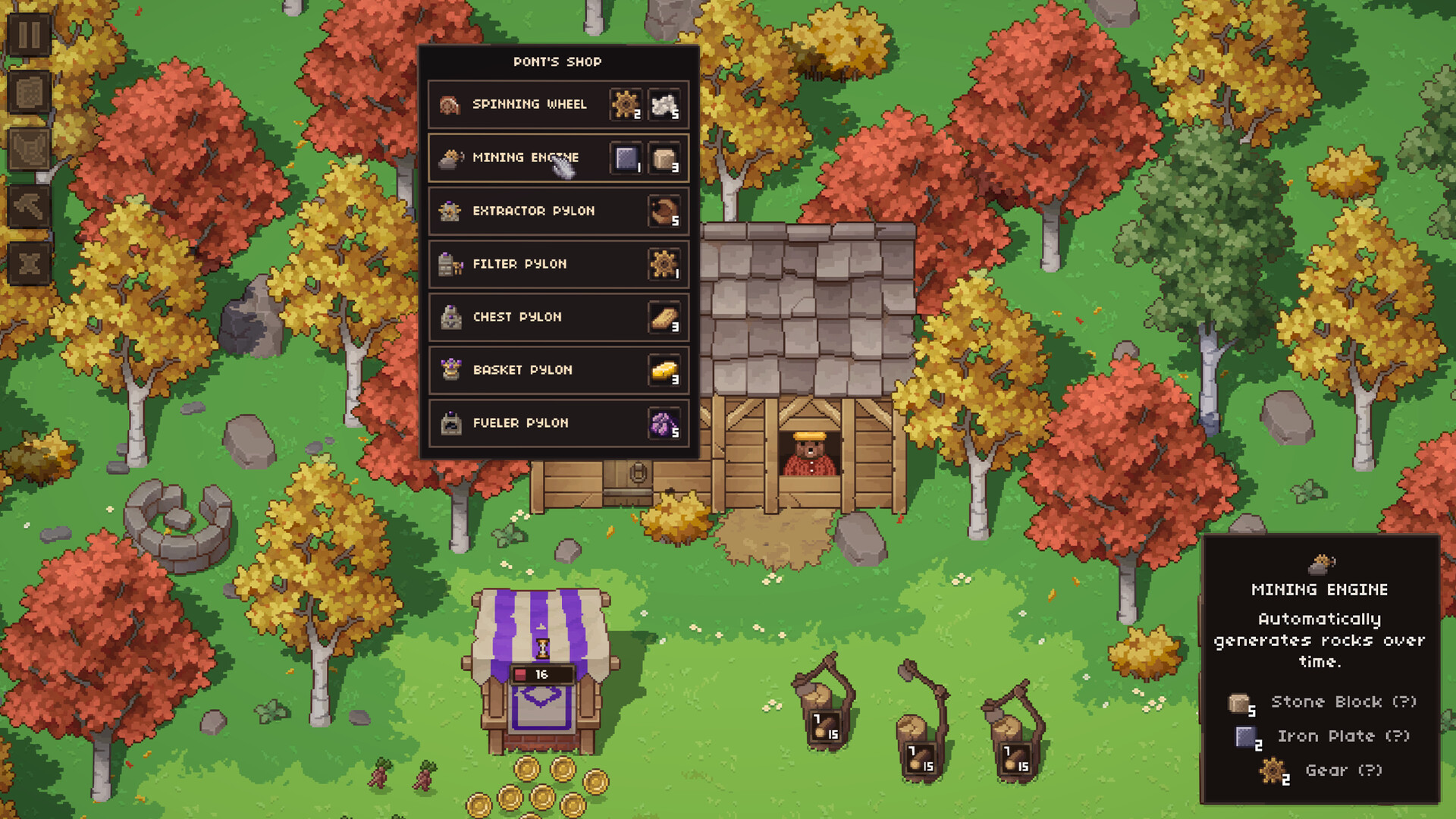
New building types become available through the blueprints shop, expanding the base’s capabilities and allowing you to add facilities that increase automation or resource conversion.
- Place resource‑generating buildings near storage to reduce travel distance.
- Upgrade machines after securing a steady supply of raw materials for better efficiency.
04 / THE GUIDE
Alchemy and Crafting Systems
Alchemy lets you combine refined ingredients to craft chaos from the elements, producing powerful items and upgrades. The system operates in a clicker style, letting you experiment quickly with different mixes.
Successful recipes can be used to unlock higher‑tier buildings or trade for gold, linking alchemical output directly to base expansion and resource management.
- Record successful recipes before trying new ingredient combinations.
- Use elemental distilleries to streamline complex alchemical processes.
05 / THE GUIDE
Core Game Features
Forage Wizard is a single‑player title that includes Steam achievements, custom volume controls and a mouse‑only option. It supports saving anytime, Steam Cloud synchronization and family sharing, allowing flexible play sessions.
The game is tagged as playable at your own pace and does not require timed input, meaning you can progress without pressure and return to a saved state whenever you wish.
- Enable custom volume controls to balance audio for long sessions.
- Activate the mouse‑only mode if you prefer minimal input devices.

COMMUNITY
Player discussion