 GameWiki
GET YOUR BEARINGS
About For The King II
For The King II continues the beloved RPG blend of roguelite and tabletop elements, tasking players with ending Queen Rosomon’s tyrannical rule over Fahrul’s mines. The game offers a procedurally generated map, over 30 hours of campaign across seven linked adventures, and an endless‑dungeon mode called Dark Carnival.
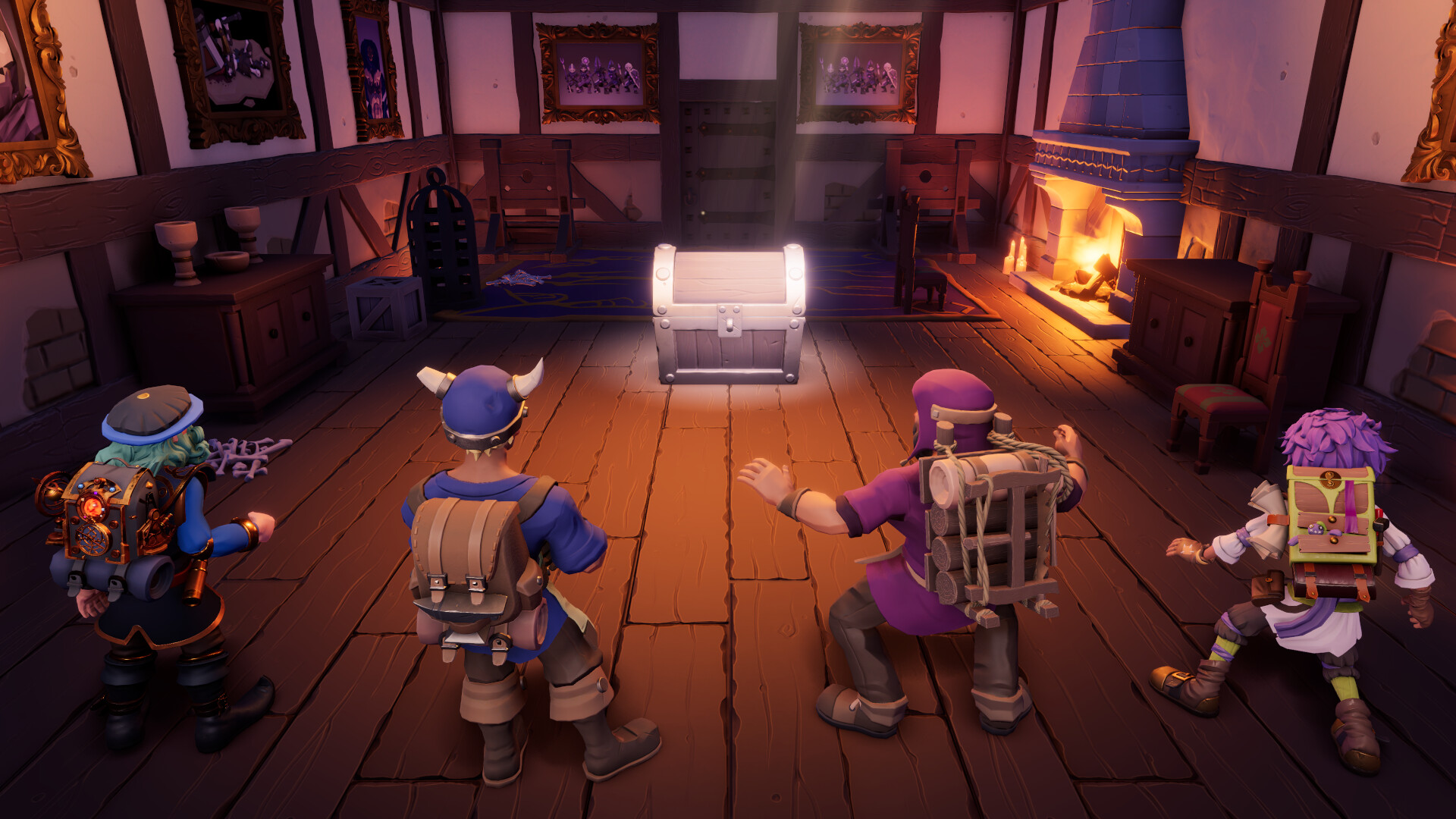
Players can adventure solo, controlling the entire party, or join up to three friends in four‑player co‑op, either online or via split‑screen on the same PC. Strategic combat uses a Battle Grid where positioning grants buffs or penalties, and the game supports full controller use alongside keyboard‑only options.
01 / THE GUIDE
Campaign Structure
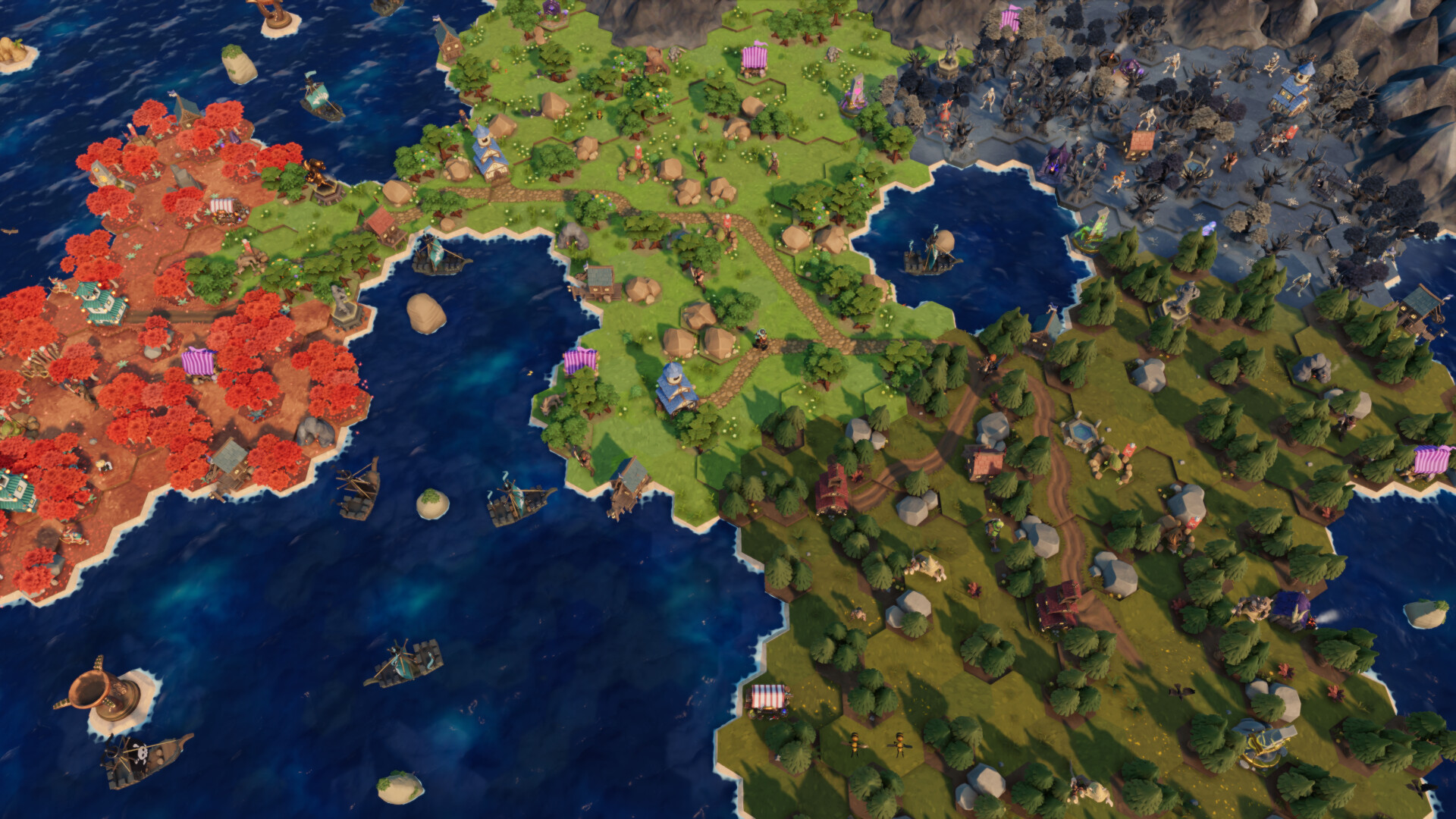
The main campaign spans more than 30 hours and is divided into seven distinct adventures that connect narratively. Each playthrough generates a new map, ensuring that routes, encounters, and loot differ each time.
If a party is defeated, the next run begins with stronger characters and improved starting items, allowing players to build on previous attempts.
- Start each new run by reviewing the items you received from the previous failure; they often suit early challenges.
- Use the map’s procedural nature to experiment with different routes for varied encounters.
02 / THE GUIDE
Dark Carnival Mode
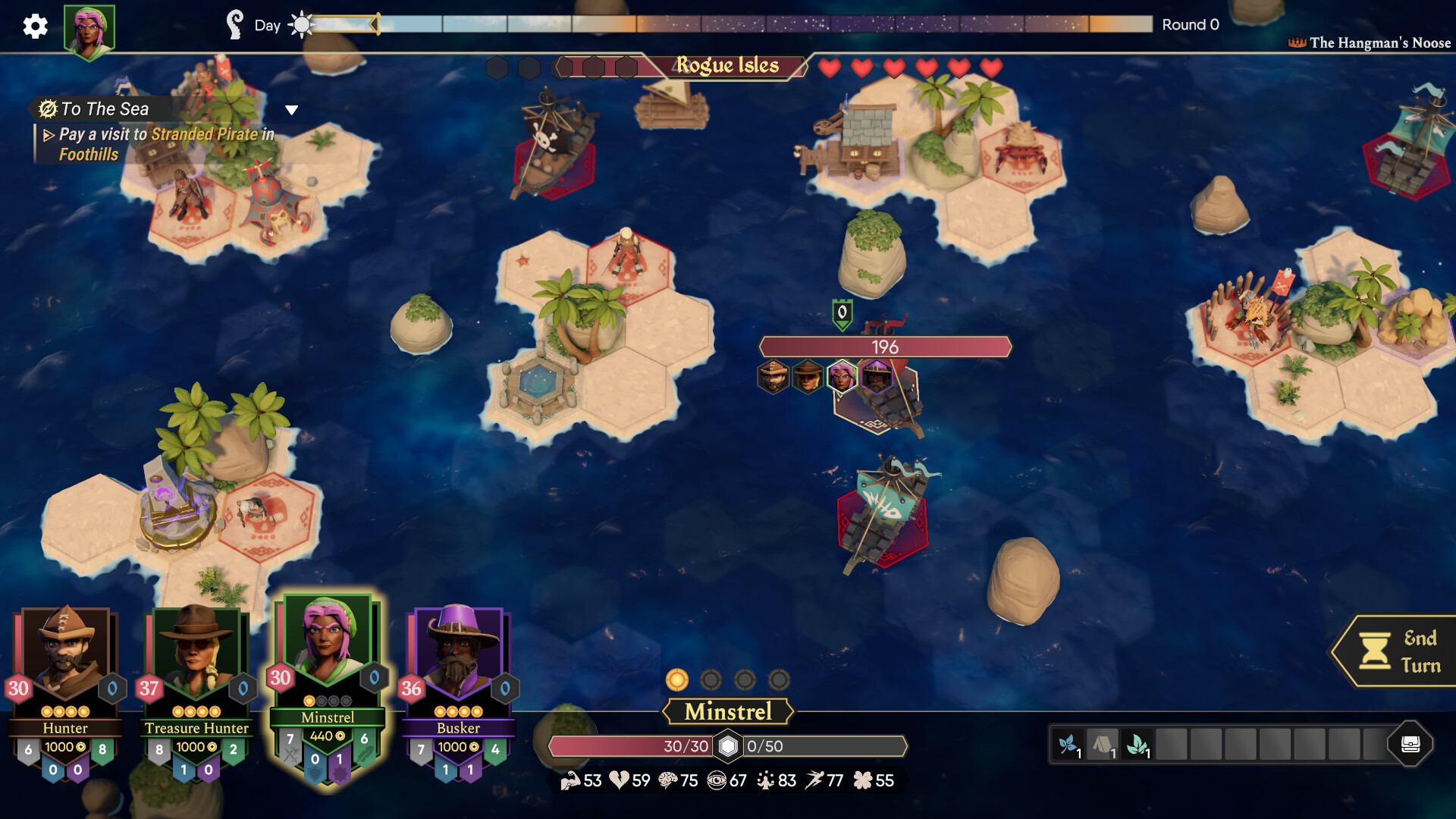
Dark Carnival is an infinite‑dungeon mode led by the Ringmaster, where players aim to clear as many floors as possible before death. Progress is tracked with carnival tickets that unlock new paths and themed rooms.
The Wheel of Death adds a random element, offering both risk and reward as players attempt to survive longer.
- Collect carnival tickets early to access alternative routes that may contain safer encounters.
- Consider the risk of spinning the Wheel of Death only when you have sufficient health or backup.
03 / THE GUIDE
Co‑op Play
Four‑player co‑op can be played online or offline via split‑screen on a single PC. Solo players control all party members, while in co‑op each participant manages their own character(s).
Co‑op requires coordination, especially when positioning on the Battle Grid, as teammates must negotiate movement and combat decisions together.
- Communicate positioning plans before each turn to maximize Battle Grid bonuses.
- When playing split‑screen, assign each player a distinct role (e.g., tank, healer) to streamline decisions.
04 / THE GUIDE
Battle Grid Mechanics
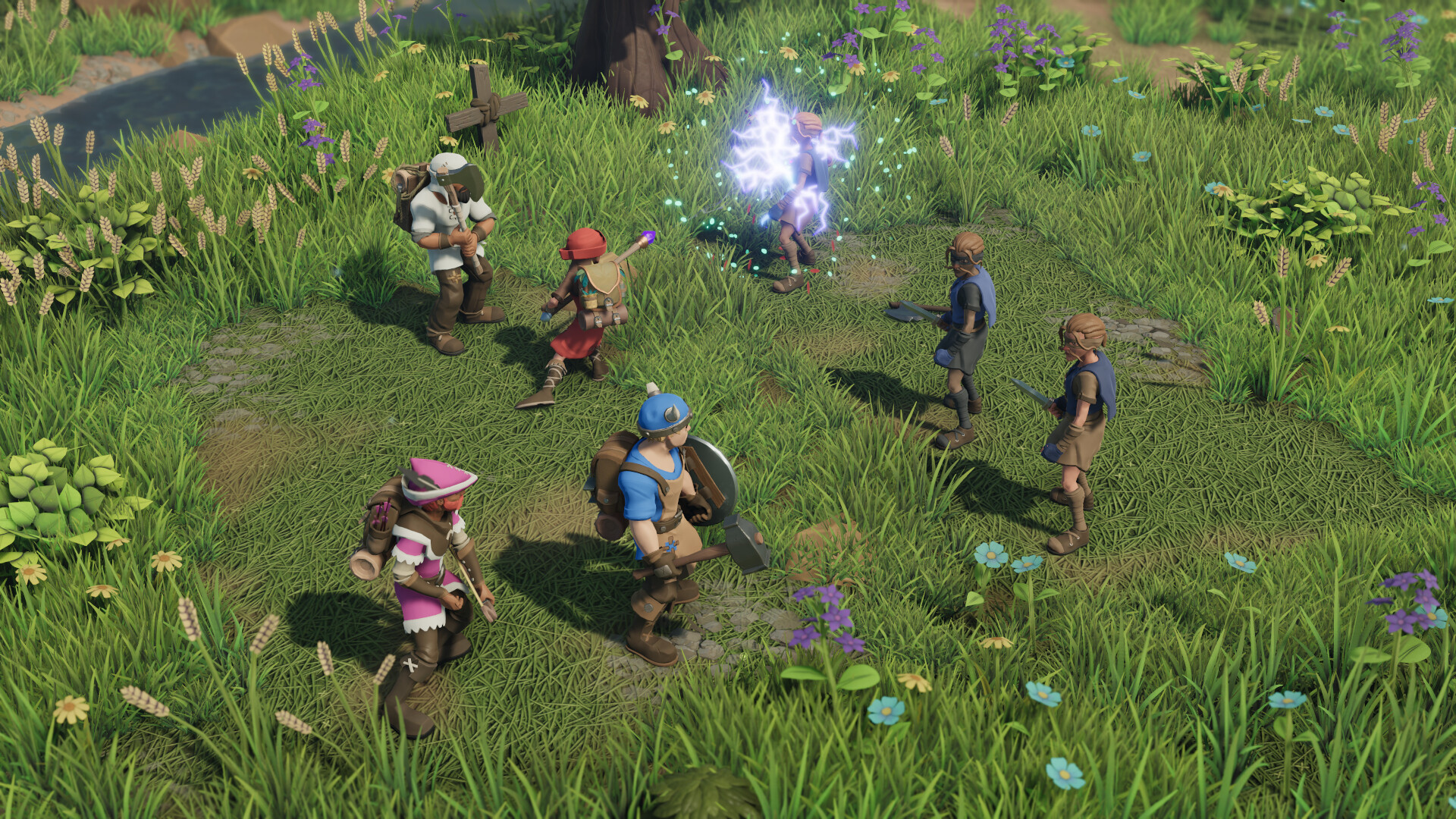
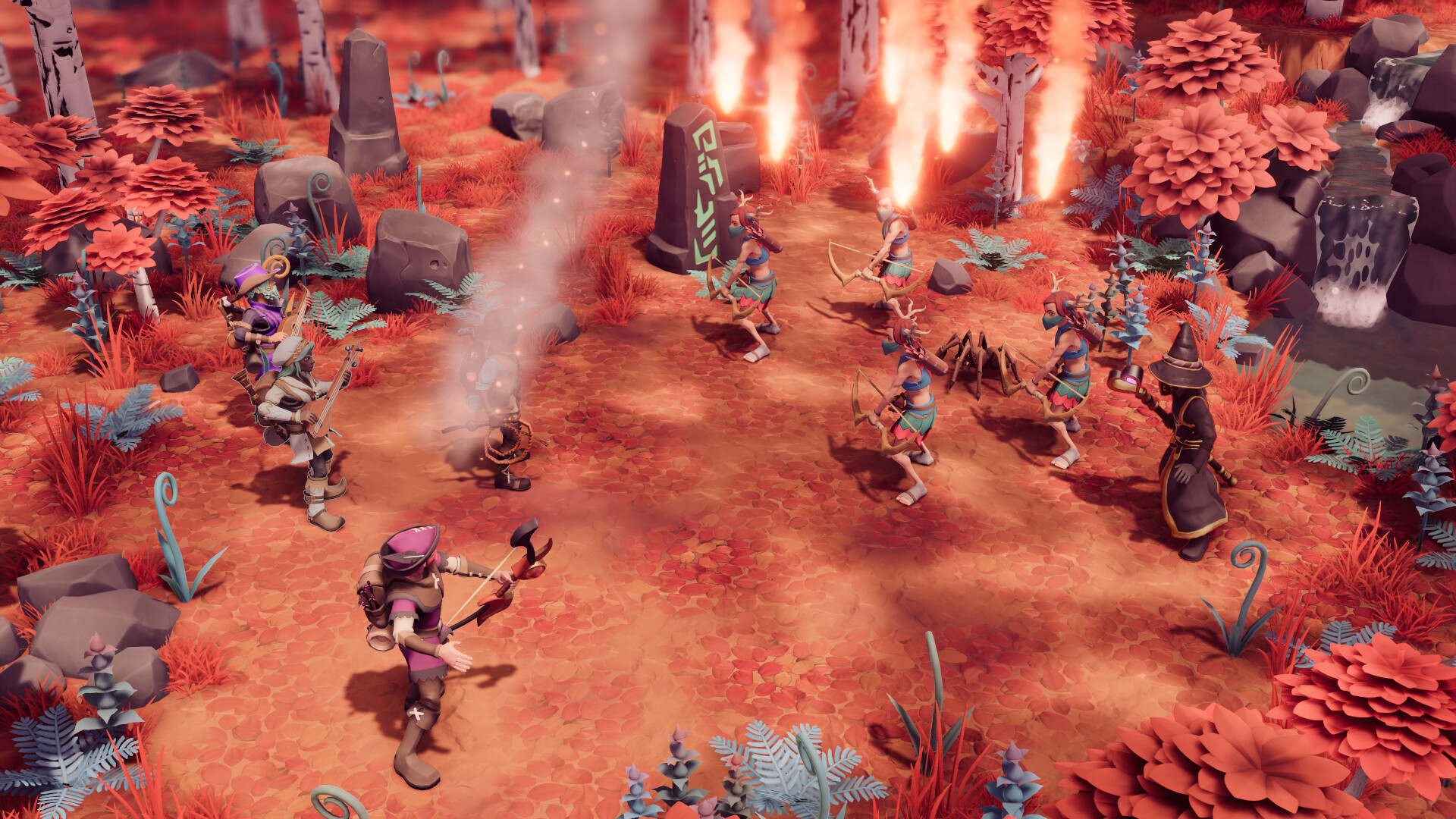
Combat takes place on a grid where movement and placement affect both allies and enemies. Defensive buffs are granted by occupying back‑row positions with items like Tower Shields, while pushing foes into hazards such as fire adds damage.
Weapons and magic can also create positional effects, allowing players to entangle melee enemies or control enemy movement.
- Place a character with a Tower Shield in the back row to protect more vulnerable allies.
- Use fire hazards to damage enemies that are forced into them by your pushes.
05 / THE GUIDE
Platform Features
The game runs on Windows and includes full controller support, keyboard‑only, and mouse‑only options. Additional accessibility settings cover adjustable text size, camera comfort, and custom volume controls.
Steam integration provides achievements, cloud saves, trading cards, and Remote Play Together, allowing friends without the game to join via streaming.
- Enable Adjustable Difficulty if you prefer a gentler learning curve for early runs.
- Use Remote Play Together to let a friend join without needing their own copy.
COMMUNITY
Player discussion