 GameWiki
GET YOUR BEARINGS
About Football Coach: College Dynasty
Football Coach: College Dynasty offers a deep yet accessible college football management experience. Players begin at a small program or their favorite school and guide the team through recruiting, development, and on‑field strategy to build a lasting legacy.
The game features a realistic simulation engine with over 100 offensive and defensive plays, extensive stat tracking, and customizable league settings such as playoff formats, conference realignment, and NIL options, all within a single‑player mode that supports Steam Workshop.
01 / THE GUIDE
Dynasty Building
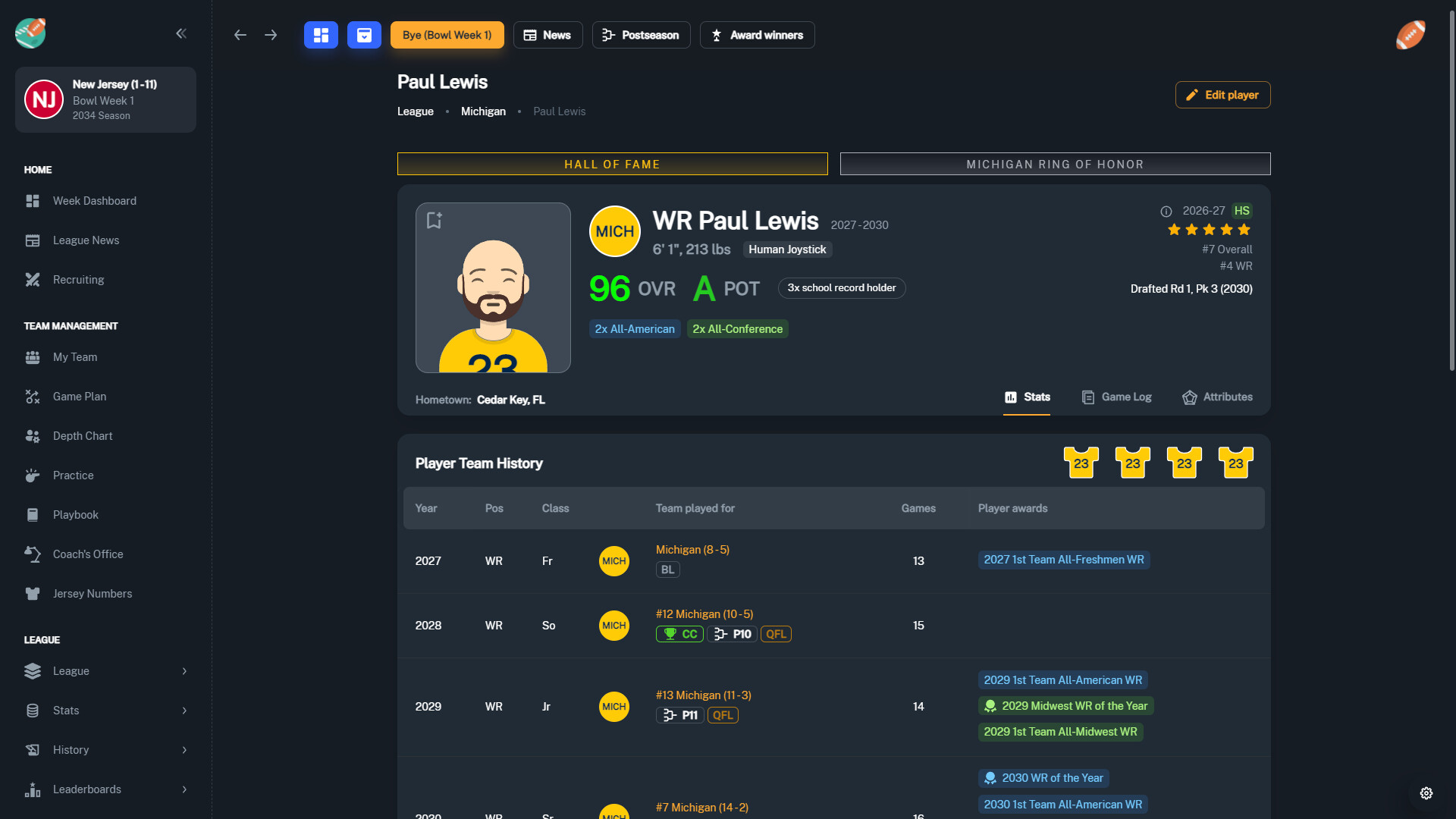
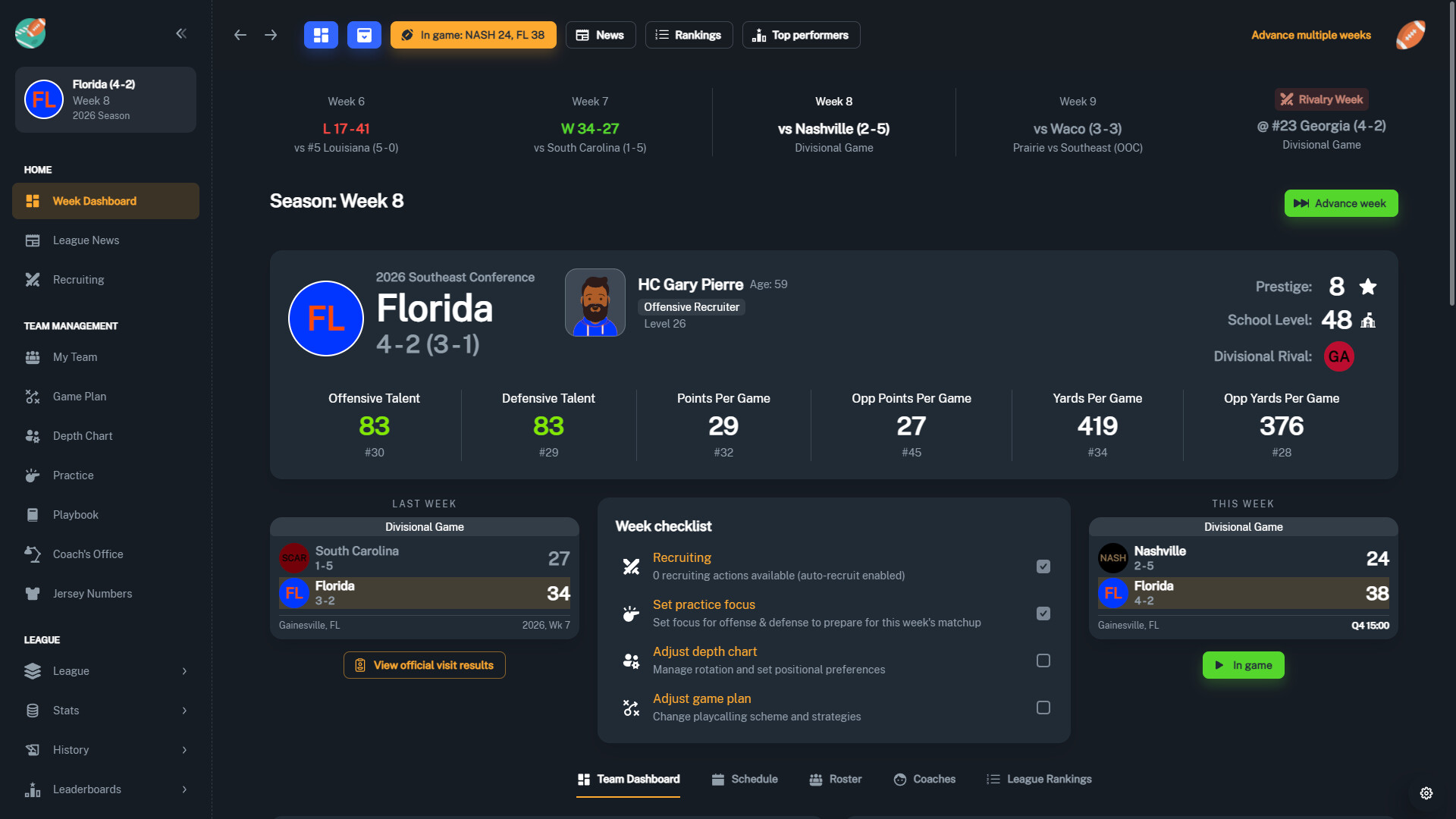
You control every facet of your gameplan, including strategies and practice focuses, and can spend booster money on facilities, academics, and marketing. All statistics and attributes are tracked, allowing you to revisit historic runs with a single click.
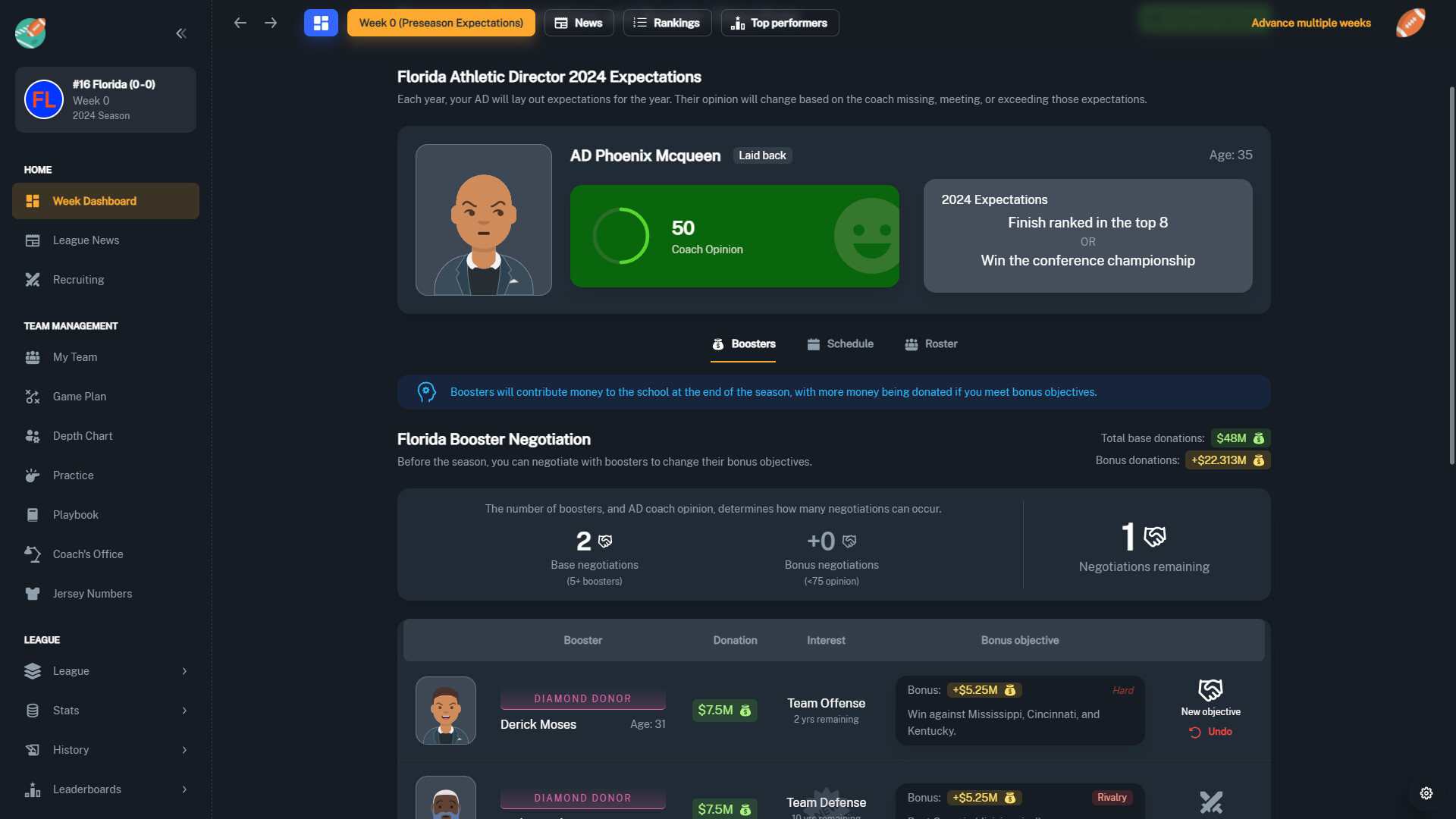
Career progression is tied to athletic director expectations. Meeting or exceeding them can attract interest from prestigious schools, while failing to meet them may result in losing your job, creating a clear path from small schools to championship programs.
- Balance facility upgrades with recruiting spend to keep both short‑term talent and long‑term growth healthy.
- Check director expectations each season to avoid unexpected job loss.
02 / THE GUIDE
Play Calling
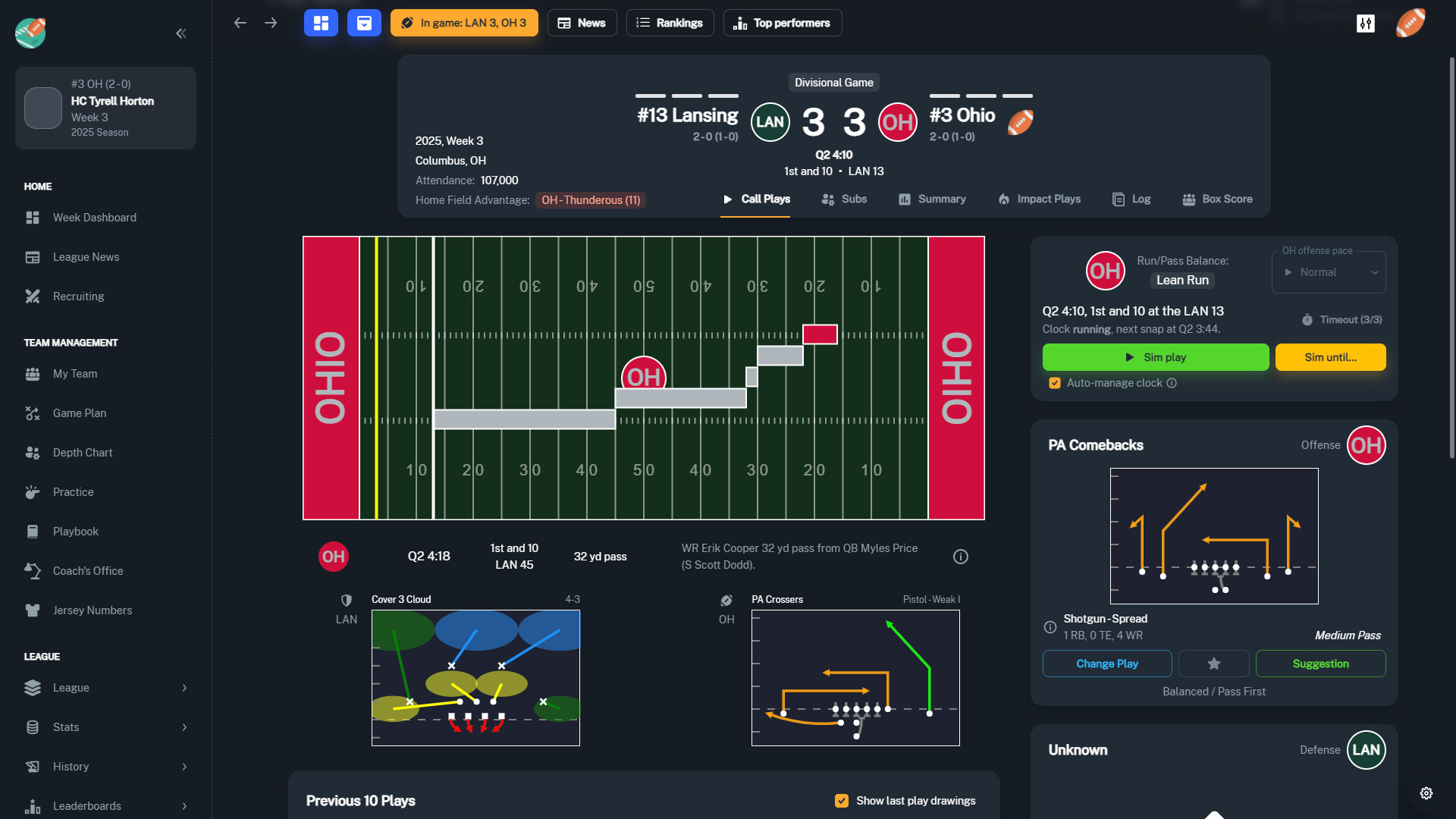
The simulation engine provides 100+ unique offensive and defensive plays that can be called during games, letting you shape each matchup’s strategy.
Practice focuses and game‑plan adjustments let you align your team’s scheme with the plays you prefer, influencing on‑field performance week by week.
- Try different categories of plays to see which match your roster’s strengths.
- Adjust practice focuses toward the plays you intend to call most often.
03 / THE GUIDE
Recruiting
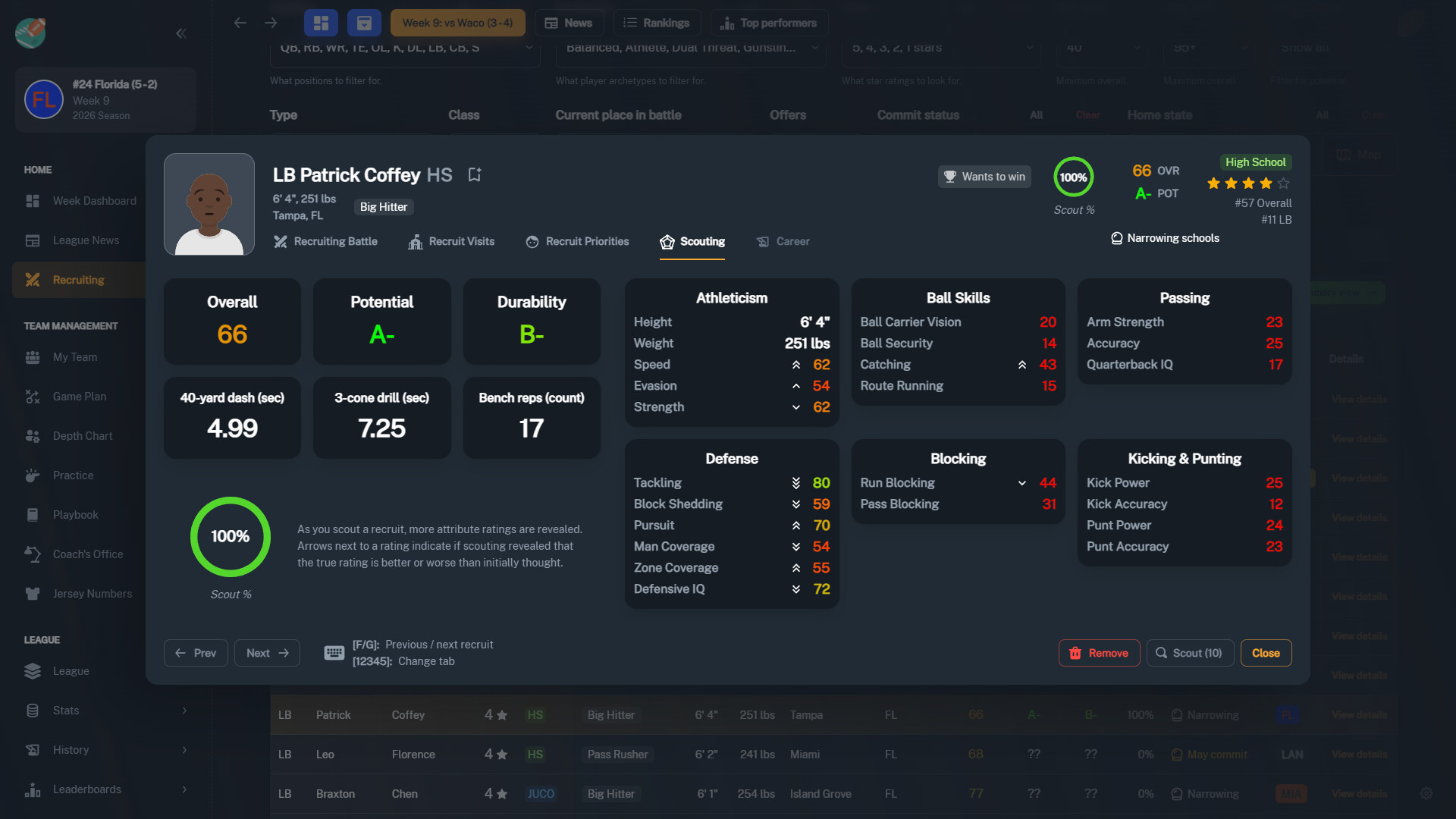
Scout high‑school and JUCO prospects nationwide, then pitch your program and schedule official visits to win recruiting battles against rival schools.
You can also offer NIL deals during the pitch process, adding another lever to sway recruits toward your school.
- Prioritize official visits for top targets to increase commitment chances.
- Consider NIL offers when competing for highly sought‑after prospects.
04 / THE GUIDE
Coach Development
Earn XP to level up your coach’s offensive, defensive, training, and recruiting skills. You can choose new skill badges throughout your career, each granting special bonuses.
Choosing skill badges tailors your coaching style, allowing you to specialize in areas such as aggressive offense or elite player development.
- Select skill badges that complement your current roster’s needs.
- Mix offensive and recruiting badges early to boost both on‑field results and talent acquisition.
05 / THE GUIDE
Customization & Settings
The game includes settings for injuries, transfer rules, draft rules, NIL options, and more, letting you adjust realism and challenge levels.
League customization lets you change playoff formats and conference realignment, creating a simulation that matches your preferred style of play.
- Start with default settings, then tweak injury or transfer rules for a fresh challenge after mastering basics.
- Experiment with different playoff formats to see how they affect season pacing.
COMMUNITY
Player discussion