 GameWiki

GET YOUR BEARINGS
About Food Processing Simulator
Food Processing Simulator lets you start a modest workshop and grow it into a full‑scale food production plant. You place machines, link them into automated lines, and watch the system run on its own. Progress is driven by expanding the factory, unlocking new equipment, and managing inventory so orders are fulfilled on time. All gameplay is single‑player on Windows, with controller support, custom volume sliders, save‑anytime, and Steam Cloud syncing.
01 / THE GUIDE
Automation Setup
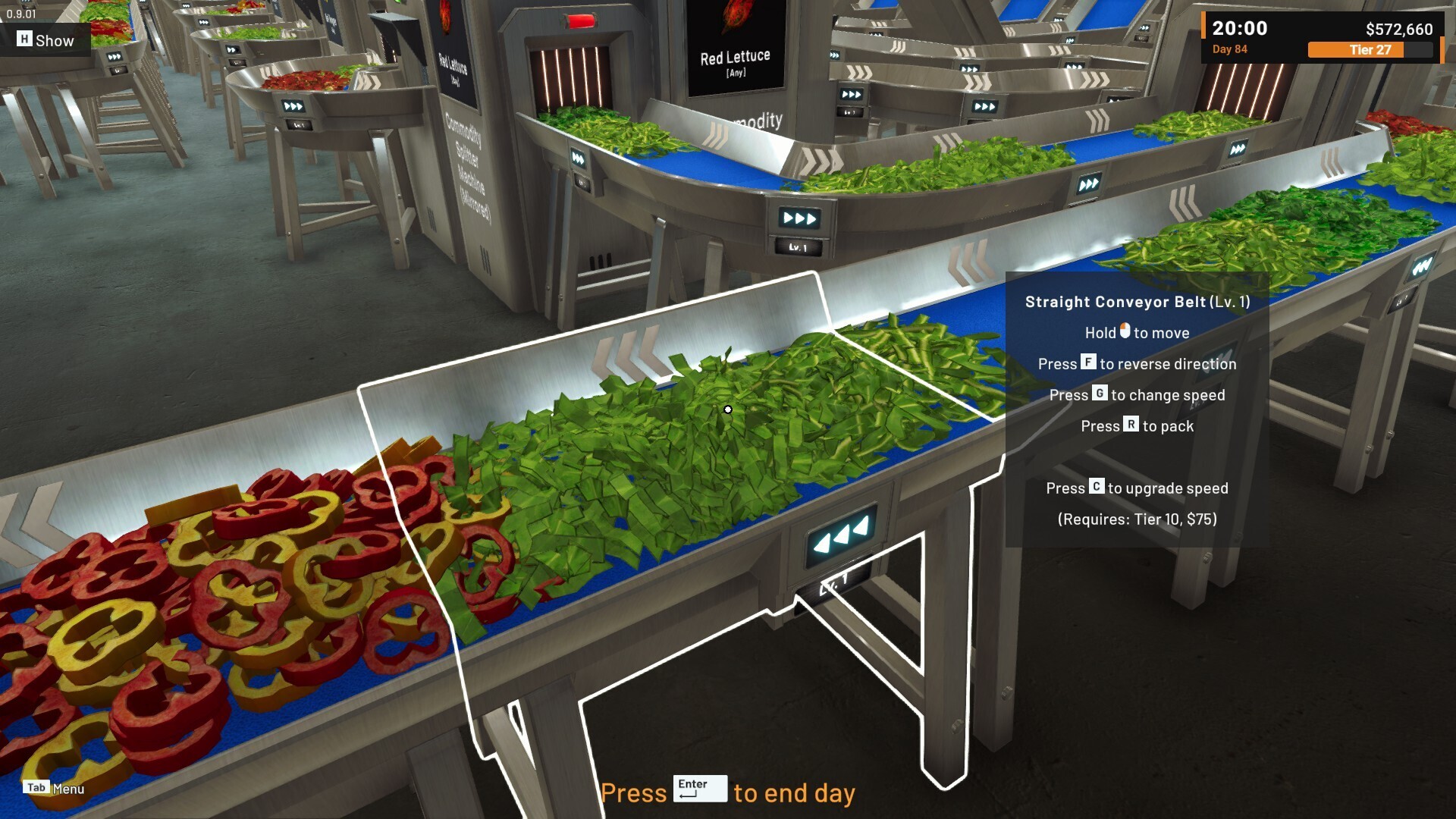
The first task is to install machines that handle each stage of food processing. By connecting these machines, you create a workflow that runs without constant player input, allowing the line to operate continuously once it is configured.
After the connections are in place you can fine‑tune the layout. Adjusting machine positions helps keep the flow smooth as you add more equipment later.
- Plan machine connections on paper or a diagram before placing them to reduce later rearrangements.
- Watch the visual flow arrows for any back‑tracking that could slow production.
02 / THE GUIDE
Factory Expansion
Expanding the facility adds new floor space and unlocks additional technologies. Each expansion gives access to more advanced machines, letting you accept larger orders and increase overall output.
More space also provides room for extra storage and parallel lines. Balancing new equipment with available area helps you scale without creating bottlenecks.
- Match upcoming order sizes with the capacity of your current layout before expanding.
- Leave open corridors for future machine placements to keep the layout flexible.
03 / THE GUIDE
Inventory Management
The game tracks raw ingredients, finished products, and shipping schedules. Monitoring these numbers lets you fulfill orders on time and prevents stalls caused by missing inputs.
Effective inventory handling means checking stock levels before starting new batches and arranging storage so frequently used items are easy to reach.
- Set a minimum threshold for each ingredient and restock before it falls below that level.
- Group similar items together in storage to reduce travel time for machines.
04 / THE GUIDE
Platform Features
Food Processing Simulator runs on Windows and includes full controller support, custom volume controls, and Steam Cloud saving. The game can be played without timed input, giving you the freedom to manage each step at your own pace.
Additional Steam features such as achievements, save‑anytime, and Family Sharing are also available.
- Use the volume sliders in the settings menu to match your listening environment.
- Steam Cloud automatically syncs your progress when you launch the game on another PC.
05 / THE GUIDE
Single‑Player Mode
All gameplay occurs in a single‑player environment, focusing on personal factory development and order fulfillment. Progress is tracked solely by your own actions.
Steam achievements record milestones such as completing expansions, reaching efficiency goals, and delivering orders.
- Review the achievement list to identify tasks that align with your current objectives.
- Use the save‑anytime feature before major layout changes to protect your progress.


COMMUNITY
Player discussion