 GameWiki
GET YOUR BEARINGS
About Flyout
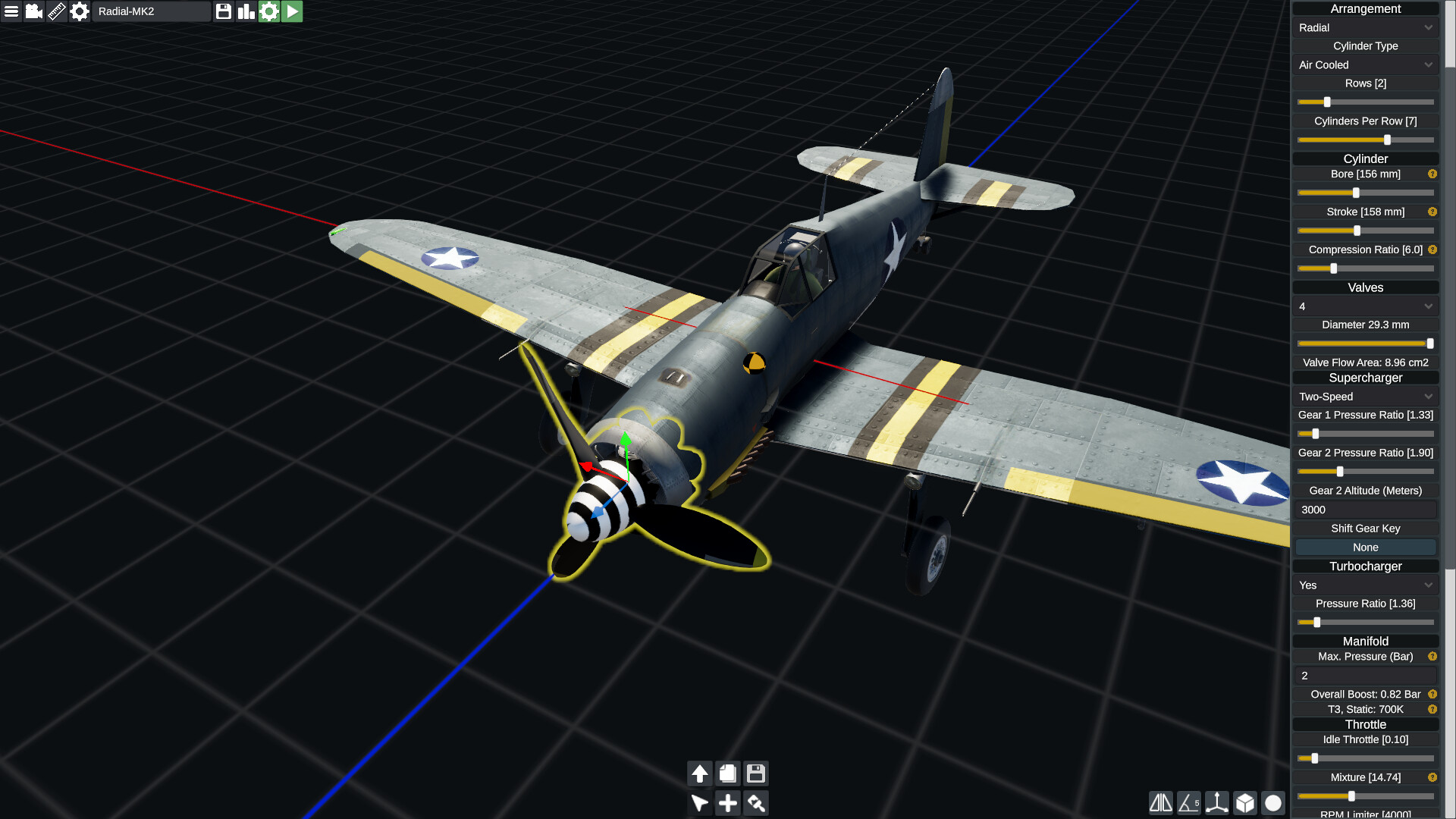
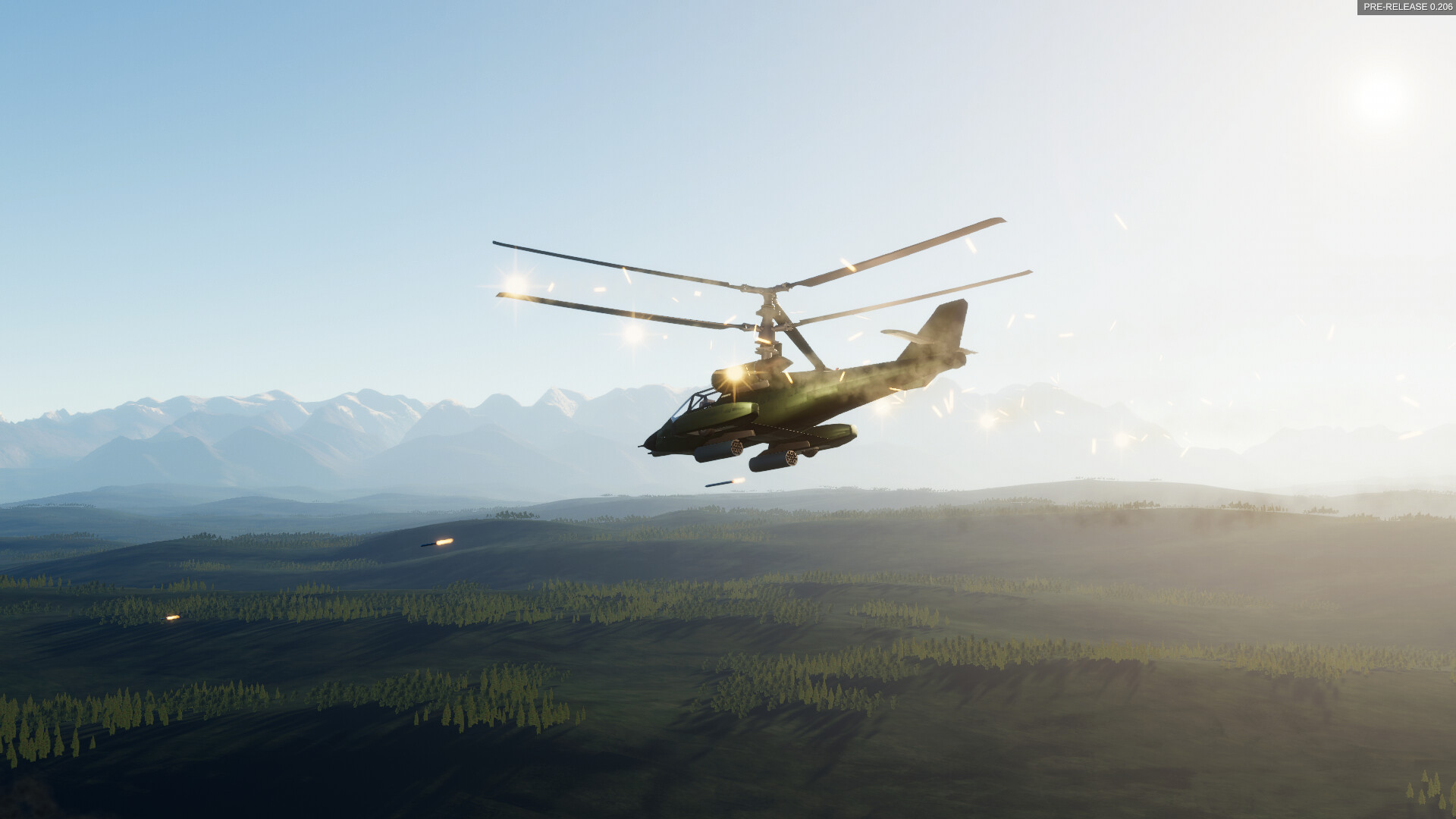
Flyout lets players design aircraft with a freeform fuselage editor, wing editor, material settings, paint tools, and import of custom decals. Configurable turbines, ramjets, piston engines, electric motors, propellers, rotors, landing gear, and control surfaces can be linked via gearboxes, while fly‑by‑wire and basic cockpit parts complete the build suite.
The simulation uses realistic physics: wing shape, span, and sweep heavily affect flight, fuselage drag derives from geometry, and engine performance is modeled. An atmospheric model adds wind, turbulence, vertical drafts, and ground effect as you test flights over an Earth‑sized procedurally generated planet. The game is Early Access, offers .obj import, lacks tutorials, and recommends basic aircraft‑physics knowledge.
01 / THE GUIDE
Editor Tools
The in‑game editor provides a freeform fuselage editor, a dedicated wing editor, and material and texture settings, allowing players to shape aircraft bodies without external software. Paint tools let users import custom decals and reference images to aid in creating accurate replicas.
Configurable components include turbines, ramjets, piston engines, electric motors, propellers and rotors, which can be connected to engines through gearboxes, plus landing gear and control surfaces. Fly‑by‑wire settings and basic cockpit interior parts round out the design capabilities.
- Experiment with wing span while keeping sweep constant to observe lift changes.
- Use reference images to maintain realistic proportions when modeling complex fuselages.
02 / THE GUIDE
Physics Simulation
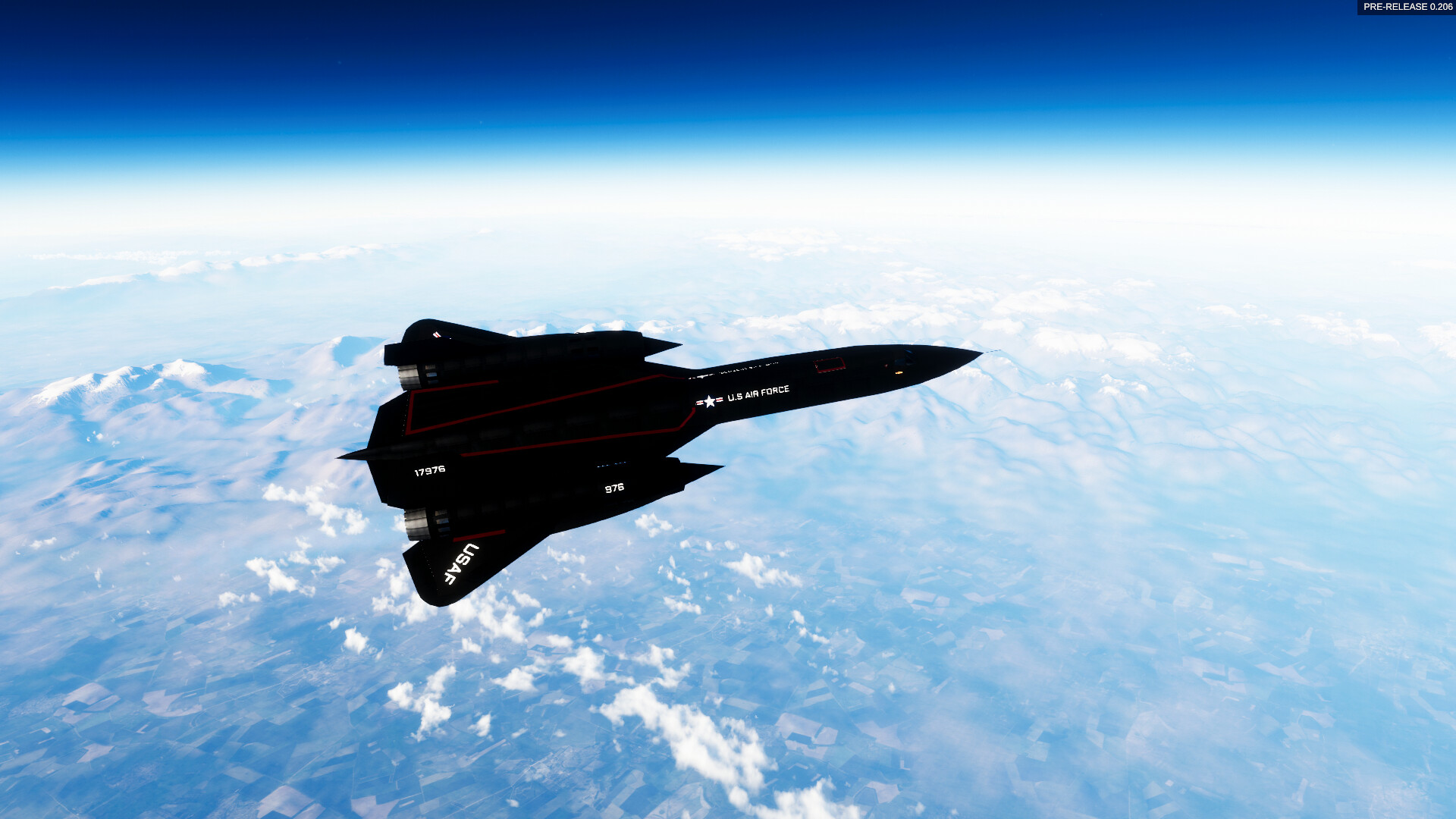
Flight dynamics consider wing shape, span, and sweep; fuselage drag is calculated directly from the shape of the model. Engine simulation influences thrust and aircraft sounds adapt to the current configuration.
The atmosphere model adds wind, turbulence, vertical drafts, and ground effect, providing realistic environmental influences during test flights across the planet’s surface.
- Adjust wing sweep gradually to notice variations in lift and drag.
- Observe how ground effect reduces take‑off distance when flying close to terrain.
03 / THE GUIDE
Modding Support
Flyout accepts .obj model files and associated textures, allowing creators to import custom parts or entire aircraft beyond the built‑in tools. This expands design possibilities for users comfortable with external 3D assets.
Because the editor is highly unrestricted and the game is Early Access, imported geometry may trigger occasional bugs that require troubleshooting.
- Organize texture maps in separate folders before importing.
- Test a simple model in an empty scene before attaching it to a complex design.
04 / THE GUIDE
Early Access Considerations
The Early Access version provides limited tool tips and no dedicated tutorials, placing higher demand on player knowledge of aircraft physics and flight controls. Bugs may appear because the editor is highly unrestricted.
A basic understanding of flight dynamics is recommended; newcomers may benefit from external resources on aerodynamics before tackling the design tools.
- Read introductory aerodynamics articles before opening the editor.
- Save design iterations frequently to avoid losing work after crashes.
05 / THE GUIDE
Platform Availability
Flyout is released for Windows and supports single‑player gameplay as well as Steam Family Sharing. No macOS or Linux support is listed in the official data.
The game runs through Steam on compatible PCs; no additional hardware requirements beyond a standard PC are mentioned in the source.
- Verify your Windows version meets the minimum specifications.
- Enable Family Sharing if you want multiple accounts to access the same installation.
COMMUNITY
Player discussion