 GameWiki
GET YOUR BEARINGS
About Fly'N
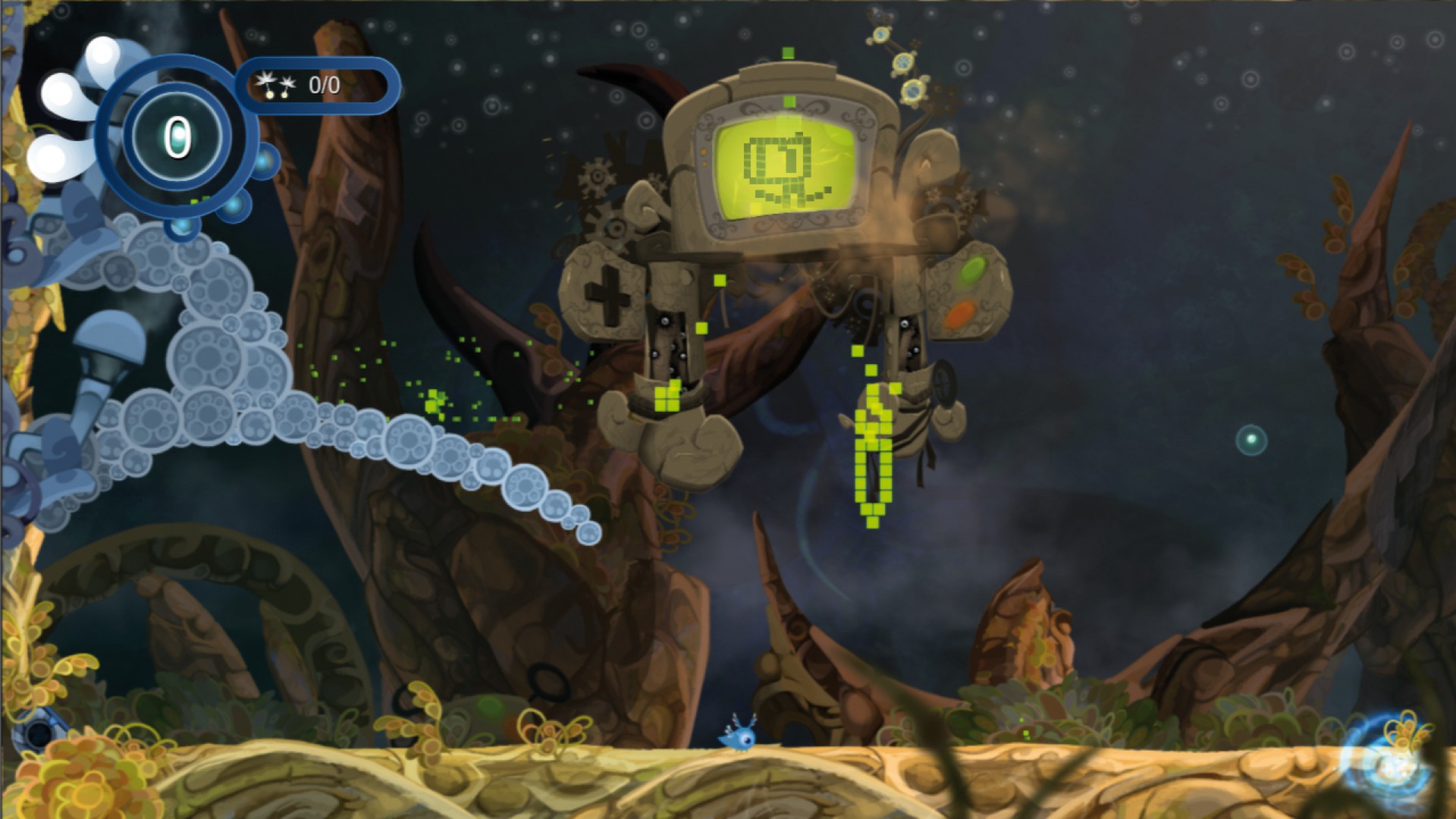
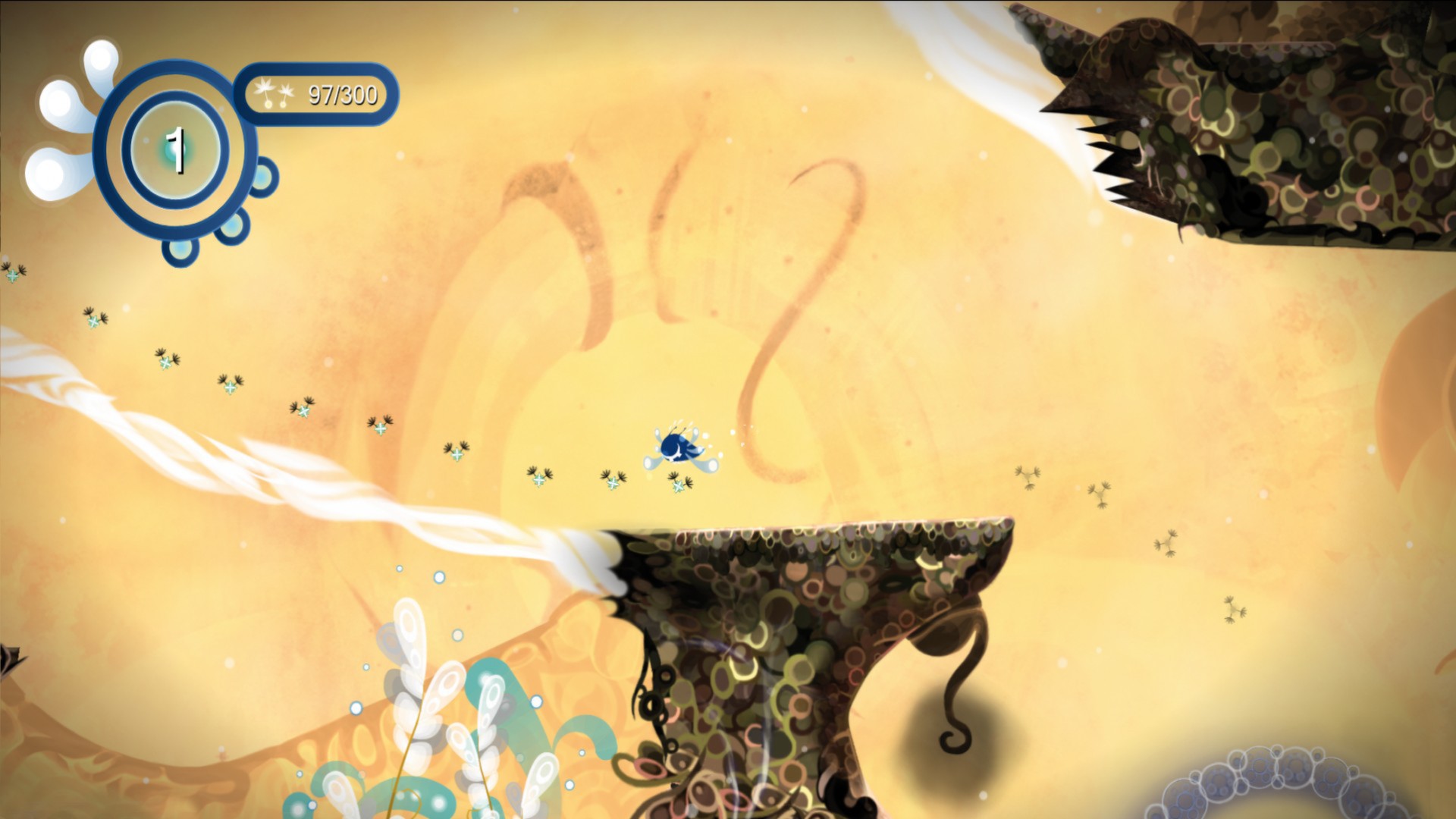
Fly'N blends platforming, puzzles, and whimsical fun across more than forty levels set in a lush world. Players guide four distinct Buds—each with a unique power—to rescue the World‑Trees from the antagonist Dyer. The game emphasizes experimenting with abilities, reshaping the environment, and navigating hazards.
Progress is measured through Steam leaderboards, achievements, and trading cards, while the title supports partial controller use and family sharing. Developed by Ankama Games, Fly'N is available for Windows and offers a single‑player experience that encourages creative problem‑solving.
01 / THE GUIDE
Bud Powers
Each Bud provides a different mechanic: Fly'N sings to affect surroundings, Lyft adheres to walls, Ywok inflates like a balloon becoming invincible, and Nyls propels through the air. Switching among them lets players tackle varied obstacles.
Understanding when to employ each power is essential, as levels are designed with specific challenges that align with a Bud’s ability. Mastery comes from recognizing which power best fits a given situation.
- Try pairing Lyft’s wall‑stick with Fly'N’s singing for combined effects.
- Observe Ywok’s bounce to reach high platforms without precise jumps.
02 / THE GUIDE
Environment Interaction
Fly'N’s singing lets him interact with elements of the level, tying his ability to the world around him. This mechanic ties the character’s ability to the world’s layout.
Redistributing the Helys changes the environment further, freeing Helicia’s inhabitants. The game rewards players who experiment with these environmental tools.
- Pay attention to how the environment responds to Fly'N’s singing.
- Combine Hely redistribution with Nyls’ flight for faster traversal.
03 / THE GUIDE
Level Structure
Fly'N offers more than forty distinct levels, each introducing new hazards and puzzles. The levels present a broad range of hazards and puzzles to challenge your skills.
The level count provides ample opportunity to practice each Bud’s power, ensuring players encounter a broad range of scenarios before reaching later stages.
- Replay earlier levels to practice each Bud’s power in different situations.
- Take note of recurring hazard patterns to anticipate required powers.
04 / THE GUIDE
Steam Leaderboards
Scores are recorded on Steam leaderboards, allowing players to compare their performance with friends and the developers. Rankings reflect the scores players record on the leaderboards.
Achieving a high position encourages replay for efficiency, as the leaderboard updates with each new run.
- Focus on minimizing time spent switching Buds for faster runs.
- Review top scores to identify potential route optimizations.
05 / THE GUIDE
Single‑Player and Steam Extras
Fly'N is a single‑player title that integrates Steam achievements, trading cards, and partial controller support. These features enhance replay value without altering core gameplay.
Family Sharing lets multiple accounts access the game, while stats track personal progress across sessions.
- Check the achievement list for optional challenges.
- Use controller support if preferred, but note it is partial.



COMMUNITY
Player discussion