 GameWiki
GET YOUR BEARINGS
About Fluid Lander - フリュードランダー
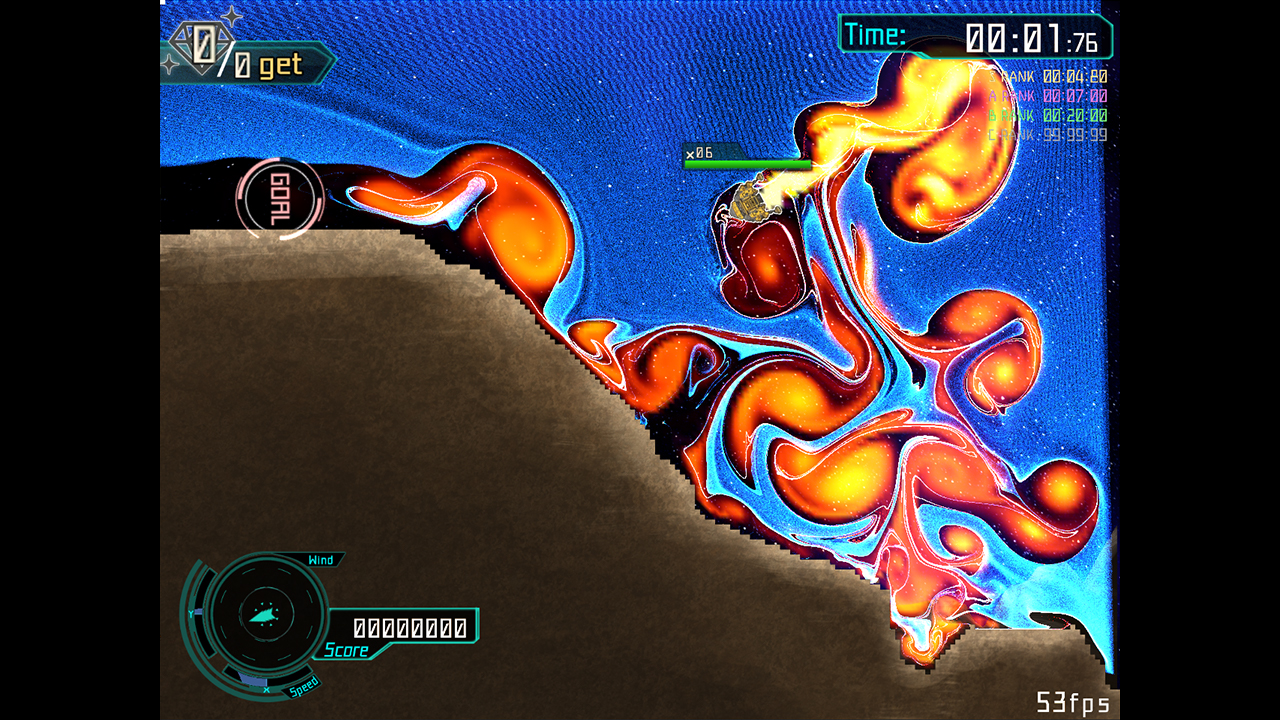
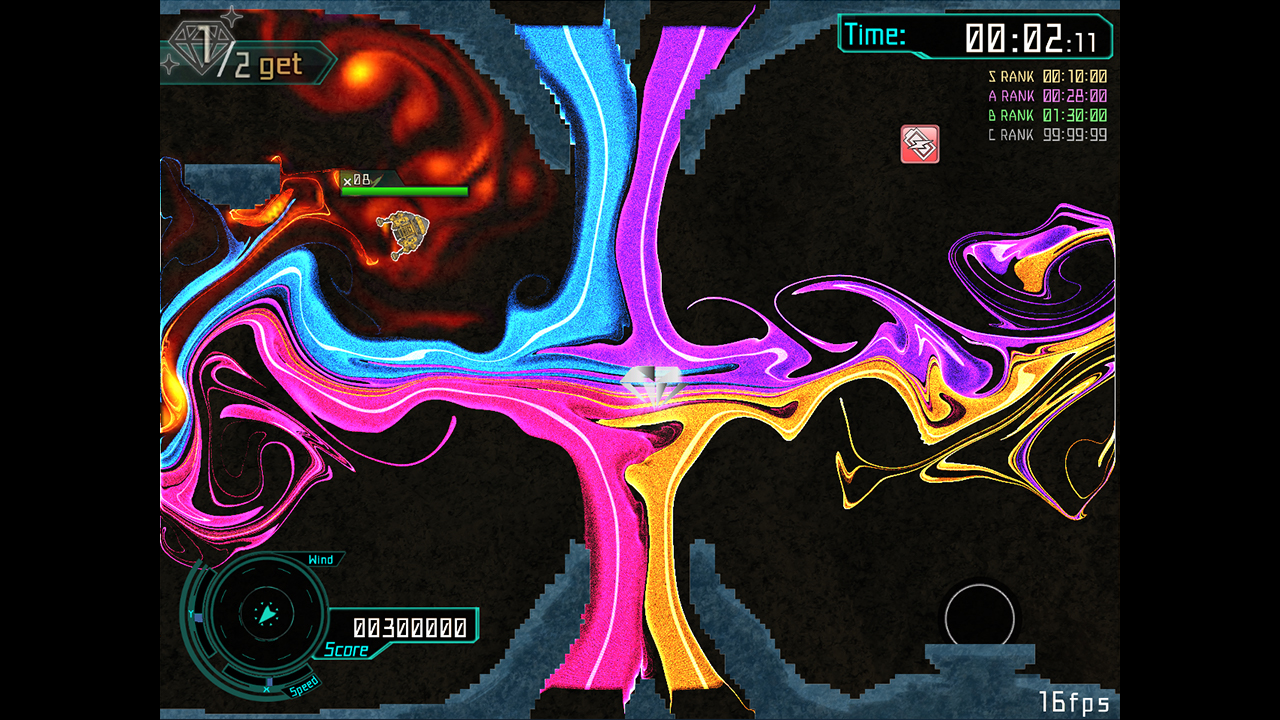
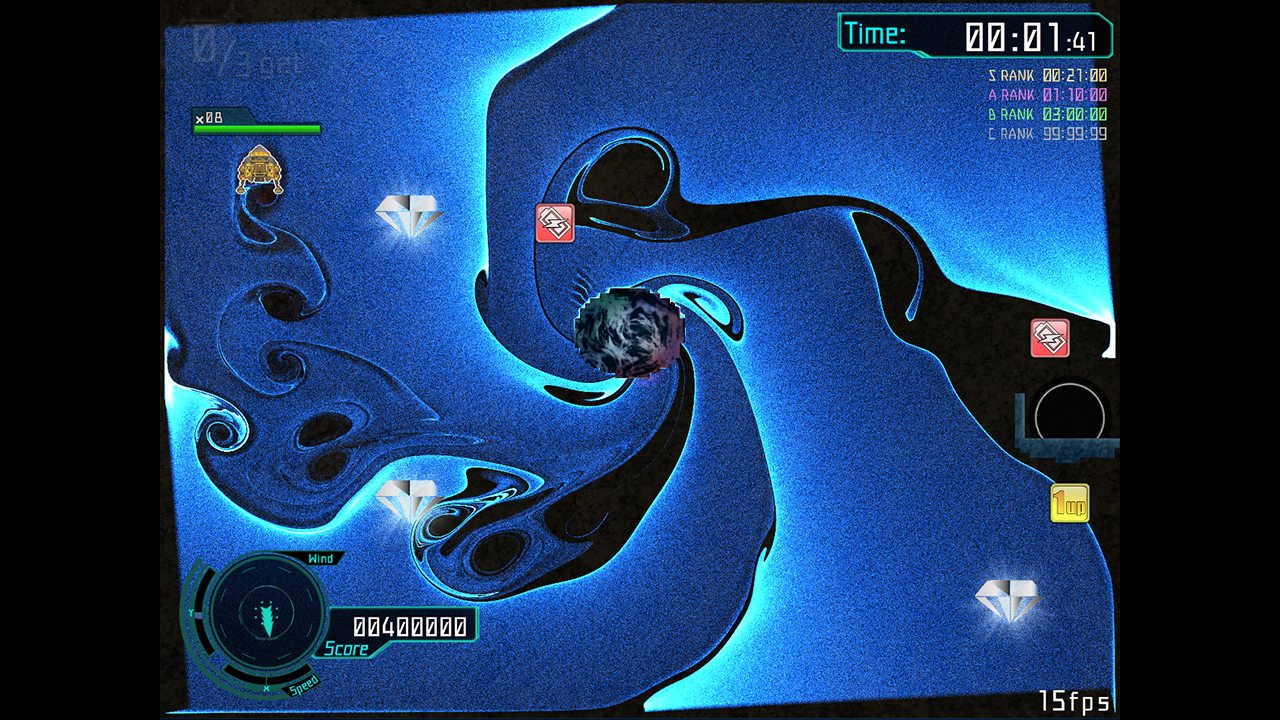
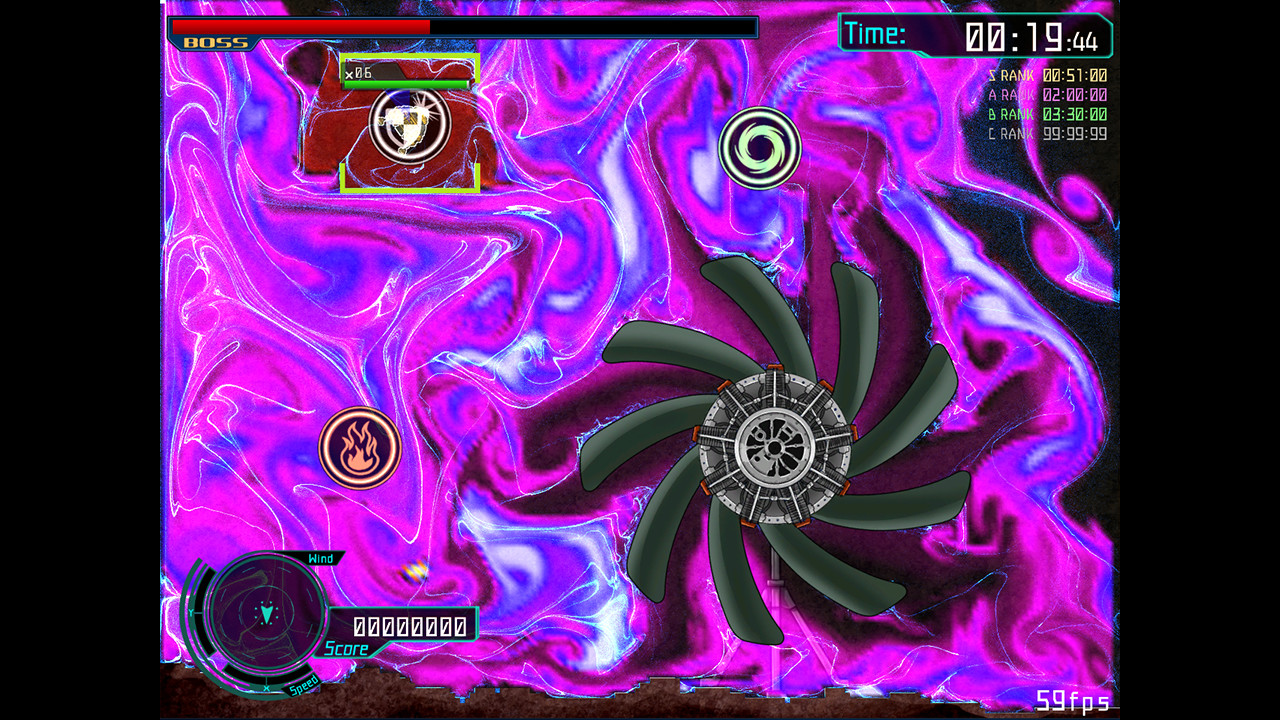
Fluid Lander is a 2D action title where you pilot a spacecraft toward a goal point. It draws inspiration from classic Lunar Lander and adds a physics‑based “fluid” air that influences movement.
The story follows Ms Kei on a moon mission to collect rare earth for GPU production, only to be struck by an Aetherstorm. The game is free‑to‑play, single‑player, and runs on Windows via Steam.
01 / THE GUIDE
Story Premise
The background describes a meteor threat that drives humanity to seek rare earth on the moon. Ms Kei’s spacecraft encounters an Aetherstorm while gathering the material, establishing the immediate challenge.
This premise is presented before gameplay begins and gives a concrete reason for navigating toward a designated goal point amid hazardous conditions.
- Consider the storm’s urgency when timing thrust bursts.
- Use the visual goal point as a reference for each attempt.
02 / THE GUIDE
Control Scheme
Fluid Lander employs tank‑style controls, separating thrust from rotation. The description notes that these controls may feel unfamiliar at first.
Partial controller support is listed, indicating that a gamepad can be used, though the exact button layout is not detailed in the source.
- Spend a short session experimenting with thrust and rotation to build muscle memory.
- If using a gamepad, try each button to discover the default mapping.
03 / THE GUIDE
Physics System
The game describes a “physics‑based air (fluid)” concept that influences the spacecraft, differentiating it from traditional Lunar Lander gravity.
Managing thrust against this fluid drag is central to reaching the goal point, making careful timing essential.
- Observe how the craft decelerates when thrust is released and adjust accordingly.
- Compare short thrust bursts with longer ones to feel the fluid’s effect.
04 / THE GUIDE
Steam Achievements
Fluid Lander includes Steam Achievements, allowing players to earn recognitions for specific in‑game actions. The source lists the feature without detailing individual criteria.
These achievements appear on the Steam client and can be tracked while playing.
- Open the achievement list before a session to note which actions might be relevant.
- Attempt varied maneuvers to increase the chance of unlocking unknown badges.
05 / THE GUIDE
Platform Support
The title is available on Windows through Steam and does not list macOS or Linux support. Family Sharing is also noted as a feature.
Partial controller support is mentioned, meaning a gamepad can be used alongside the default input method.
- Confirm that the game launches on a Windows PC before starting.
- Test controller functionality early to avoid surprises later.
COMMUNITY
Player discussion