 GameWiki
GET YOUR BEARINGS
About Flowers And Favours: Florist Simulator
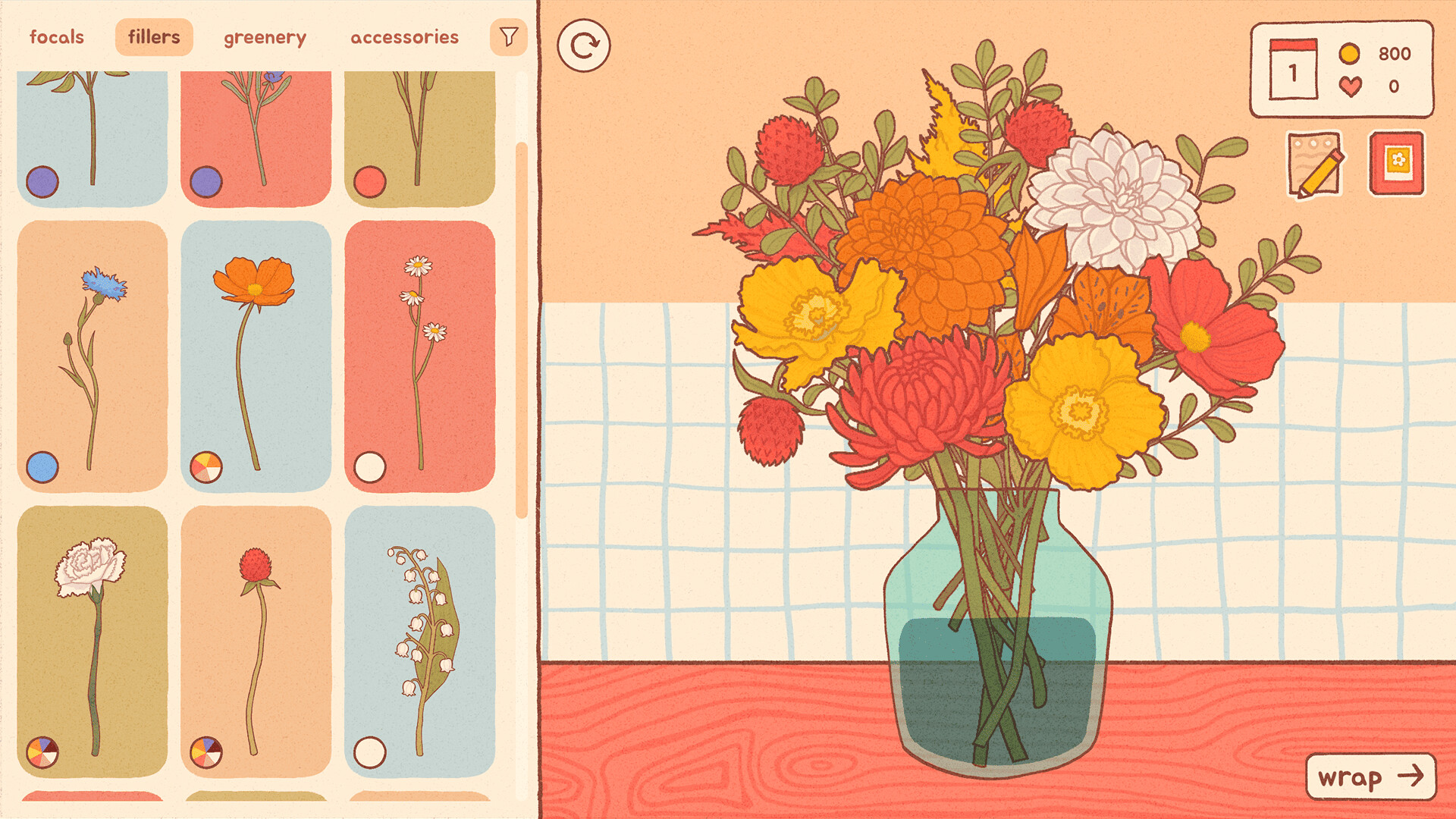
Flowers And Favours: Florist Simulator invites players into a relaxed shop where they can design bouquets from a selection of 55 different flowers. The game emphasizes creativity, letting you experiment with shapes, colors, and decorative accessories while chatting with cute customers.
Beyond arranging, you can wrap your creations with ribbons, paper, or place them in vases, visit Daisy’s market for new flora, and store finished works in a photobook. All features are available in single‑player mode with save‑anytime and Steam Cloud support.
01 / THE GUIDE
Cute Customer Requests
The game presents a variety of adorable characters who approach your shop with specific bouquet requests. Their dialogue offers inspiration and hints about preferred flower types or styles.
Listening to each request helps you decide which blooms to combine, making the interaction a gentle guide rather than a strict objective.
- Observe recurring color themes in customer wishes to streamline your design choices.
- Use the chat as a cue for experimenting with less‑used flowers.
02 / THE GUIDE
55 Florals to Mix
A library of 55 distinct flowers provides the core material for bouquet creation. Each bloom varies in shape and hue, allowing countless combinations.
Mixing and matching these options lets you explore personal aesthetics, from bold contrasts to subtle gradients, without any timed pressure.
- Group flowers by similar petal shapes for cohesive arrangements.
- Contrast bright colors with muted greens for visual balance.

03 / THE GUIDE
Finishing Touches
After assembling a bouquet, you can select ribbons, wrapping paper, or a vase to complete the presentation. These accessories add a personal flair and can reflect the mood of the order.
Choosing different wraps lets you add a personal finishing touch to each piece.
- Pair soft pastel ribbons with delicate flowers for a gentle look.
- Use a sturdy vase when arranging taller stems for stability.
04 / THE GUIDE
Daisy's Floral Market
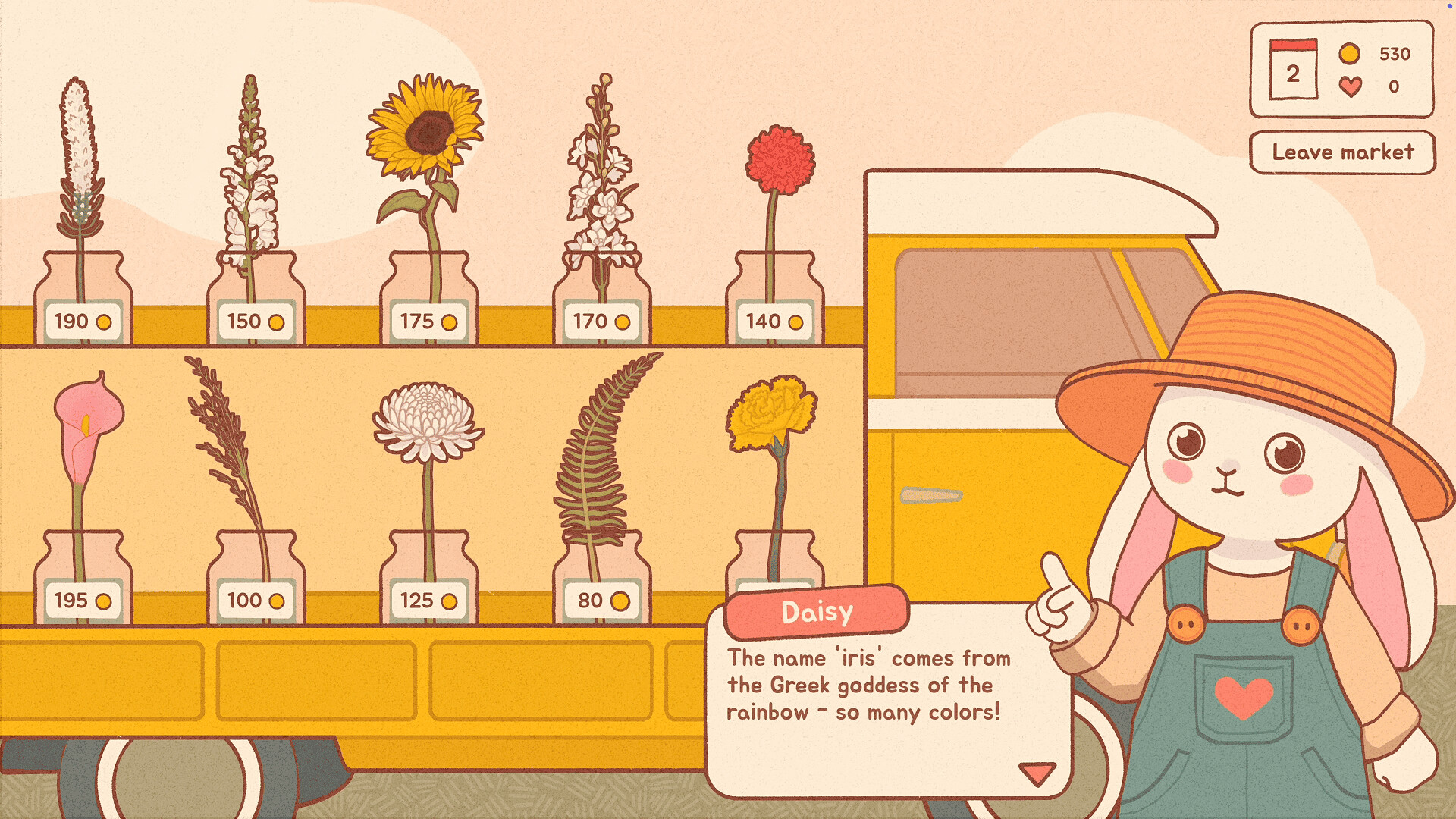
The market, run by Daisy, offers additional flowers and greenery that can be purchased with rewards earned from shop activities. Visiting expands your inventory beyond the initial selection.
Market trips are optional but provide fresh options for future designs, encouraging periodic exploration.
- Check the market after completing several orders to refresh your stock.
- Compare new greenery with existing bouquets to discover novel pairings.
05 / THE GUIDE
Photobook Collection
Favorite bouquets can be saved to a dedicated photobook, creating a personal archive of your creations. This feature lets you revisit past designs at any time.
The photobook serves as a visual journal, useful for tracking stylistic evolution or simply enjoying past work.
- Organize saved bouquets by theme for easy reference.
- Review older entries to inspire new variations.


COMMUNITY
Player discussion