 GameWiki
GET YOUR BEARINGS
About Fling to the Finish
Fling to the Finish is a cooperative racing game where two players are linked by a stretchy elastic rope. The rope starts tangled, but communication lets teams turn it into a tool for swinging, pulling, and flinging each other over obstacles.
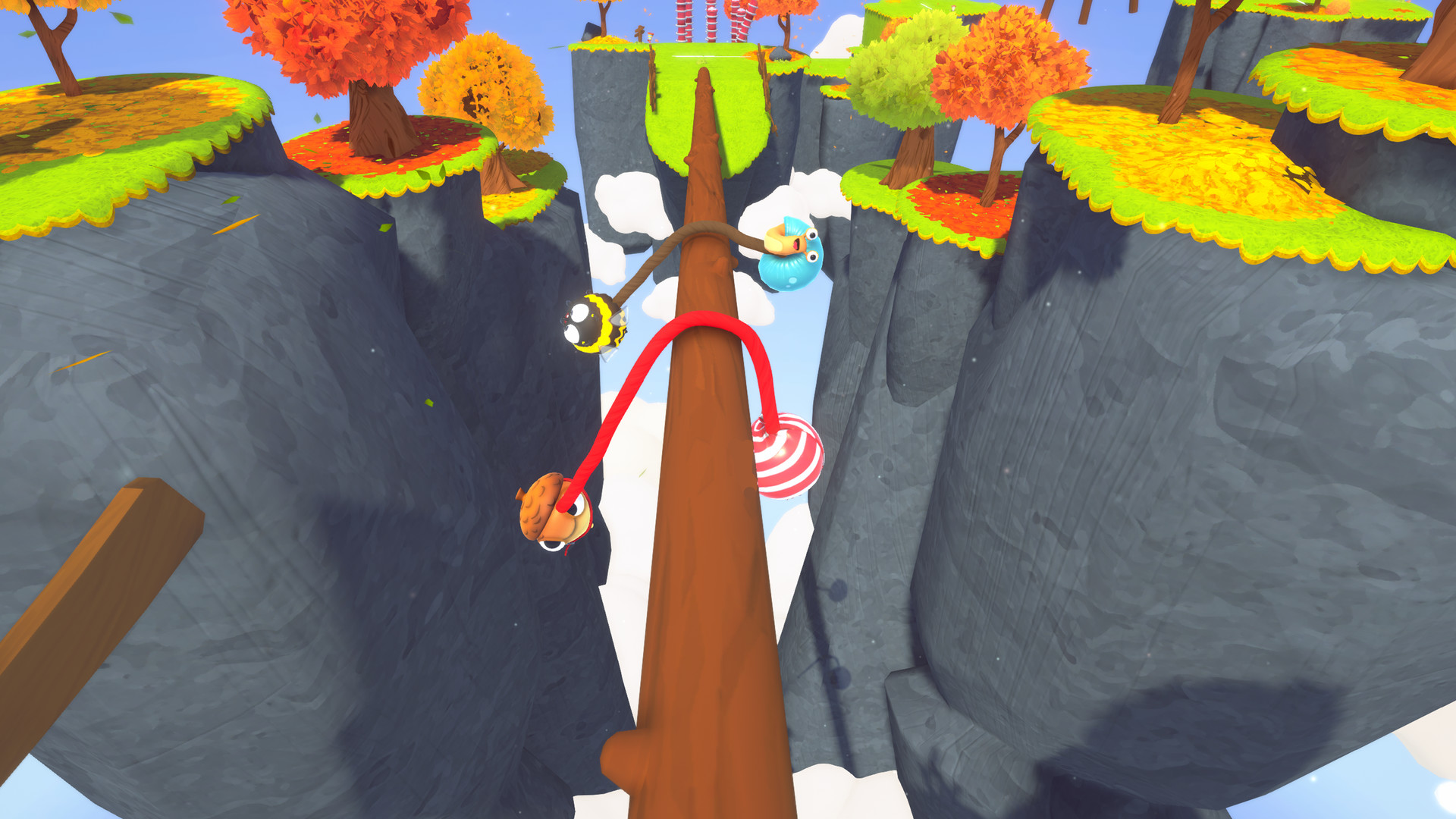
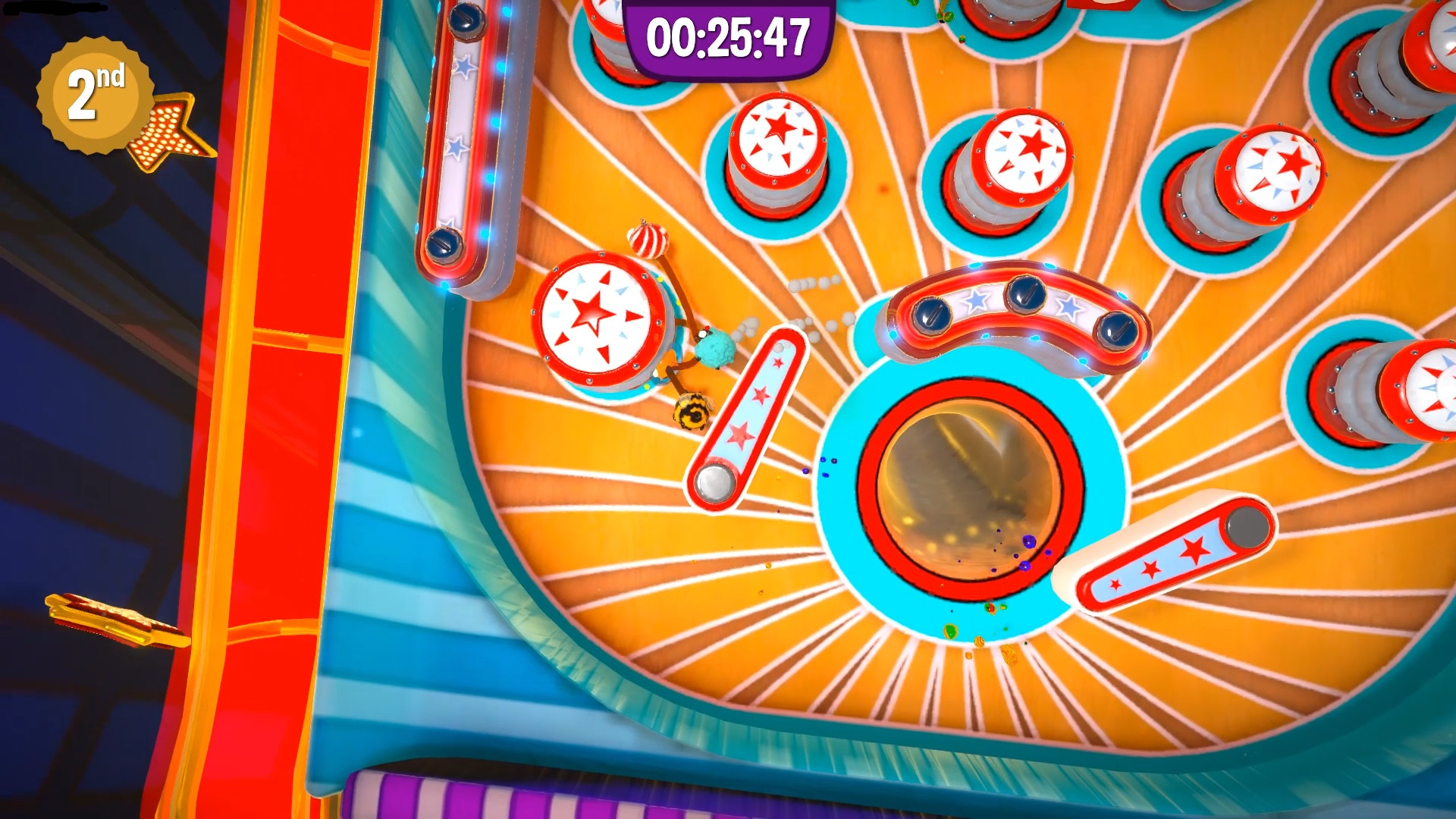
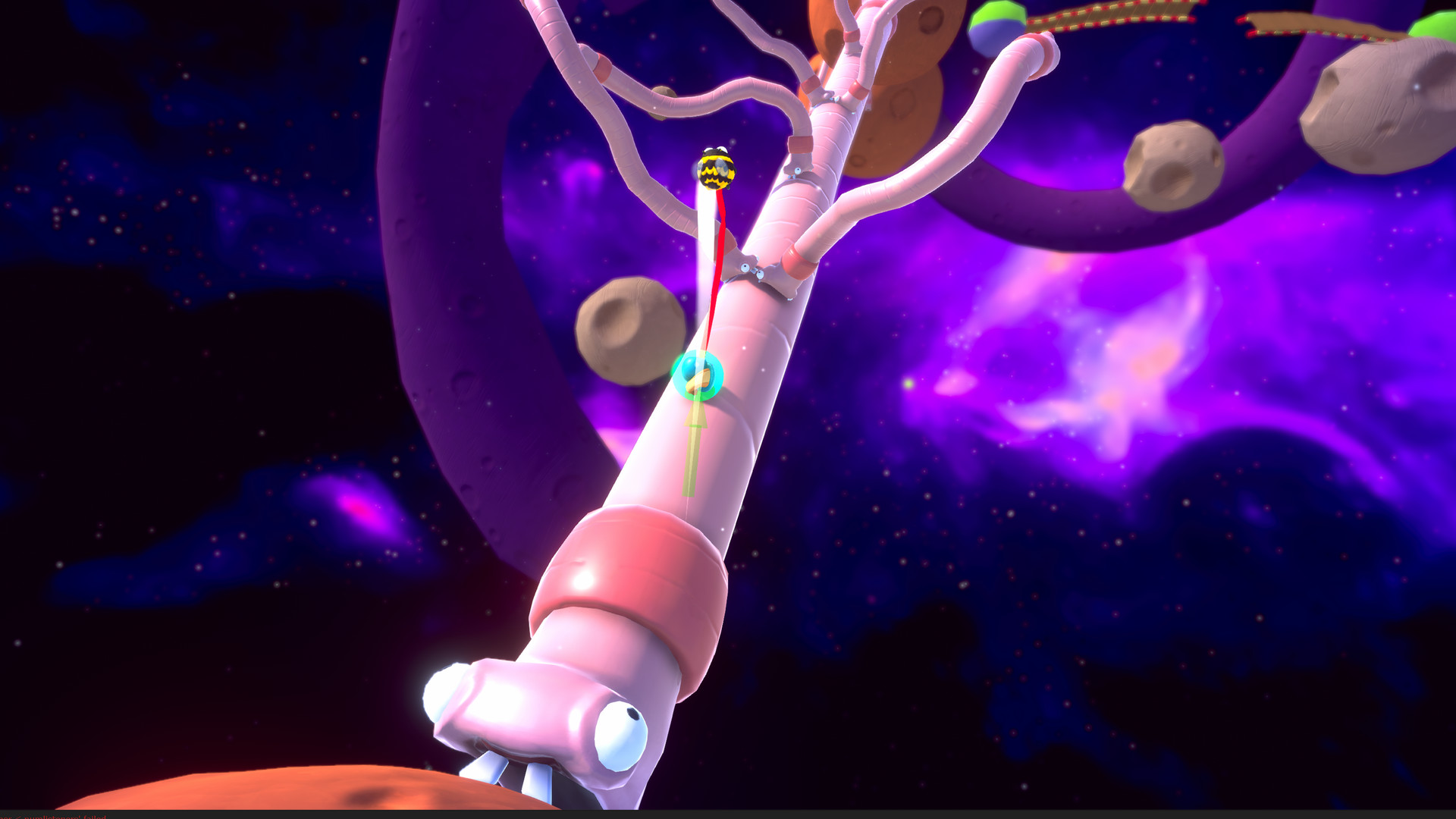
Races take place on uniquely themed courses—floating parks, giant casinos, worm‑filled asteroid fields—and the track changes during play, adding new hazards that keep each run unpredictable and competitive.
01 / THE GUIDE
Rope Mechanics
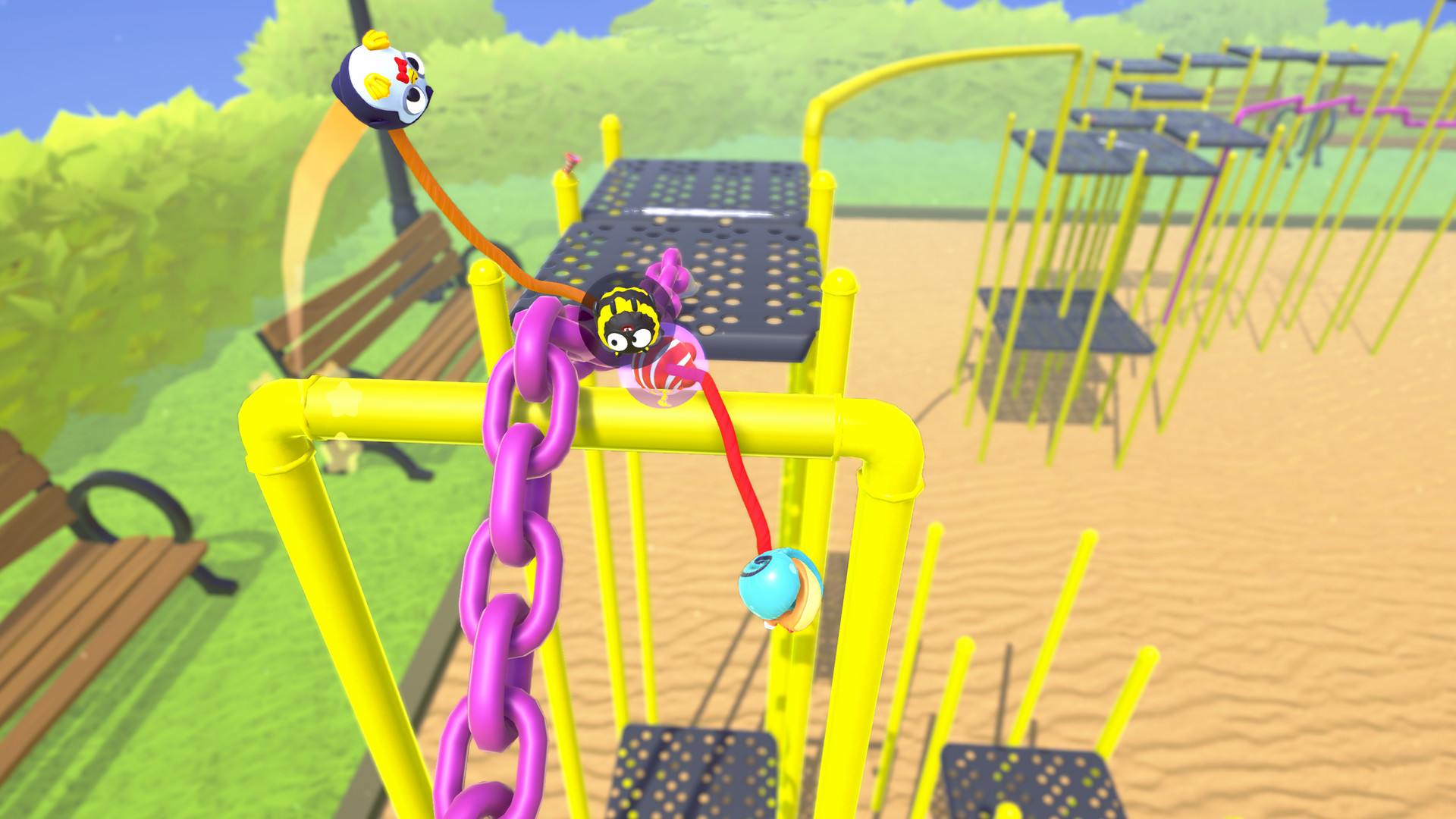
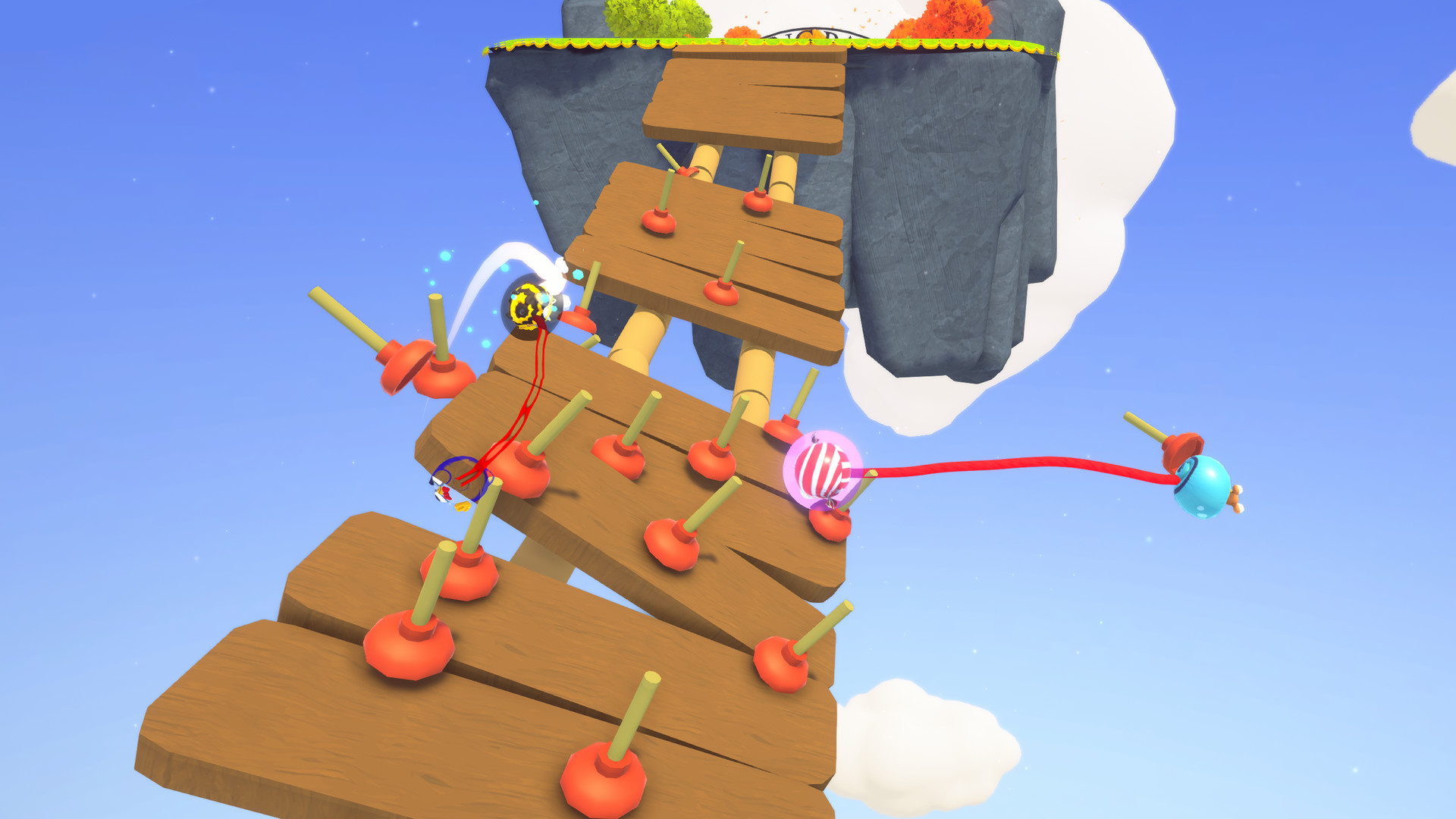
At the beginning of every race the rope catches on many elements, creating chaotic movement. Teams that talk and coordinate can convert this liability into a swing, allowing them to launch over gaps and avoid hazards.
More experienced duos learn to pull and release at precise moments, using the rope to fling a partner onto higher platforms. This creates platforming feats that would be impossible without the tether.
- Observe how the rope reacts to different obstacles; subtle changes often reveal new swing points.
- Experiment with pull strength and release timing to discover reliable distances for each jump.
02 / THE GUIDE
Course Variety
Each track features a distinct visual theme—floating parks, giant casinos, asteroid fields filled with worms—that shapes platform layout and hazard placement. The theme signals the type of rope interaction likely needed.
During a race the track itself evolves, adding unexpected obstacles that force players to adapt their rope strategy on the fly, keeping the competition tense.
- Use visual cues of each theme to anticipate where rope‑based maneuvers will be required.
- When the track shifts, pause briefly to discuss a new plan before the next segment.
03 / THE GUIDE
Multiplayer Modes
Teams of two can race locally with split‑screen or shared‑screen, or compete online against other duos. Both setups keep the rope at the core of the experience.
The game includes online PvP, online co‑op, and shared/split‑screen options, and it supports Steam Leaderboards and Steam Achievements for tracking progress.
- Try both local split‑screen and online play to find the communication style that fits your team.
- Check the leaderboards for benchmark times; they give a clear target for improvement.
04 / THE GUIDE
Item Interaction
Opposing teams can launch items such as plungers, sinking weights, and lasers to disrupt progress. These hazards add a tactical layer, especially when a team falls behind.
Items also serve to balance matches, helping even the score when one pair has more experience than the other.
- Learn the visual and audio cues of incoming items so you can dodge or use the rope to move out of their path.
- When you receive an item, consider whether a quick rope swing can put you out of its effective range.
COMMUNITY
Player discussion