 GameWiki
GET YOUR BEARINGS
About Flight Of Nova
Flight of Nova is a Newtonian‑style space simulator set in the Noren star system. Players pilot a variety of spacecraft on transport and search missions while contending with realistic aerodynamics, orbital physics, and Earth‑inspired atmospheric density.
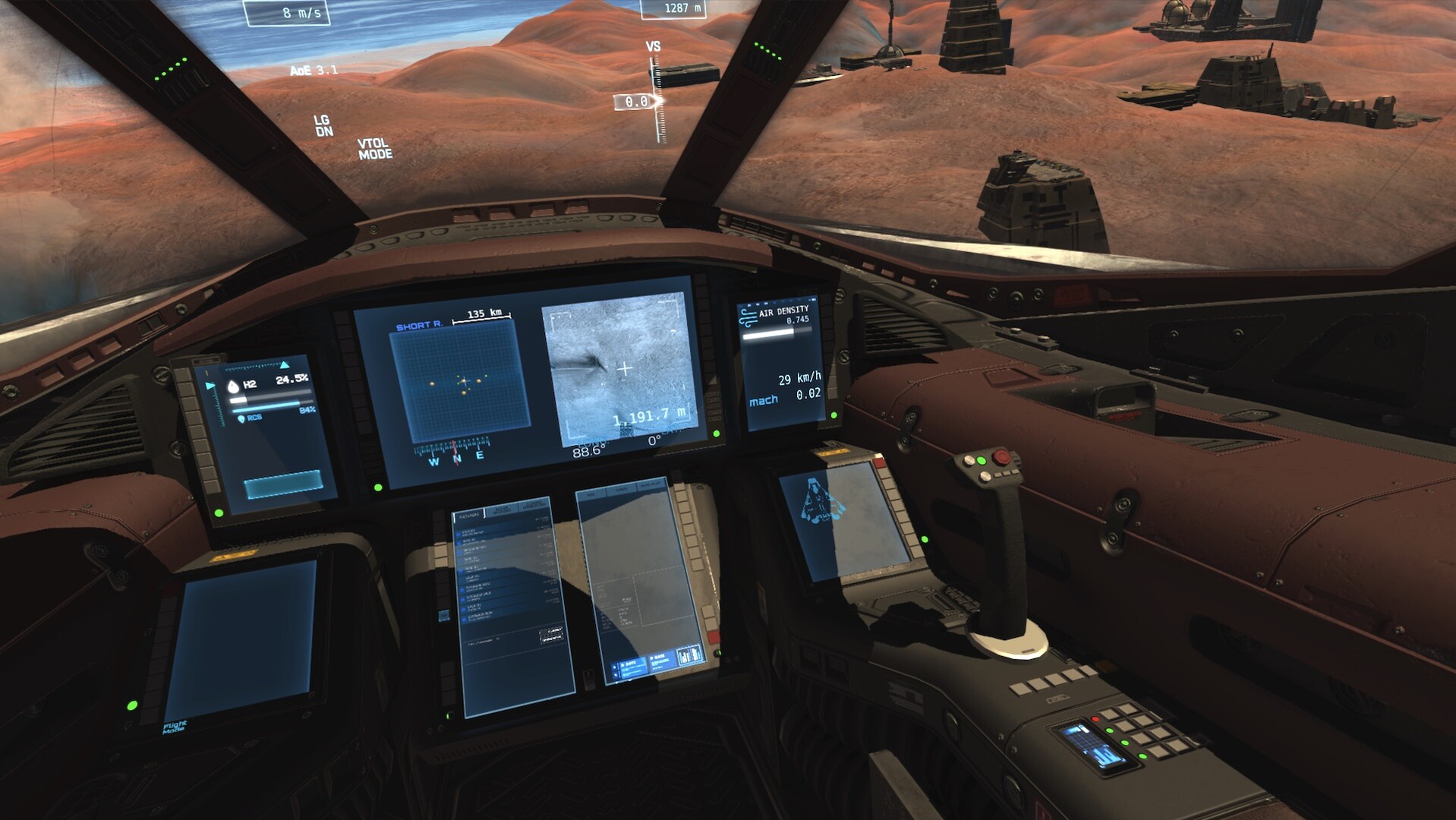
The title offers two distinct gameplay modes—Map Operations, which strings together missions from a specific region or orbital station, and Rogue Mode, which generates global missions from messages displayed on the cockpit monitor (FMS). It runs on Windows and Linux and includes partial controller support.
01 / THE GUIDE
Gameplay Modes
Map Operations presents a series of missions tied to a particular region or orbital station, allowing players to progress through a coherent set of objectives that share a common location context.
Rogue Mode creates missions on a system‑wide scale, triggered by messages that appear on the cockpit monitor (FMS). This mode provides a more spontaneous mission flow that can originate from any part of the Noren system.
- Compare the pacing of missions in each mode to see how regional focus versus global scope affects planning.
- Observe how mission briefings differ between the structured Map Operations and the message‑driven Rogue Mode.
02 / THE GUIDE
Physics Simulation
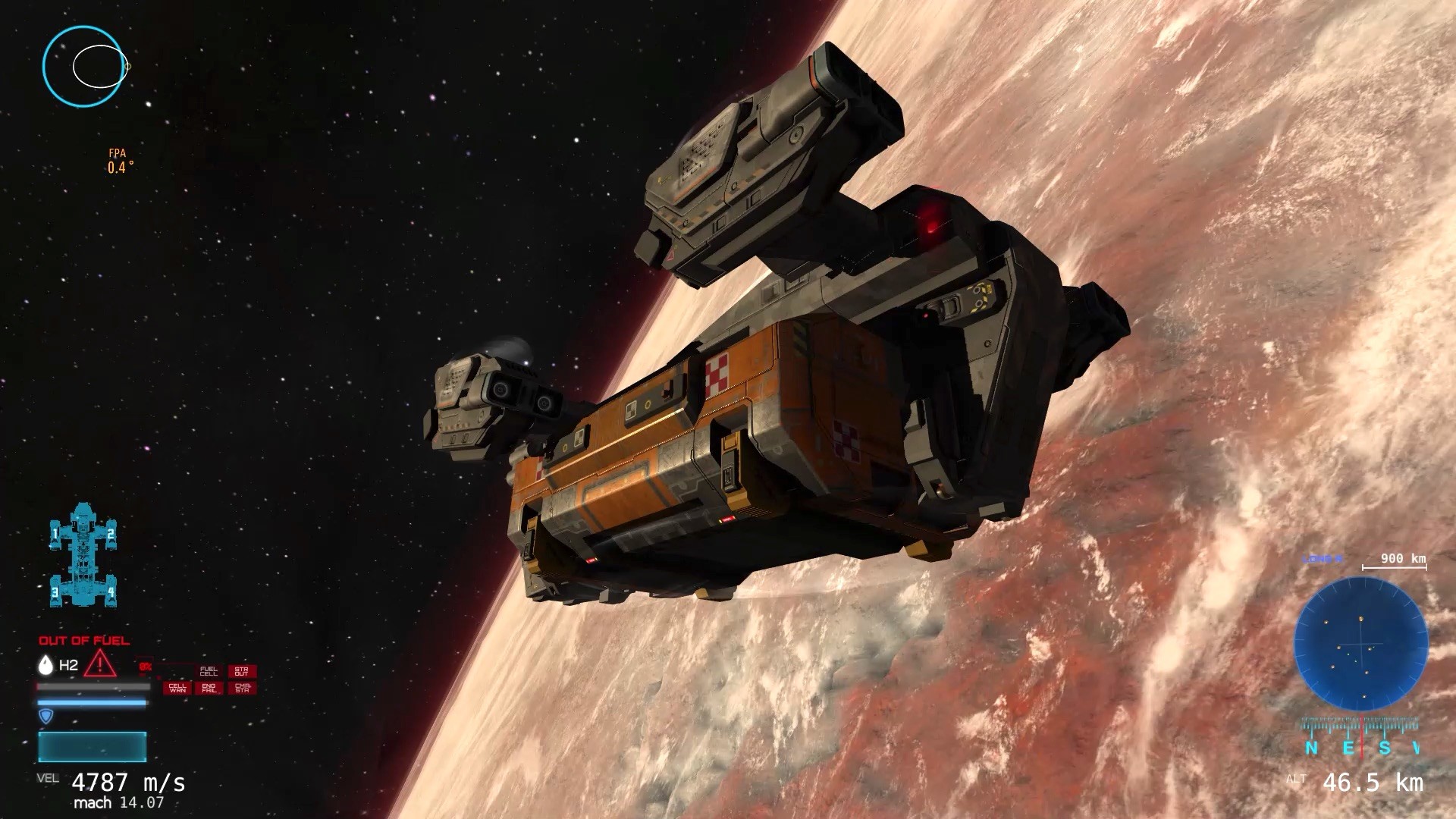
The simulator applies Newtonian mechanics, delivering realistic gravitation and orbital physics that influence spacecraft trajectories throughout the Noren star system.
Atmospheric density is modeled after Earth data, and aerodynamic drag is calculated according to each vessel's shape, with drag and air‑friction energy calculations affecting real‑time control.
- Watch how different ship silhouettes change drag during atmospheric entry.
- Compare orbital paths when adjusting thrust versus relying on natural gravitation.

03 / THE GUIDE
Hardware Support
Flight of Nova includes partial controller support, enabling use of devices such as HOTAS setups for more immersive spacecraft handling.
The game also supports TrackIR, providing head‑tracking capabilities that can complement the partial controller configuration.
- If you have a HOTAS, experiment with its axes to fine‑tune thrust and attitude control.
- Test TrackIR alongside your controller to see which input method feels more natural for cockpit monitoring.
04 / THE GUIDE
Environment and Structures
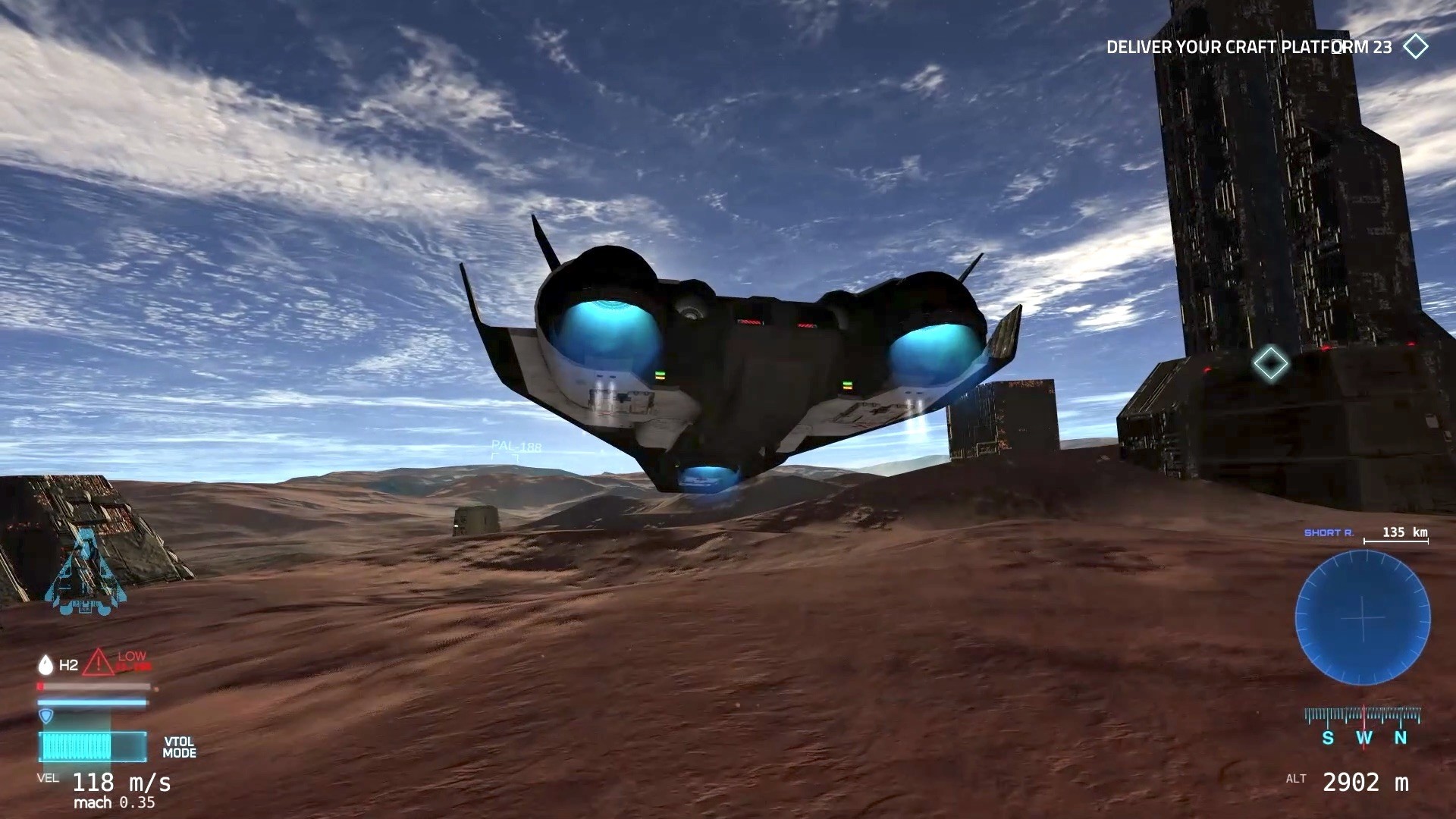
Players can interact with orbital stations, a docking system, and planet surface outposts that are placed on a full‑scale body with a 12,700 km diameter.
These structures serve as landing, docking, and mission‑related objectives that appear across both gameplay modes.
- Approach docking zones slowly to observe alignment cues provided by the station.
- Note visual differences between orbital stations and surface outposts when planning approaches.
05 / THE GUIDE
Mission Types
Core missions consist of search tasks, where players locate targets across the system, and transport tasks, which require delivering cargo between locations.
Quick flight challenges add short, focused objectives that test handling and navigation skills without the longer scope of other missions.
- Use transport missions to practice fuel management before attempting search missions.
- Treat quick flight challenges as practice runs for larger mission scenarios.
COMMUNITY
Player discussion