 GameWiki
GET YOUR BEARINGS
About Flight Control HD
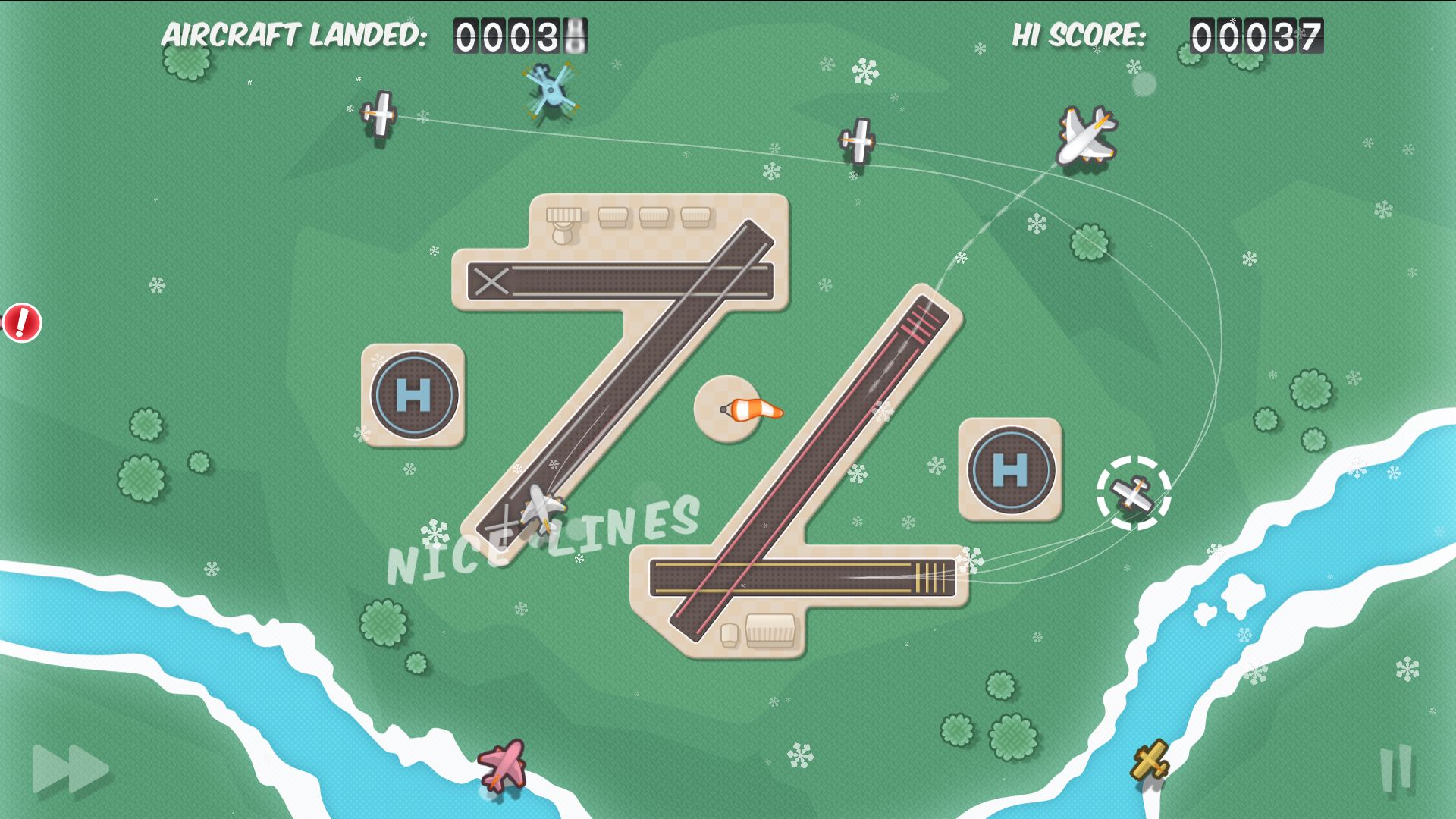
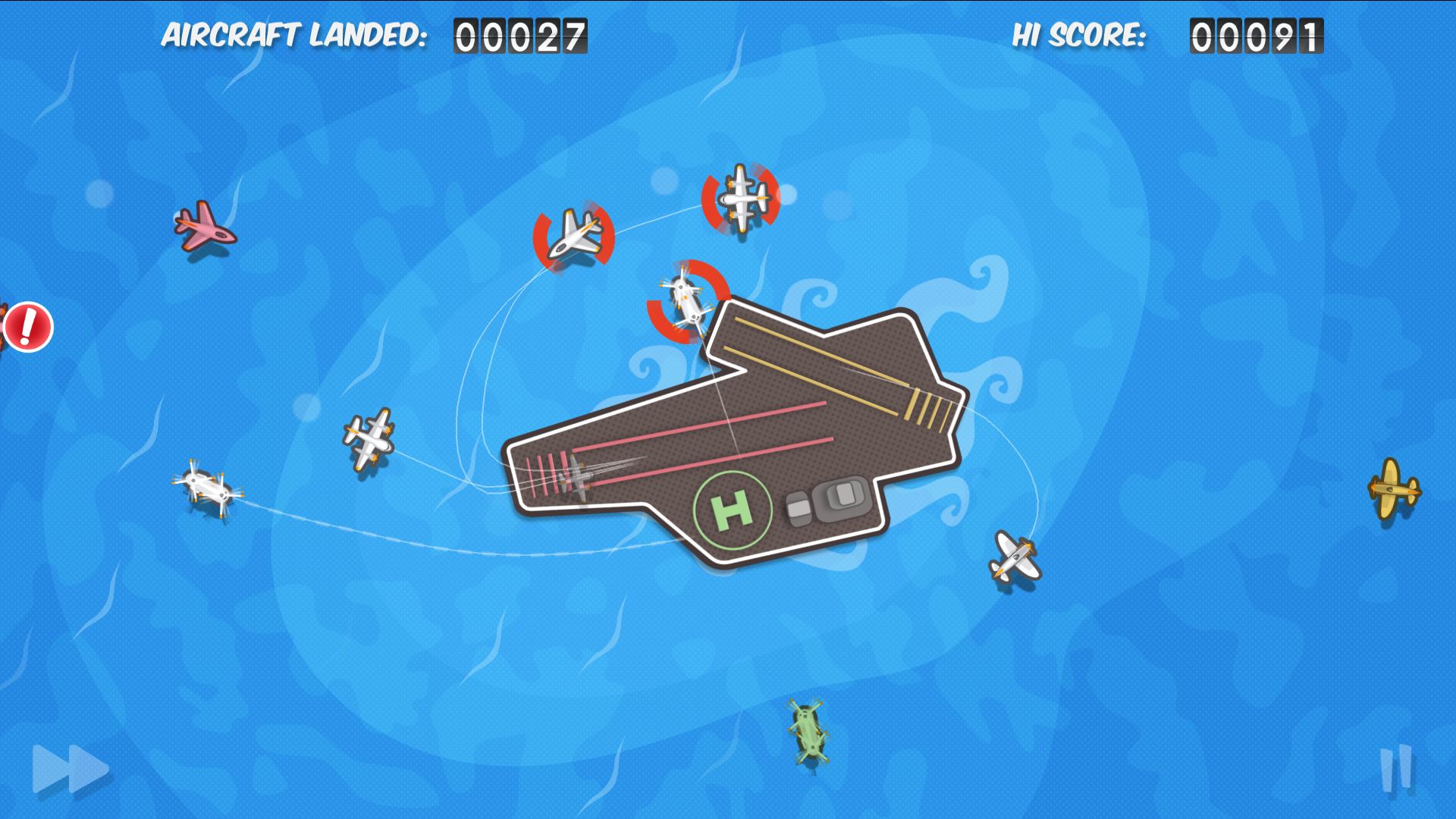
Flight Control HD puts you in the role of an air‑traffic controller, directing an endless stream of aircraft to their landing zones. You point and drag each plane with a mouse or trackpad, balancing speed and strategy as the airport becomes busier.
The PC and Mac version adds sharper graphics, nine maps of varying difficulty, and a Steam‑exclusive “Stunt” map where you can increase scores by guiding planes through gates before landing. Achievements, leaderboards, and Steam Cloud let you chase higher scores and continue play from any device.
01 / THE GUIDE
Maps and Difficulty Levels
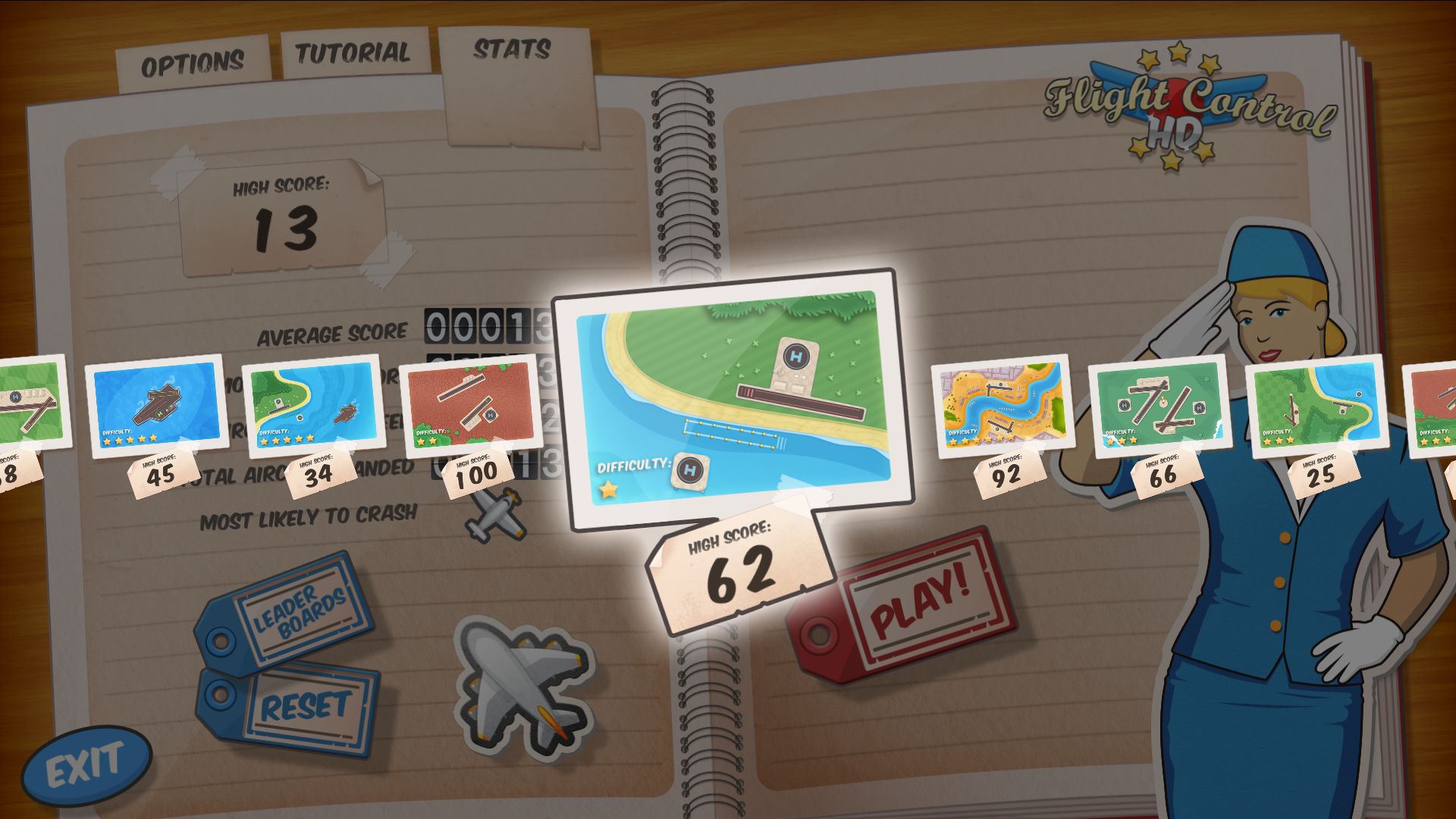
Flight Control HD includes nine maps that range from beginner to expert, giving players of all skill levels a suitable challenge. The maps vary in difficulty, so busier ones demand quicker decisions.
The Steam‑exclusive Stunt map adds a twist: you can boost your score by guiding planes through gates before they land, creating a tougher objective for seasoned players.
- Begin with the easiest map to learn the drag mechanic before moving to higher‑difficulty maps.
- On the Stunt map, plan gate routes early to avoid last‑minute congestion.
02 / THE GUIDE
Controls and Input Method
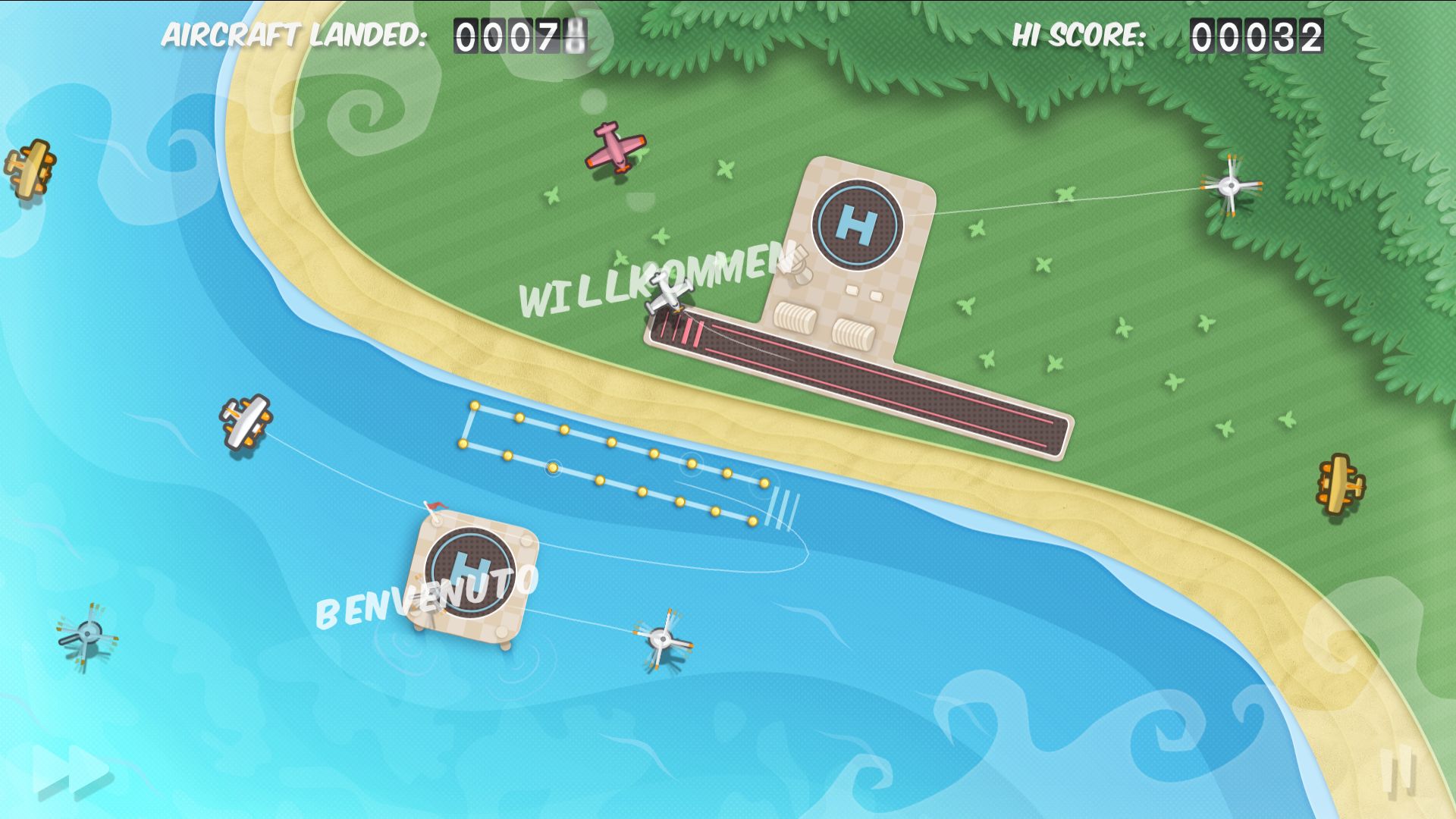
The game is played with a mouse or trackpad: click a plane, drag it toward a runway, and release to set its path. This point‑and‑drag system is the core interaction throughout every map.
No other input methods are mentioned, so the mouse/trackpad approach remains the primary way to manage traffic and execute the Stunt‑gate runs.
- Use a smooth, steady drag to keep planes on a clear trajectory.
- Adjust hand position for comfort during long sessions; the pace can become intense.
03 / THE GUIDE
Progression and Replayability
Scores increase as you successfully land more aircraft, and the game encourages infinite replay as you chase ever higher scores. The challenge grows as planes arrive faster on higher‑difficulty maps.
Steam Cloud support lets you pause your game and continue from anywhere.
- After mastering a map, try playing it again to beat your previous high score.
- Enable Steam Cloud so you can continue a session on a different device.
04 / THE GUIDE
Achievements and Leaderboards
Firemint’s cloudcell.com community and Steam’s leaderboard system let you compare scores with friends and the global player base. Steam achievements can be unlocked as you play, marking milestones along the way.
These features add a competitive layer, encouraging players to refine traffic‑control strategies and improve timing on the Stunt map.
- Check the achievement list to set short‑term goals while learning each map.
- Review leaderboard trends to see which routes other players favor for high scores.
05 / THE GUIDE
Retro‑Styled Visuals
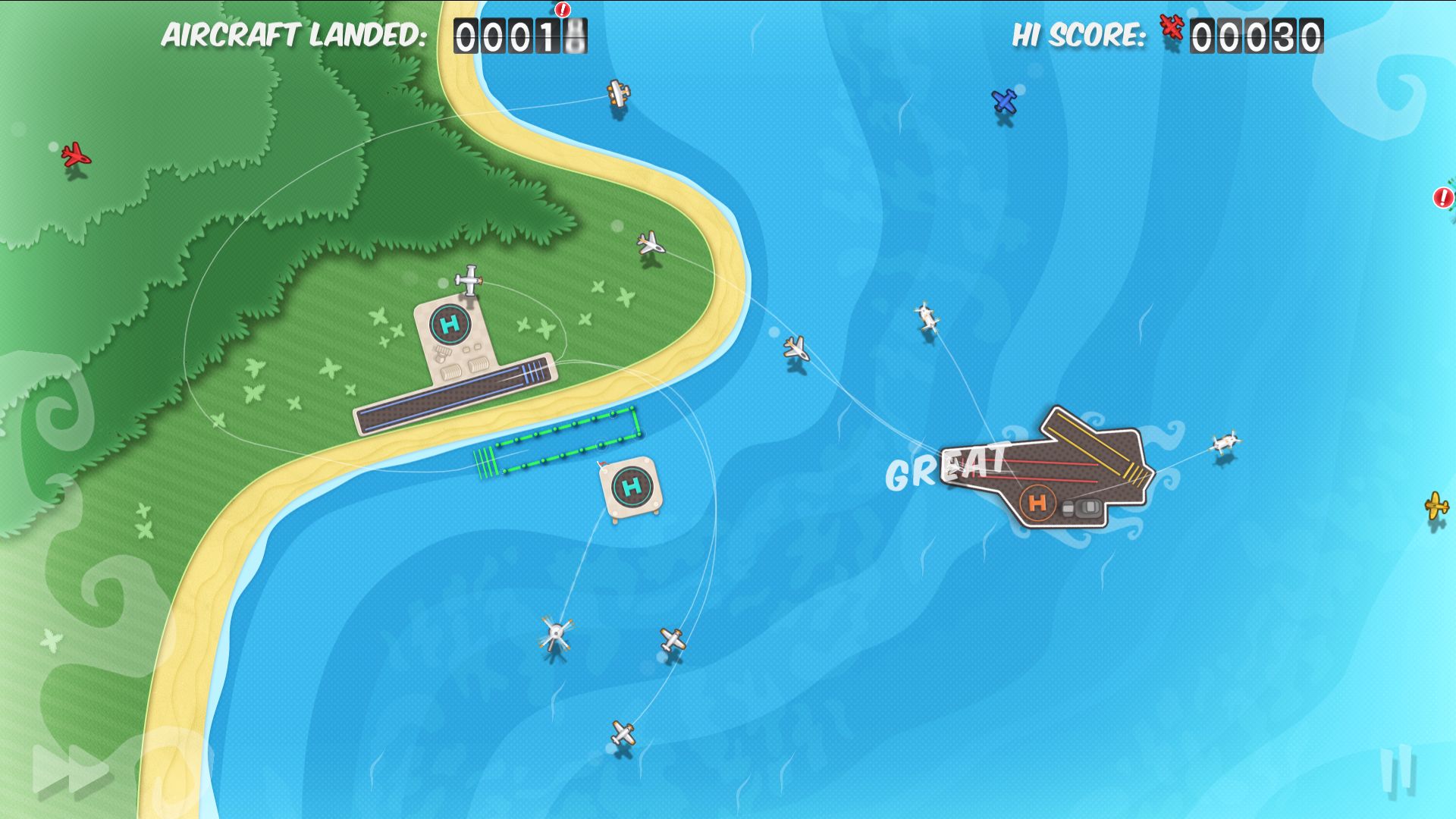
The game adopts a retro aesthetic inspired by the golden era of aviation, giving each aircraft a classic silhouette against clean, colorful runways. Updated graphics for PC and Mac keep the look sharp while preserving the nostalgic feel.
While no audio details are listed, the visual theme reinforces the casual, arcade‑like atmosphere that makes the game easy to start and hard to stop.
- Play in a well‑lit environment to fully appreciate the retro graphics.
- Notice how visual clarity helps track multiple planes during hectic moments.
COMMUNITY
Player discussion