 GameWiki
GET YOUR BEARINGS
About Flatworld
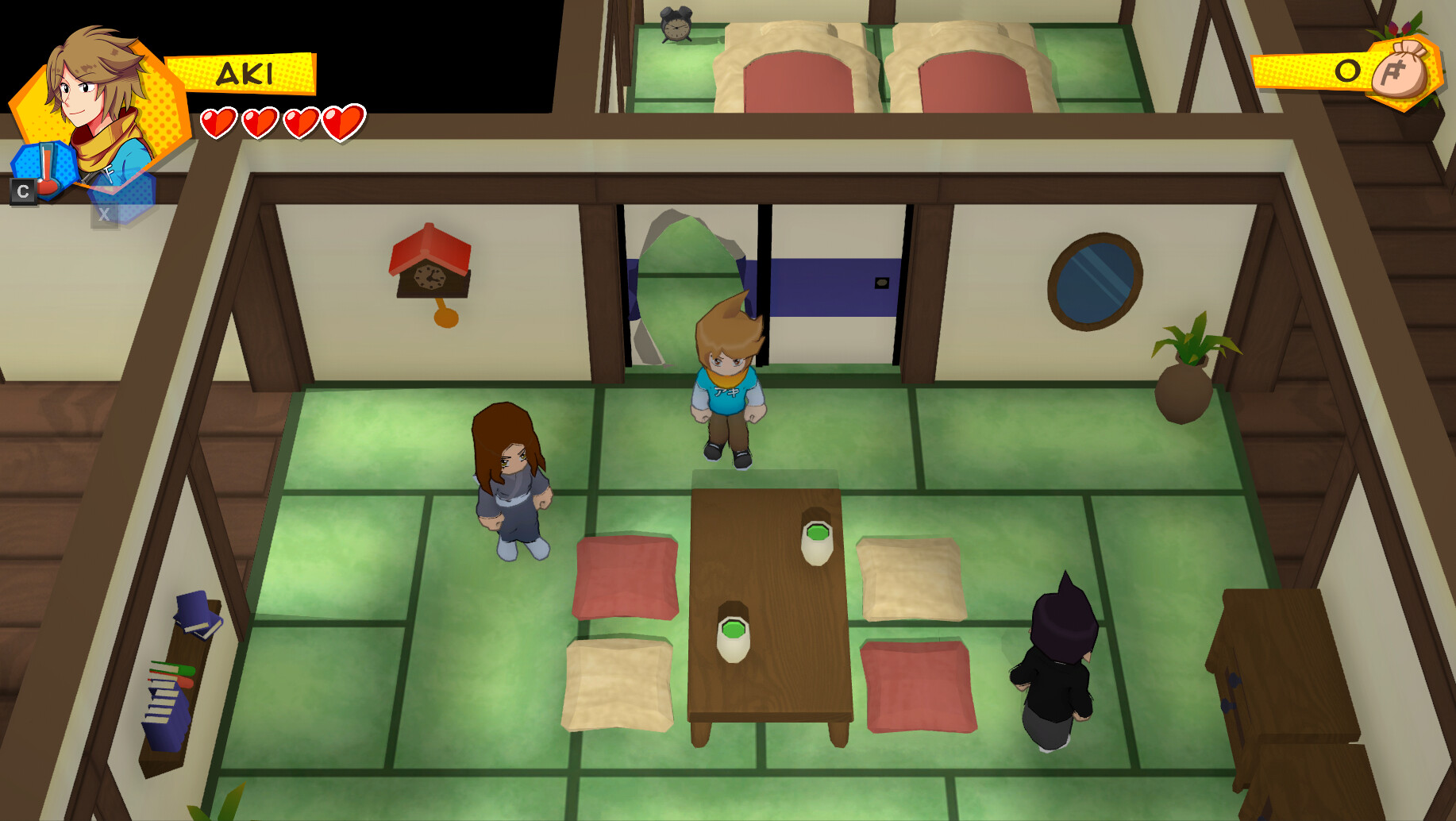
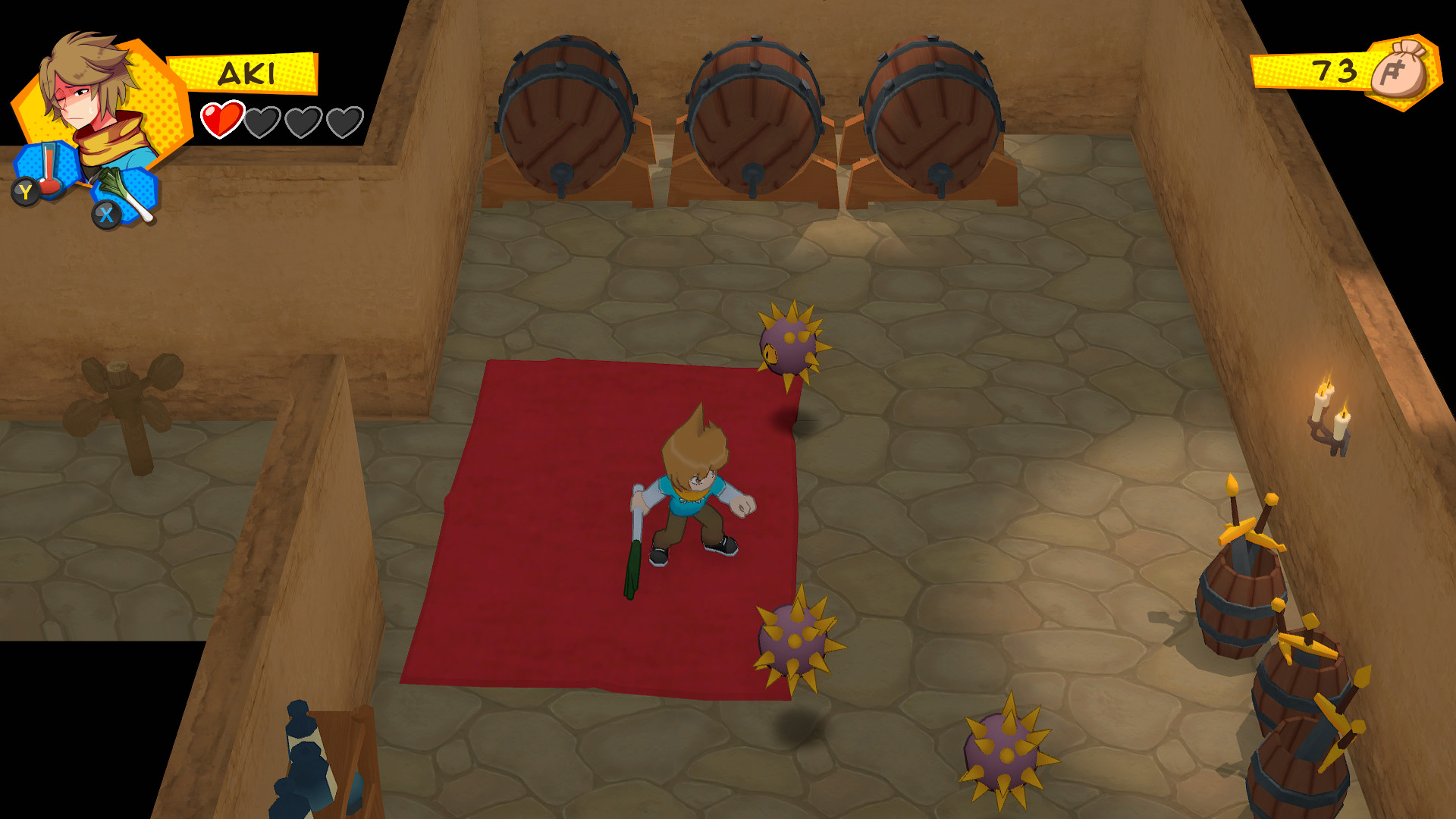
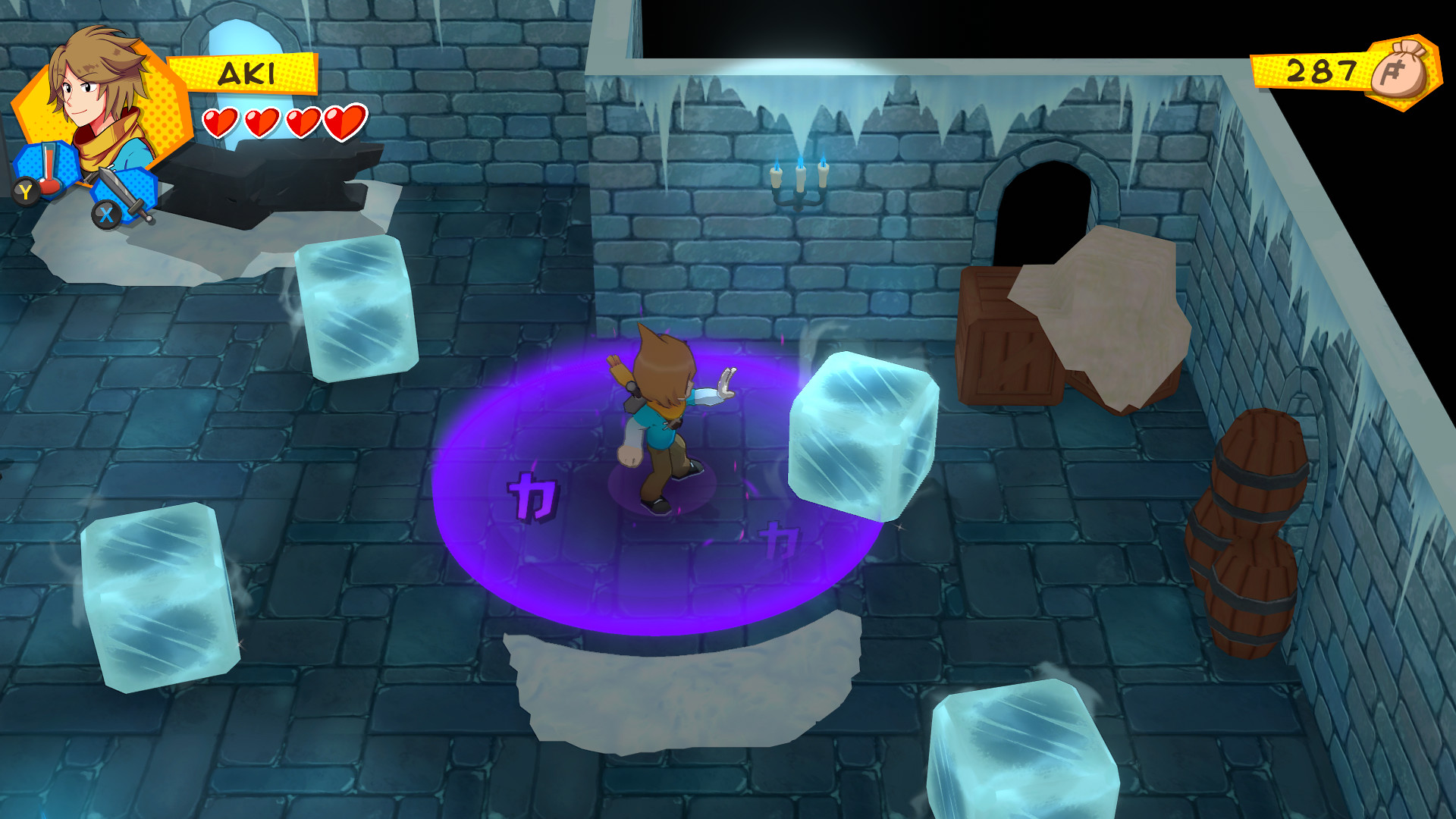
Flatworld drops players into a magical parallel world where the protagonist begins as the weakest combatant. The environment is hostile, filled with cities, dungeons, monsters and numerous secrets that require both combat and puzzle solving.
The game offers several playable characters, each with distinct abilities, and lets players equip badges for upgrades. Hats and visual effects let you change a character’s appearance while the story follows an organization exploiting the world and the main character’s family.
01 / THE GUIDE
World Exploration
The map includes cities, dungeons and hidden locations, encouraging travel across a hostile world full of magic and enemies. Exploration reveals story fragments and areas that are not on the main path.
Dungeons contain puzzles that require observation and the use of abilities to progress. Many passages and items are concealed behind environmental challenges, rewarding careful investigation.
- Pause at each new area to look for concealed entrances before engaging foes.
- Notice recurring architectural motifs; they often hint at similar puzzle solutions.
02 / THE GUIDE
Magic Abilities
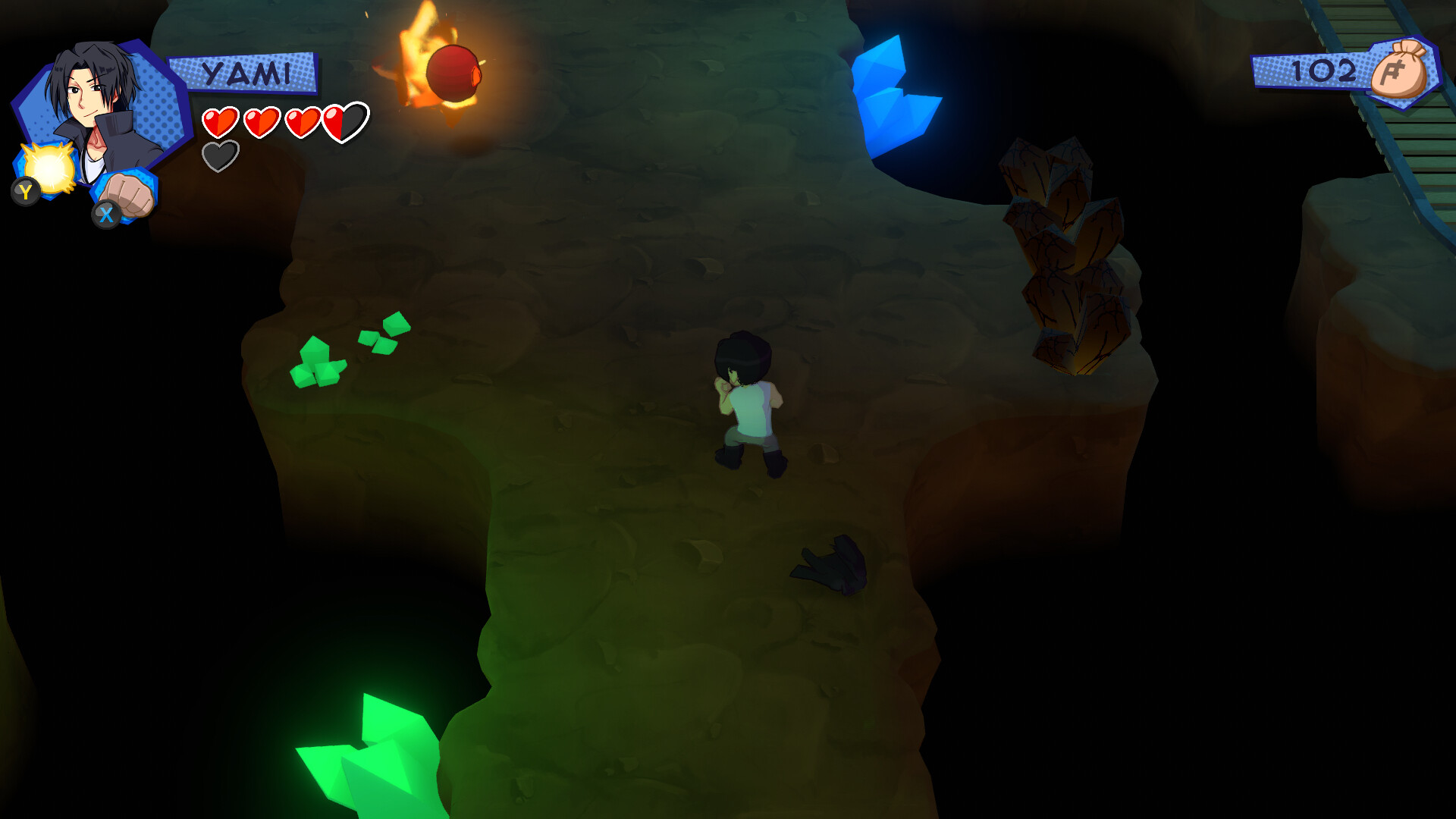
Players can wield magic to melt ice, electrocute foes, throw gusts of wind, and plant explosives that break cracked walls. These spells serve both combat and puzzle‑solving purposes.
Each spell interacts with the environment, allowing approaches such as using gusts of wind against foes or explosives to open new routes. Mastery of the elements often determines success in tougher sections.
- Test each spell on different surfaces to see how the environment reacts.
- Observe enemy behavior to learn how different foes react to your attacks.

03 / THE GUIDE
Playable Characters
Flatworld features multiple playable characters, each bringing a unique set of abilities. Switching characters lets players match skills to the obstacles they face.
The narrative mentions the main character’s parents and an organization exploiting Flatworld, giving each hero personal motivation that ties into the broader story.
- When a puzzle seems unsolvable, consider swapping to a character whose ability matches the required action.
- Track each character’s strengths to plan efficient routes through enemy‑heavy zones.
04 / THE GUIDE
Badge Upgrades
Equipable badges provide upgrades that can be assigned to characters. Collecting badges expands the options for enhancing performance in combat or puzzles.
Badge selection adds a strategic layer, as players decide which upgrades best complement the abilities they use most often.
- Focus on badges whose upgrades complement the abilities you rely on most.
- Try different badge setups to stay adaptable in varied dungeons.
05 / THE GUIDE
Visual Customisation
Characters can wear multiple hats and display visual effects, allowing players to personalize each hero’s look. These options are presented as part of the game's aesthetic toolkit.
The source presents these options as visual customization, offering a way to differentiate characters while navigating the world.
- Combine hats that contrast with each other for a distinct visual identity.
- Use visual effects to help keep track of which character you are currently controlling.
COMMUNITY
Player discussion