 GameWiki

GET YOUR BEARINGS
About Flash Doll
Flash Doll mixes DIY doll customization with fast‑paced arena combat. Players can dress up figures, arrange poses, and equip weapons before battling online against friends or strangers. The game runs on Windows and supports single‑player, PvP and Steam features such as achievements and leaderboards.
Progress is tracked through points, blind‑box openings, and a ranking ladder that tops out at “TOP”. Random boxes, attribute refreshes and skill‑chip ordering add strategic depth, while a physics engine delivers realistic collision effects that send opponents flying.
01 / THE GUIDE
Doll Customization
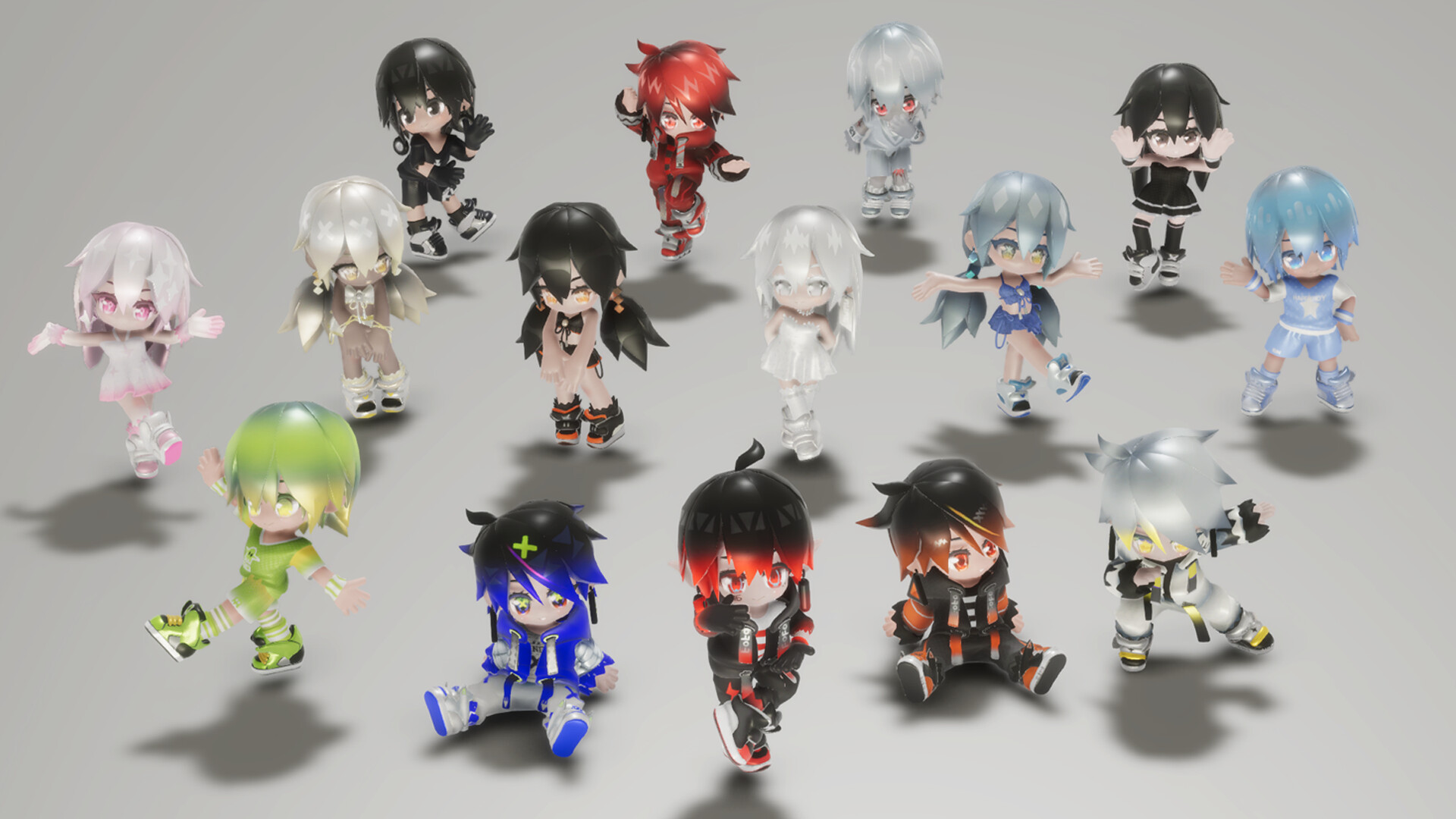
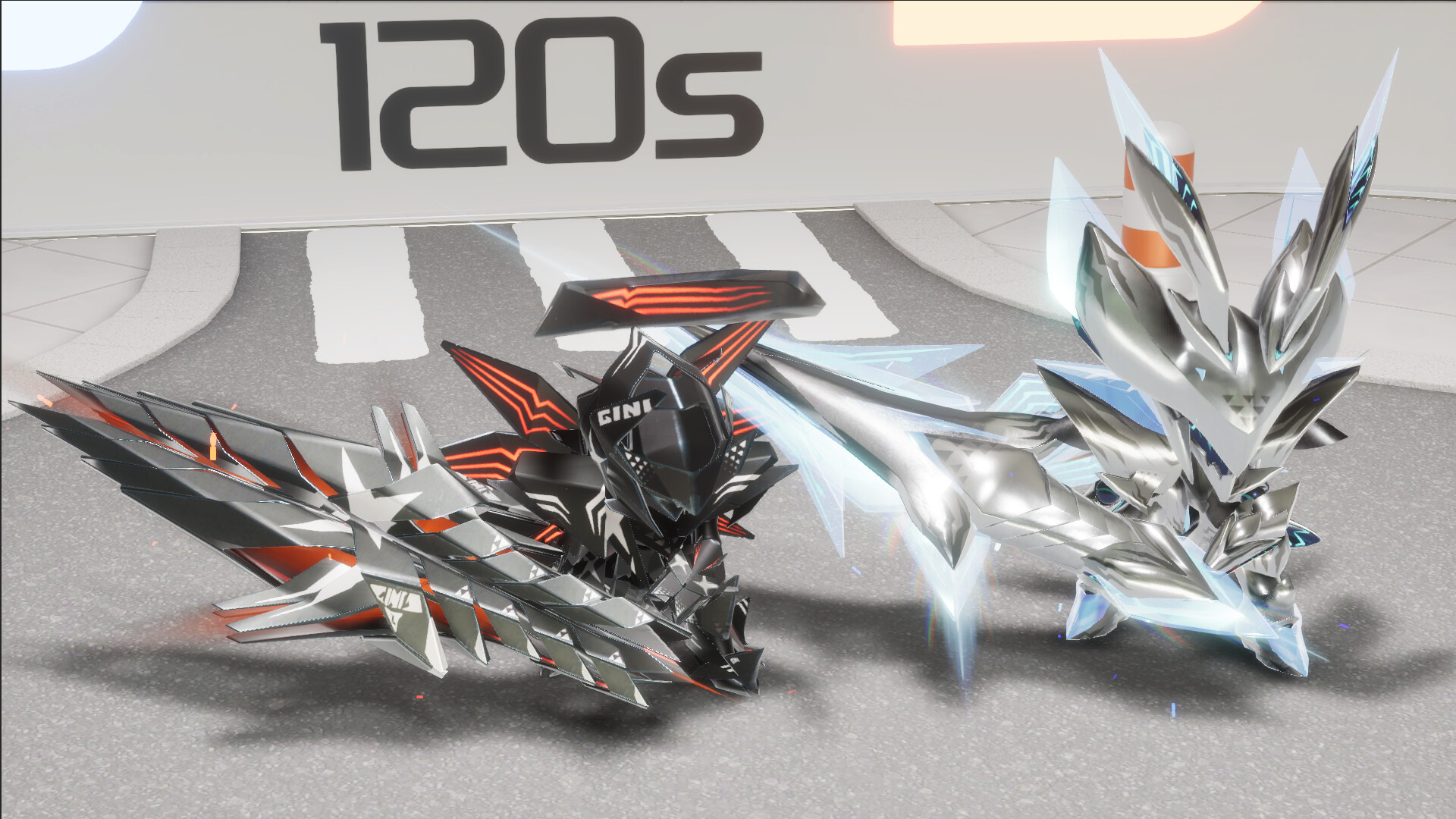
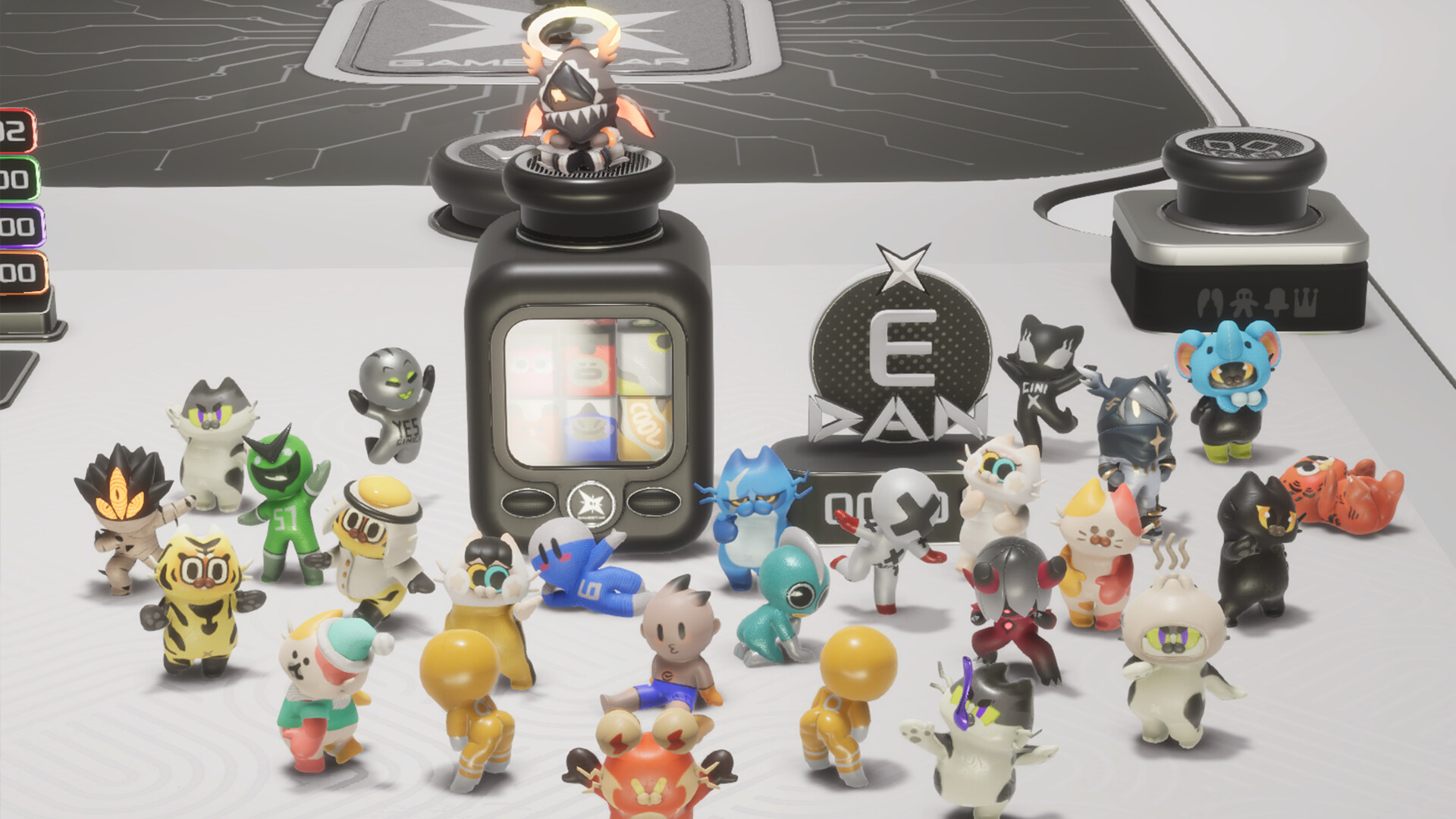
Players can personalize each figure with outfits, weapons, back accessories and headpieces. The POSE Machine lets you select a cool or cute stance, and the Figure Showcase provides display stands for creating a miniature world.
Custom outfits are applied to characters of varying rarity, and the visual changes are reflected in both the showcase and the arena battles.
- Mix and match accessories to find a look that matches your play style.
- Use the POSE Machine to set a distinctive stance before entering combat for a personal touch.
02 / THE GUIDE
Combat & Physics
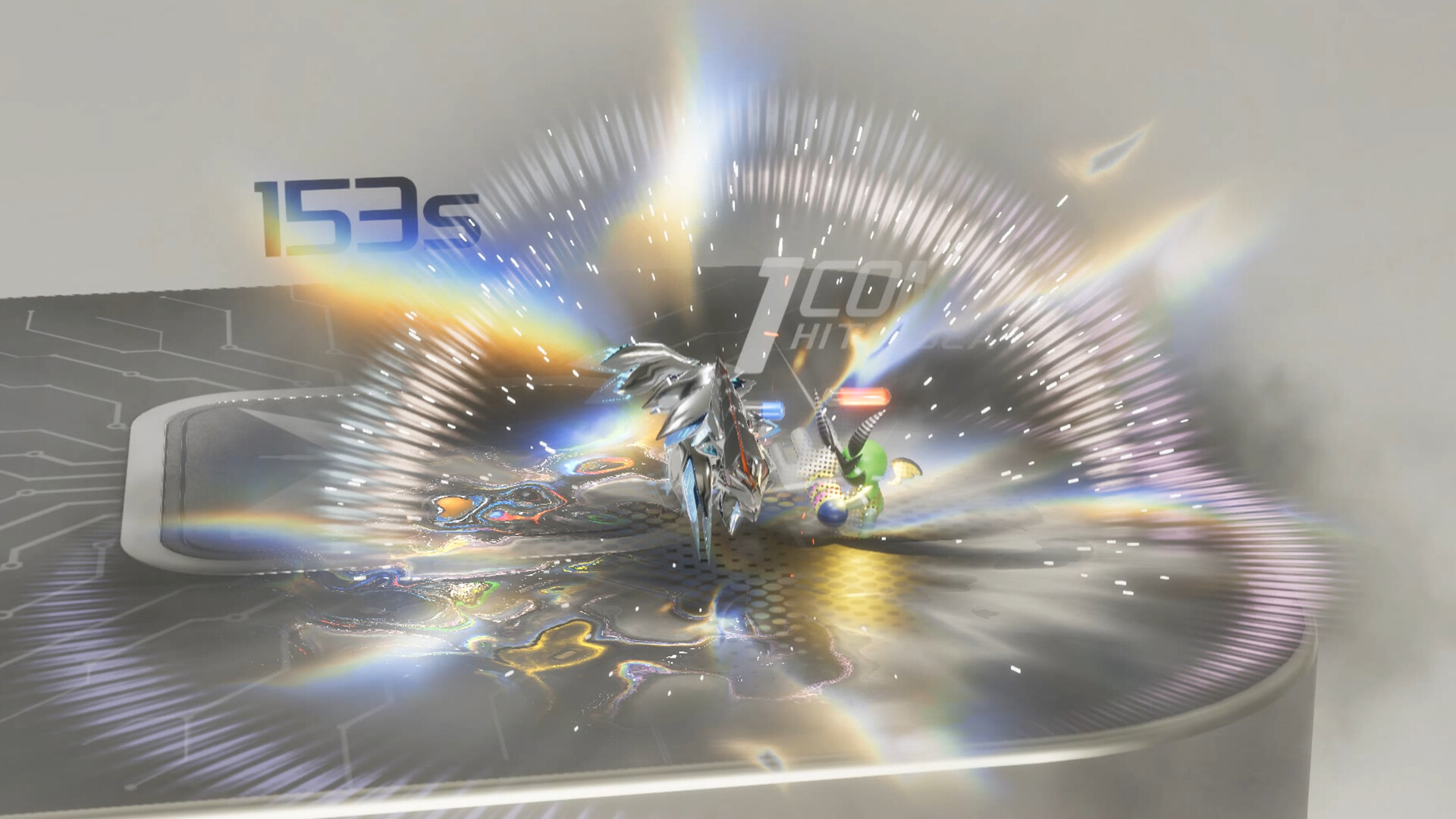
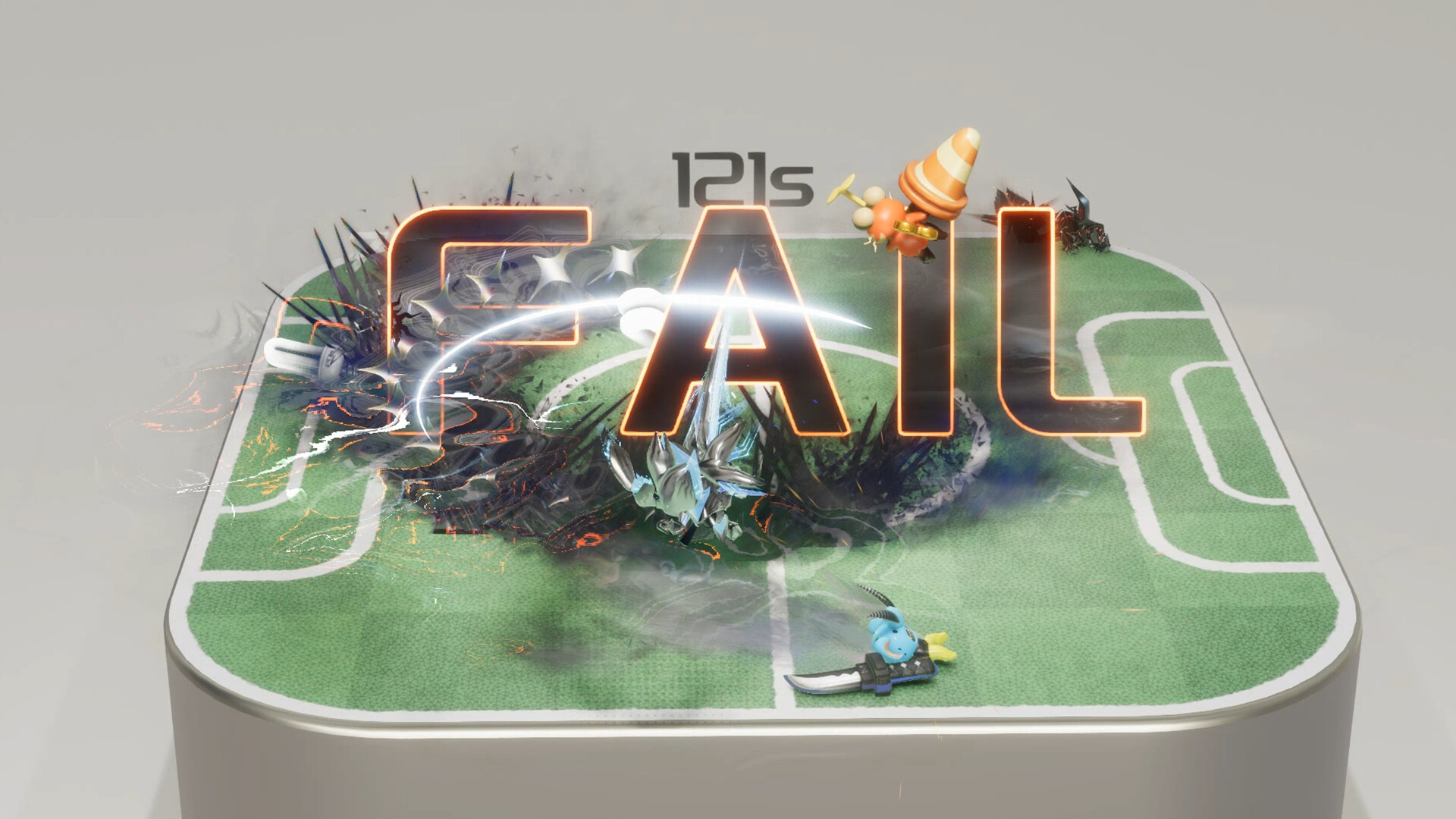
Battles use a physics engine that creates realistic collision effects, sending enemies flying when hit. Automatic battles run in the arena, allowing you to watch your customized moves in action.
The game supports both single‑player and online PvP, letting you fight friends or strangers while your figures’ outfits and moves are displayed.
- Observe how different weapons affect knock‑back to plan combos.
- Take advantage of the physics‑based knock‑back to control opponent positioning.
03 / THE GUIDE
Blind Boxes & Rewards
Earning points lets you open surprise blind boxes that contain characters, weapons and outfits, with a chance for hidden variants. Each box is randomly prepared, adding a collectible element to progression.
Blind boxes are tied to point thresholds, encouraging continued play to unlock new visual and combat options.
- Save points for multiple openings to increase chances of rare variants.
- Track which boxes you’ve opened to avoid duplicate items.
04 / THE GUIDE
Skill Chip Setup
Skill chips let you arrange the order of moves, enabling combos, control effects and comeback opportunities. Different chip types provide varied tactical options during fights.
Customizing chip order is essential for unleashing powerful sequences that can finish off opponents.
- Experiment with chip orders to discover effective combo chains.
- Prioritize control‑effect chips when facing aggressive opponents.
05 / THE GUIDE
Rank & Attribute Refresh
Combat points contribute to ranking up, with the highest rank labeled TOP. Characters and outfits have rarity levels and can refresh attributes, offering a probability of unlocking the strongest stats.
Higher ranks unlock more points, feeding the cycle of blind‑box openings and attribute upgrades.
- Focus on battles that yield higher points to climb ranks faster.
- Refresh attributes on high‑rarity items for better stat gains.
COMMUNITY
Player discussion