 GameWiki

GET YOUR BEARINGS
About Five Nights at Freddy's
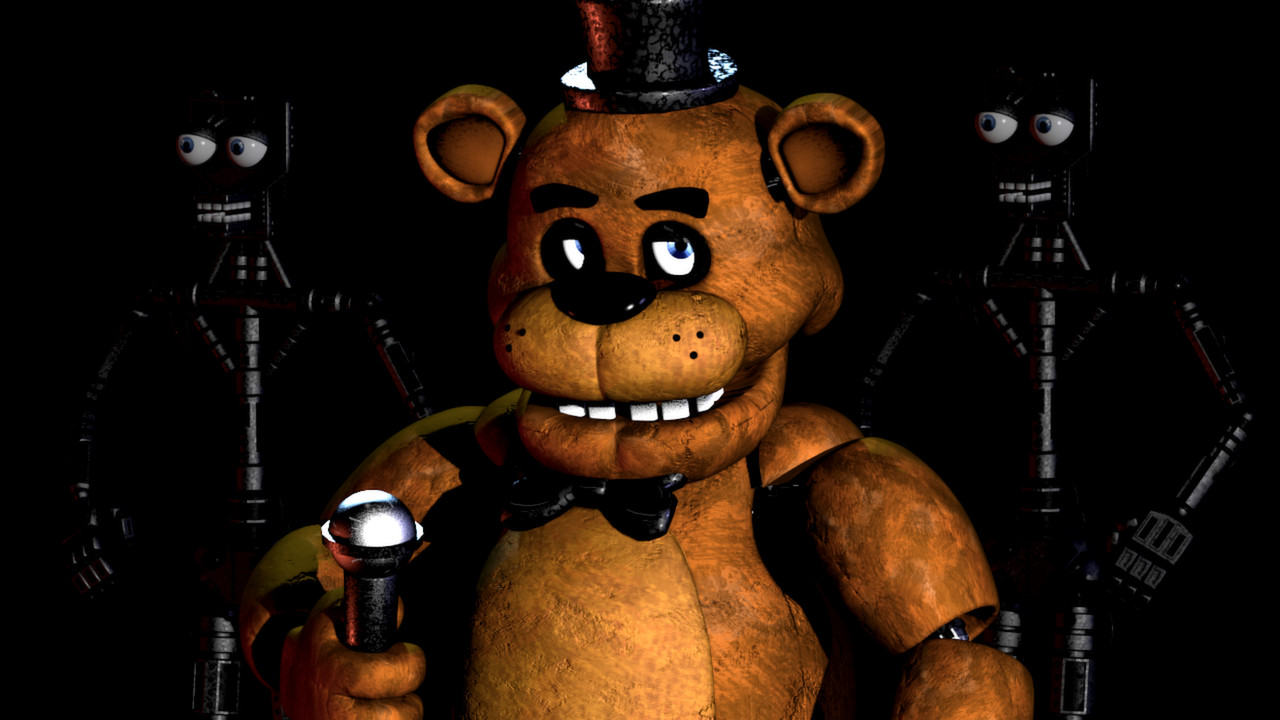
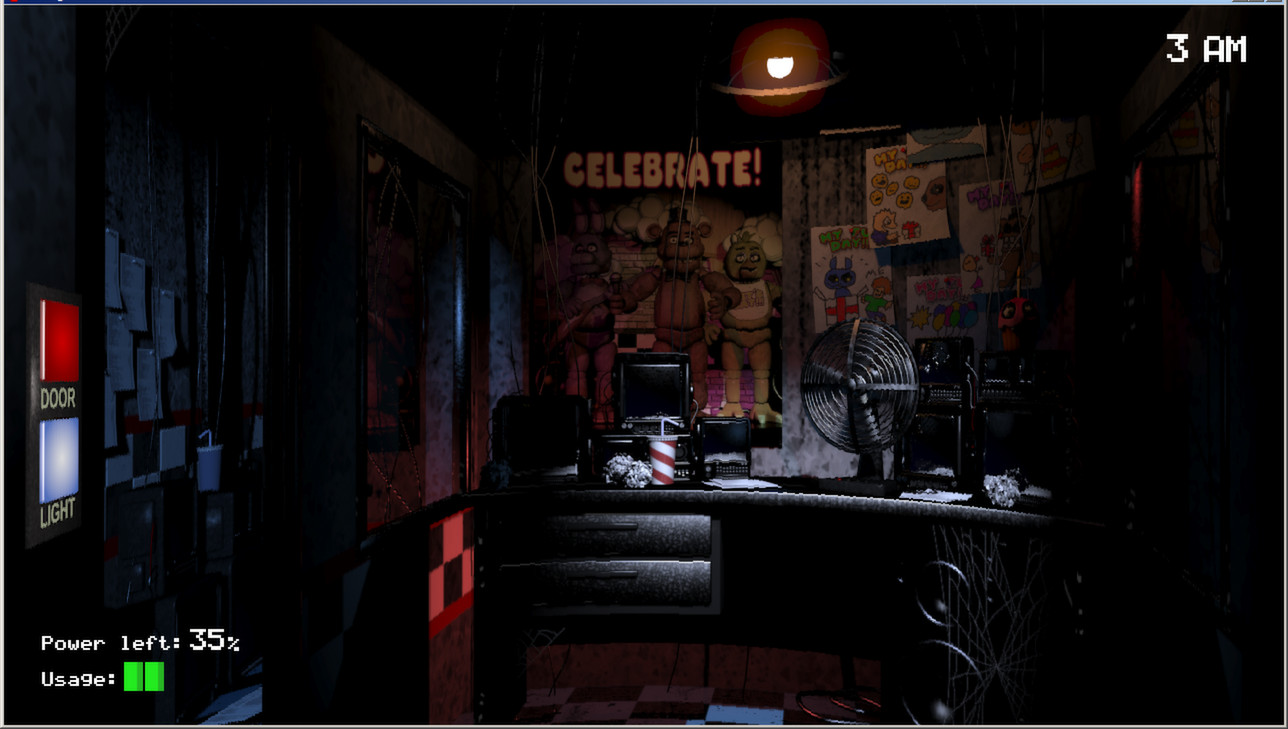
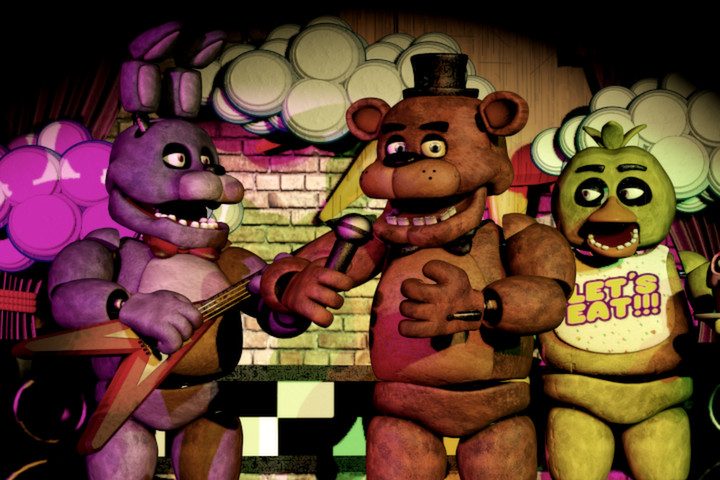
Five Nights at Freddy's places you in a night‑shift security role at Freddy Fazbear’s Pizza, where animatronic entertainers become unpredictable after dark. From a small office you monitor cameras, manage a limited electricity supply, and use doors and lights to keep the hostile robots at bay, aiming to survive five consecutive nights.
01 / THE GUIDE
Gameplay Basics
The core loop consists of watching security cameras, checking animatronic positions, and activating doors or lights when needed. Each night you must stay alive until 6 AM while the power meter drains with every action.
If the power runs out, doors and lights stop working, leaving you vulnerable. Survival depends on timing and careful observation of the monitors.
- Conserve power by limiting door usage to moments when an animatronic is directly in front of you.
- Check cameras only when you suspect a robot has moved; unnecessary checks waste electricity.
02 / THE GUIDE
Camera System
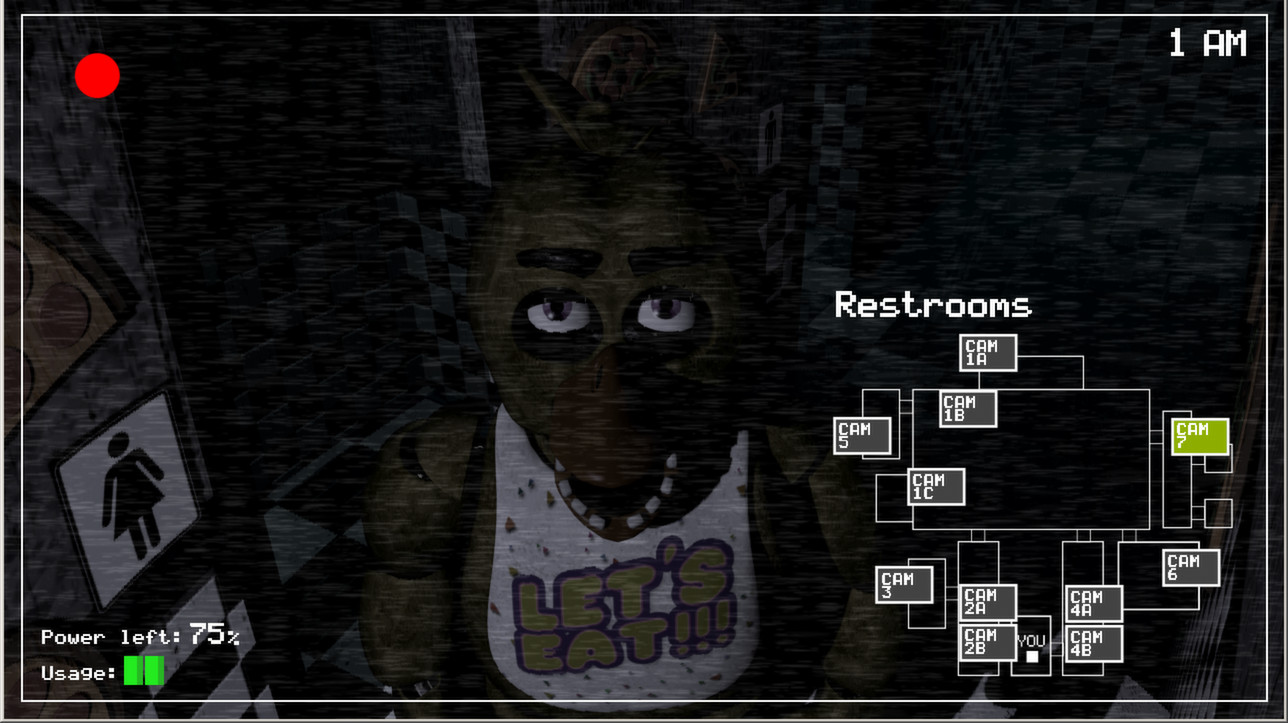
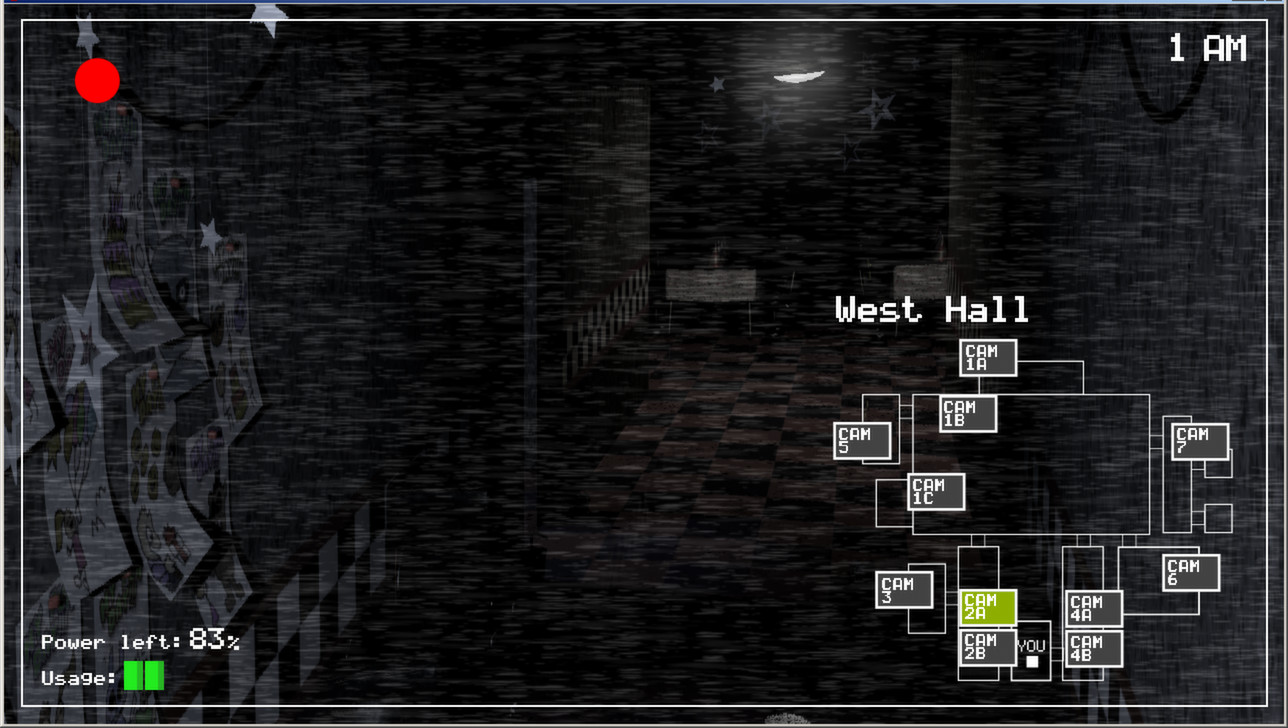
Security cameras are accessed from the office and show the locations of Freddy and his friends. The player must locate any animatronic that is not in its proper place.
When an animatronic is seen on a camera, you can decide whether to close a door or turn on a light to block its approach.
- Learn the layout of each camera view to spot movement quickly.
- Prioritize cameras that cover entry points to the office.
03 / THE GUIDE
Power Management
Electricity is a shared resource for doors, lights, and camera usage. Each activation drains the meter, and the night ends in failure if the supply is exhausted.
Balancing usage is essential; over‑reliance on any single tool will deplete power faster than necessary.
- Use lights sparingly; a brief flash can confirm an animatronic’s presence without keeping the light on.
- Close doors only when an animatronic is at the doorway to avoid unnecessary drain.
04 / THE GUIDE
Animatronic Behavior
Freddy and his two friends are programmed to entertain, but their behavior becomes unpredictable at night. Their movement patterns are not disclosed, requiring the player to react to visual cues.
If an animatronic reaches the office without being blocked, it can end the night instantly.
- Watch for subtle changes in camera feeds that indicate an animatronic is moving.
- Remember that each robot may have a different path; treat each encounter uniquely.
05 / THE GUIDE
Development and Platform
The game was created using Clickteam Fusion, a visual development tool. It was released for Windows and supports single‑player and family‑sharing features.
No macOS or Linux versions are listed, limiting official play to Windows PCs.
- Ensure your Windows system meets the basic requirements for Clickteam Fusion‑based games.
- Take advantage of family sharing to let multiple accounts access the game on the same machine.
COMMUNITY
Player discussion