 GameWiki
GET YOUR BEARINGS
About Fishing Vacation
Fishing Vacation places a single player in a mountain cabin beside a lake that once belonged to a friend's uncle. Over three in‑game days you fish, dig for bait, and explore the empty cabin while a story that mixes humor with horror unfolds.
The indie title blends adventure, casual simulation, and atmospheric horror, offering more than 30 fish and creatures, over ten color palettes, and multiple endings within a playthrough that lasts roughly thirty minutes to an hour. It runs on Windows, supports partial controller input, and includes Steam achievements and family‑sharing.
01 / THE GUIDE
Story and Atmosphere
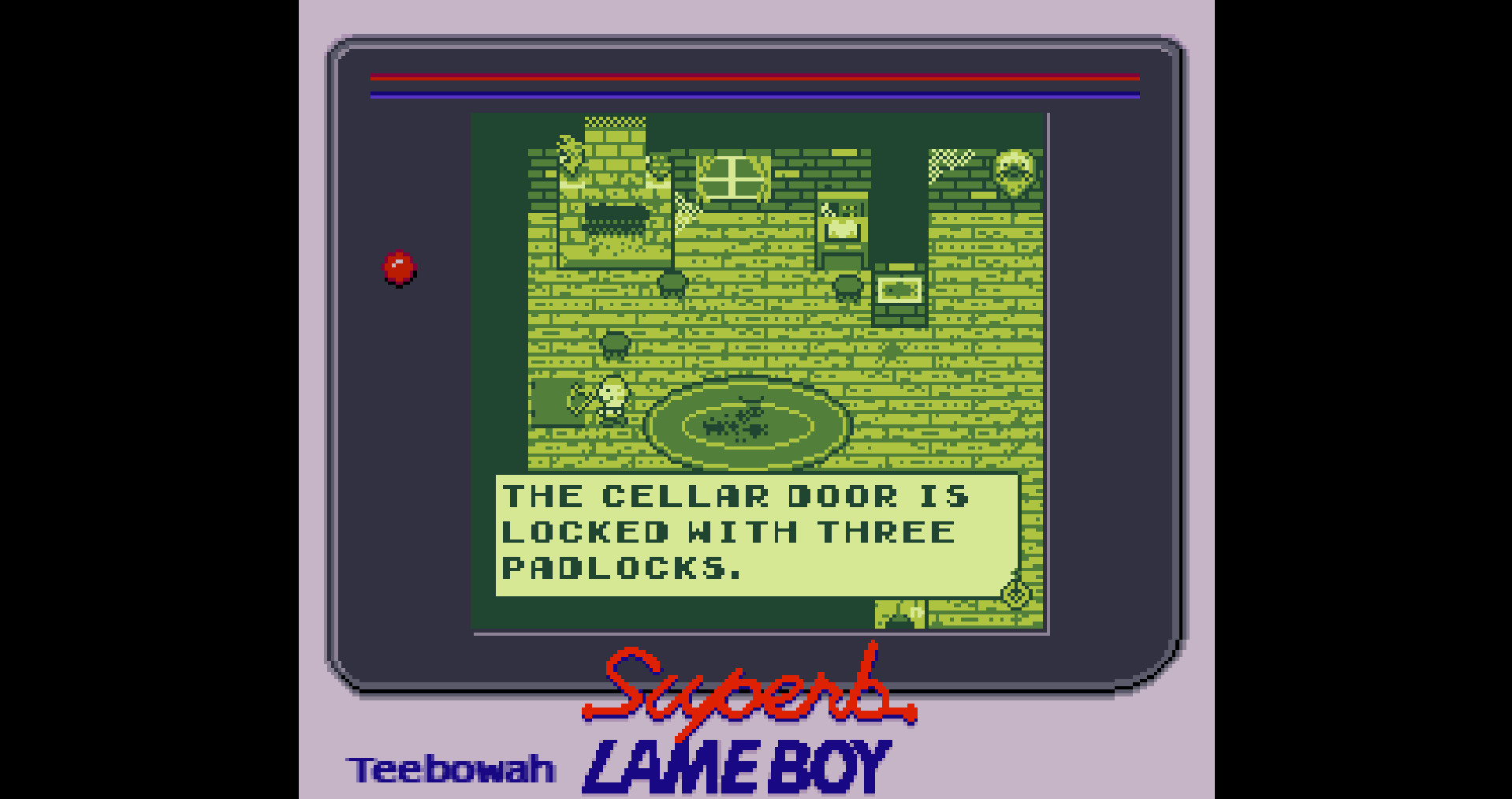
The narrative follows a lone visitor searching for a missing uncle while the lake’s ecology has shifted. Environmental clues and dialogue gradually reveal a humorously horrific plot as you move through the cabin and its surroundings.
The tone alternates between light jokes and unsettling moments, keeping the player curious about the cabin’s secrets throughout the three‑day span.
- Pay attention to visual details; they often hint at story direction.
- Revisit the cabin at different times to look for possible hidden hints.
02 / THE GUIDE
Fishing Mechanics
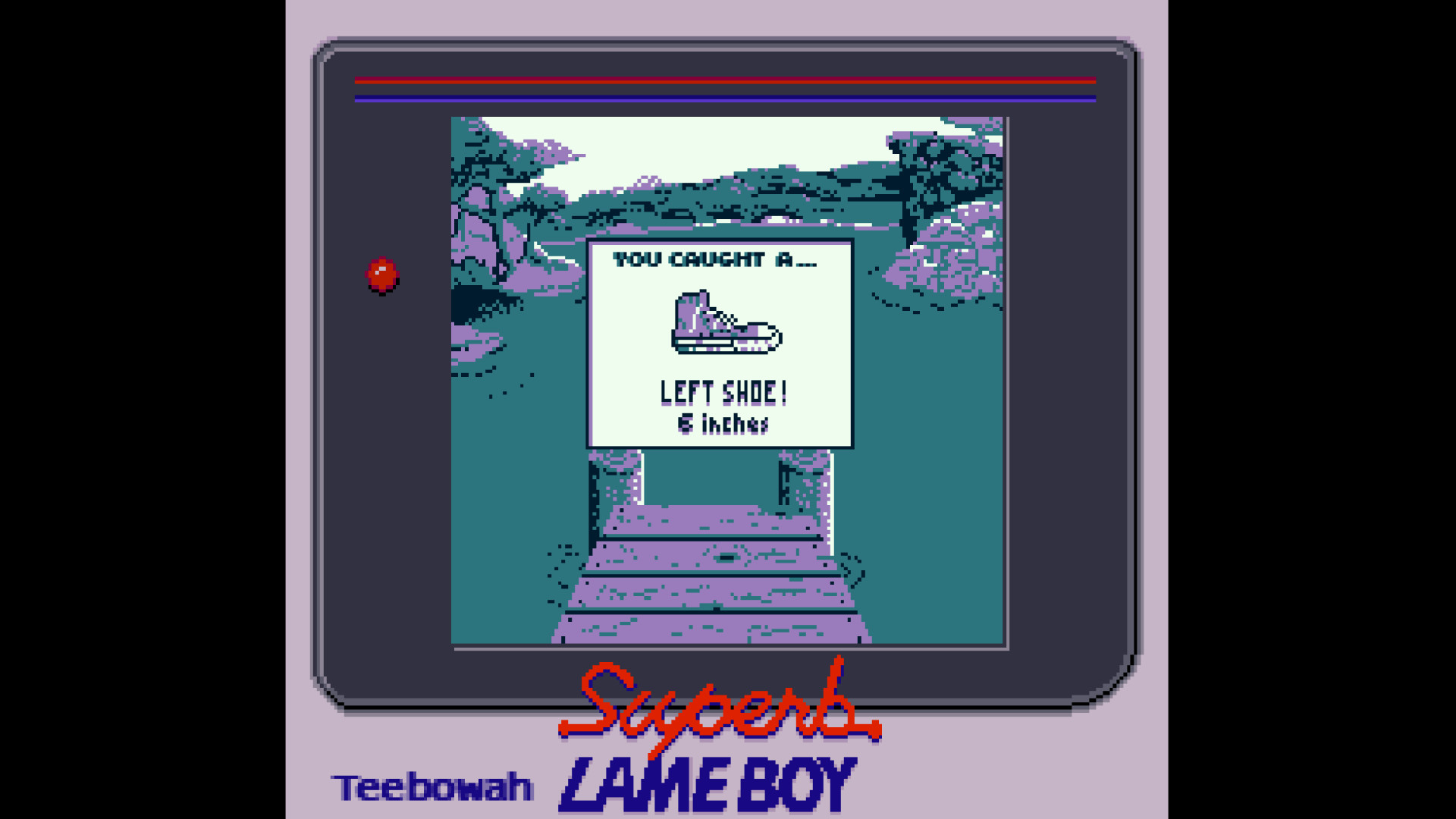
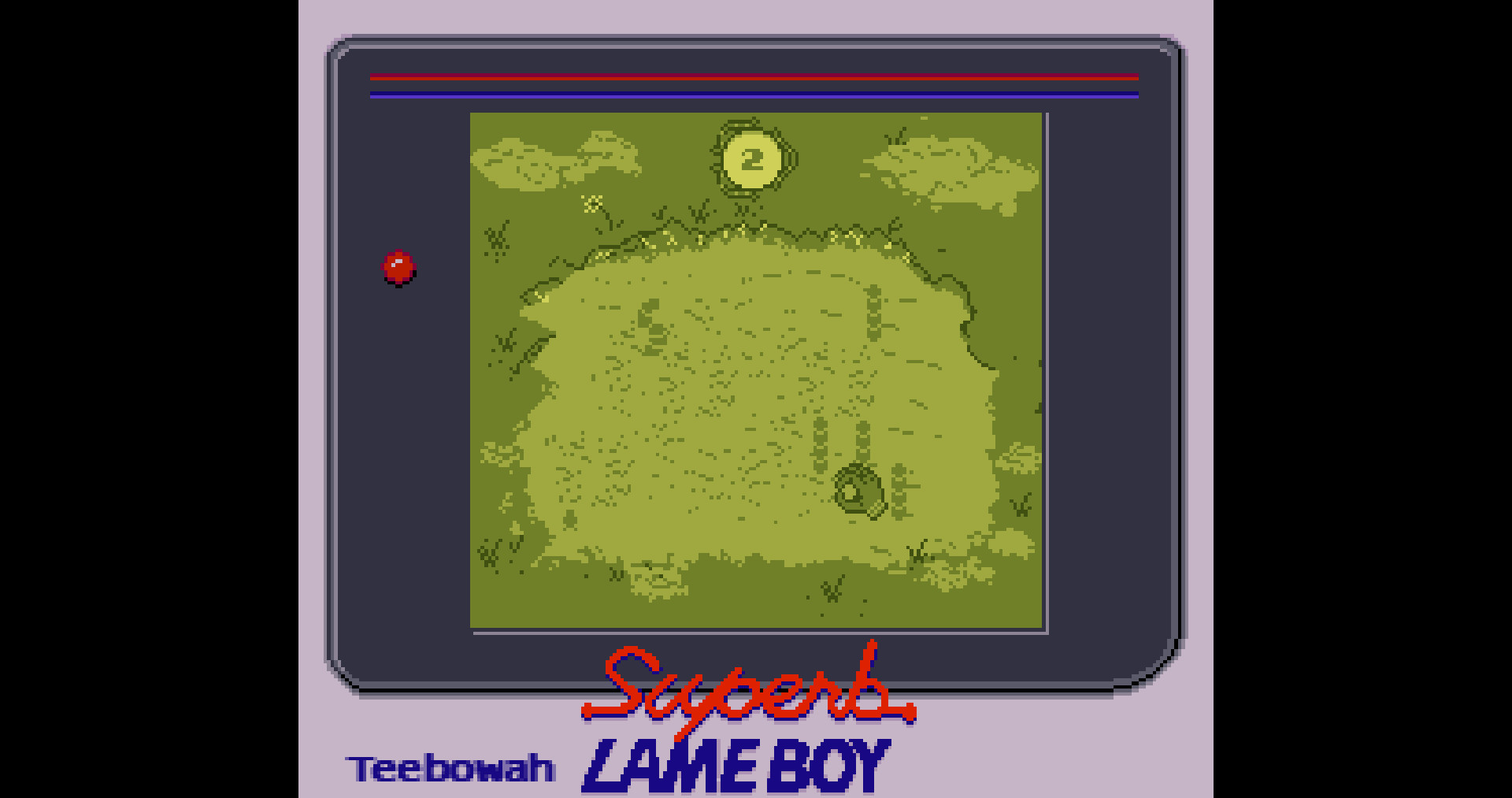
You dig up worms to use as bait and cast using the Z and X keys (mapped to A and B) or a supported controller. Each catch requires a cast and a reel action.
Over 30 distinct fish and creature types can be caught, and successful catches contribute to dinner and story progression during the three‑day period.
- Try the worms you dig up to see which species appear.
- Observe the time of day when certain catches seem more frequent.

03 / THE GUIDE
Visual Customisation
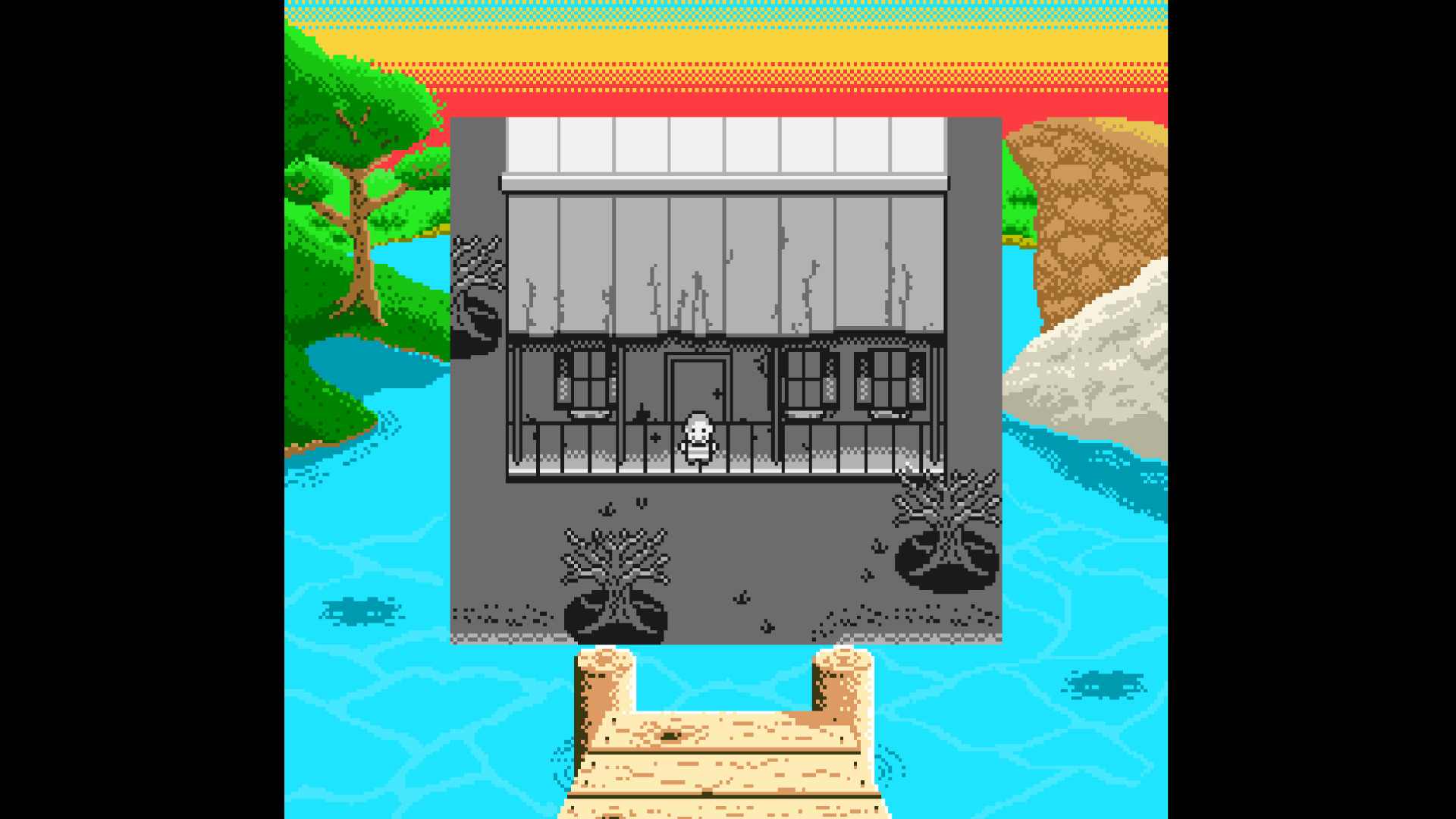
Players may select from more than ten color palettes, altering the game’s overall visual style without affecting core mechanics.
Changing palettes can shift the mood, making horror elements feel sharper or humor feel brighter depending on the chosen scheme.
- Choose a darker palette for a more intense atmosphere.
- Swap palettes between runs to notice visual differences.
04 / THE GUIDE
Endings and Replay Value
The game provides three or more distinct endings, each reachable within a single 30‑minute to hour session. Choices made while exploring influence which conclusion appears.
Because each run is short, multiple playthroughs let players compare outcomes and uncover hidden story threads.
- Track dialogue choices that seem to affect the uncle’s fate.
- Replay with a different palette to spot subtle narrative shifts.
05 / THE GUIDE
Controls and Platform
Fishing Vacation runs on Windows and recommends a controller, though the keyboard keys Z and X map to the A and B buttons. Partial controller support is provided.
Steam achievements are available, and the title supports family sharing.
- Test the default controller layout before adjusting settings.
- Enable family sharing to let friends try the game without a second purchase.
COMMUNITY
Player discussion