 GameWiki
GET YOUR BEARINGS
About Fishing at the Lake Full of Cats
Fishing at the Lake Full of Cats is a short, puzzle‑solving adventure where you collect over 20 distinct cat types by fishing in a colorful, stylized world. After finding a mysterious note in his cabin, Logan travels to Silly Lake and its many water bodies to catch every pointy‑eared feline.
The title is single‑player, runs on Windows, and includes camera comfort, custom volume controls, stereo and surround sound, and the ability to save at any time. Family Sharing is supported, allowing other accounts on the same library to launch the game.
01 / THE GUIDE
Lake Exploration
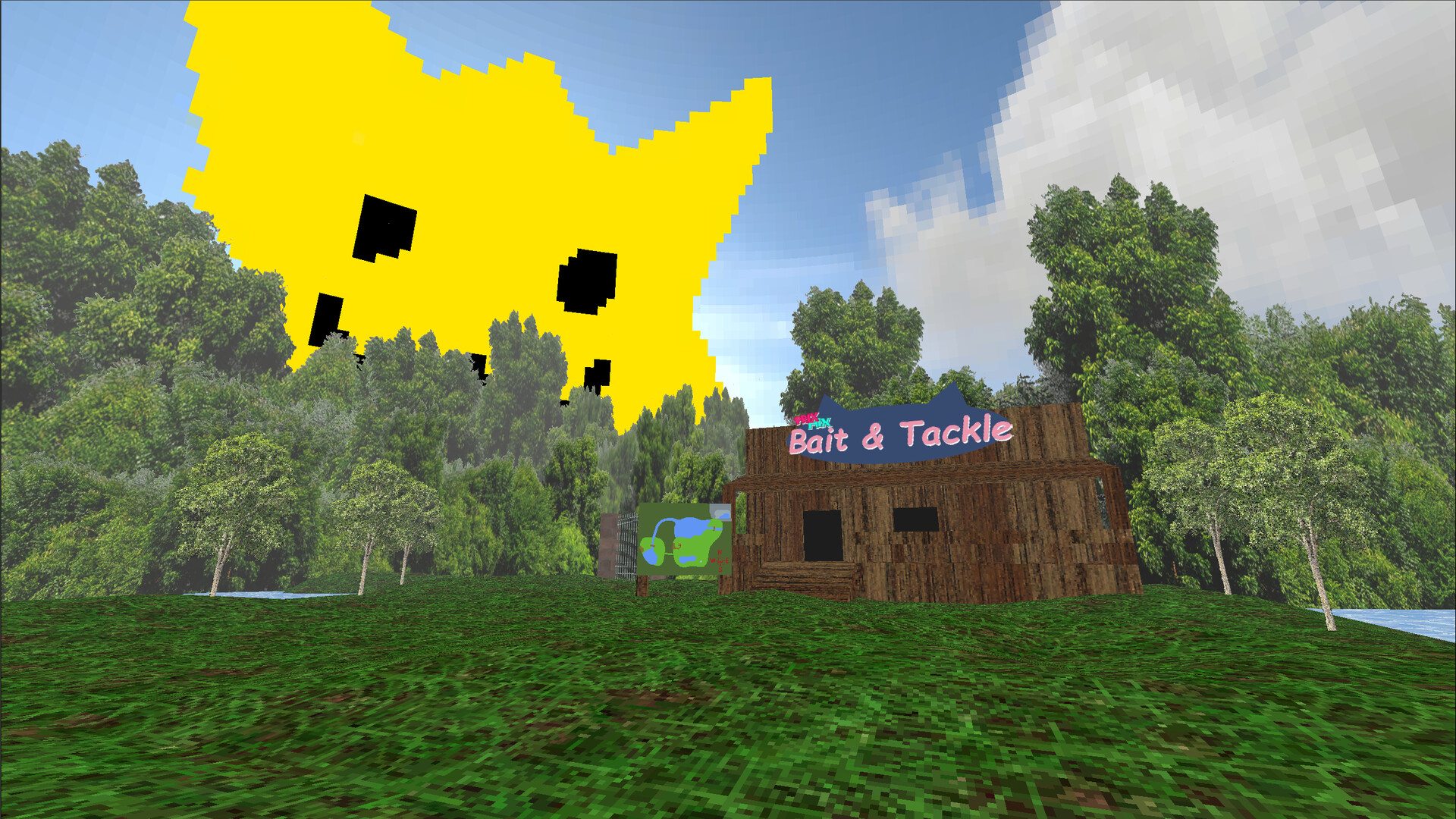
The main setting is a lake filled with cats, and the player moves through several distinct parts of that lake. Each part retains the cat‑collecting premise while offering its own visual style.
Additional bodies of water—rivers, ponds, a cave pond, and other named locations—also contain cats. These areas expand the map without changing the core fishing mechanic.
- Notice the visual theme of each water body; it often hints at which cat types may appear there.
- Compare the layout of the main lake with smaller ponds to plan a logical travel route.
02 / THE GUIDE
Bait Types and Tools
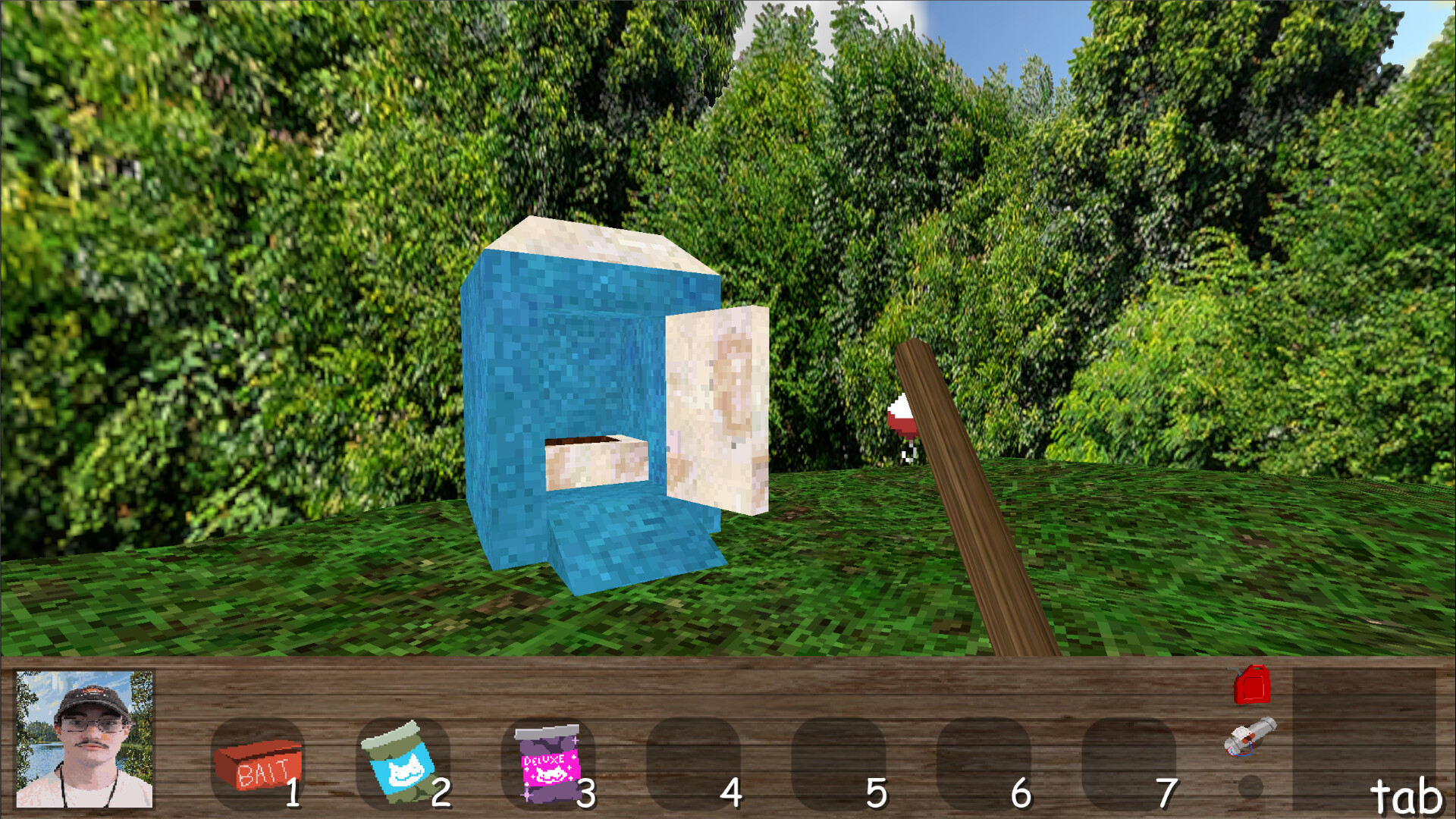
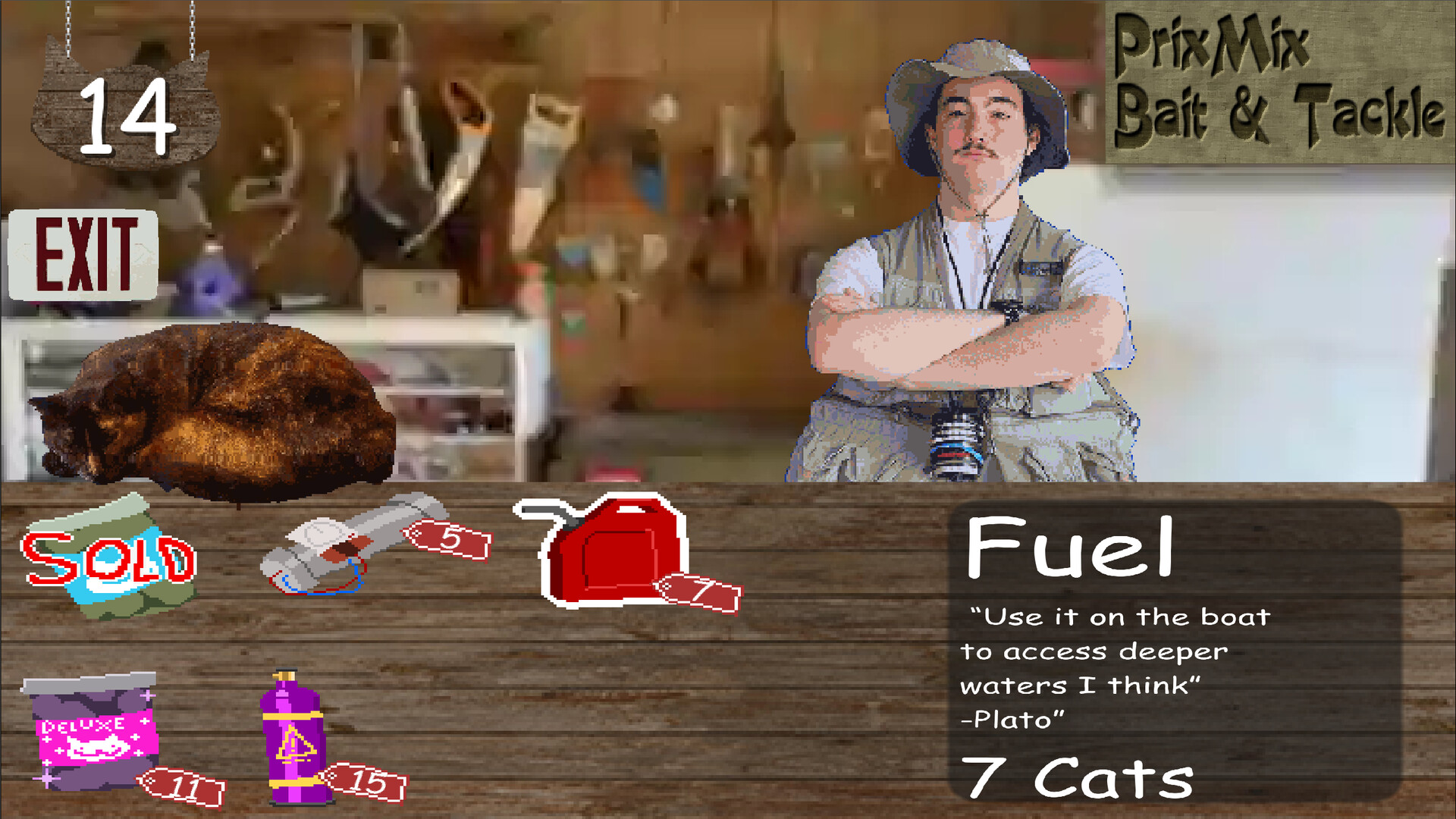
Various bait types and tools are available to attract the feline denizens. The catalogue helps you track which bait works best for each cat.
The game does not require timed input, so you can experiment with bait‑tool combinations at your own pace, focusing on deduction rather than speed.
- Try each bait in a single water body before moving on; this isolates its effectiveness.
- Observe whether a tool consistently yields catches across similar environments.
03 / THE GUIDE
Cat Catalogue
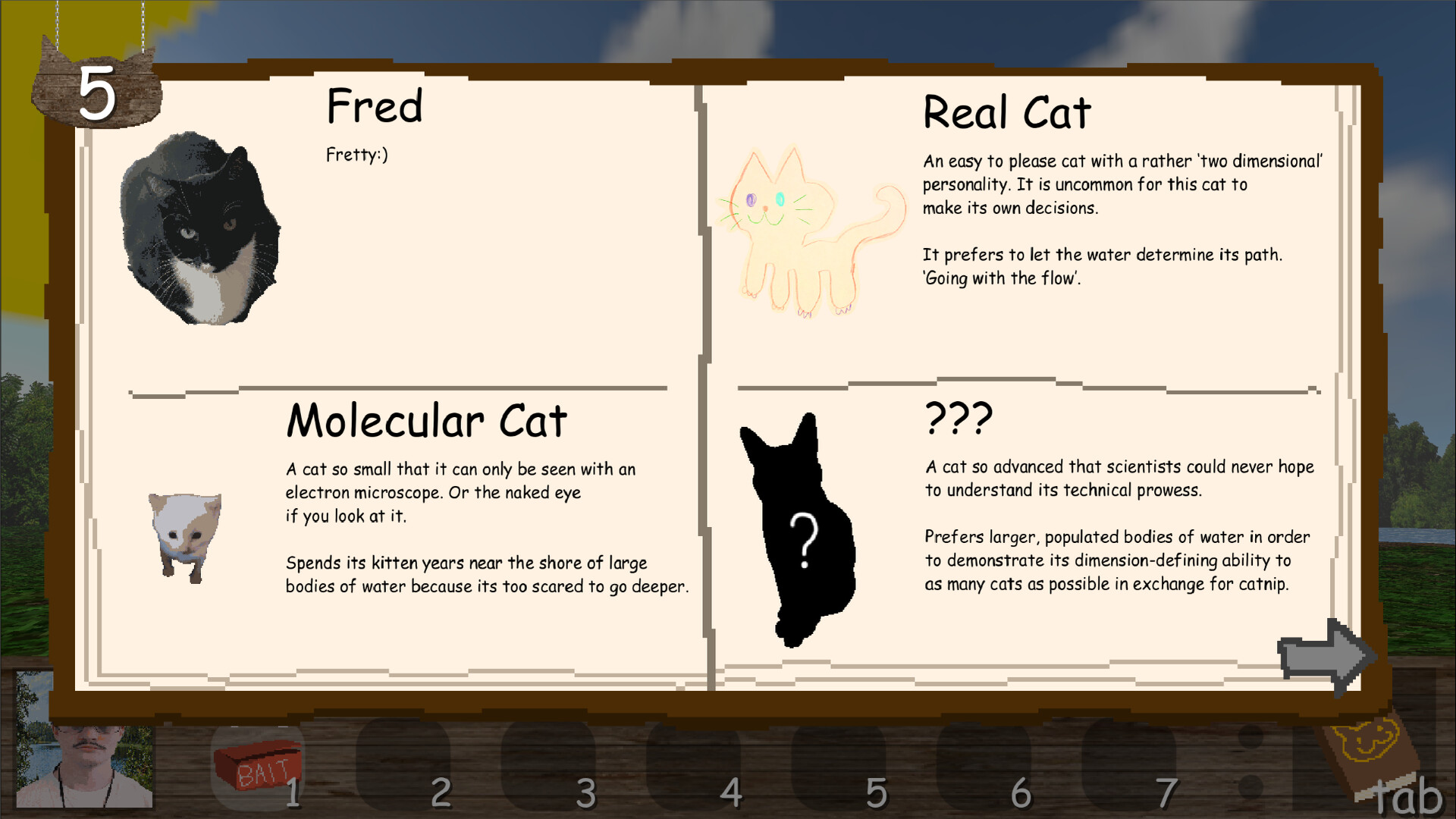
The catalogue records every cat you have caught, acting as both a progress tracker and a reference for remaining species. It updates automatically as new cats are added.
With more than 20 unique cats to collect, the catalogue is essential for confirming that no hidden variety has been missed across the many ponds and rivers.
- Check the catalogue regularly to see which cats are still uncaught.
- Use the catalogue to decide which water bodies to revisit for missing types.
04 / THE GUIDE
Audio & Visual Settings
Custom volume controls let you adjust stereo or surround sound to personal preference, while camera comfort options reduce motion discomfort. Both settings can be changed at any time.
You can revisit these settings whenever you like to keep the audio and visuals comfortable for each session.
- Switch between stereo and surround to notice any difference in cat‑related audio cues.
- Enable camera comfort if rapid camera movement feels disorienting.

COMMUNITY
Player discussion