 GameWiki
GET YOUR BEARINGS
About Fireside Feelings
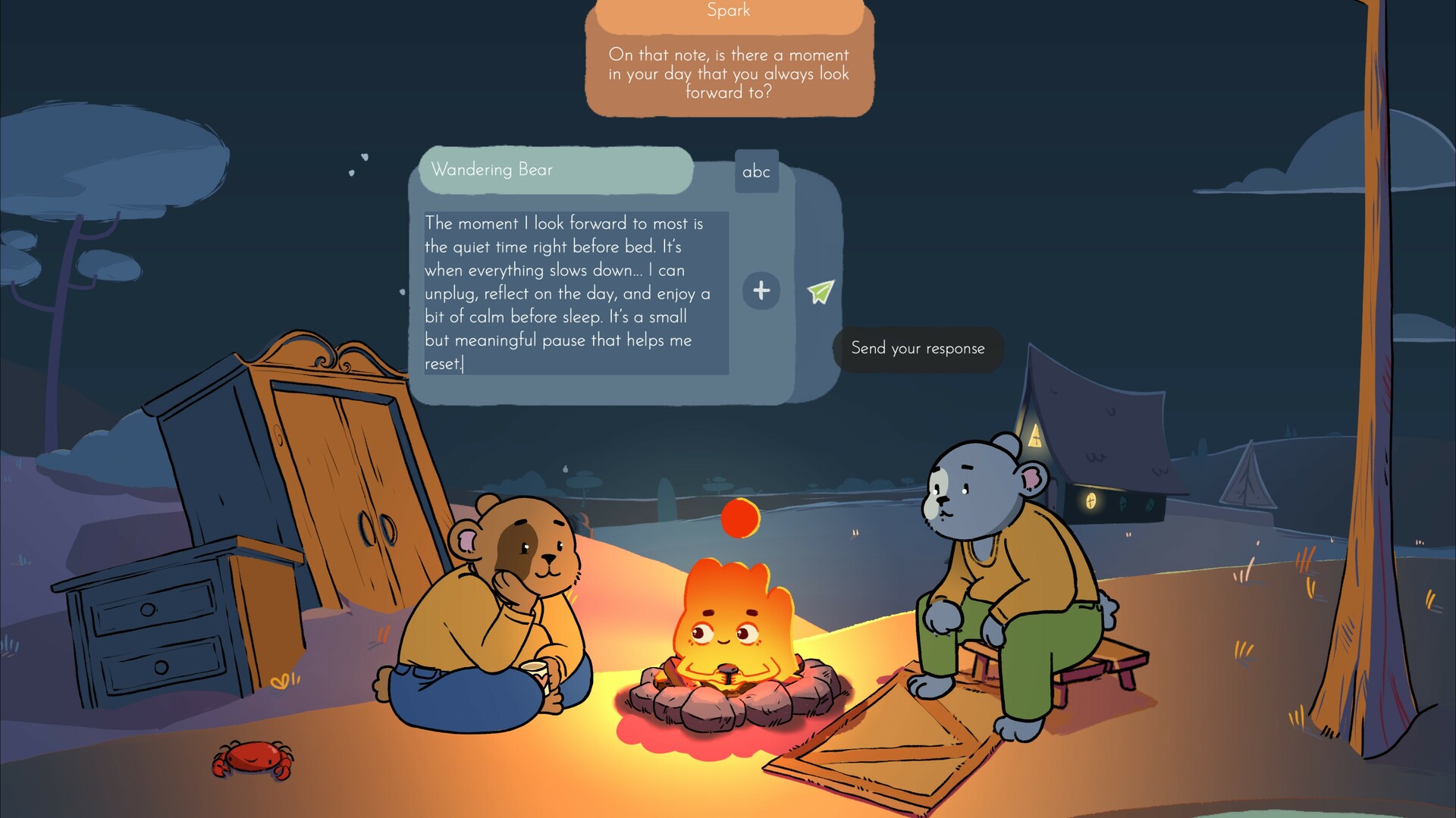
Fireside Feelings is a mental‑wellness experience that invites players to sit by a virtual campfire, share personal thoughts and listen to others’ reflections. The game emphasizes empathy, connection and positivity, offering a relaxed space to explore topics ranging from childhood dreams to everyday preferences.
01 / THE GUIDE
Conversation Experience
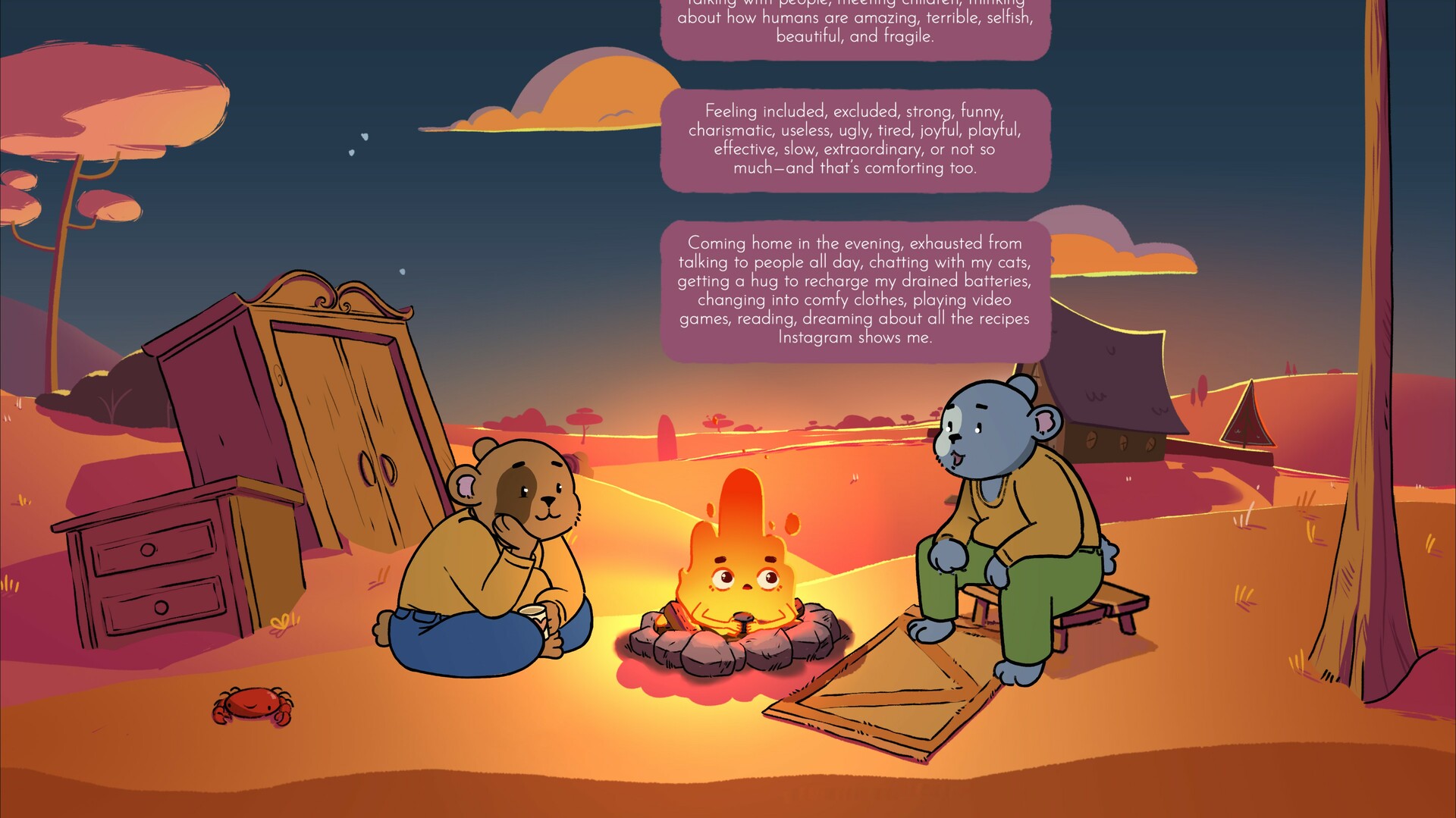
Players encounter pre‑recorded, moderated responses from real people, allowing them to read at their own pace without live interaction. The content covers a spectrum of sweet and profound prompts designed to foster authentic self‑expression.
Although the dialogue is not live, the curated answers create a sense of community, letting users discover varied perspectives while maintaining safety through moderation.
- Take your time with each prompt to fully consider your response.
- Revisit earlier conversations to notice how your feelings may have shifted.
02 / THE GUIDE
Campfire Furnishing
The game lets players unlock objects that can be placed around the campfire, turning the area into a personal retreat. These furnishings serve as visual markers of progress and personal taste.
Furnishing enhances the aesthetic of the space where conversations occur.
- Collect a variety of items to personalize the ambience.
- Arrange objects in a way that feels comforting to you.

03 / THE GUIDE
Safety Features
All answers are filtered and moderated to ensure a safe environment. Players can set content warnings to avoid topics they find uncomfortable.
Answers are moderated and filtered to help ensure a safe environment.
- Adjust content warnings to match your comfort level.
- If a prompt feels unsettling, use the warning settings to skip similar topics.
04 / THE GUIDE
Accessibility Options
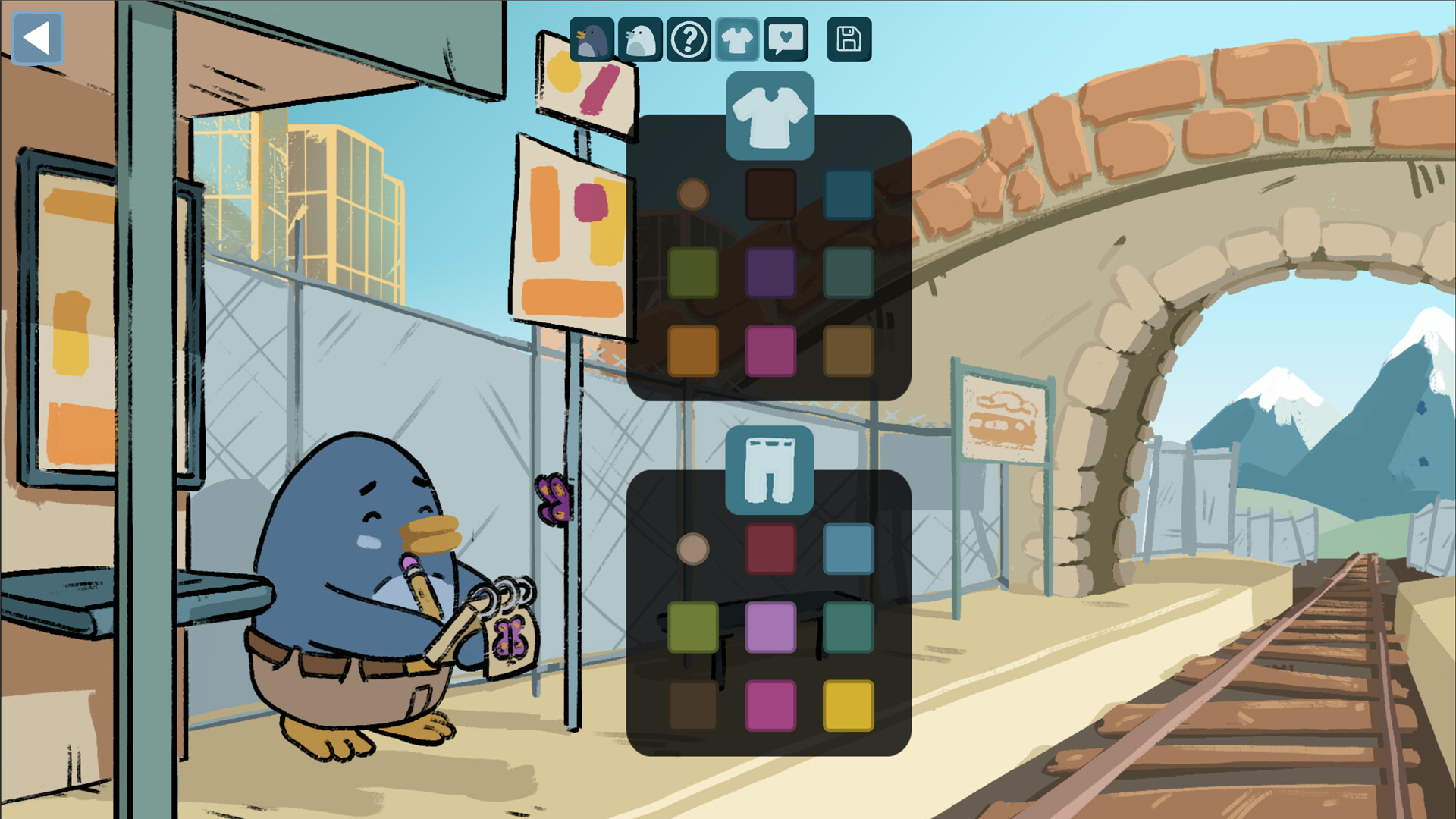
Fireside Feelings includes adjustable text size, color alternatives, and custom volume controls, allowing players to tailor the visual and auditory experience to their needs.
The game is playable without timed input, meaning players can progress at a pace that suits them without pressure.
- Experiment with color alternatives if you have visual sensitivities.
- Use the custom volume controls to adjust the audio to your liking.
05 / THE GUIDE
Achievements & Cloud
Steam Achievements reward players for milestones. Progress is saved to Steam Cloud.
Family Sharing is supported, allowing multiple accounts on the same device to access the experience.
- Check the achievement list to set personal goals.
- Steam Cloud support is available for saving your progress.
COMMUNITY
Player discussion