 GameWiki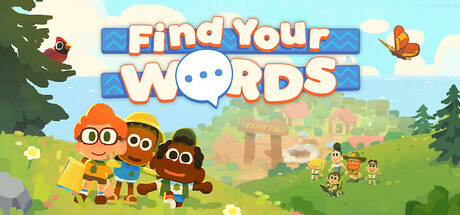
GET YOUR BEARINGS
About Find Your Words
Find Your Words drops you onto the first day of summer camp, where the Camp Pals grounds are filled with wildlife, scenic vistas, and a cast of campers each with distinct quirks. The game encourages relaxed movement and lets you explore at your own speed without timed input.
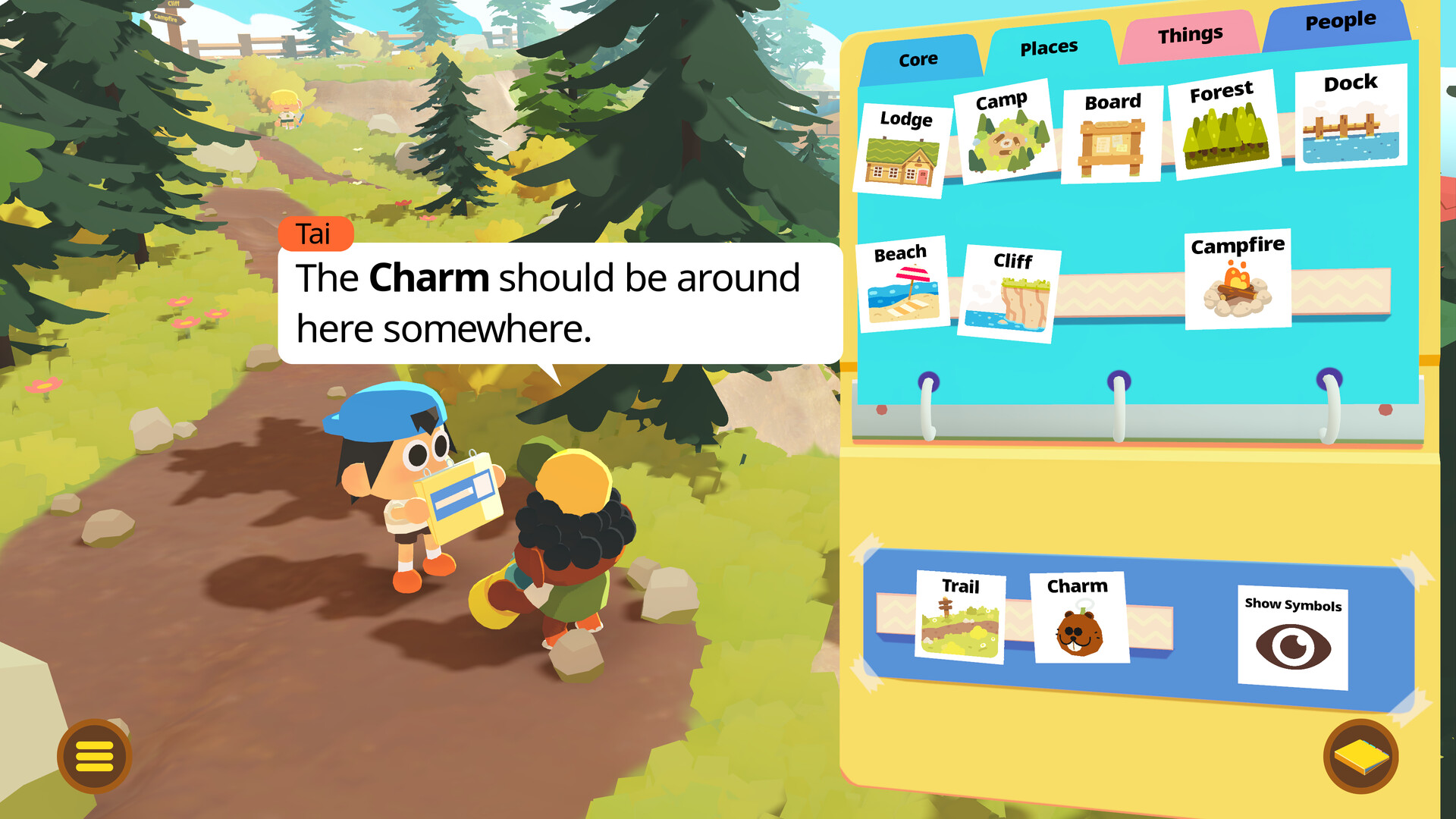
While wandering, you collect symbols for a communication binder. New symbols add unique meanings, and as you gather more, fresh interactions and shared activities become available, reflecting the creators’ focus on non‑verbal communication.
01 / THE GUIDE
Exploration
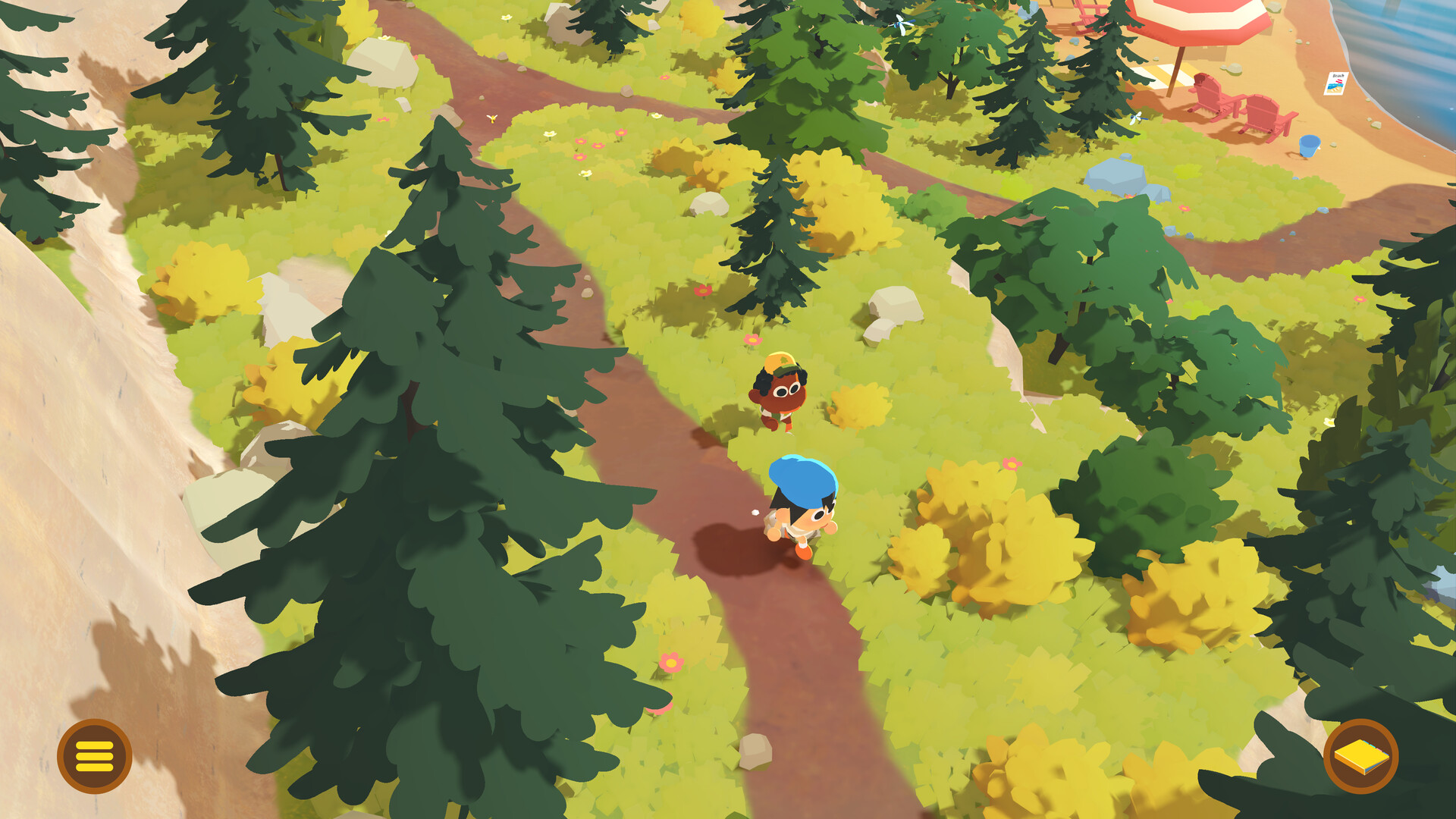
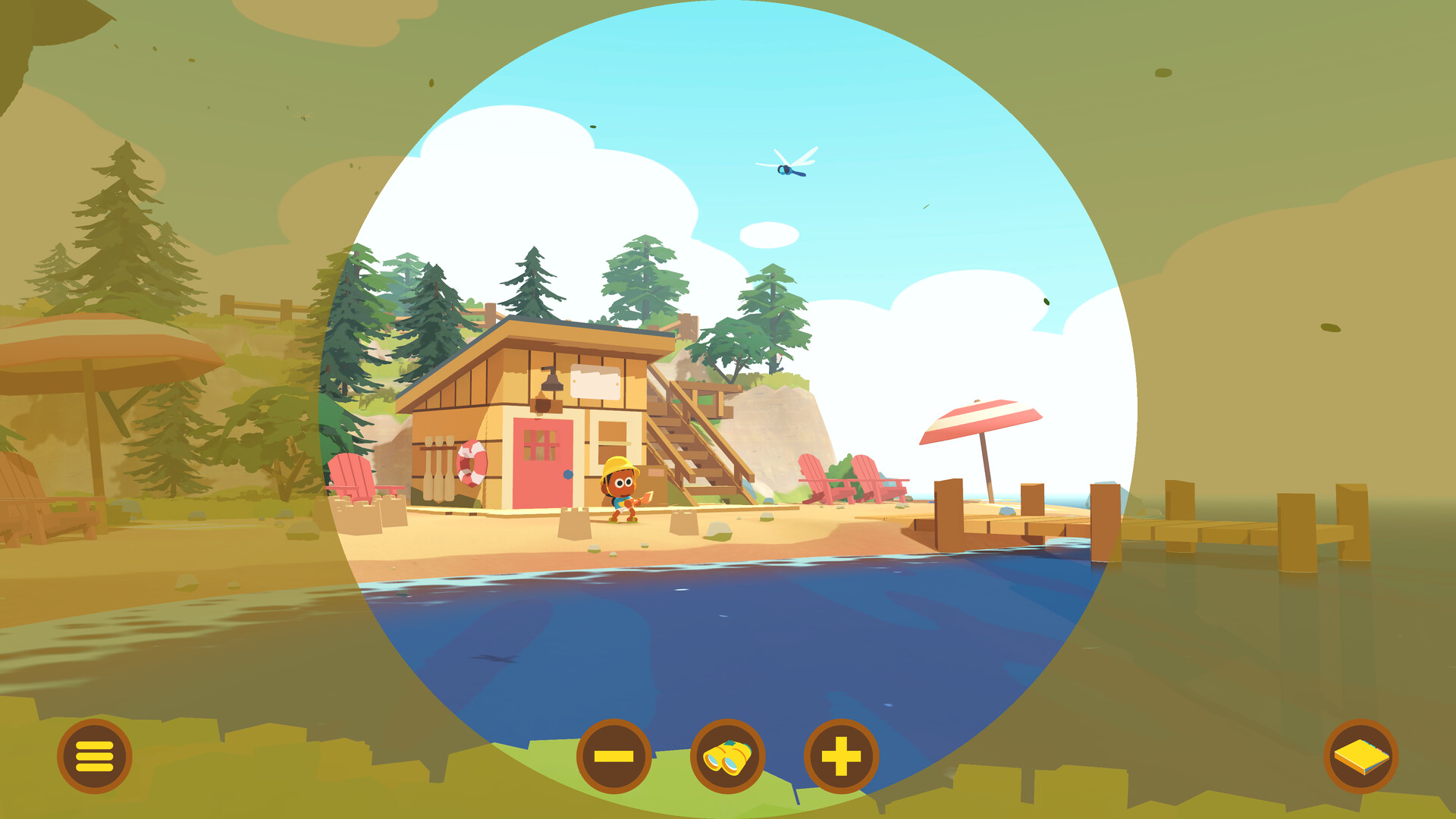
The camp area is laid out as an open world of trails, clearings, and natural landmarks. Players can move freely, pause whenever they wish, and observe wildlife that appears in various locations, supporting a leisurely pace.
Scenic vistas act as visual waypoints, helping you orient yourself without a forced path. This design lets you discover content organically, matching the description of “adventure at your own pace.”
- Use a distant vista as a reference point when you want to return to a previous area.
- Take a moment near wildlife clusters to watch their behavior before moving on.
02 / THE GUIDE
Communication Binder
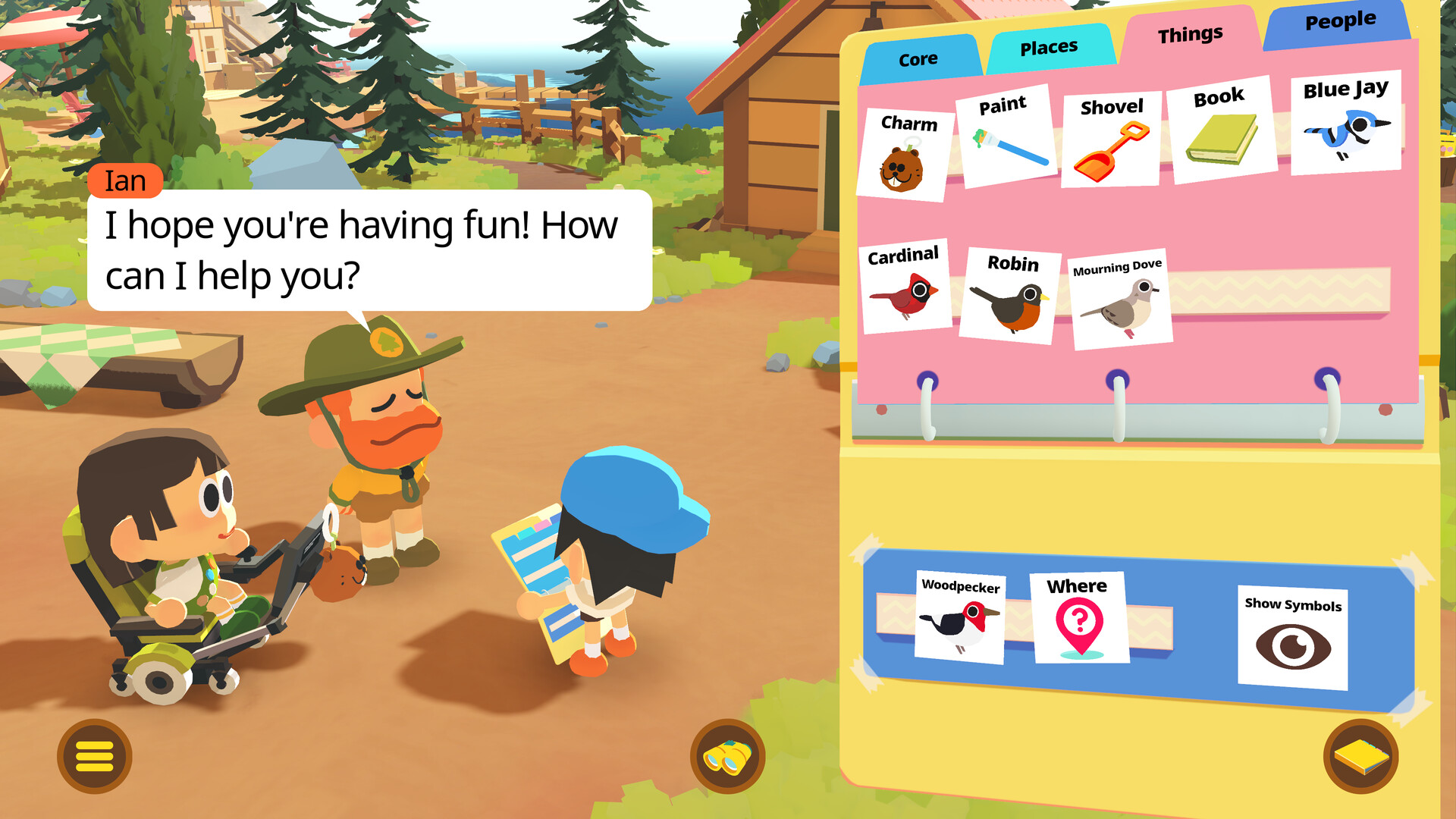
Symbols are gathered by exploring and playing with campers, then added to a binder that records each entry. Every new symbol carries its own meaning, expanding the range of possible communication.
The description notes that different combinations of symbols have unique meanings, meaning that pairing symbols can reveal interactions not previously available, encouraging experimentation as you progress.
- Observe the binder UI after each exploration to see which symbols have been added.
- Experiment with different symbol pairings to notice new interaction prompts.
03 / THE GUIDE
Friendship Activities
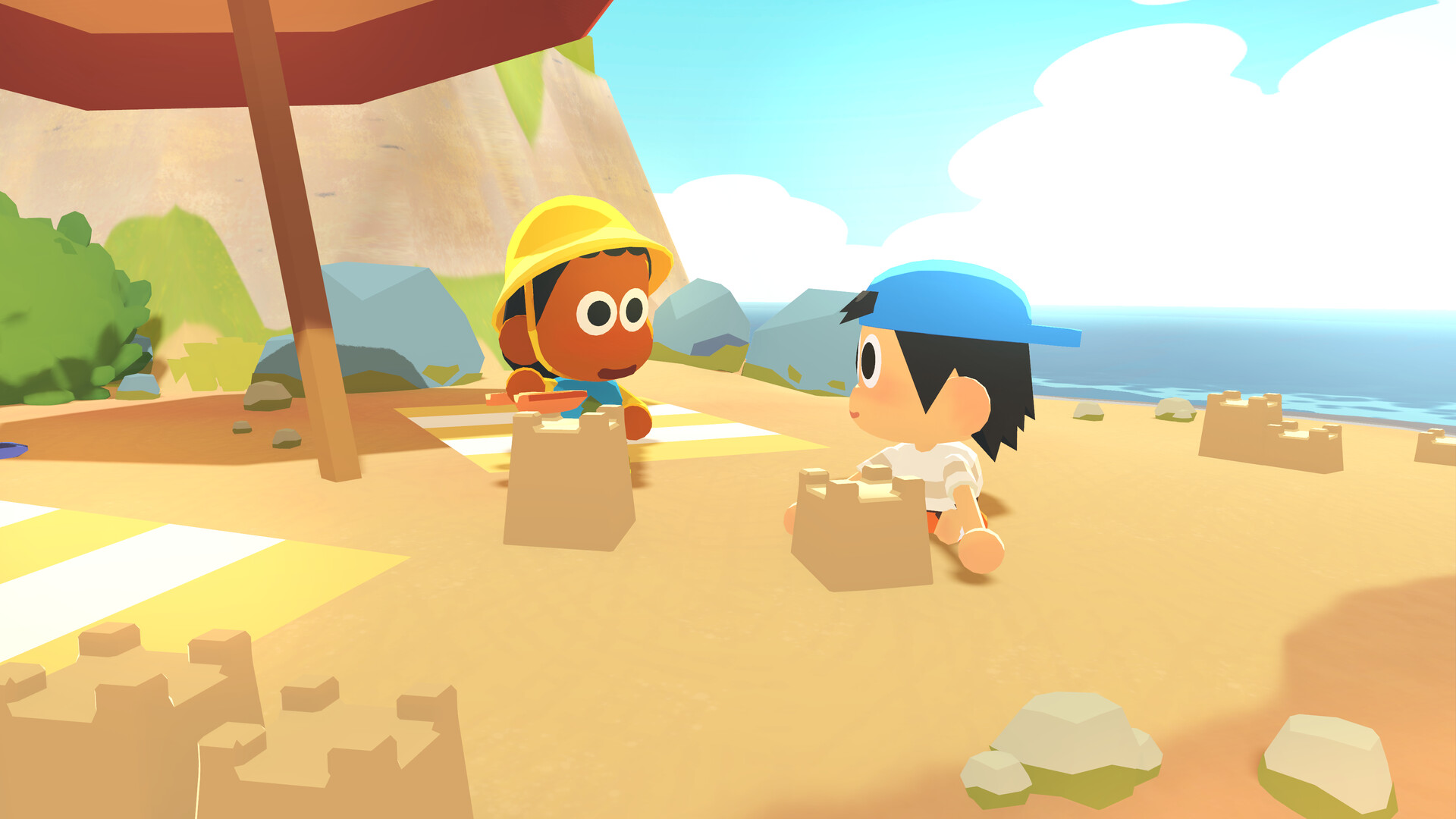
Spending time with individual campers deepens friendships, and the game notes that deeper bonds reveal new shared activities such as drawing, hide‑and‑seek, or stage performances.
Each activity reflects the personality of the camper involved, providing a sense of connection without relying on spoken dialogue, as intended by the creators.
- Visit the same camper multiple times to see if new activity prompts appear.
- Notice how a camper’s quirks influence the type of activity that becomes available.
04 / THE GUIDE
Accessibility Options
The game lists Full Controller Support, a Keyboard Only Option, and a Mouse Only Option, allowing players to choose any of these input methods. Additional settings include Camera Comfort, Color Alternatives, and Custom Volume Controls.
All options are designed to keep the experience playable without timed input, so players can adjust visual and audio settings to suit personal comfort levels.
- Enable Camera Comfort if camera movement feels uncomfortable for you.
- Adjust Color Alternatives for better contrast if needed.
05 / THE GUIDE
Achievements & Cloud Saves
Steam Achievements are listed as a feature for tracking milestones, while the Save Anytime feature lets you pause at any moment and store progress.
Steam Cloud is listed as a feature, indicating that saved data can be stored online, and Family Sharing is also present, allowing the game to be shared with other accounts.
- Check the achievement list to set personal collection goals.
- Use Save Anytime before ending a session to ensure progress is recorded.
COMMUNITY
Player discussion