 GameWiki
GET YOUR BEARINGS
About FIND ALL
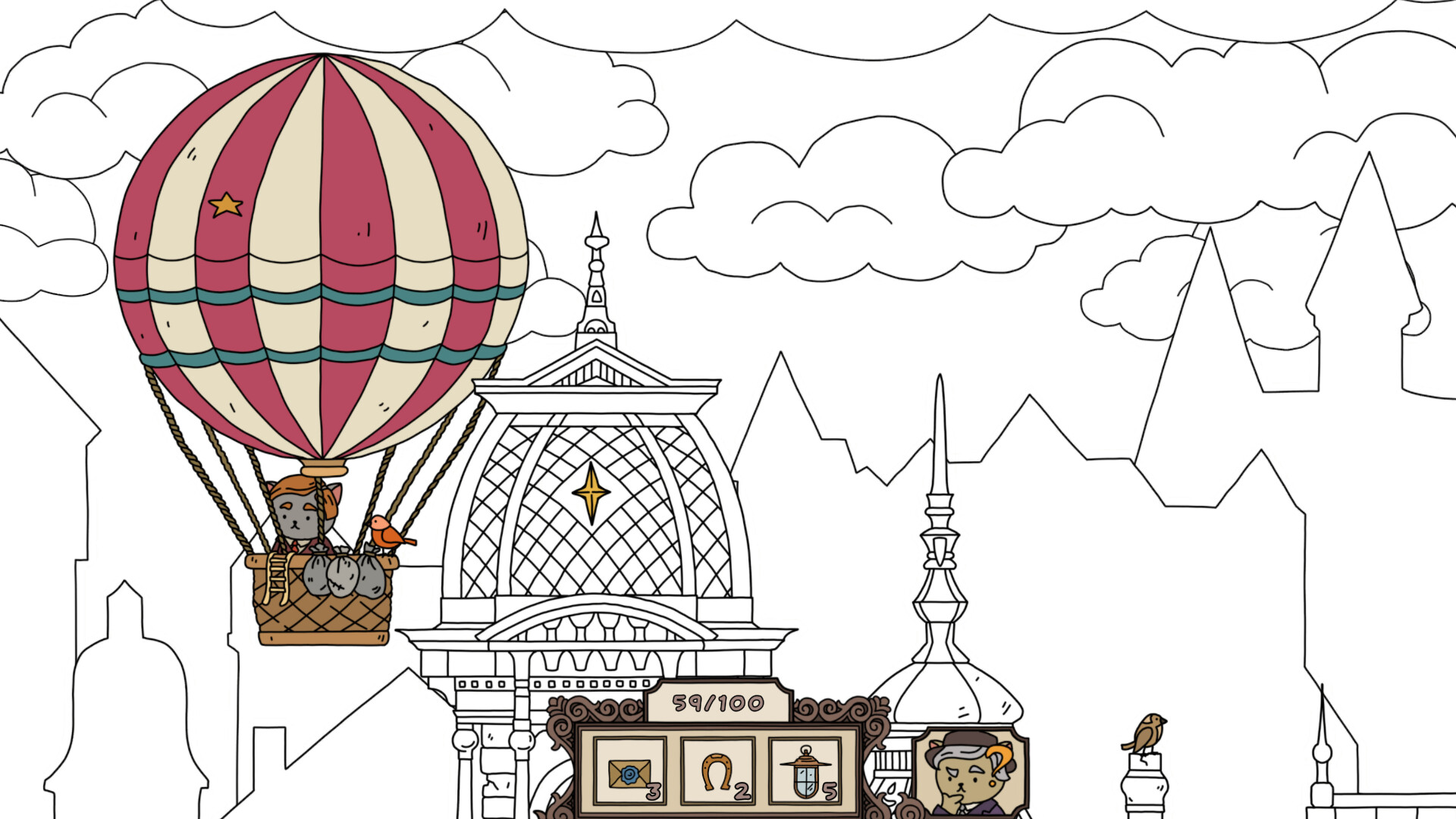
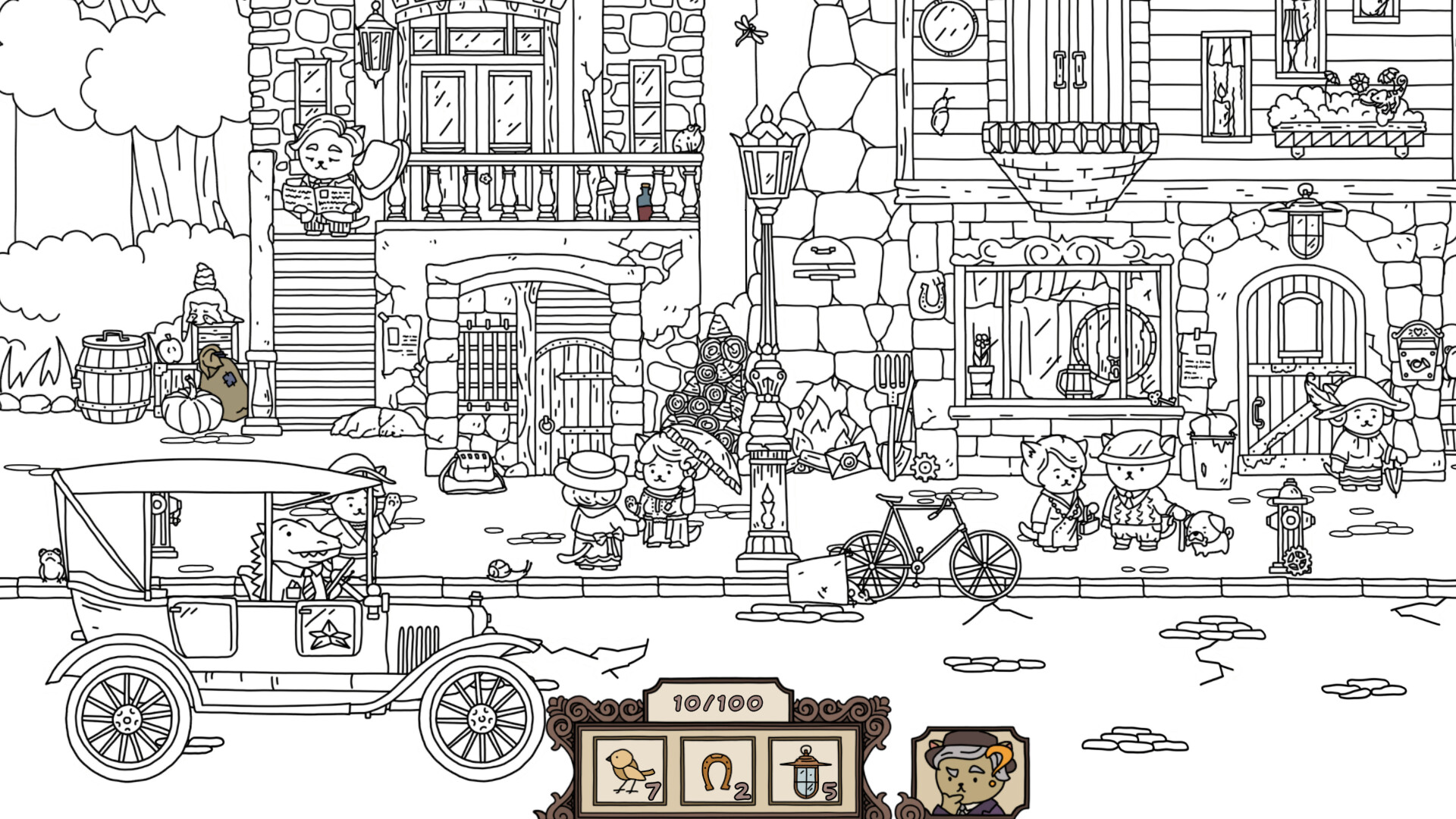
Find All invites players to wander a stylized early‑20th‑century city, populated by citizens in period fashion, a vintage car, and a hot‑air balloon. The world starts in black‑and‑white, and each hidden object you locate adds colour, bringing the scene to life.
The game offers atmospheric music and a 2.5D visual style, making it suitable for families. Players can choose which items to hunt, receive hints, and encounter inhabitants who each have their own story.
02 / THE GUIDE
Storytelling Inhabitants
The city is populated by residents, each with a brief narrative to share. Interacting with them provides context for the setting and enriches the atmosphere.
These stories are presented without requiring additional gameplay actions, serving as ambient background while you search for objects.
- Listen to each inhabitant’s tale for a deeper appreciation of the era.
- Observe how the stories align with the visual changes as colour returns.
03 / THE GUIDE
Visual Style and Colouring
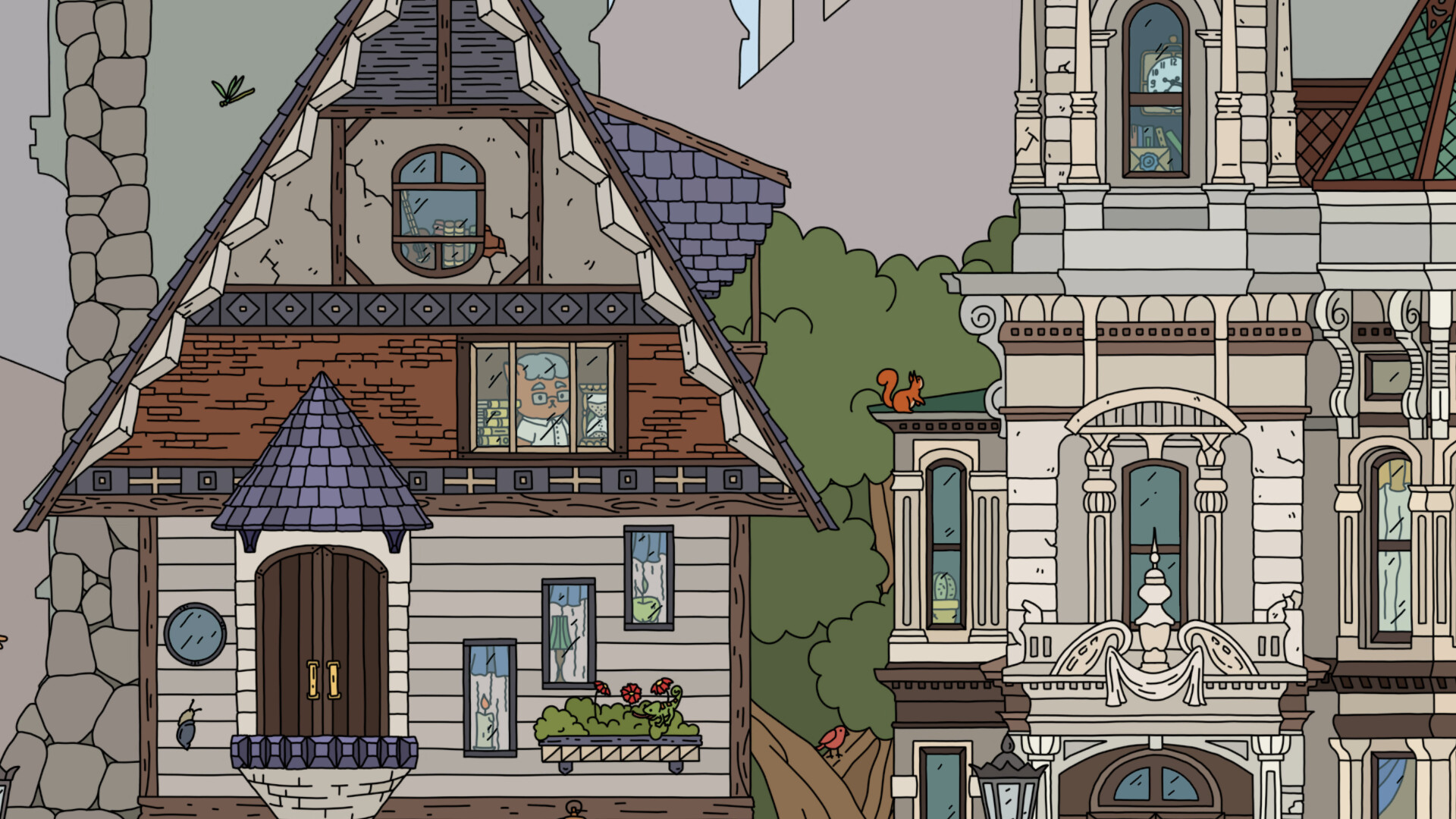
The game employs a 2.5D effect, blending two‑dimensional artwork with subtle depth cues. Initially the world appears in black‑and‑white, and each discovered item adds colour to its surroundings.
This progressive colouring creates a satisfying visual transformation that mirrors your progress through the hidden‑object list.
- Notice how newly coloured areas contrast with still‑monochrome sections.
- Take screenshots to track the visual evolution of each level.
04 / THE GUIDE
Audio Atmosphere
Atmospheric music accompanies the exploration, reinforcing the period setting and the tranquil pace of hidden‑object hunting. The soundtrack stays unobtrusive, so it does not distract from visual clues.
The atmospheric music contributes to the family‑friendly ambience.
- Adjust your volume to balance music with any ambient sounds in your environment.
- Play with headphones for a more immersive feel.
05 / THE GUIDE
Platform Support
Find All runs on Windows, macOS, and Linux, offering broad accessibility for PC gamers. It is a single‑player game, and Steam features such as Achievements, Cloud saves, and Family Sharing are available.
These platform features do not affect core gameplay; they simply provide standard Steam integration.
- Enable Steam Cloud to keep your progress synced across devices.
- Use Family Sharing to let other household members try the game without purchasing.


COMMUNITY
Player discussion