 GameWiki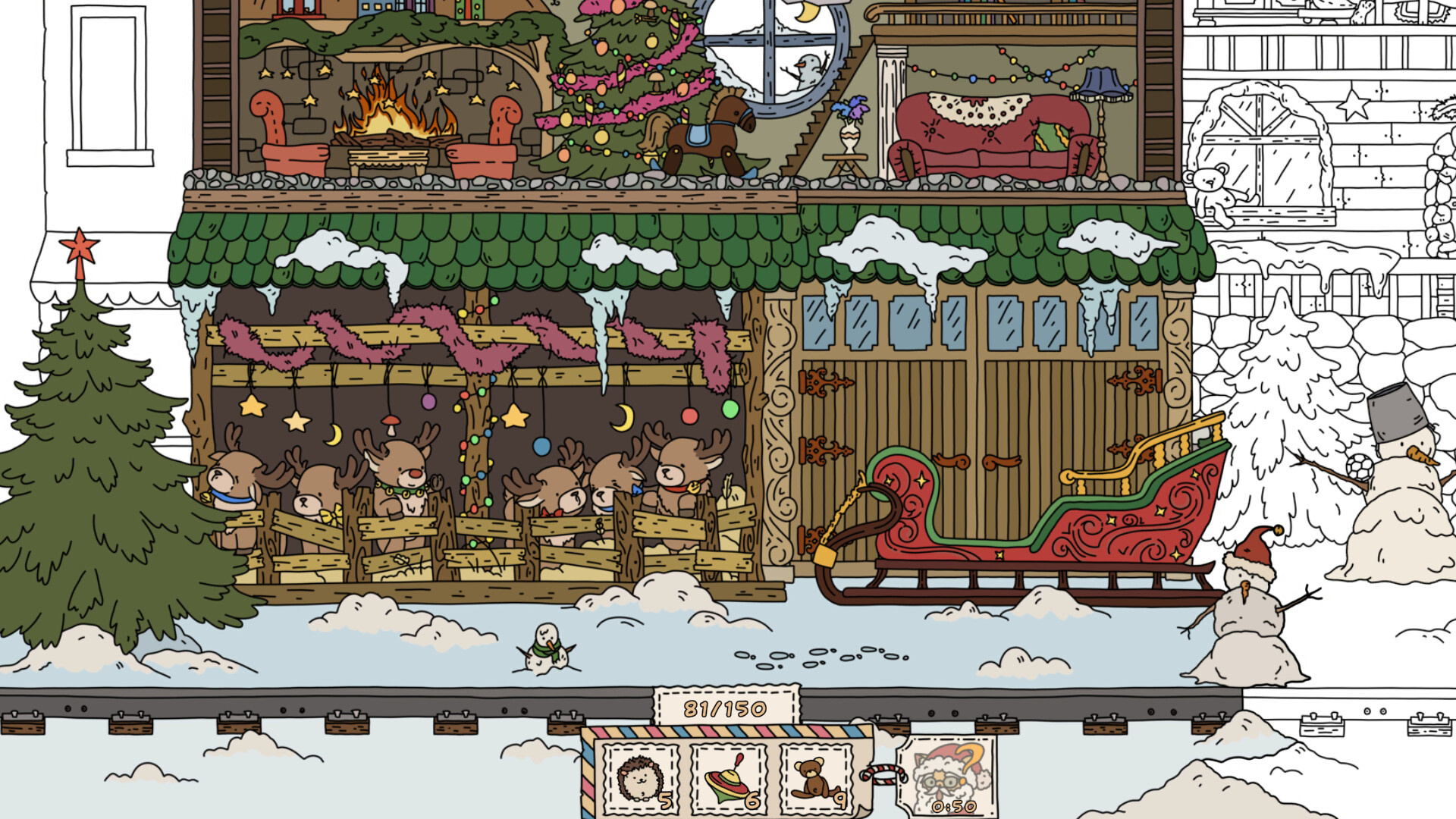

GET YOUR BEARINGS
About FIND ALL: Christmas
In FIND ALL: Christmas you begin at the Polar Express station and can wander through several distinct locations, including the cat‑elf dorm, the magic gift‑making factory, a reindeer play area, and Santa’s own residence. The world is presented with a 2.5D visual style that adds depth while keeping navigation simple.
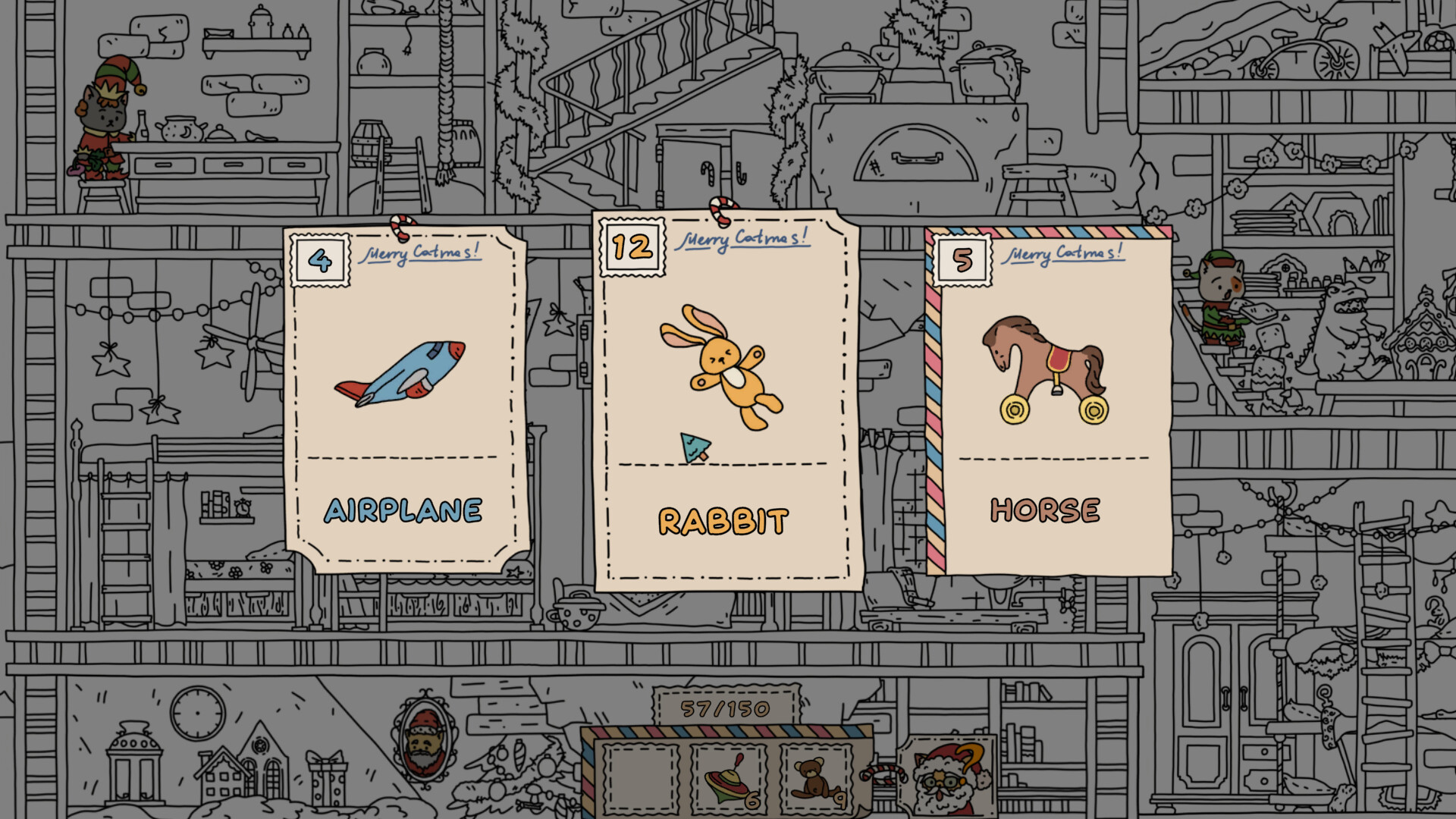
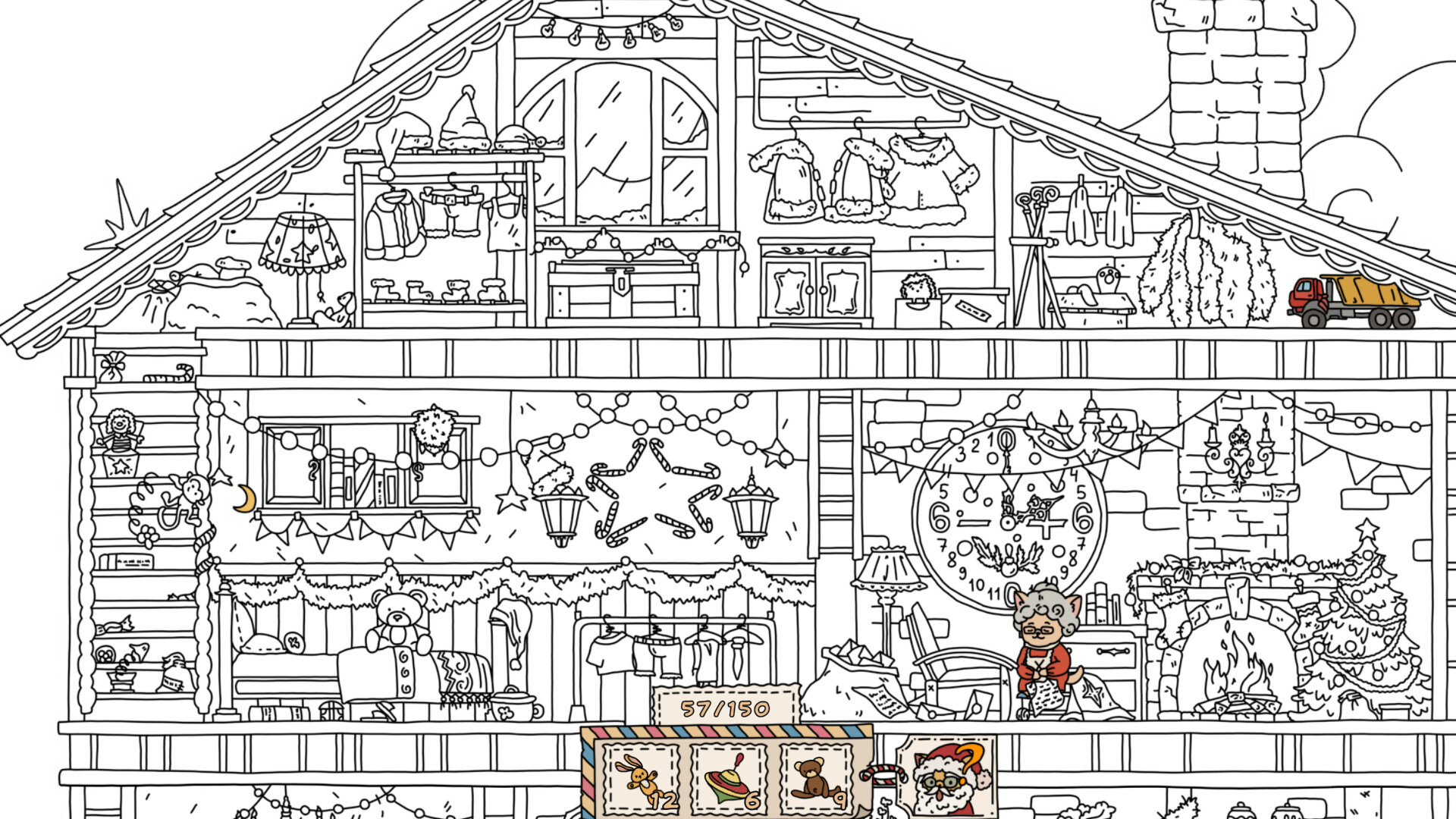
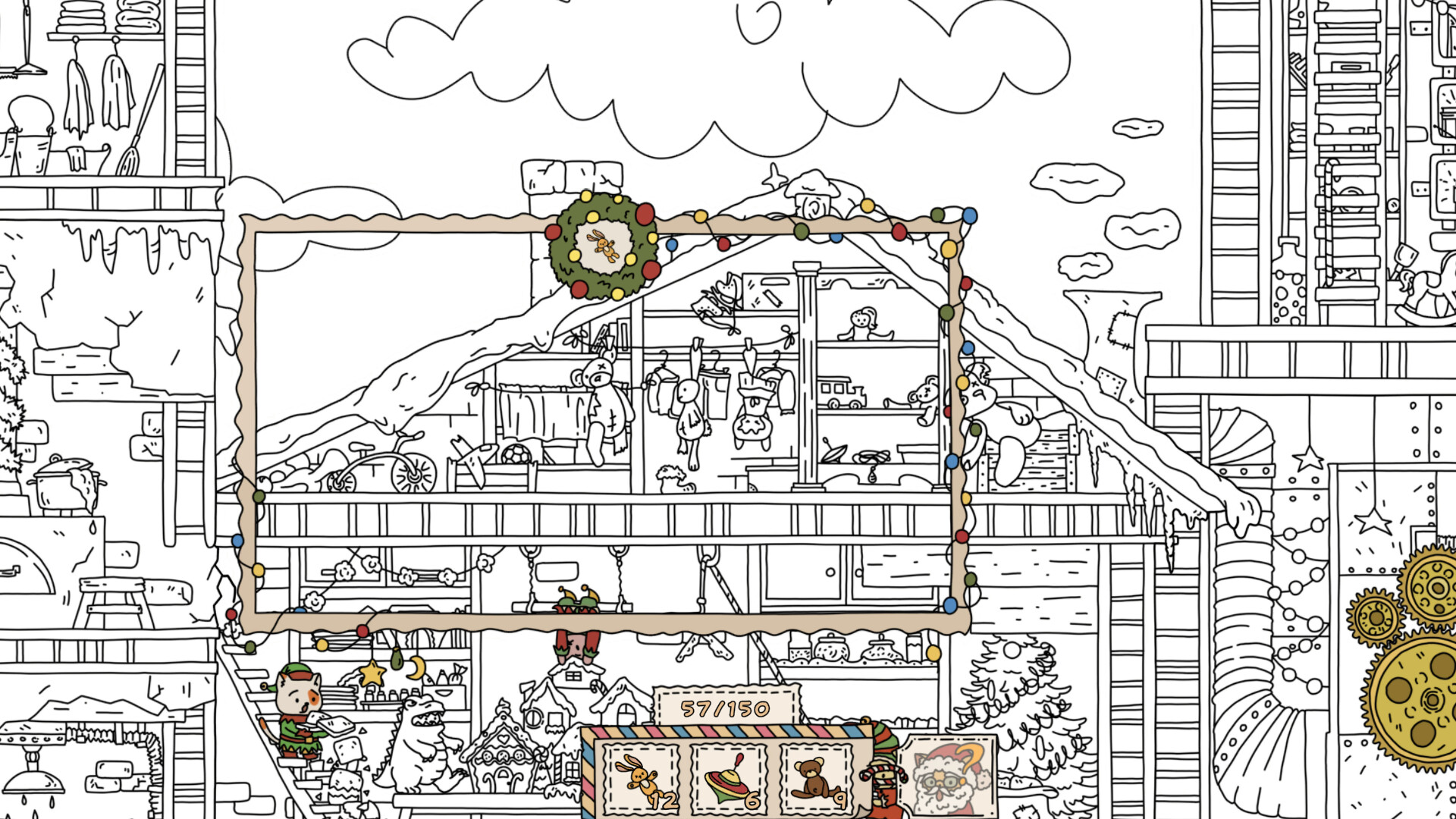
The main activity is a hidden‑object hunt for 150 items. Each discovery adds colour to a black‑and‑white picture, and the game provides a hint system, a colourable map, and a brightness control to aid players as they explore the festive setting.
01 / THE GUIDE
Exploration Areas
The game’s journey starts at the Polar Express station and lets players walk through the dorm of the cat‑elves, watch each stage of gift making in the magic factory, play with reindeer, and finally visit Santa’s residence. These areas are described as part of a vast North‑Pole complex.
Because the environment is large, the colourable map can help you navigate the large environment. Ambient music and a Christmas mood accompany each area, reinforcing the seasonal theme while you search for hidden items.
- Use the map’s colour feature to note places you have already inspected.
- Enjoy the relaxing background music as you explore each new area.
03 / THE GUIDE
Audio & Visual Design
Relaxing music plays in each location, reinforcing the Christmas mood listed in the feature set. The soundtrack matches the 2.5D visual style, creating a cohesive festive atmosphere.
Players can adjust brightness to suit personal preferences, ensuring that subtle details remain visible regardless of lighting conditions. The 2.5D effect provides depth while keeping scenes easy to read for hidden‑object gameplay.
- Increase brightness if darker sections hide items you need.
- Set the volume to a comfortable level to stay immersed.
04 / THE GUIDE
Progress Management
The game includes a saving feature that records your progress. This allows players to stop playing and later return without losing their current discoveries.
Because progress is stored, there is no need to repeat previously completed areas. Players can rely on the saved data to continue the hunt from where they left off.
- Close the game after a session; your discoveries will be retained.
- Check the colourable map before restarting to plan your next search.
05 / THE GUIDE
Platform Availability
FIND ALL: Christmas runs on Windows, macOS, and Linux, offering broad accessibility for PC gamers. The title is listed as single‑player and includes Steam features such as Achievements, Cloud saves, and Family Sharing.
Being free‑to‑play, the game can be downloaded without purchase on any of the supported operating systems. The Steam Cloud feature indicates that progress can be stored online and accessed from multiple devices.
- Verify your operating system before installing to avoid compatibility issues.
- Enable Steam Cloud if you plan to play on multiple PCs.

COMMUNITY
Player discussion