 GameWiki
GET YOUR BEARINGS
About FIND ALL 9: Fantasy
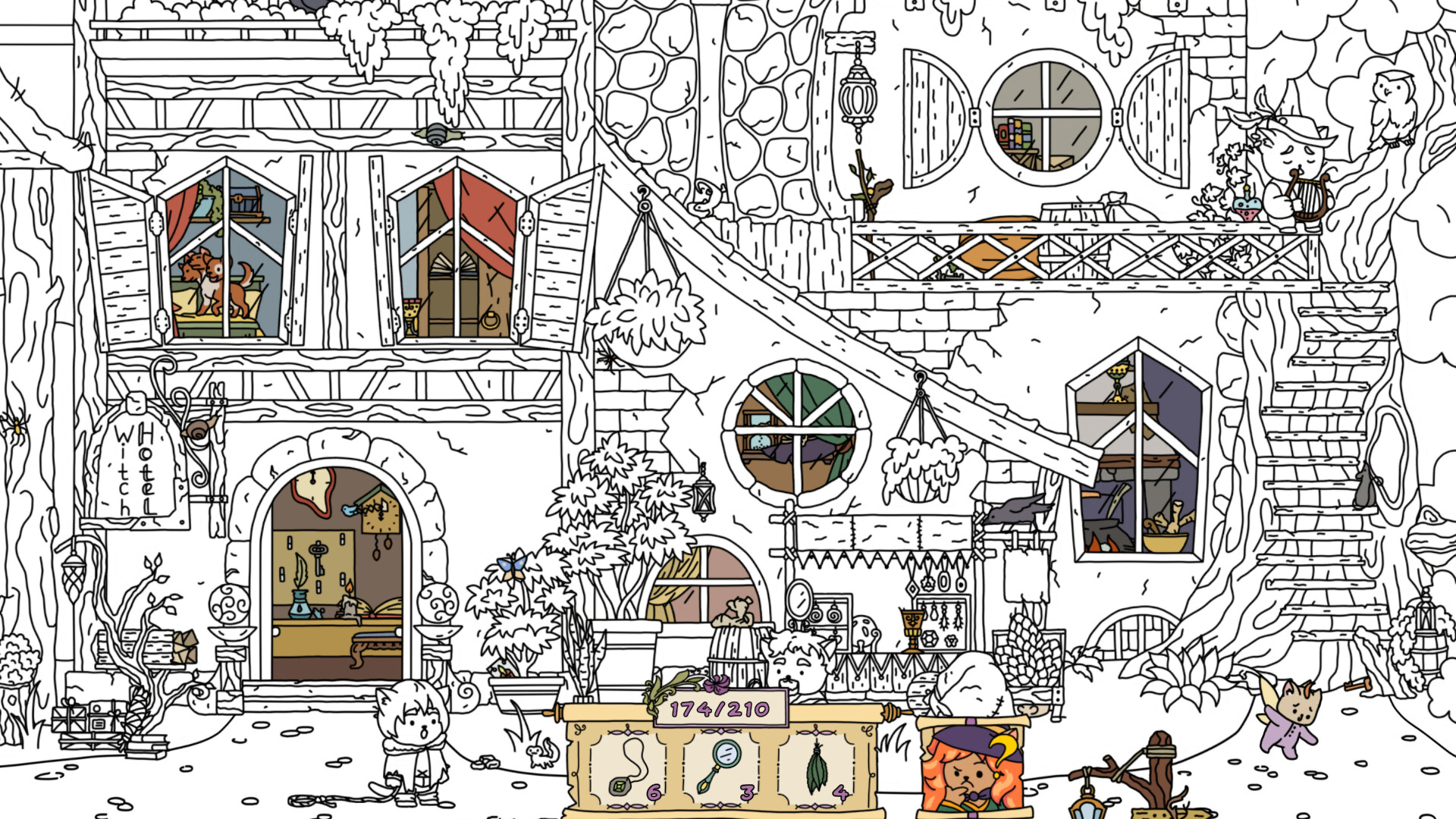
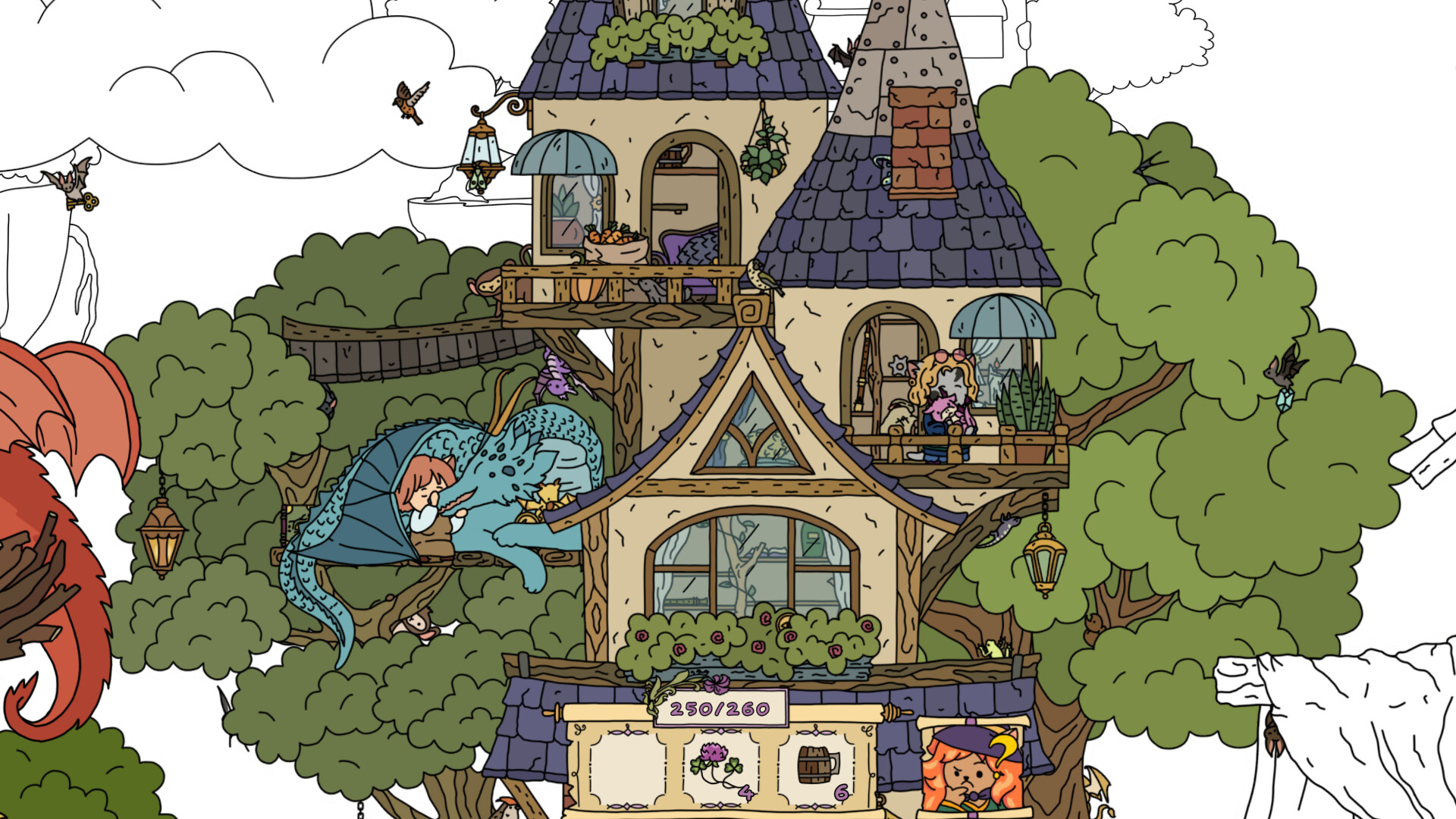
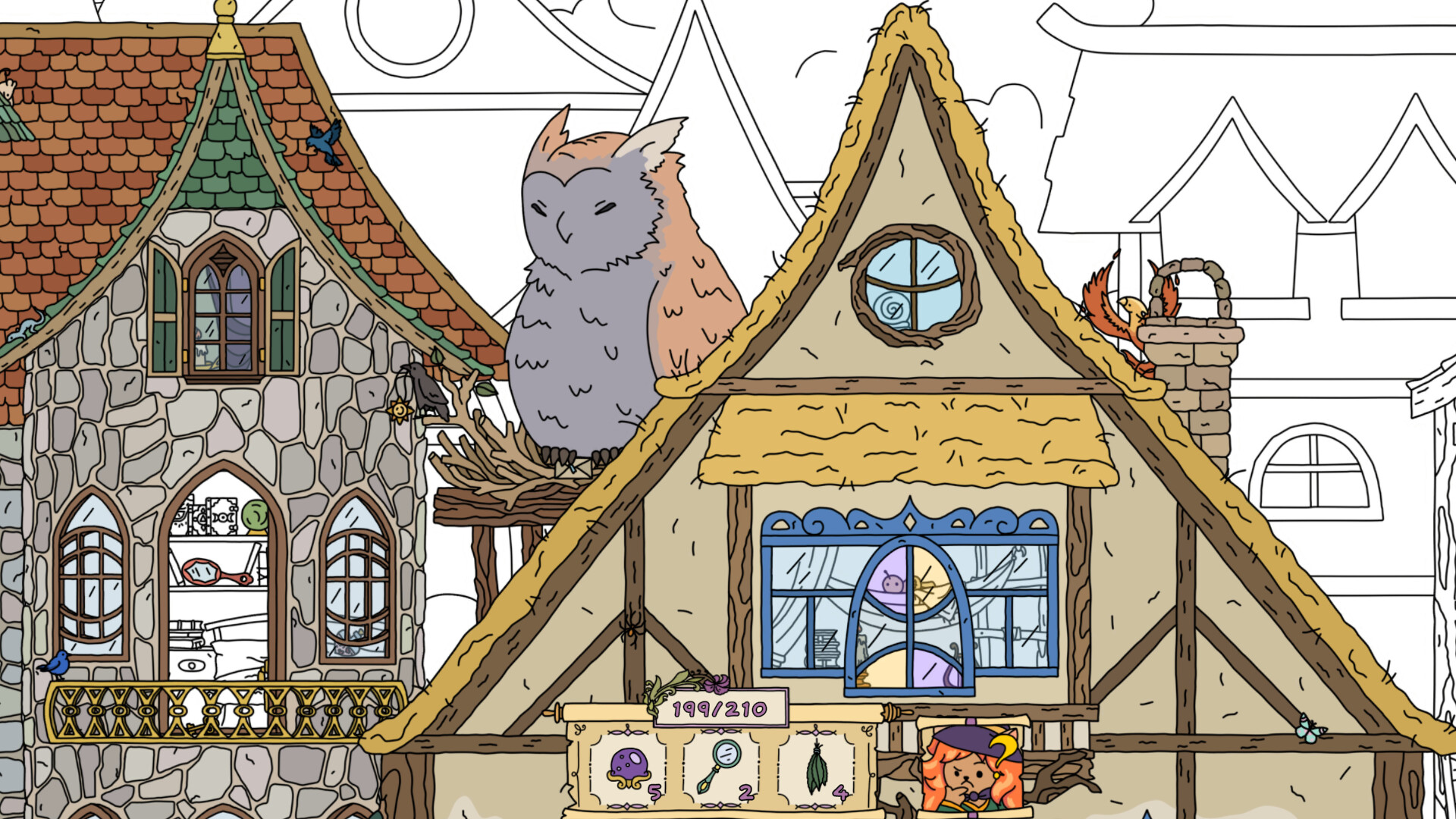
FIND ALL 9: Fantasy lets players wander a fairytale village, a colourful city of mages, and soaring dragon islands. As hidden objects are discovered, the initially black‑and‑white world gradually fills with colour, bringing the scenery to life.
The game offers 620 searchable items, three distinct mini‑games, a hint system, and atmospheric music. It is marketed as family‑friendly and supports mouse‑only input, custom volume controls, and the ability to save at any time.
01 / THE GUIDE
Exploration Areas
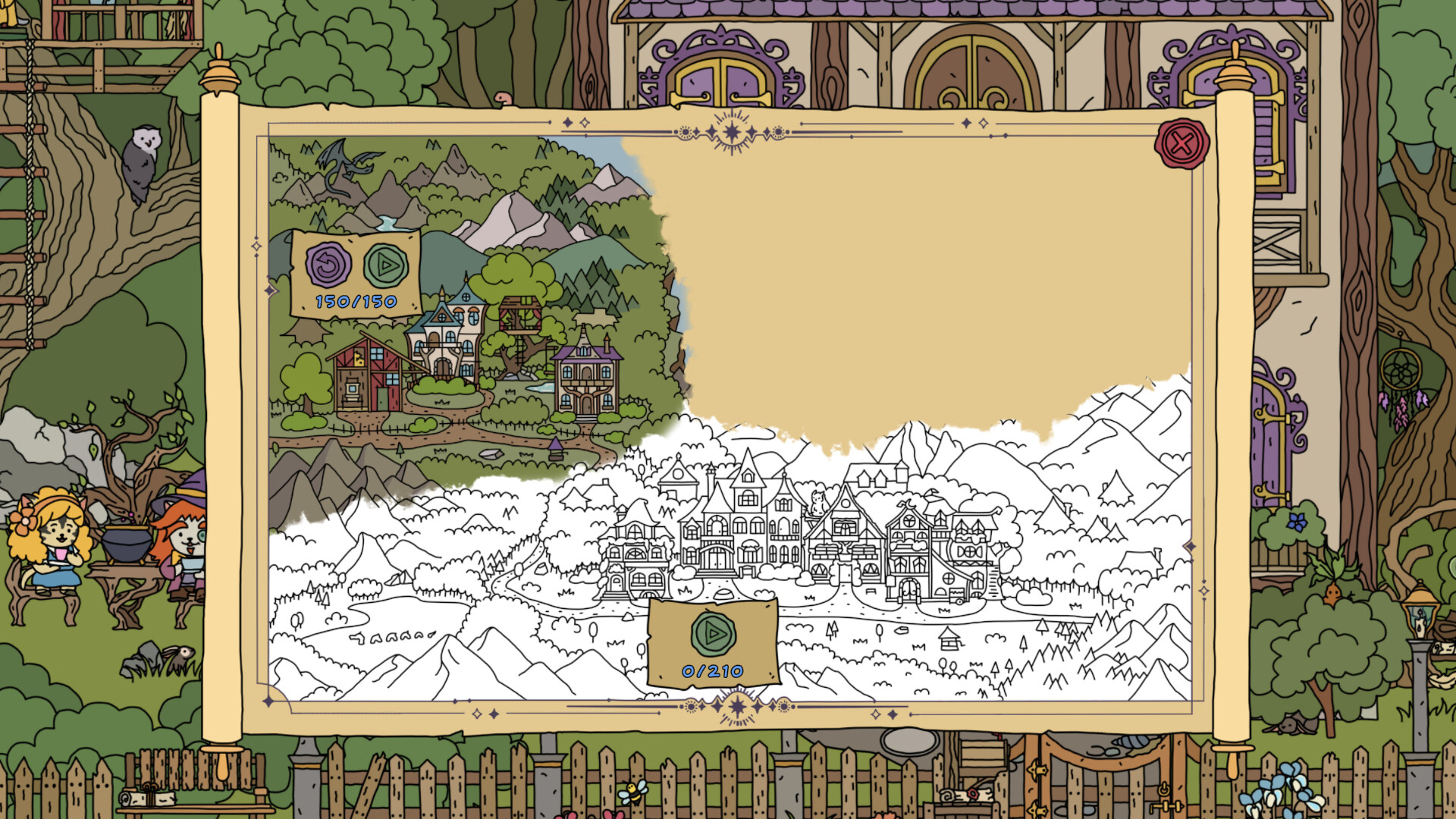
The world is split into three locations: a fairytale village, the colourful streets of a city of mages, and the unique scenery of soaring dragon islands. Each area has its own visual style and resident characters who each share a short story.
Objects can be found both outdoors and inside buildings, adding depth to the search. The game uses a 2.5D effect, giving the scenes a slight sense of depth.
- Observe the distinct colour palettes of each area to help locate items faster.
- Check indoor spaces as many items are hidden inside buildings.
02 / THE GUIDE
Item Search Mechanics
Players may choose which of the 620 items to hunt, and progress is tracked as each discovered object colours part of the level. Difficulty increases over time, requiring more precise observation of the scene.
A hint is available for each search, and items can also be hidden inside structures, encouraging thorough examination of every corner.
- Start with easier items to learn visual cues before tackling higher difficulty levels.
- Use the hint only when an area feels especially ambiguous.
03 / THE GUIDE
Mini‑Games
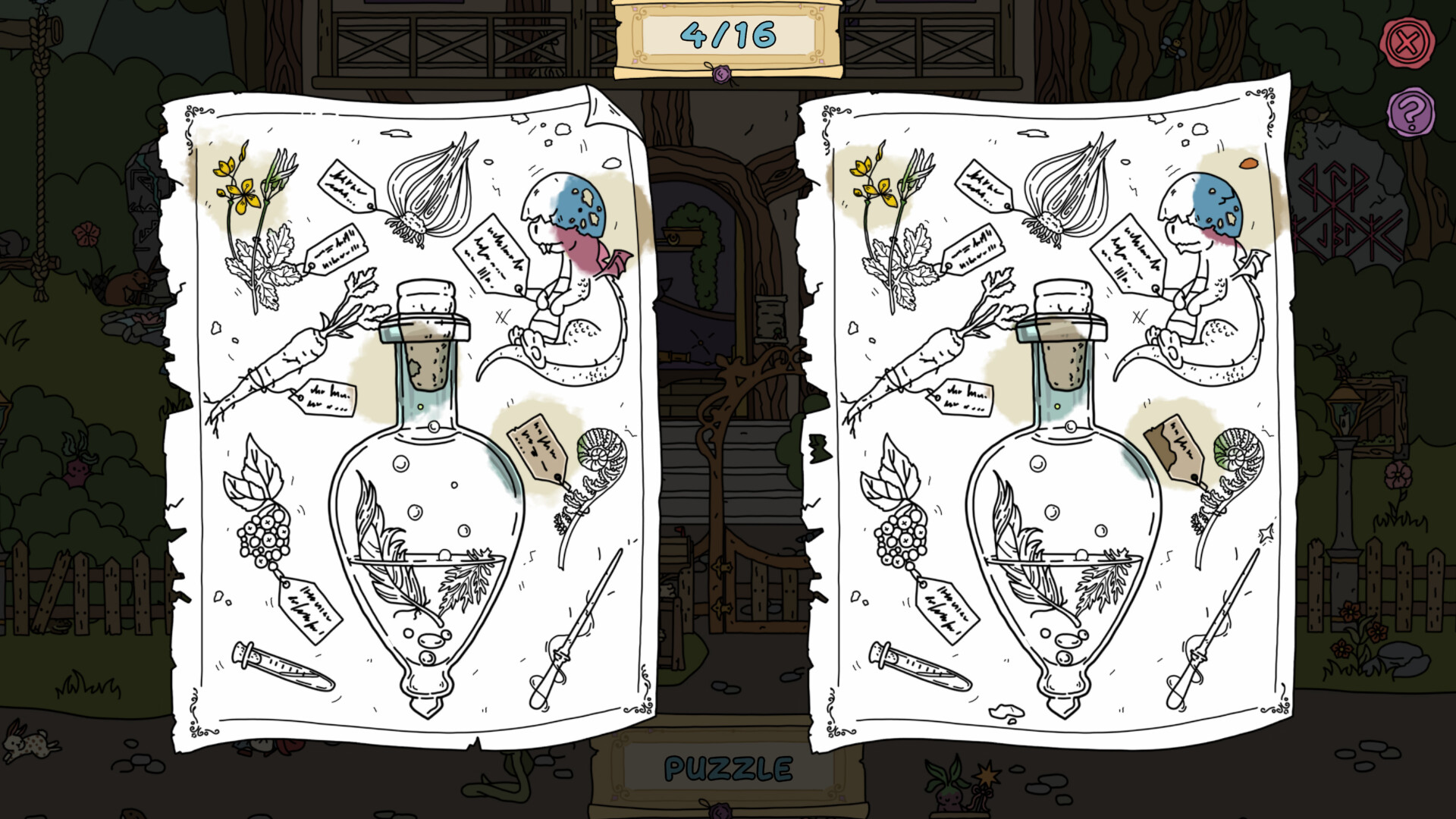
Three separate mini‑games are woven into the adventure, offering brief gameplay changes that break up the hidden‑object search. They retain the game's family‑friendly tone.
While the mini‑games contribute to overall progress, they do not alter the core item‑finding loop.
- Treat mini‑games as a short visual break before returning to detailed searches.
- Notice any recurring patterns; they often echo the main search themes.
04 / THE GUIDE
Audio & Visual Settings
Atmospheric music accompanies each location, and players can adjust volume independently via custom volume controls. A “Mouse Only” option ensures the interface works without additional peripherals.
Colouring levels replace black‑and‑white graphics with full colour as items are found, providing clear visual feedback for progress.
- Lower music volume during mini‑games if you prefer to focus on visual cues.
- Experiment with colour alternatives to see how the visual experience changes.
05 / THE GUIDE
Dragon Interaction
Among the island scenery lives a dragon that players can pet, adding a tactile moment to exploration. Petting the dragon is a light interactive moment during exploration.
The dragon’s presence reinforces the fantasy theme and provides a memorable visual highlight in the soaring islands.
- Pet the dragon after completing a level for a satisfying visual reward.
- Observe how the dragon’s animation changes when you approach it.
COMMUNITY
Player discussion