 GameWiki
GET YOUR BEARINGS
About FIND ALL 7: Japan
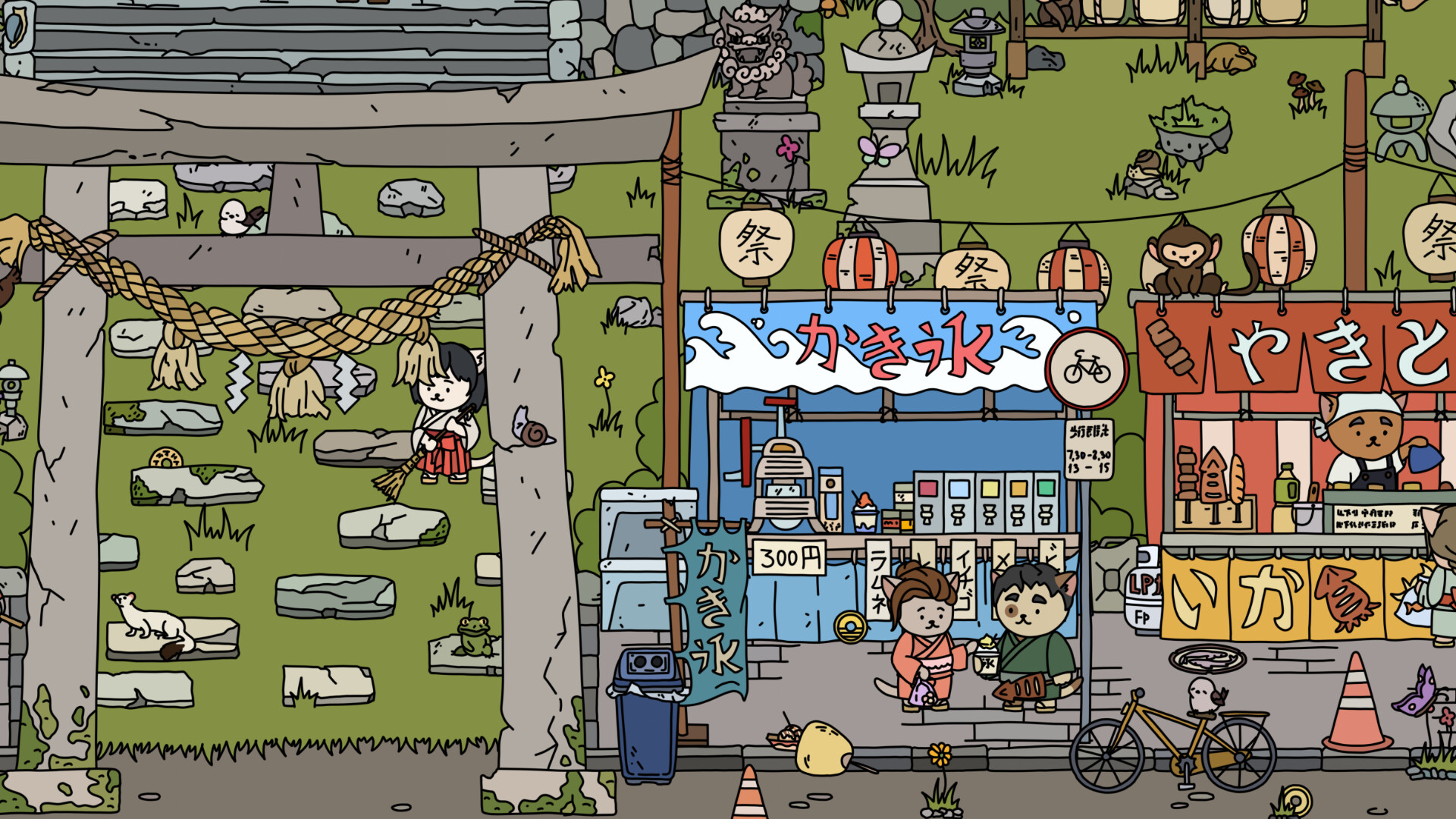
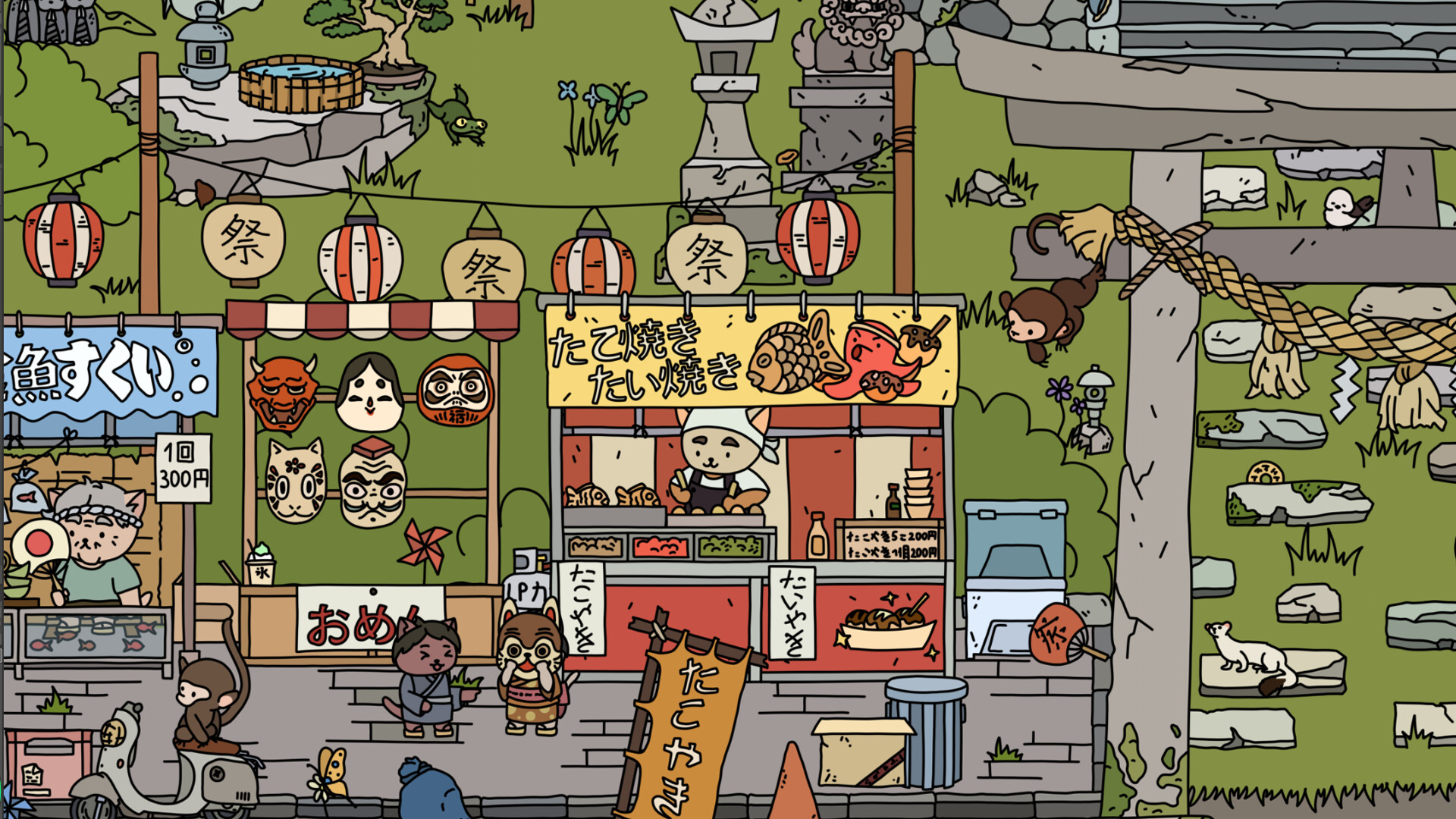
FIND ALL 7: Japan invites players to locate hidden objects among sakura trees and a bustling summer festival. The world begins in black‑and‑white and gains bright colors as items are discovered, while atmospheric music plays in the background.
The game offers 150 searchable items, a selectable item list, increasing difficulty, a hint feature, and indoor exploration. Family‑friendly interactivity includes story‑telling inhabitants and occasional Yokai appearances.
01 / THE GUIDE
Search Items
Players can locate up to 150 distinct objects across outdoor and indoor scenes, and they may choose which items to prioritize before each session, as the description notes an option to select items.
Difficulty rises as progress continues, and a hint system is available for objects that are hard to spot, providing assistance without imposing a time limit.
- Start with items marked as easier to become familiar with visual cues.
- Reserve hints for the most challenging searches.
02 / THE GUIDE
Interactivity
Objects may be hidden inside buildings as well as in open areas, expanding the locations that require examination beyond the exterior scenery.
The world is populated by inhabitants, each with a short story, and Yokais can appear, adding narrative depth and visual variety to the environment.
- Inspect interior rooms for items that are not visible from outside.
- Listen to each inhabitant’s story for additional atmosphere.
03 / THE GUIDE
Visual Style
A 2.5D effect blends flat artwork with subtle depth, giving scenes a layered appearance that feels both simple and immersive.
Collecting items gradually paints the initially monochrome world in bright colors, providing a clear visual indication of progress.
- Observe the palette shift after each find to track advancement.
- Compare early and later screenshots to see the full color transition.
04 / THE GUIDE
Audio Controls
Atmospheric music accompanies each area, and custom volume controls let players adjust audio levels.
A Mouse Only Option is listed, confirming that the game can be played using only the mouse input method.
- Lower music volume if you prefer ambient environmental sounds.
- Experiment with different volume levels to find a comfortable balance.
05 / THE GUIDE
Platform Support
The title runs on Windows, macOS, and Linux, offering broad PC accessibility across the three major operating systems.
It is a single‑player experience with save‑anytime capability, Steam Cloud support, and Family Sharing for household accounts.
- Steam Cloud is listed as a feature and can be enabled in the client settings.
- Use Family Sharing if multiple household members wish to play without separate purchases.



COMMUNITY
Player discussion