 GameWiki
GET YOUR BEARINGS
About FIND ALL 6: Netherlands
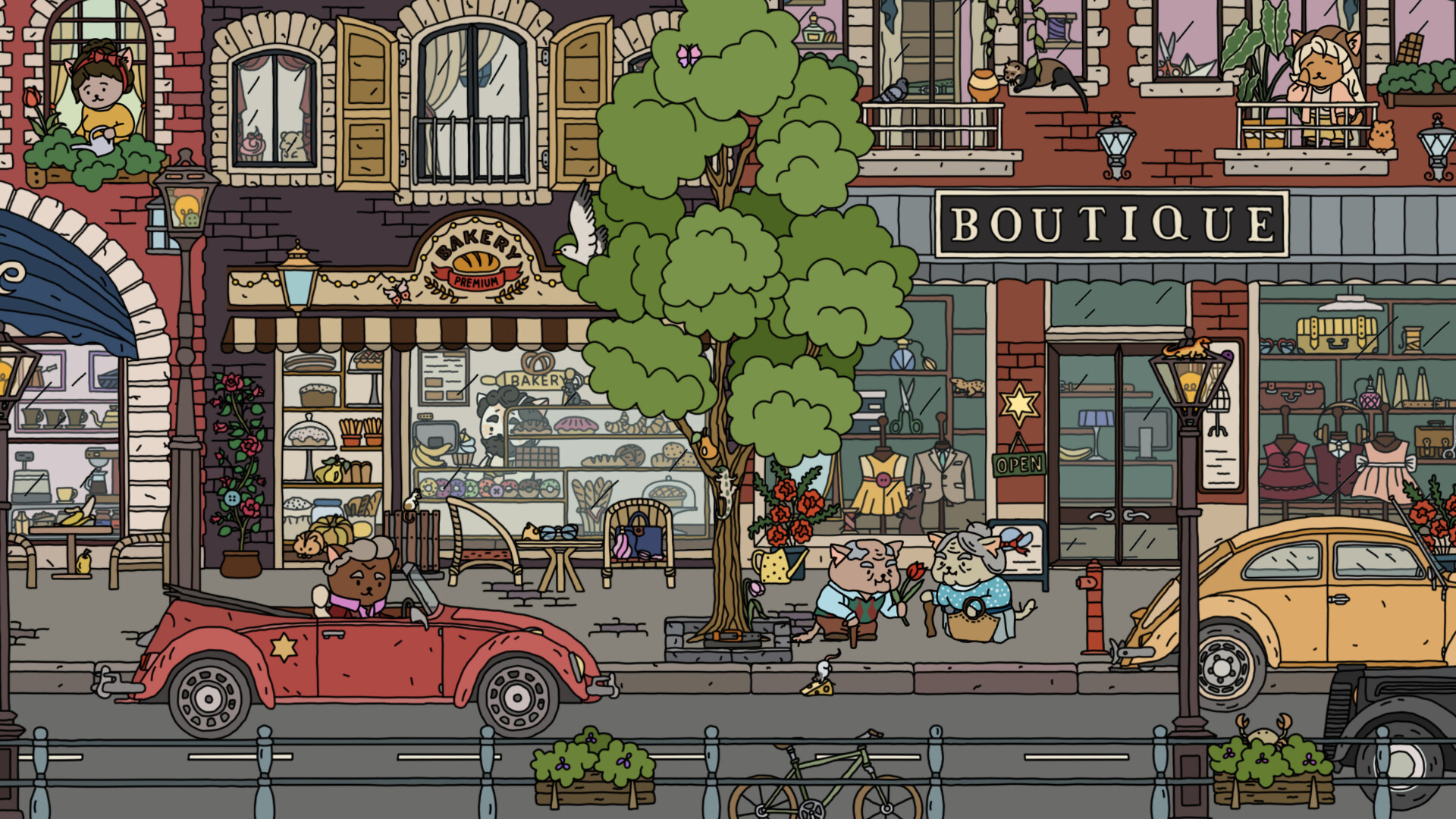
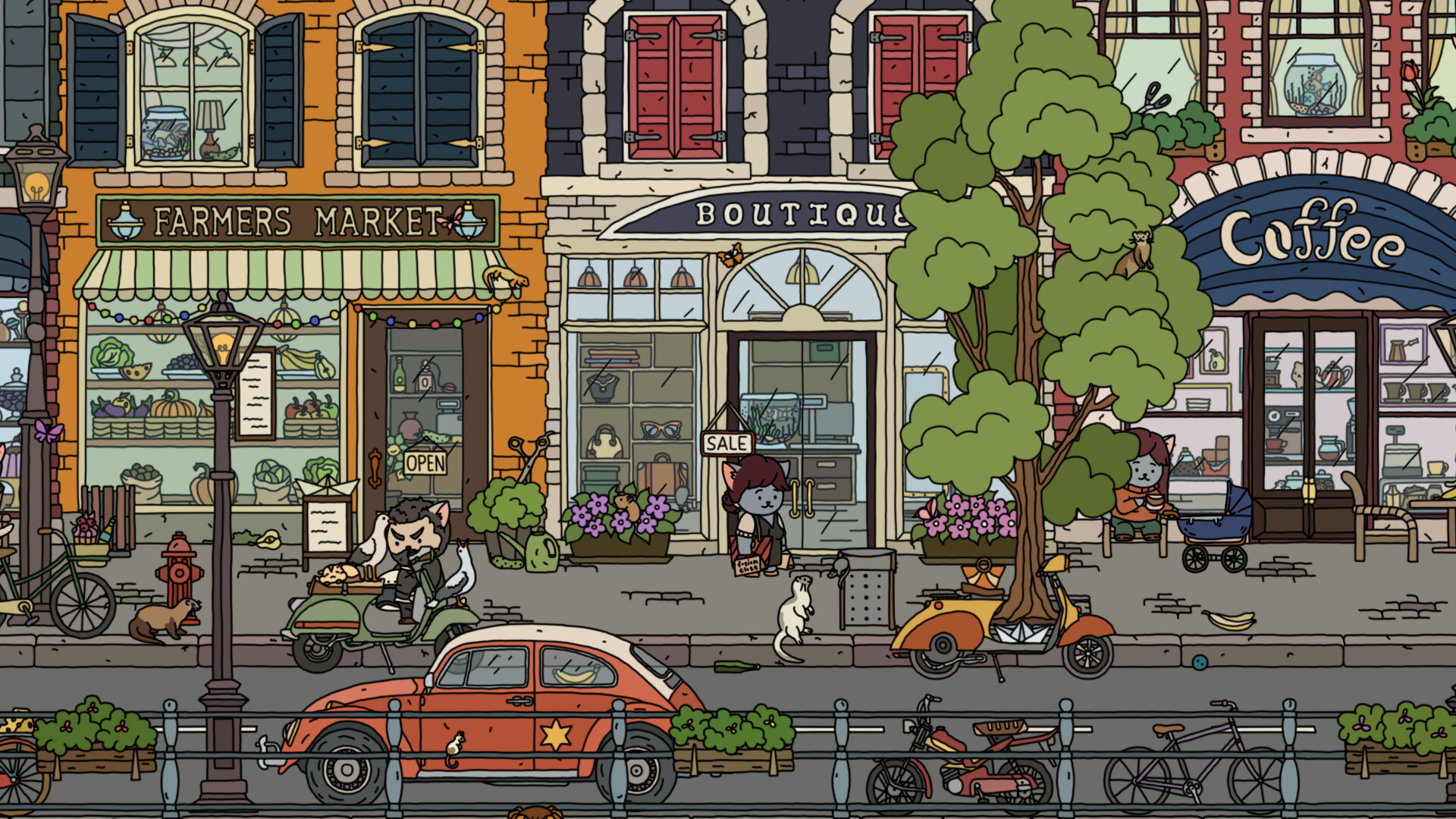
Find All 6: Netherlands continues the hidden‑object series with a new setting that blends an ancient village, a colorful waterfront, and a hot resort. Players search for a large collection of items while the monochrome world gradually gains colour as objects are discovered.
The game offers 750 searchable items, an increasing level of difficulty, and interactive environments that let you explore interiors. A hint system, coloring levels, and a 2.5D visual style add variety, and the populated world includes characters each with their own story.
01 / THE GUIDE
Search Items and Difficulty
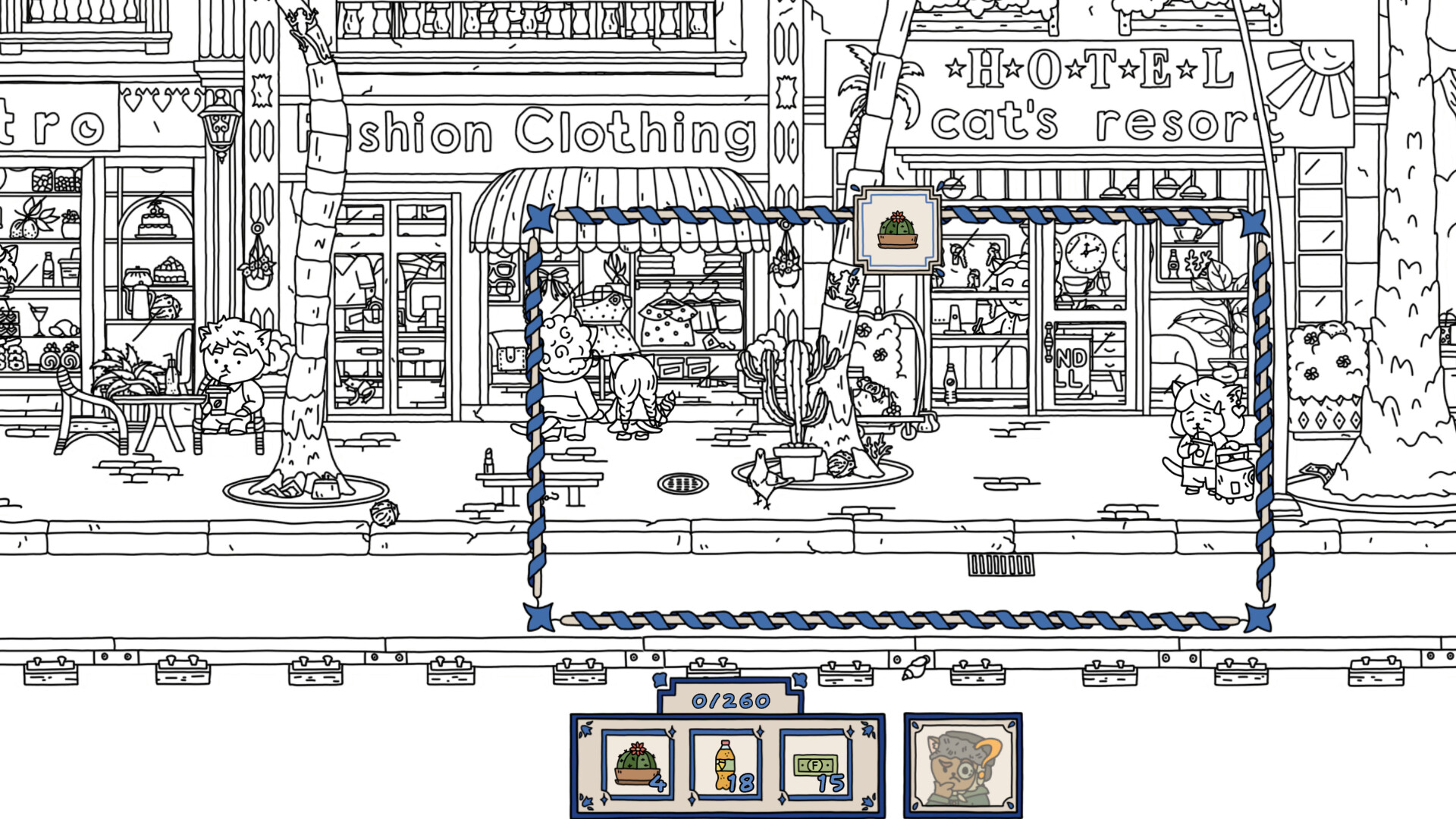
The core activity is locating up to 750 hidden objects spread across the Dutch scenery. Players may pick which specific item to hunt, allowing a personalized focus for each session. Difficulty rises as you progress, providing a scaling challenge that keeps the search engaging without becoming monotonous.
- Start with easier items to learn typical hiding spots before tackling higher‑difficulty objects.
- Compare the number of items you choose each round to gauge how the difficulty feels.
02 / THE GUIDE
Hint System
A built‑in hint feature assists when an item proves elusive. Activating the hint assists when an item proves elusive, helping maintain flow during the search. Using hints sparingly encourages careful observation and rewarding careful observation when they are not needed.
- Reserve hints for the most complex scenes to preserve them for later challenges.
- Observe the highlighted area first; often the object is nearby without needing the hint again.
03 / THE GUIDE
Interactivity Inside Buildings
Beyond outdoor vistas, many locations allow you to enter buildings and search within. This interior access expands the searchable space and introduces new visual contexts for hidden objects. Exploring interiors also reveals additional story elements tied to the inhabitants who occupy those spaces.
- Take time to fully explore each building; interior layouts differ from exterior scenes.
- Look for objects that match the building’s theme, as they often blend with the décor.
04 / THE GUIDE
Inhabitants and Their Stories
The world is populated with characters, each possessing a unique narrative. Interacting with these inhabitants provides context for the environment and can hint at where certain items might be hidden. Their stories unfold as you progress, adding a light narrative layer to the hidden‑object gameplay.
- Listen to each character’s dialogue; subtle clues may point toward specific objects.
- Track which characters you have met to ensure you experience all story snippets.
05 / THE GUIDE
Visual Style and Coloring Levels
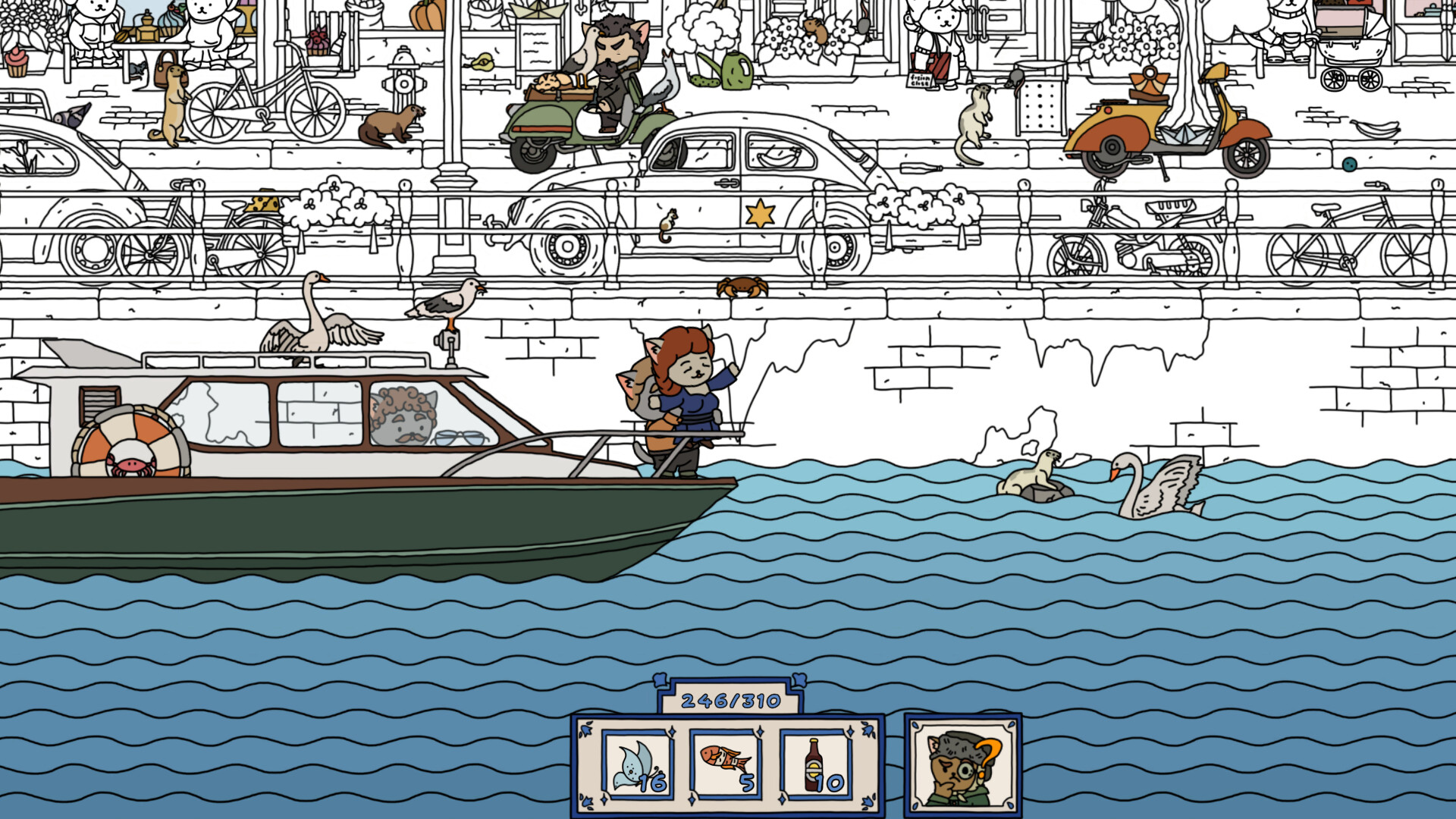
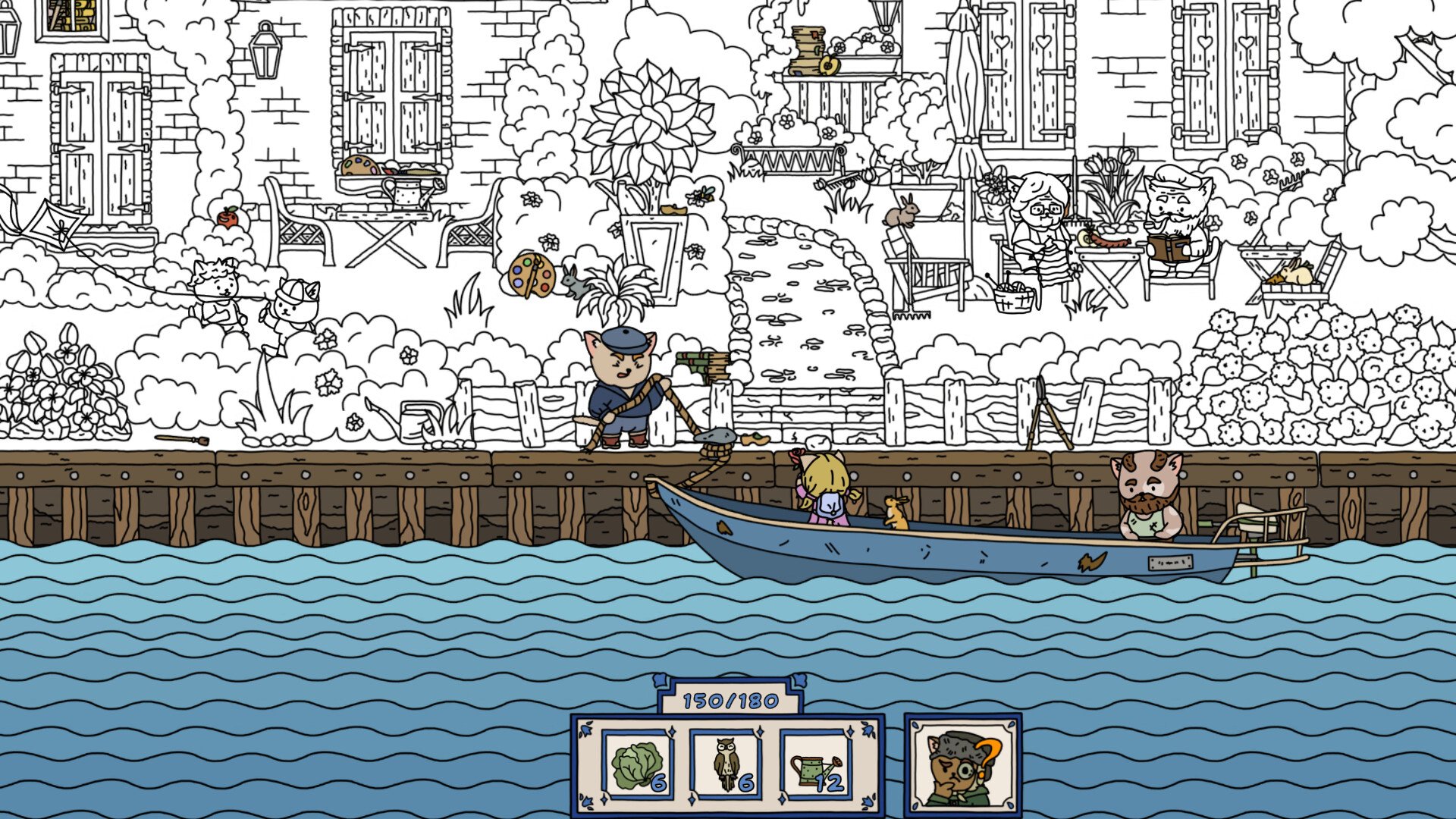
The game employs a 2.5D effect that gives depth to the 2‑D artwork, enhancing immersion. As you locate items, the previously black‑and‑white world gradually gains colour, reinforcing a sense of progress. Separate coloring levels let you focus on restoring colour to specific scenes, offering a satisfying visual payoff for completed searches.
- Notice how colour returns after each successful find; it can guide you toward remaining items.
- Try completing a full coloring level before moving on to experience the complete visual transformation.
COMMUNITY
Player discussion