 GameWiki
GET YOUR BEARINGS
About FIND ALL 2: Middle Ages
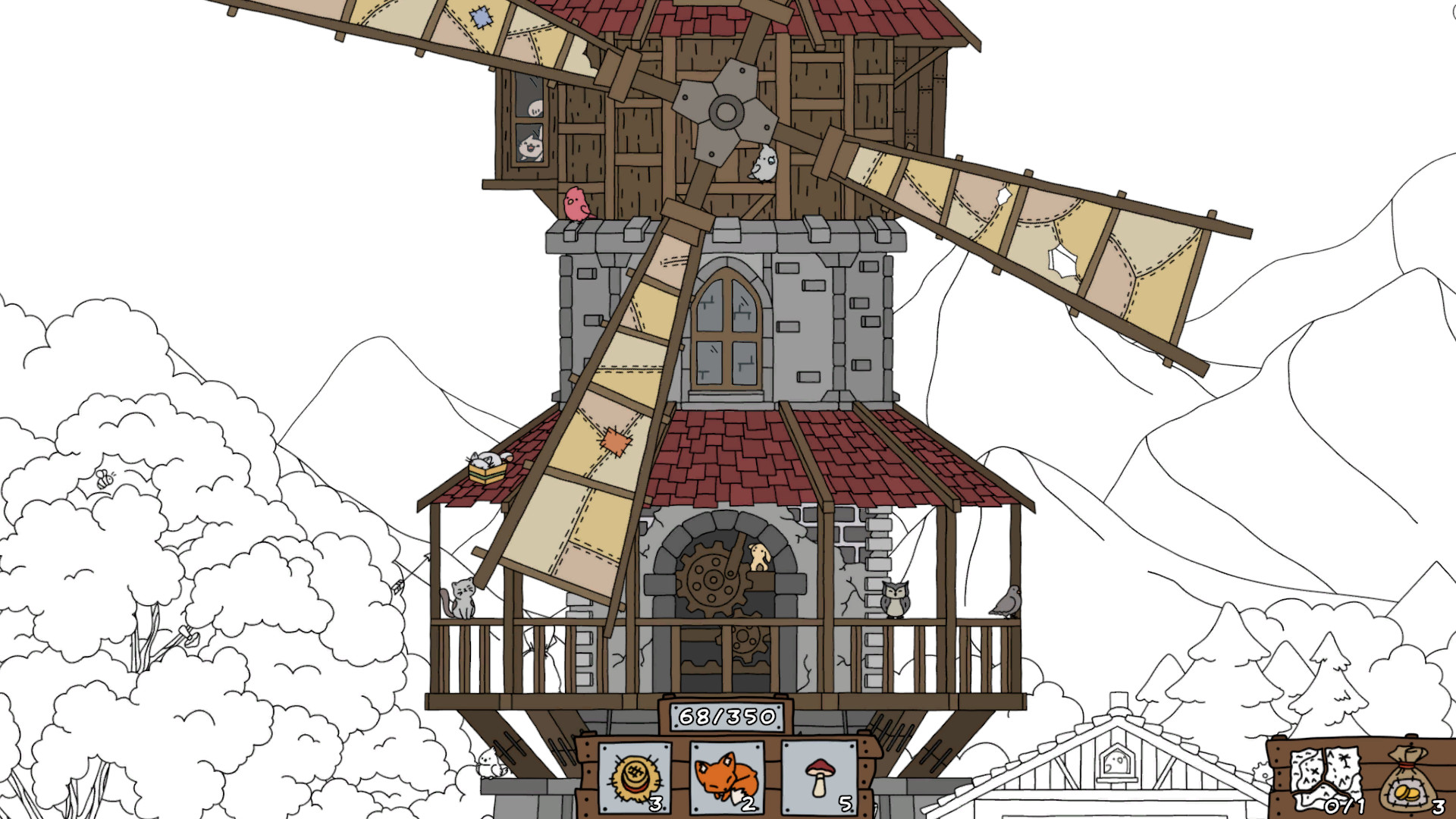
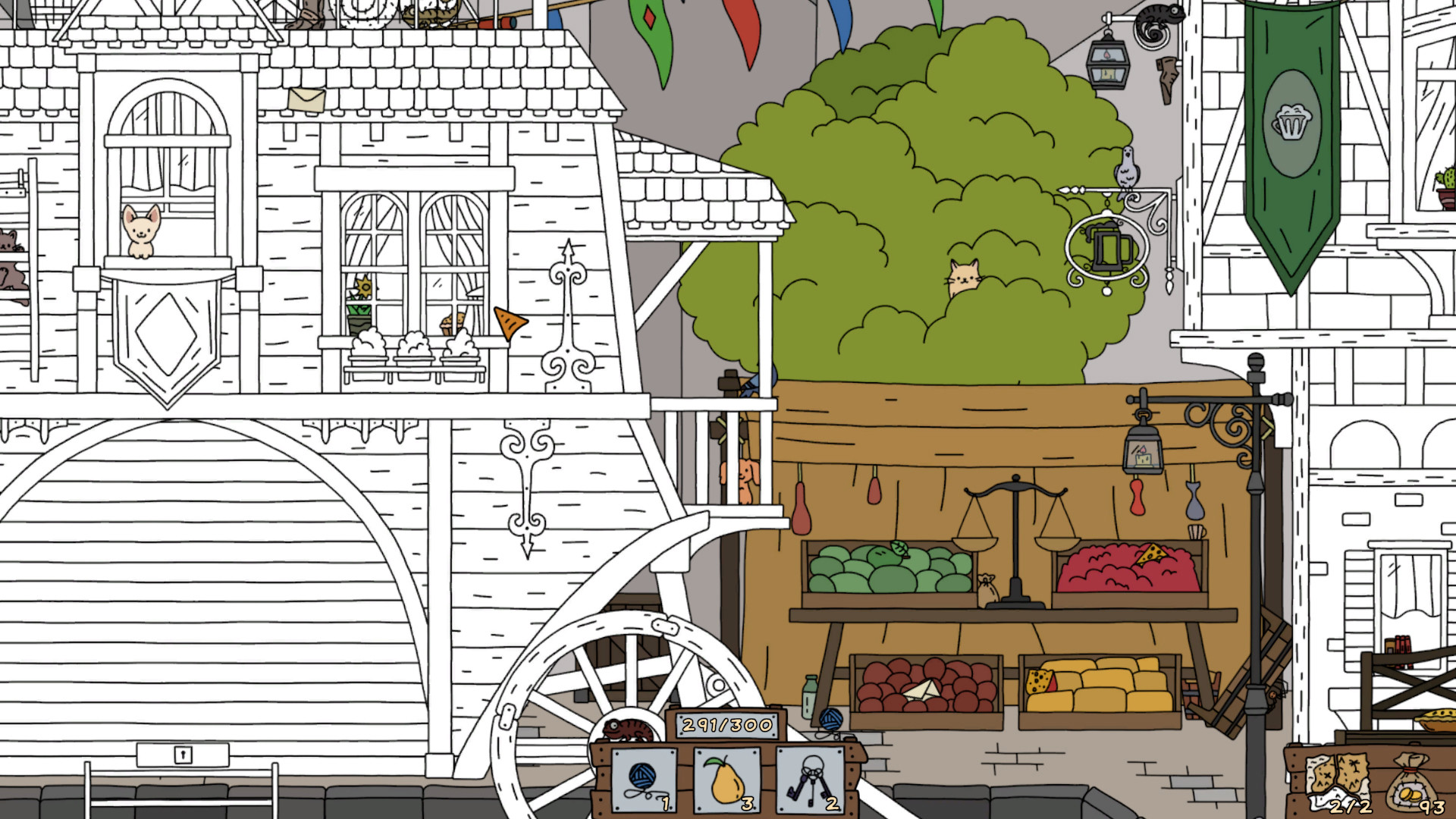
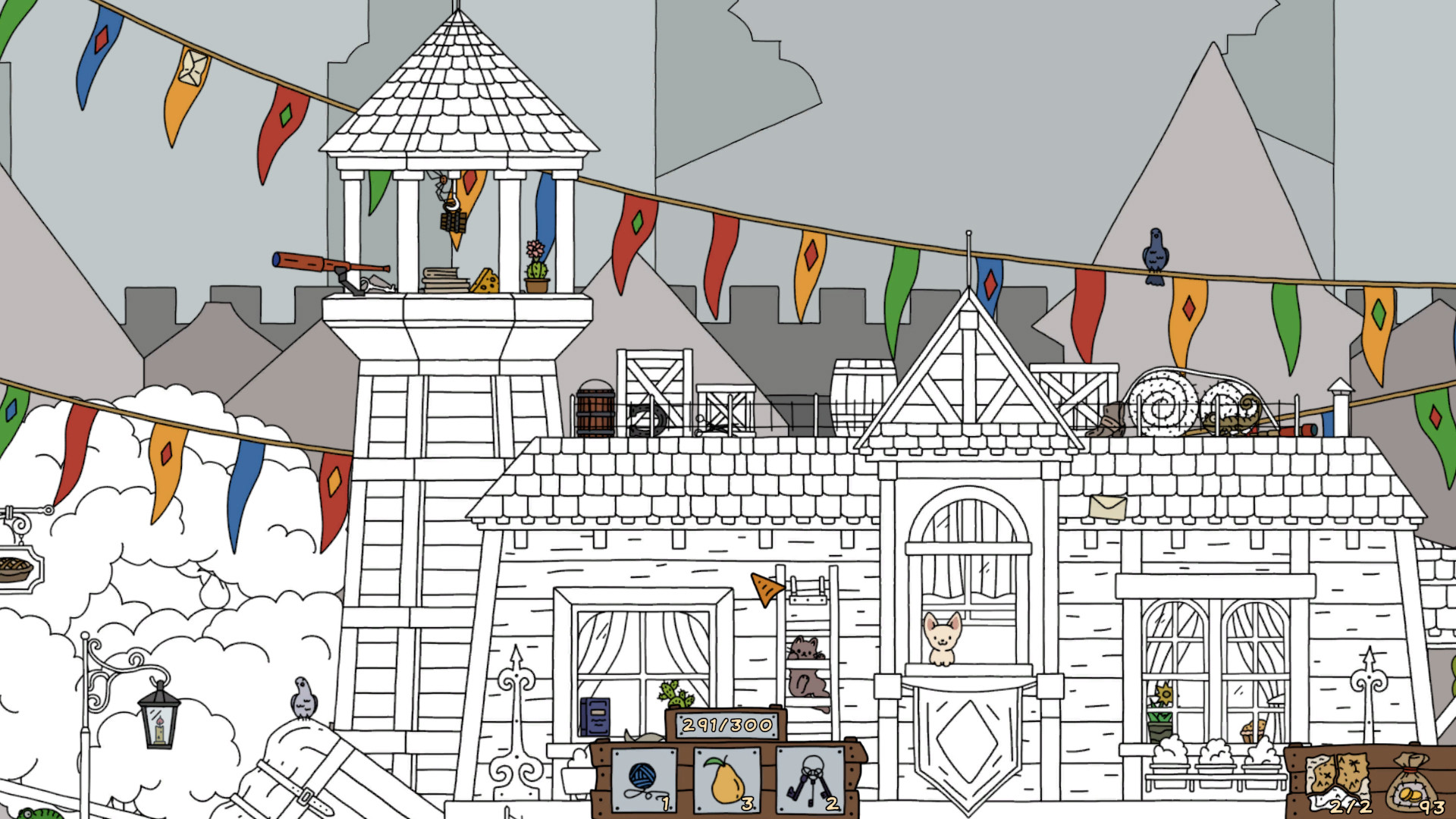
FIND ALL 2: Middle Ages places you in a hand‑drawn medieval world where you search for cute cats, dogs, birds and many other objects. Each found item restores bright colour to the scene, giving a clear visual cue of progress.
The game also includes a mole‑style mini‑game, puzzles that guard a treasure map, and colouring levels that let you apply the restored hues. It runs in single‑player on Windows, macOS and Linux, offers full controller support and Steam achievements.
02 / THE GUIDE
Mole‑Style Mini‑Game
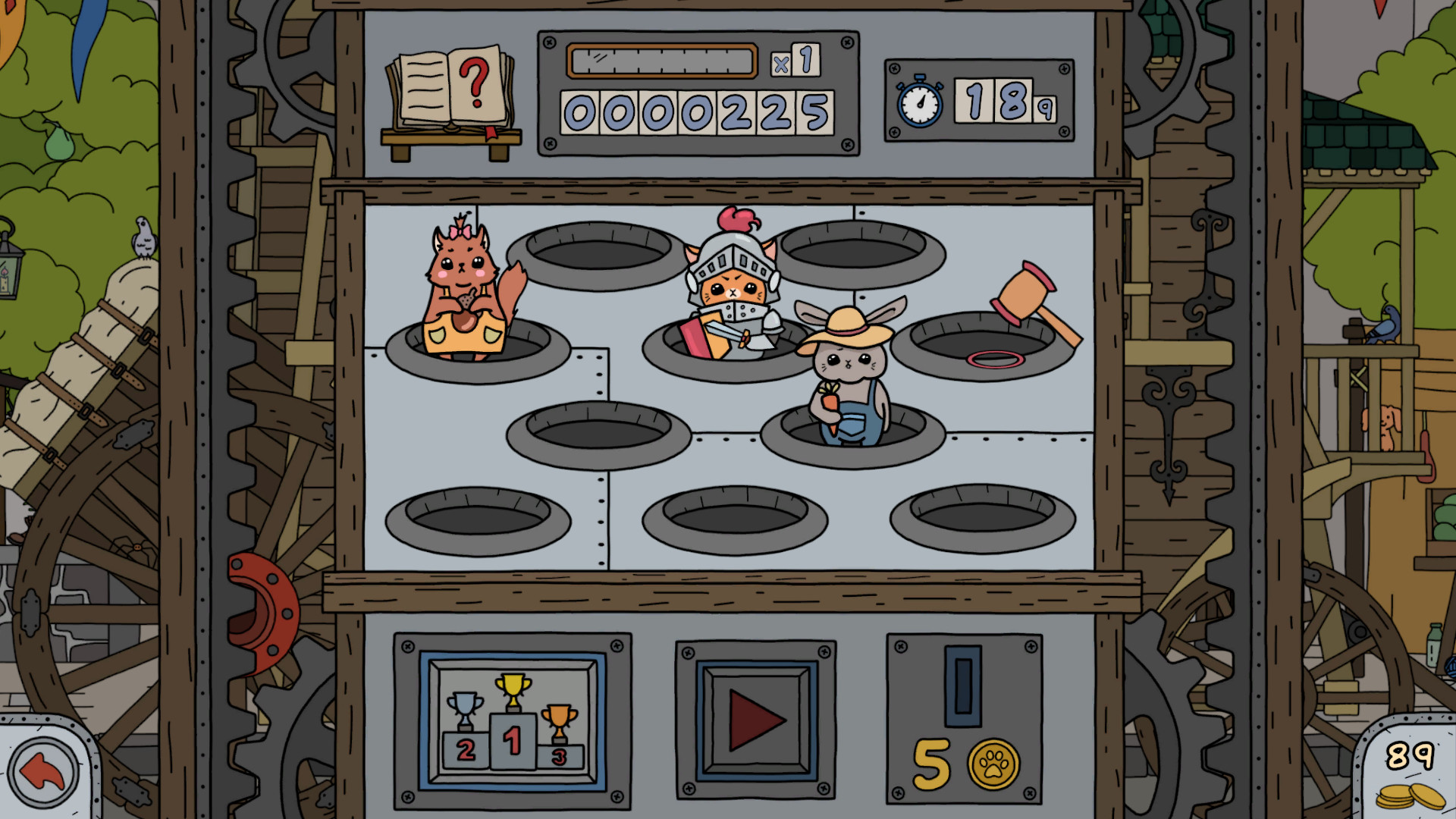
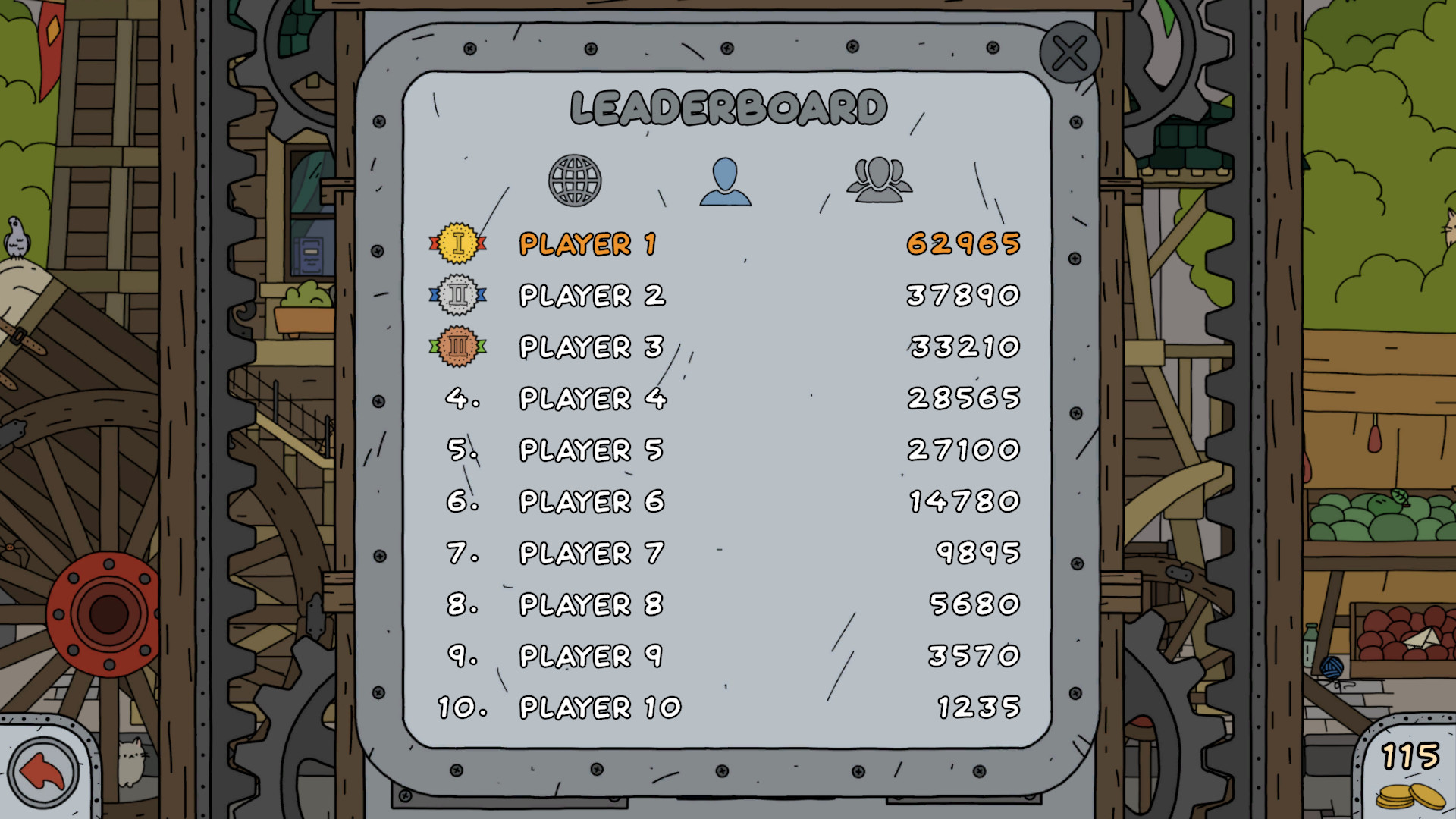
A dedicated mini‑game mimics the classic “hit the mole” format, featuring knight cats, ninja pandas and other cute animals with unique traits. Appearances are brief, requiring quick taps or button presses.
The mini‑game is presented as a separate activity within the adventure, offering a change of pace from the hidden‑object searches.
- Watch the timing of each animal’s pop‑up to anticipate the next appearance.
- Maintain a steady rhythm to improve overall accuracy.
03 / THE GUIDE
Puzzle Solving
Scattered throughout the journey are puzzles that must be solved to advance toward the treasure. These challenges involve logic and pattern recognition beyond simple item hunting.
Each solved puzzle brings you closer to the treasure, reinforcing the sense of discovery as you approach the hidden island.
- Break complex puzzles into smaller steps to avoid feeling overwhelmed.
- Observe any visual clues that may hint at the solution.
04 / THE GUIDE
Treasure Map Exploration
Finding a mysterious treasure map triggers a quest to a lost island. The map sets you on the search for treasure on the lost island and its hidden riches.
The treasure hunt ties together hidden objects, puzzles and the mini‑game, giving a narrative goal that rewards thorough exploration.
- Keep the map visible while searching to maintain orientation.
- Note recurring symbols on the map; they often hint at nearby items.
05 / THE GUIDE
Coloring Levels
After locating items, players can enter colouring levels where they manually apply the restored colours. This adds a creative step that mirrors the visual transformation.
The 2.5D effect gives depth to the scenes, making the colouring activity feel more immersive while remaining casual.
- Use the palette to match colours you observed during the hidden‑object phase for consistency.
- Experiment with shading to accentuate the 2.5D depth.
COMMUNITY
Player discussion