 GameWiki
GET YOUR BEARINGS
About Find 100 Ducks and Blast Them...IN SPACE!!!
Find 100 Ducks and Blast Them...IN SPACE!!! is a 3D hidden‑object shooter set on a moon base. Players move through three maps, locating more than 500 toy ducks hidden among the environment and shooting them with a variety of tools. The game emphasizes casual, family‑friendly fun, offering light‑hearted visuals and simple first‑person aiming. The title includes several optional play styles such as Challenge Levels, Speedrun mode, and minigames, all supported by Steam features like Achievements, Cloud saves, and custom volume controls. It is a single‑player experience available on Windows with stereo sound and camera comfort options.
01 / THE GUIDE
Exploration of Moon Base Maps
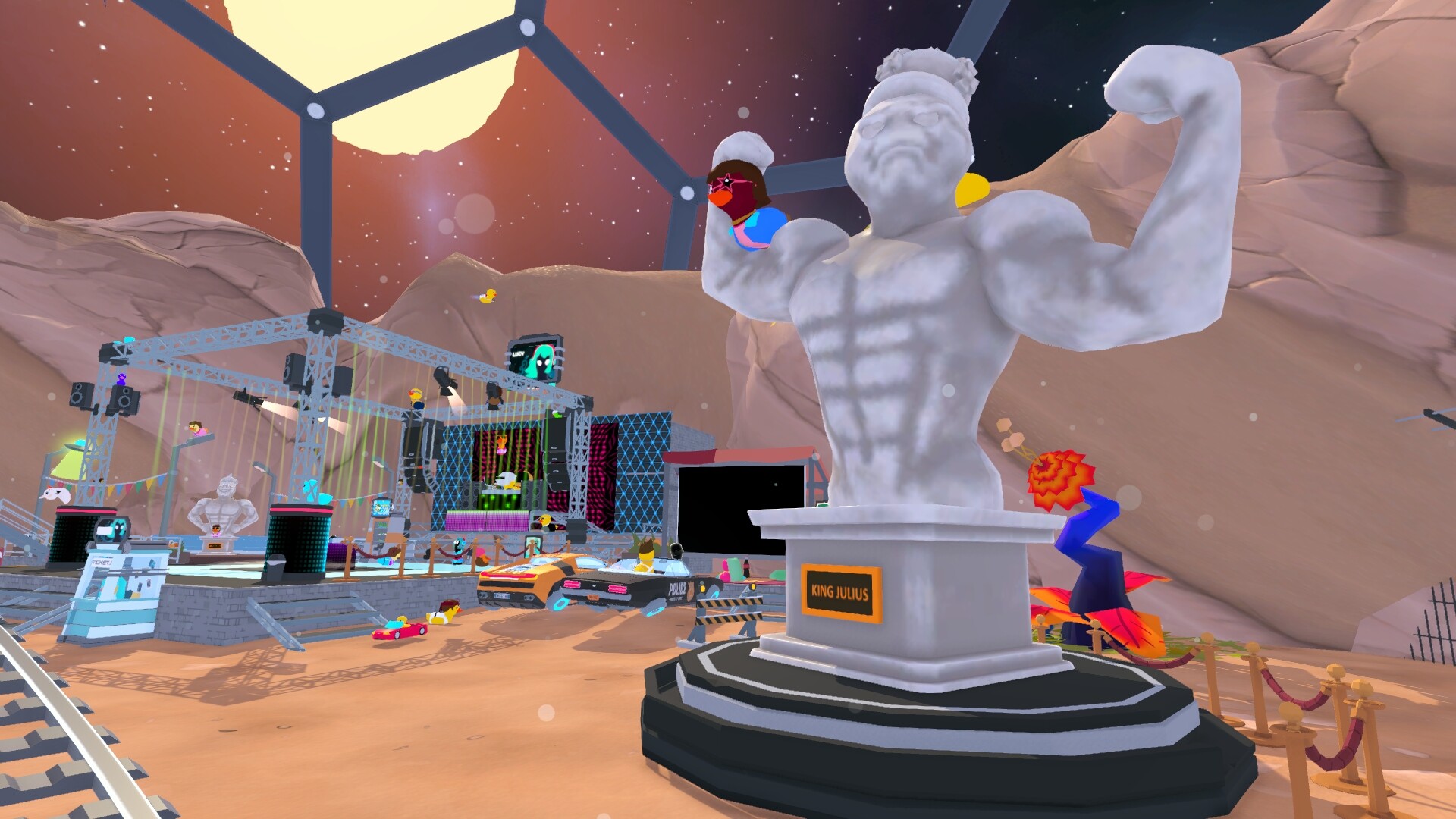
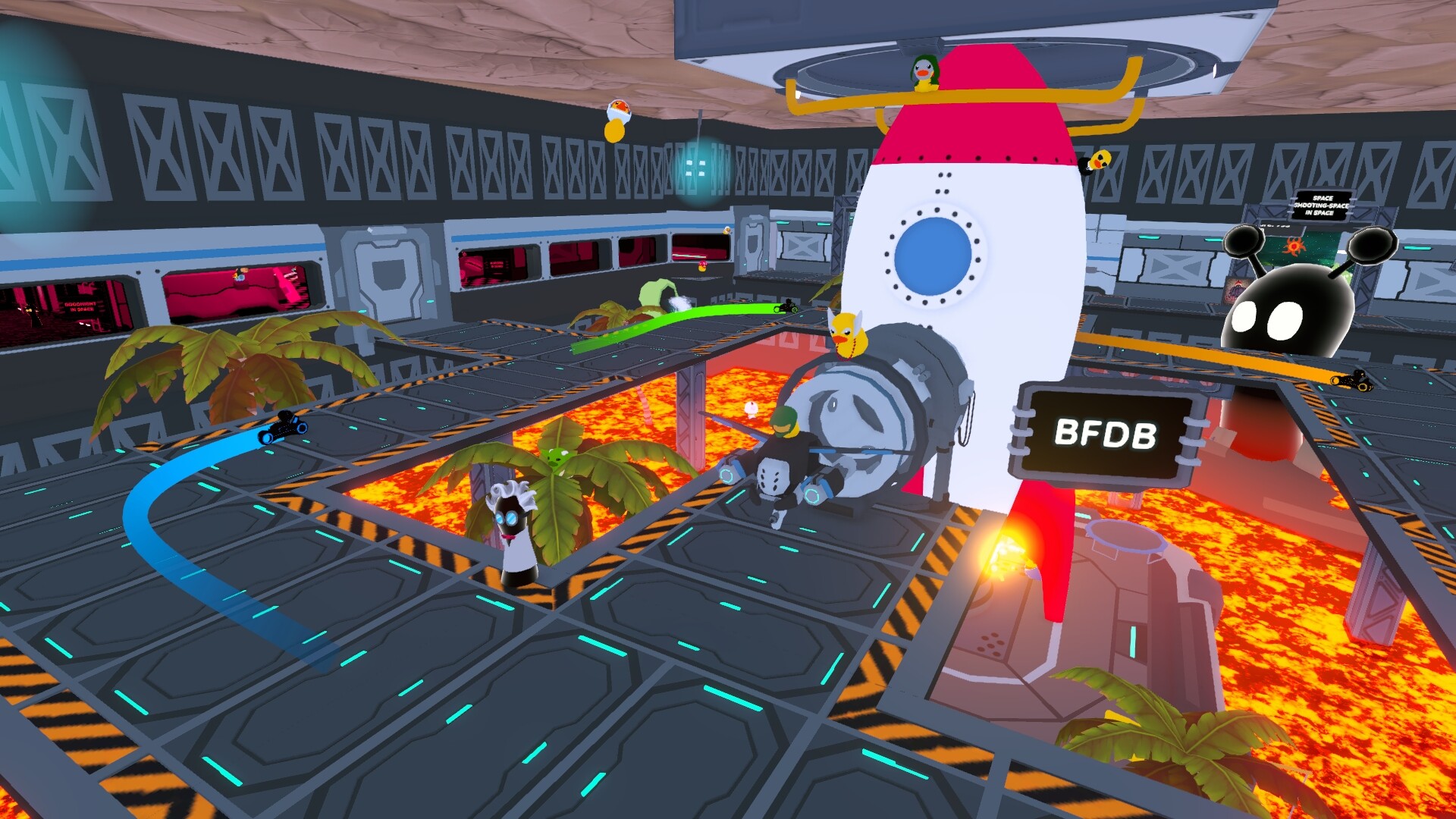
The game provides three distinct maps that together form the moon base. Each map contains multiple areas that the player can move through, revealing new locations where ducks are hidden. Exploration is encouraged by the description’s invitation to “discover what each location has to offer.” While moving through these maps, players can interact with objects and characters, which may lead to “playful surprises.” This interaction is part of the core loop of searching and finding hidden ducks across the base.
- Take a moment to scan each new area before hunting ducks; hidden items often sit behind interactable objects.
- Compare the layout of each map to notice recurring hiding spots that may help locate ducks faster.
02 / THE GUIDE
Duck Collection Mechanics
Players are tasked with finding and blasting more than 500 hidden toy ducks. The description frames this as a “hunt” and notes that each duck adds to a collection. The collection goal drives the primary gameplay loop of searching, aiming, and shooting. The game also mentions “special levels to earn a special duck in your collection,” indicating that certain challenges reward unique ducks, expanding the overall tally beyond the standard hidden items.
- Focus on completing Challenge Levels early to secure the special ducks they reward.
- Track which ducks you have found to prioritize areas where the collection feels incomplete.
03 / THE GUIDE
Tools and Gameplay Mechanics
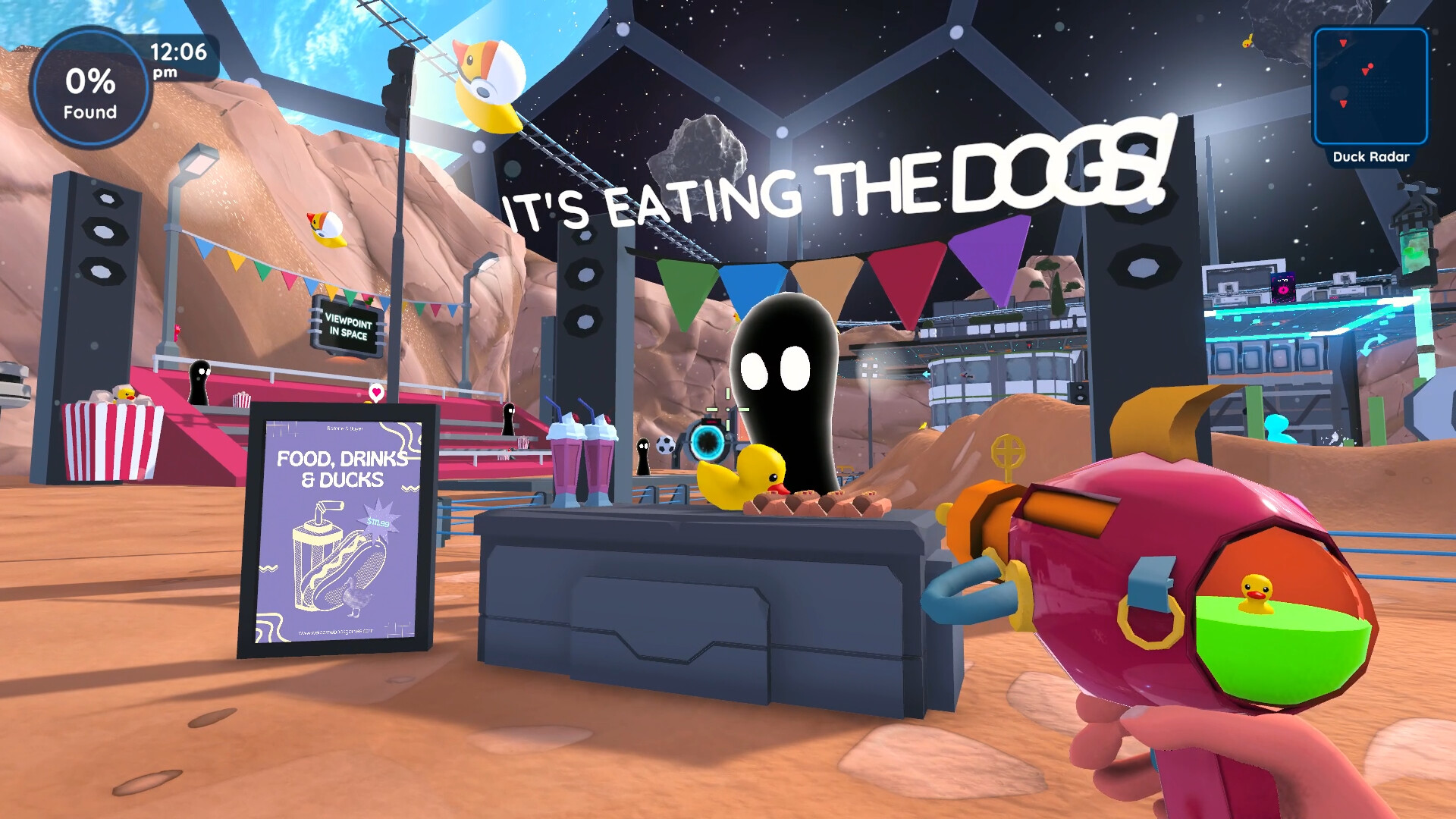
A variety of tools are available to assist in locating ducks, as noted by “Use many tools! Try out a variety of tools, each offering a fun way to help you find ducks.” These tools provide alternative methods for revealing hidden items, adding variety to the core hunting loop. The description also references “New Gameplay Mechanics, Minigames and Cheats,” suggesting that beyond basic shooting, players can engage with additional interactive elements that modify how ducks are discovered or how the environment reacts.
- Experiment with different tools in the same area to see which reveals hidden ducks most efficiently.
- Use minigames as a break from pure hunting; they may introduce new mechanics that aid later searches.
04 / THE GUIDE
Challenge Levels and Speedrun Mode
The game includes dedicated Challenge Levels that reward a special duck upon completion. These levels are separate from the main maps and provide focused objectives for players seeking additional collection items. Speedrun mode adds a time‑pressure element, letting players “race against the clock” to finish each level quickly. This mode changes the pacing of the hunt, encouraging rapid scanning and shooting rather than leisurely exploration.
- When attempting Speedrun, prioritize areas with high duck density to finish each level faster.
- Complete Challenge Levels after familiarizing yourself with the maps; knowledge of duck locations reduces time pressure.
05 / THE GUIDE
Steam Integration Features
The title supports several Steam‑related features: Achievements track progress, Cloud saves store progress online, and the game also supports saving anytime, and Family Sharing lets multiple accounts access the game. Custom volume controls and camera comfort options give players basic audio and visual adjustments. Stereo sound is listed, indicating that the game outputs two‑channel audio, which can enhance the sense of space while hunting ducks on the moon base.
- Enable custom volume controls to balance game sounds with background music for clearer duck‑hit cues.
- Use camera comfort settings if the first‑person view feels too intense during fast Speedrun attempts.


COMMUNITY
Player discussion