 GameWiki
GET YOUR BEARINGS
About FINAL FANTASY VIII - REMASTERED
FINAL FANTASY VIII – REMASTERED retells the war‑torn story of Galbadia’s assault under sorceress Edea. Squall, SeeD, and resistance fighter Rinoa unite to stop Galbadia’s tyranny and Edea’s ultimate plan. The remaster adds several quality‑of‑life options, letting players tailor difficulty, speed, and encounter style while preserving the original adventure’s core narrative.
The Windows release supports full controller use, keyboard‑only play, and Steam features such as achievements, cloud saves, and remote play across devices. Players can also enable battle assists, boost game speed, or disable random encounters, offering a customizable single‑player experience.
01 / THE GUIDE
War‑Torn Narrative
The plot centers on a conflict where the Republic of Galbadia, influenced by sorceress Edea, mobilises massive armies against other nations. This backdrop drives the characters’ motivations and the game's dramatic stakes.
Squall and other SeeD members join forces with Rinoa, a resistance fighter, to oppose Galbadia’s tyrannical rule and prevent Edea from achieving her ultimate goal.
- Observe how each nation’s perspective shapes dialogue, offering insight into the broader conflict.
- Compare character motivations early in the story to later plot twists for deeper narrative appreciation.
02 / THE GUIDE
Customisable Battle Assists
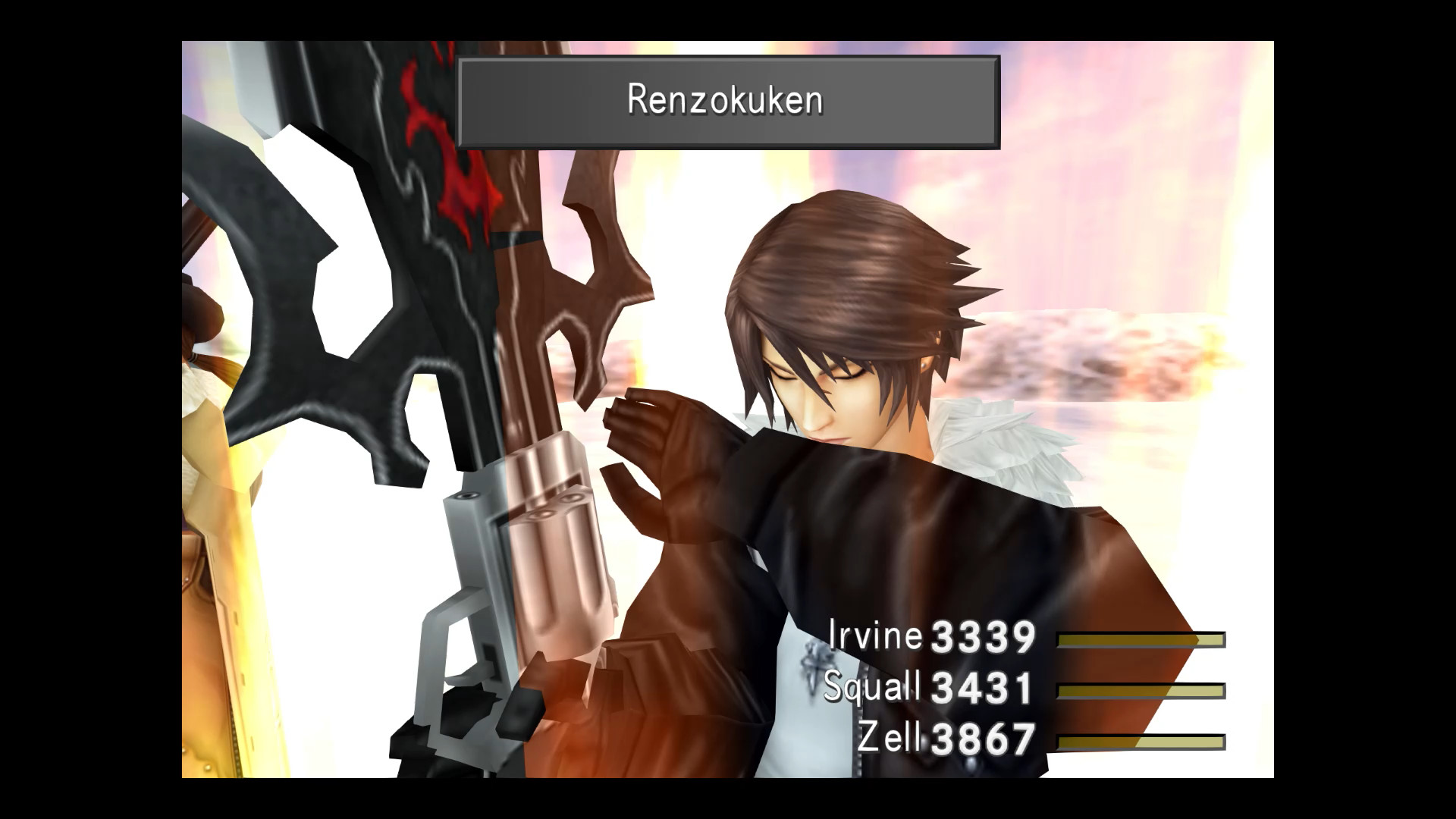
Players can enable assists that boost HP, ATB gauge, and Limit Break performance, providing a safety net during combat. These options are optional and can be toggled to suit personal difficulty preferences.
The assists do not alter the underlying combat system but simply raise key statistics, allowing smoother progression for those who prefer a less punishing experience.
- Test each assist individually to gauge its impact on challenge level.
- Combine assists with the adjustable difficulty setting for a balanced playthrough.
03 / THE GUIDE
Accelerated Game Speed
A three‑times speed boost can be applied, shortening travel and battle animations. This feature speeds up overall gameplay without removing any content.
Using the speed boost is optional and can be toggled at any time, letting players decide when faster pacing benefits their session.
- Activate speed boost during long travel segments to reduce downtime.
- Switch back to normal speed for narrative scenes to retain story pacing.
04 / THE GUIDE
No Random Encounters
The remaster offers a mode that disables random enemy encounters entirely. This removes the need for grinding and lets players focus on story and exploration.
This option removes random battles, letting you focus on the story and exploration without grinding.
- Use this mode if you prefer uninterrupted story progression.
- Combine with battle assists for a relaxed experience.
05 / THE GUIDE
Maxed Levels, Currency, and Spells
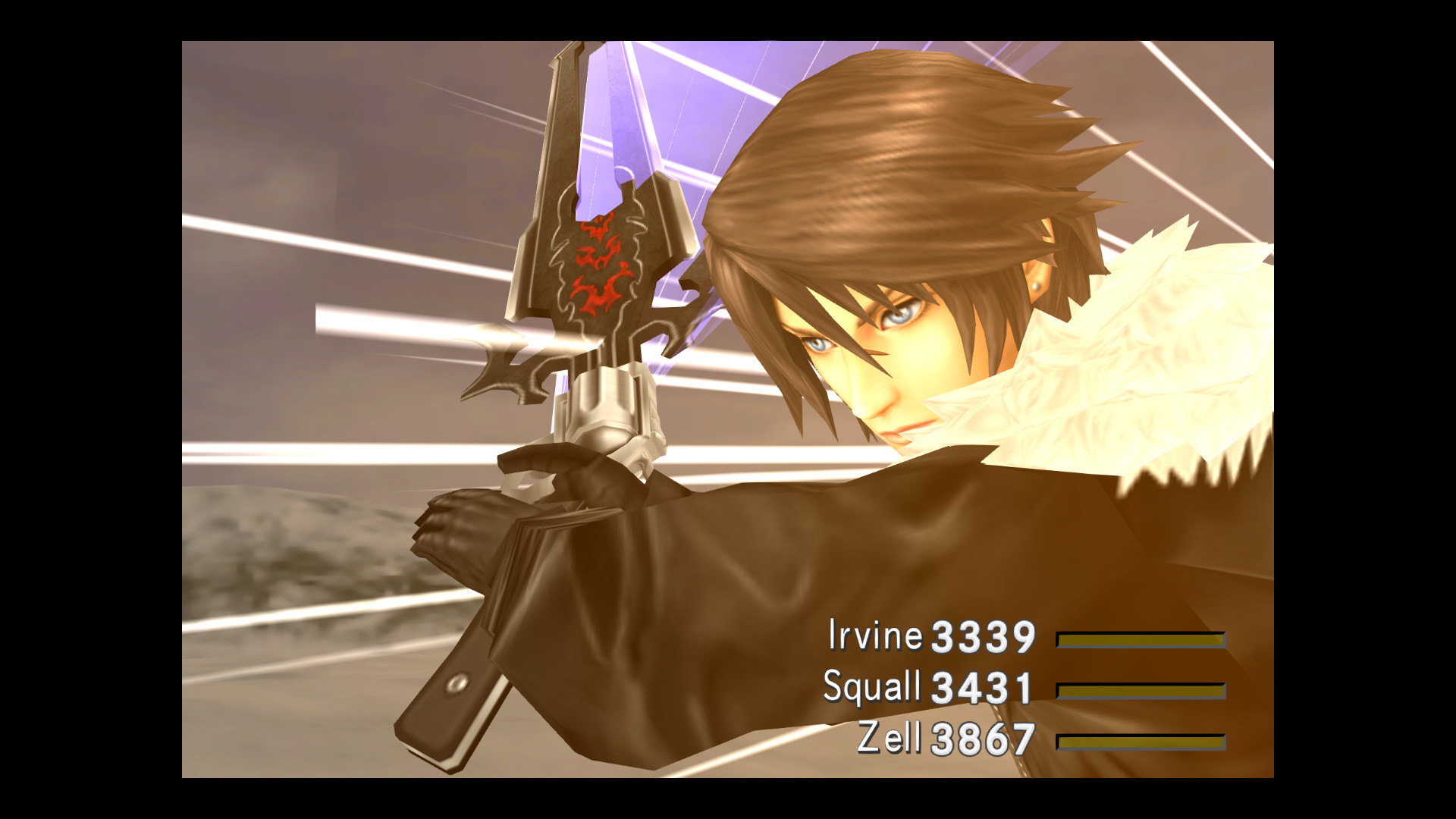
Players can obtain all items, abilities, max G.F. levels, full gil reserves, and every spell. This provides a complete inventory without additional grinding.
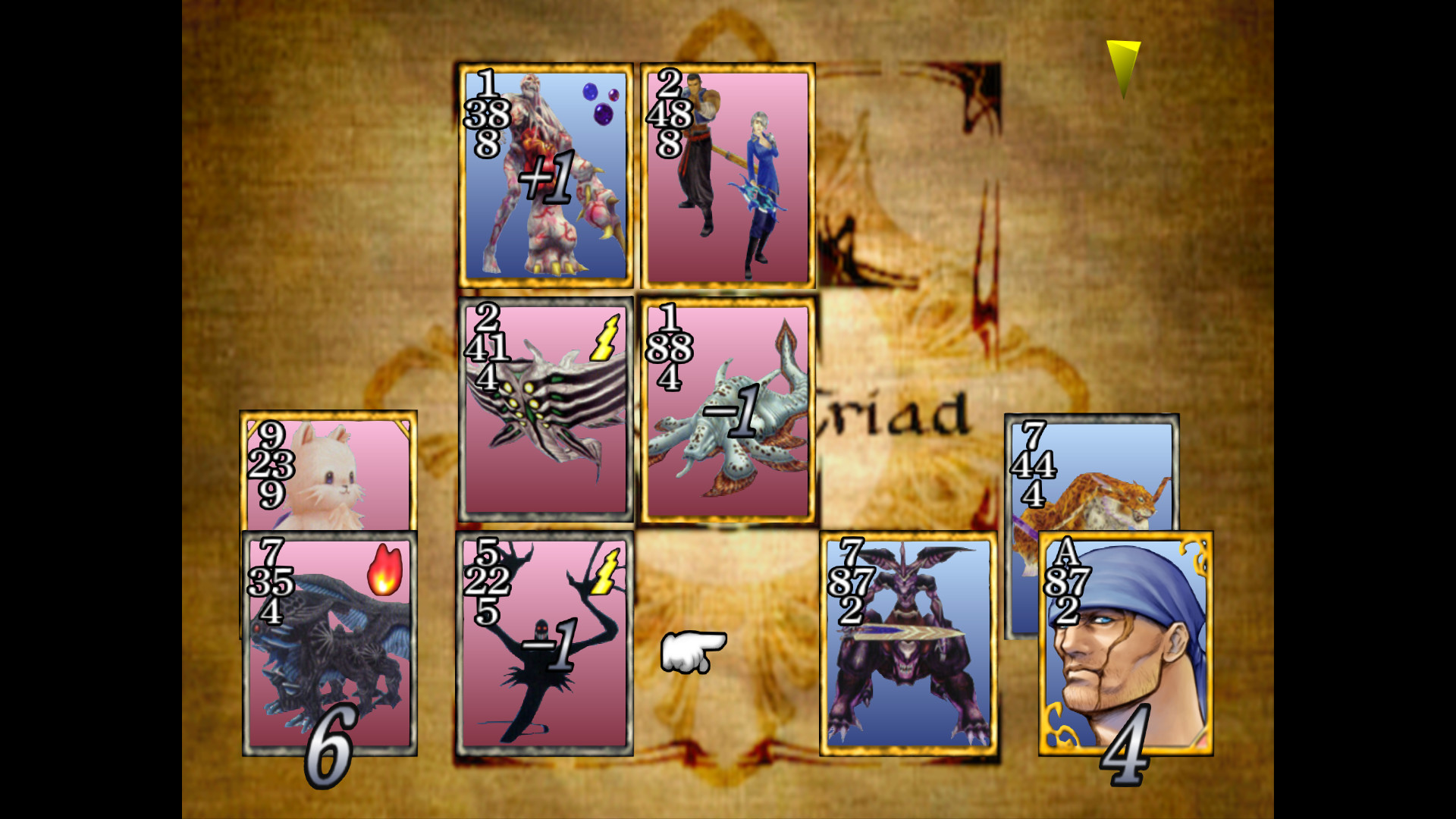
Having every Limit Break and card available ensures that all optional content is accessible from the start.
- Explore the inventory screen to familiarize yourself with every ability.
- Compare the full spell list to earlier versions for a sense of added depth.

COMMUNITY
Player discussion