 GameWiki

GET YOUR BEARINGS
About FINAL FANTASY VI
FINAL FANTASY VI returns as a 2D remaster that keeps the original story of a world where magic vanished and machines dominate. Players follow a cast of interwoven characters whose destinies unfold through a sweeping melodrama.
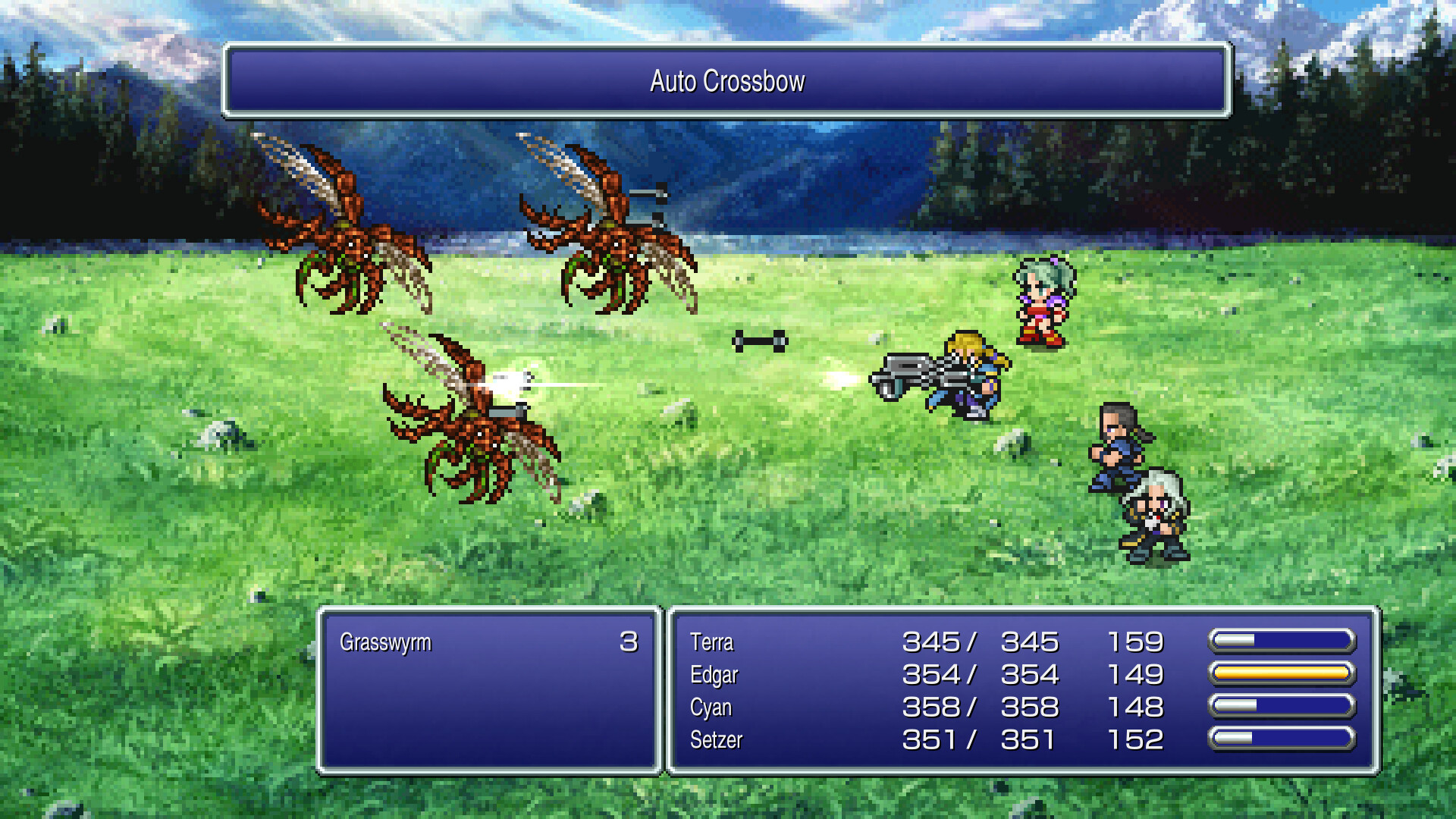
The remake adds a modern UI, auto‑battle, optional font and soundtrack switches, and supplemental extras such as a bestiary, illustration gallery, and music player while preserving the classic pixel art and music.
01 / THE GUIDE
Visual and Audio Revamp
The game features universally updated 2D pixel graphics that use Kazuko Shibuya’s iconic character designs and a rearranged soundtrack overseen by Nobuo Uematsu. Players can toggle between the new pixel‑remaster music and the original 1994 soundtrack.
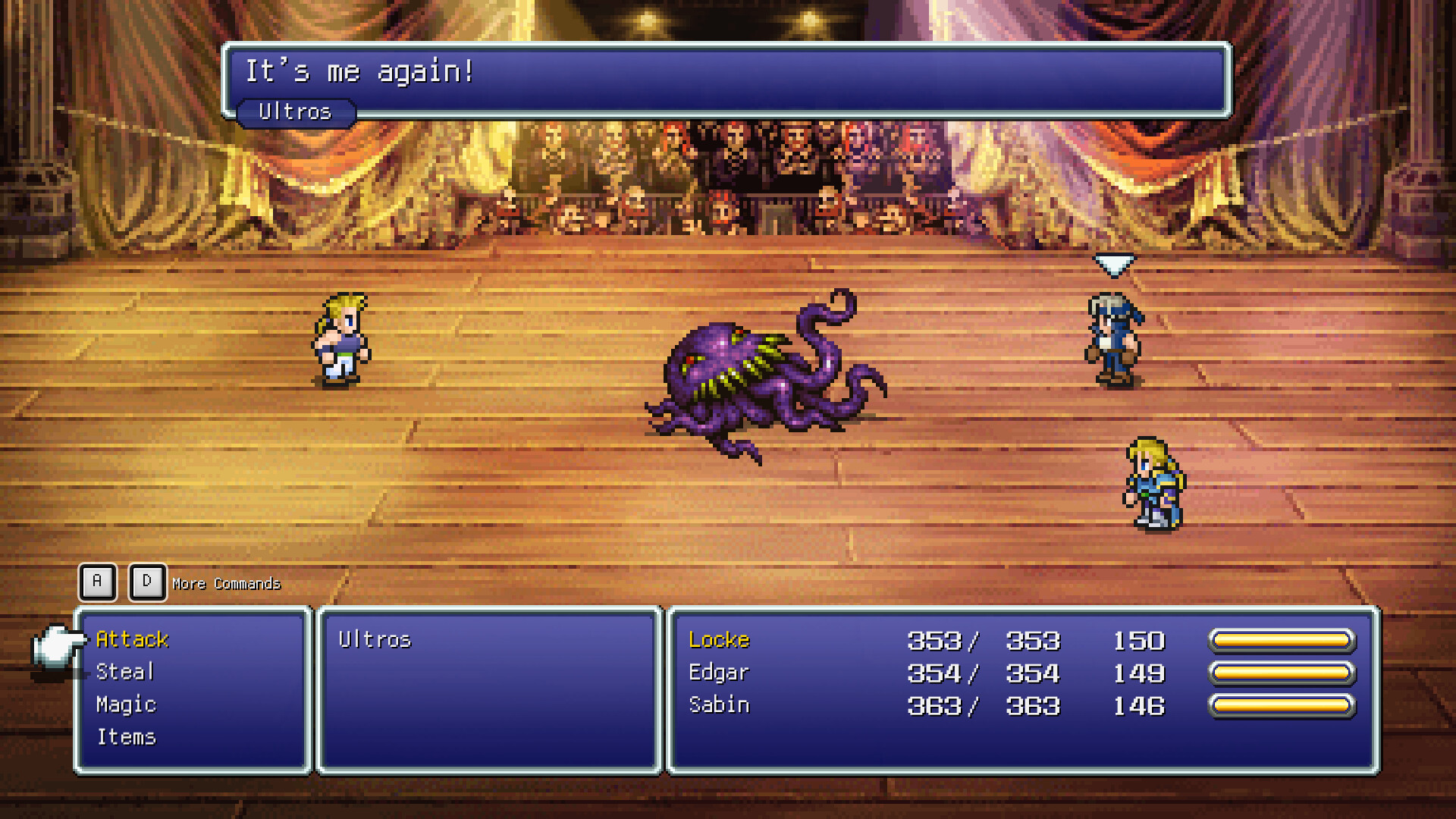
A reimagined cinematic opera scene includes newly recorded vocal performances, and the on‑screen font can be switched between the default and a pixel‑based style that matches the original atmosphere.
- Try the original soundtrack first to gauge the classic feel before switching.
- Select the pixel‑based font for a more period‑appropriate visual tone.
02 / THE GUIDE
Magicite Customization
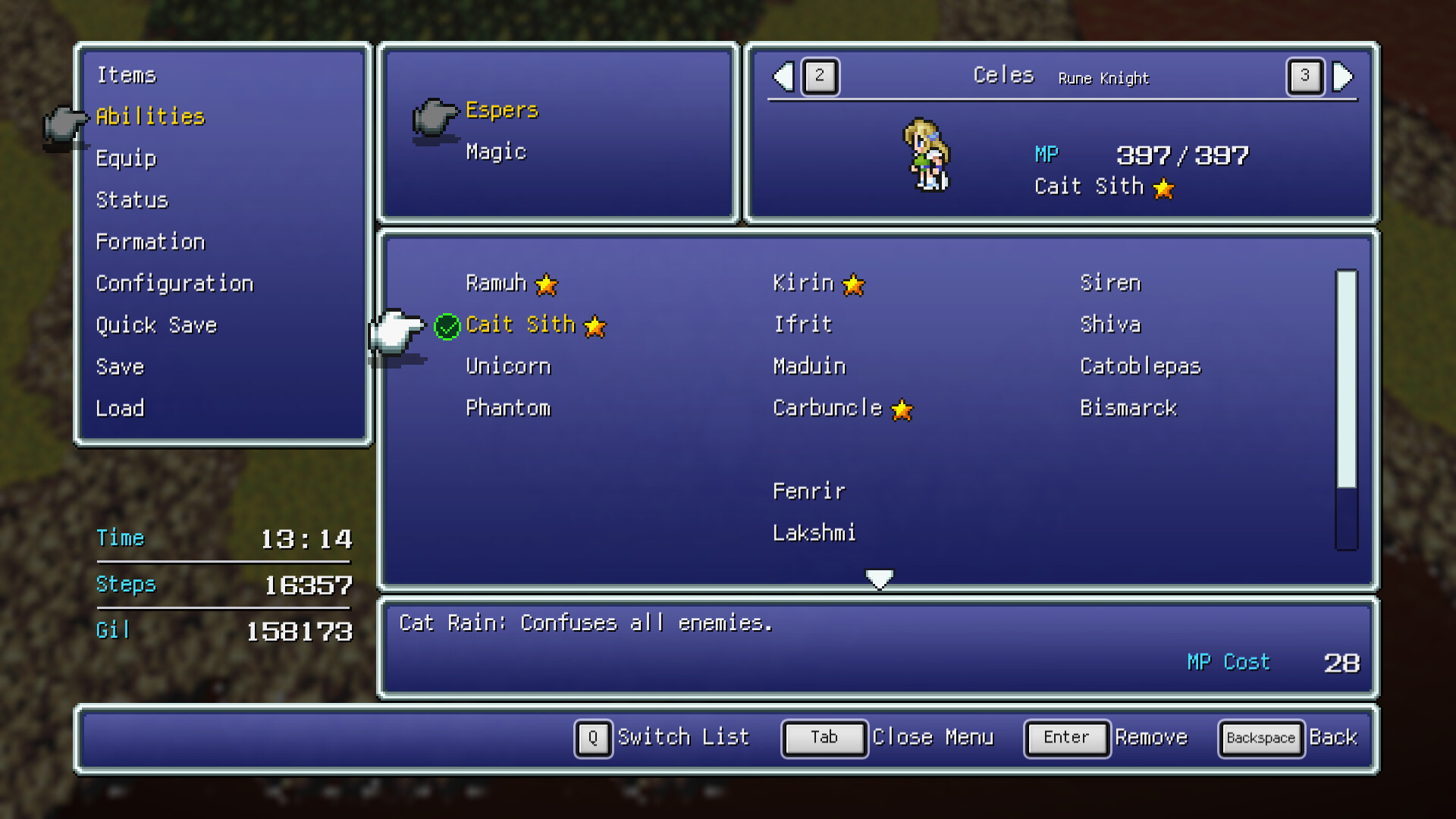
The magicite system lets players choose which abilities, magic spells, and summons each party member learns, providing a menu‑driven way to shape each character’s skill set.
Customization is accessed through the game’s menus and does not require external tools or additional content beyond the remaster’s built‑in options.
- Allocate magicite to characters whose story arcs you enjoy most.
- Mix summons and spells to cover both offensive and defensive needs.
03 / THE GUIDE
Gameplay Enhancements
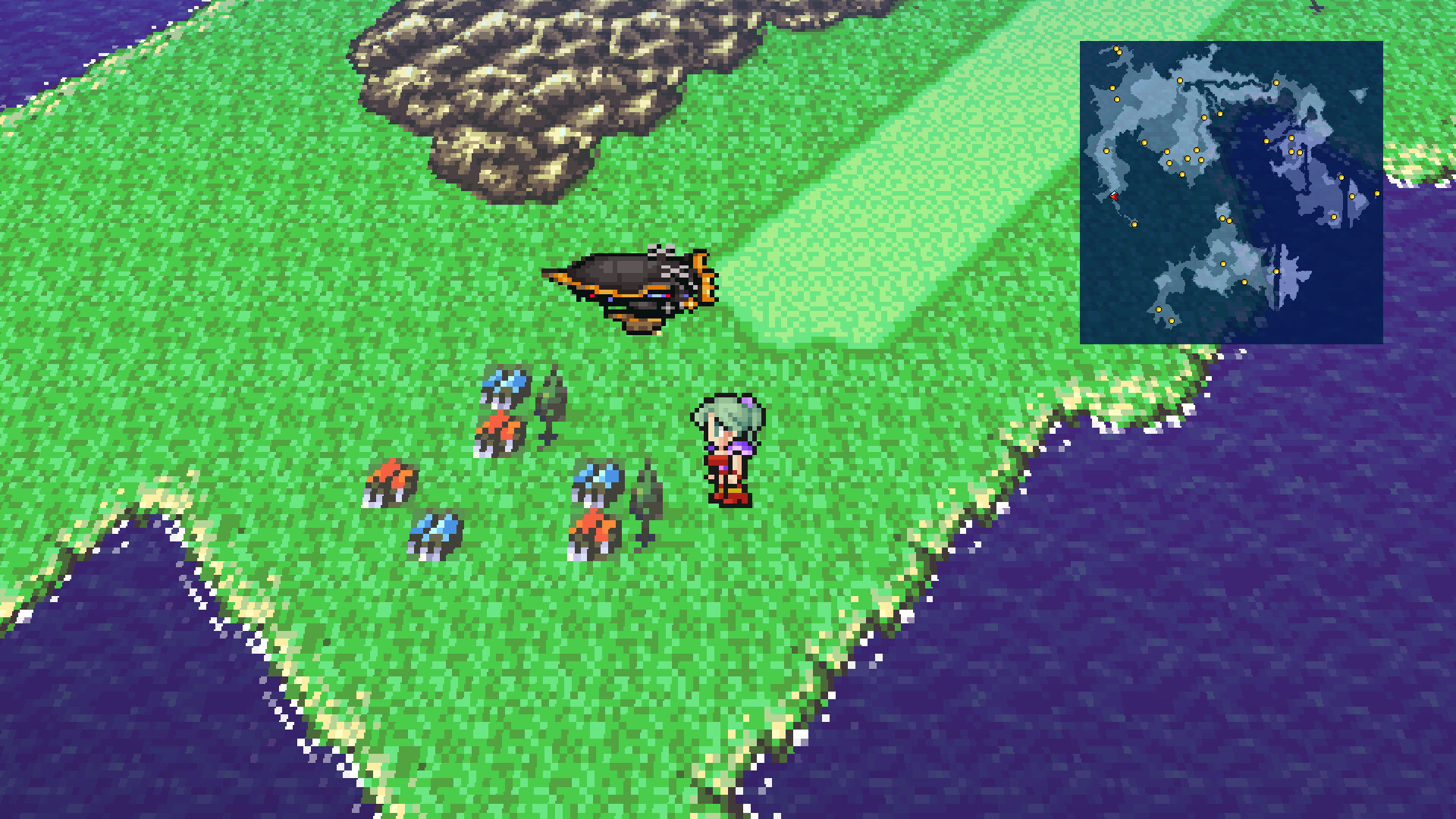
Modernized UI, auto‑battle options, and the ability to turn off random encounters streamline play. Experience and magic AP multipliers can be set from 0 to 4, letting players adjust progression speed.
These options are adjustable in‑game and do not alter the core storyline or character interactions.
- Raise AP multipliers for quicker leveling if you prefer faster progress.
- Disable random encounters for uninterrupted exploration.
04 / THE GUIDE
Accessibility Features
The remaster supports partial controller input, a keyboard‑only option, and allows saving at any time, catering to varied play styles. Camera comfort and custom volume controls further enhance accessibility.
Steam Cloud and Family Sharing are also supported, enabling progress synchronization and shared access across accounts.
- Use the keyboard‑only mode if you prefer precise control.
- Enable Steam Cloud to keep saves backed up across devices.
05 / THE GUIDE
Extra Content
Beyond the main game, players can explore a bestiary, illustration gallery, and a music player, providing additional context and enjoyment. These extras are bundled with the remaster.
The content reflects the original 1994 release and may differ from other re‑releases.
- Browse the bestiary to learn enemy weaknesses.
- Listen to tracks in the music player while taking breaks.
COMMUNITY
Player discussion