 GameWiki

GET YOUR BEARINGS
About FINAL FANTASY V
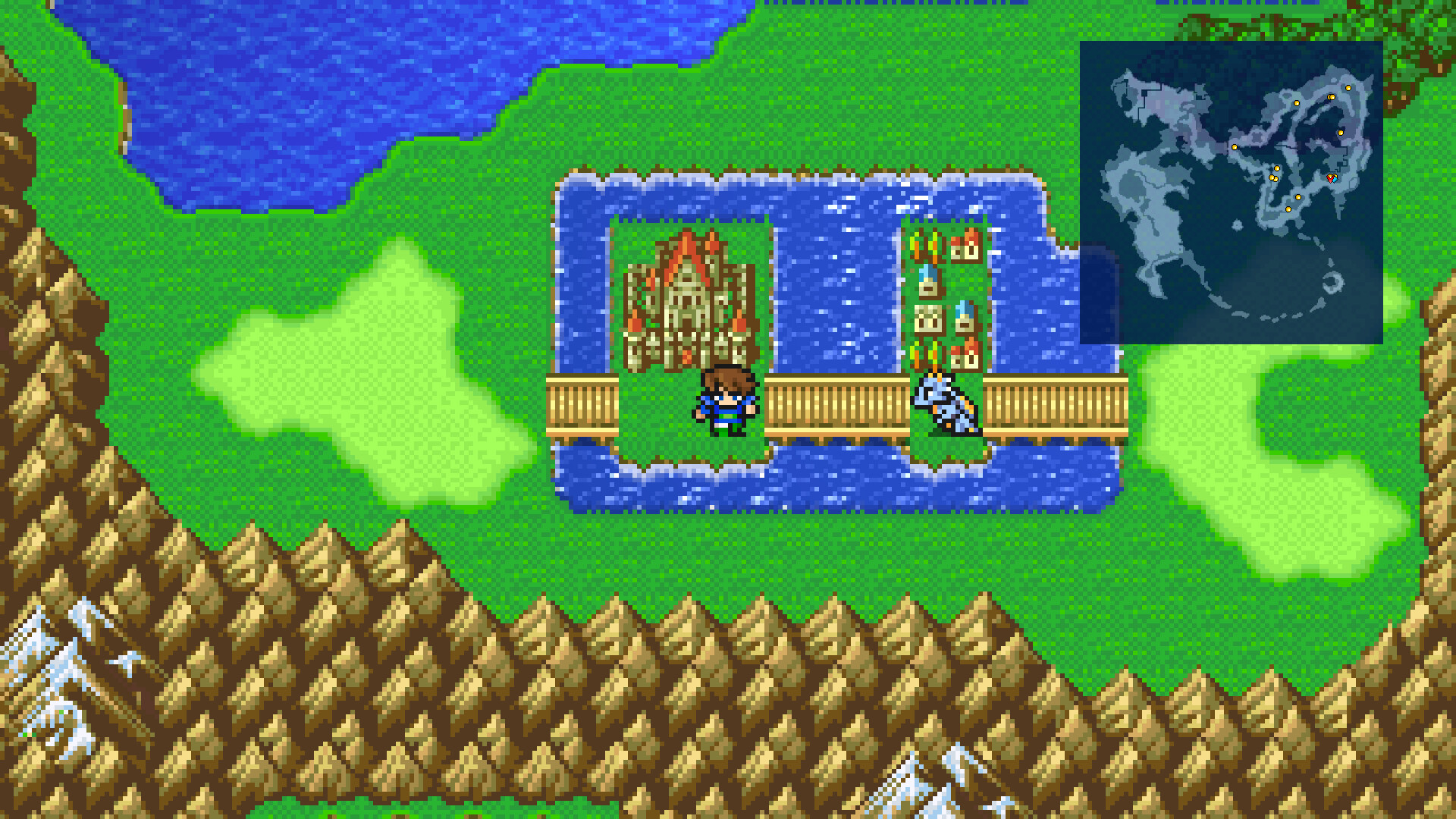
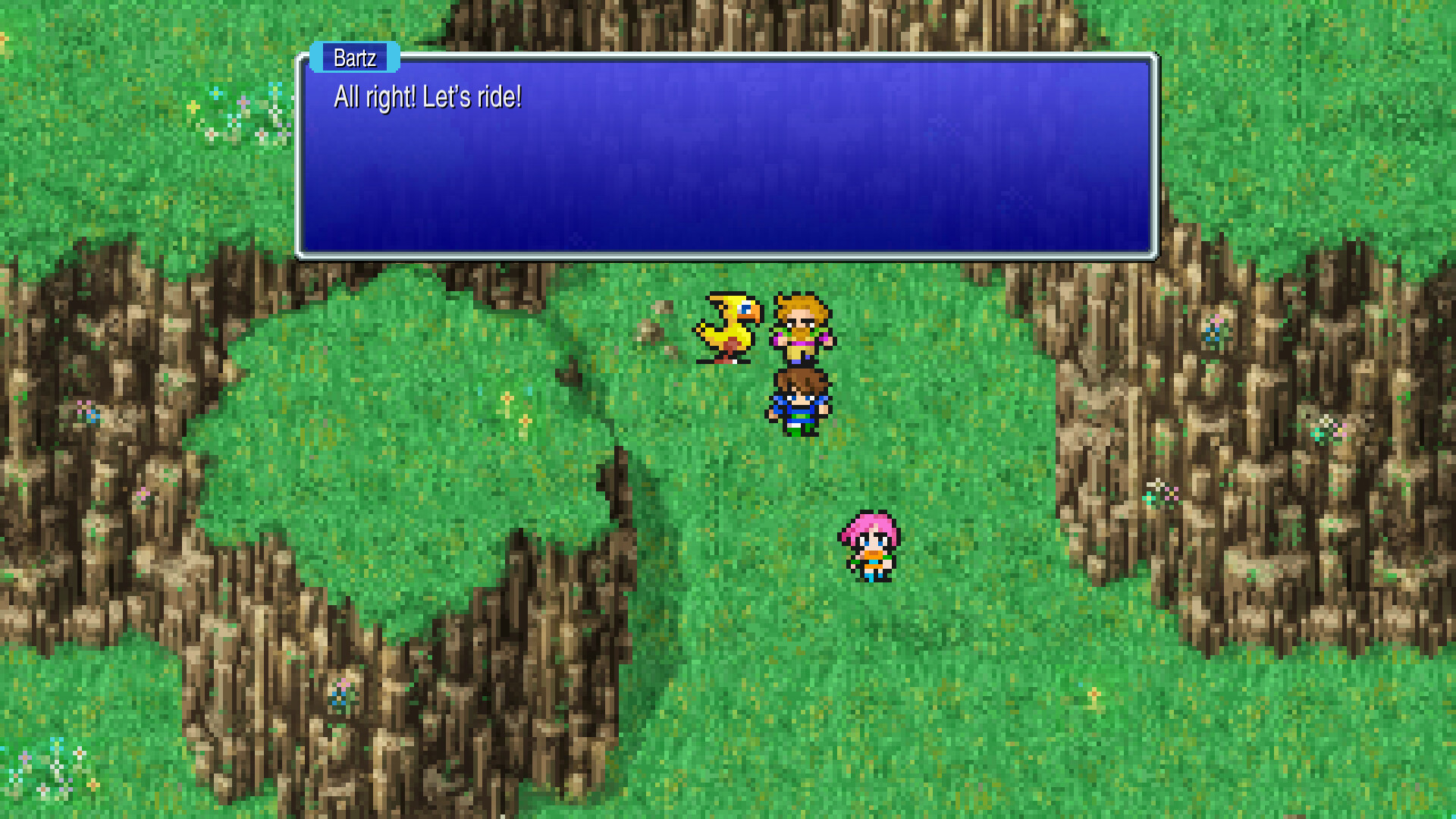
Final Fantasy V has been rebuilt as a 2D pixel‑style adventure that keeps the classic story while adding modern conveniences. The game follows a young hero and his Chocobo as they search for a missing king and protect the world’s crystals.
The remake features refreshed graphics by original artist Kazuko Shibuya, a rearranged soundtrack overseen by Nobuo Uematsu, and numerous quality‑of‑life upgrades such as auto‑battle, adjustable fonts, and customizable encounter rates.
01 / THE GUIDE
Revamped Visuals and Sound
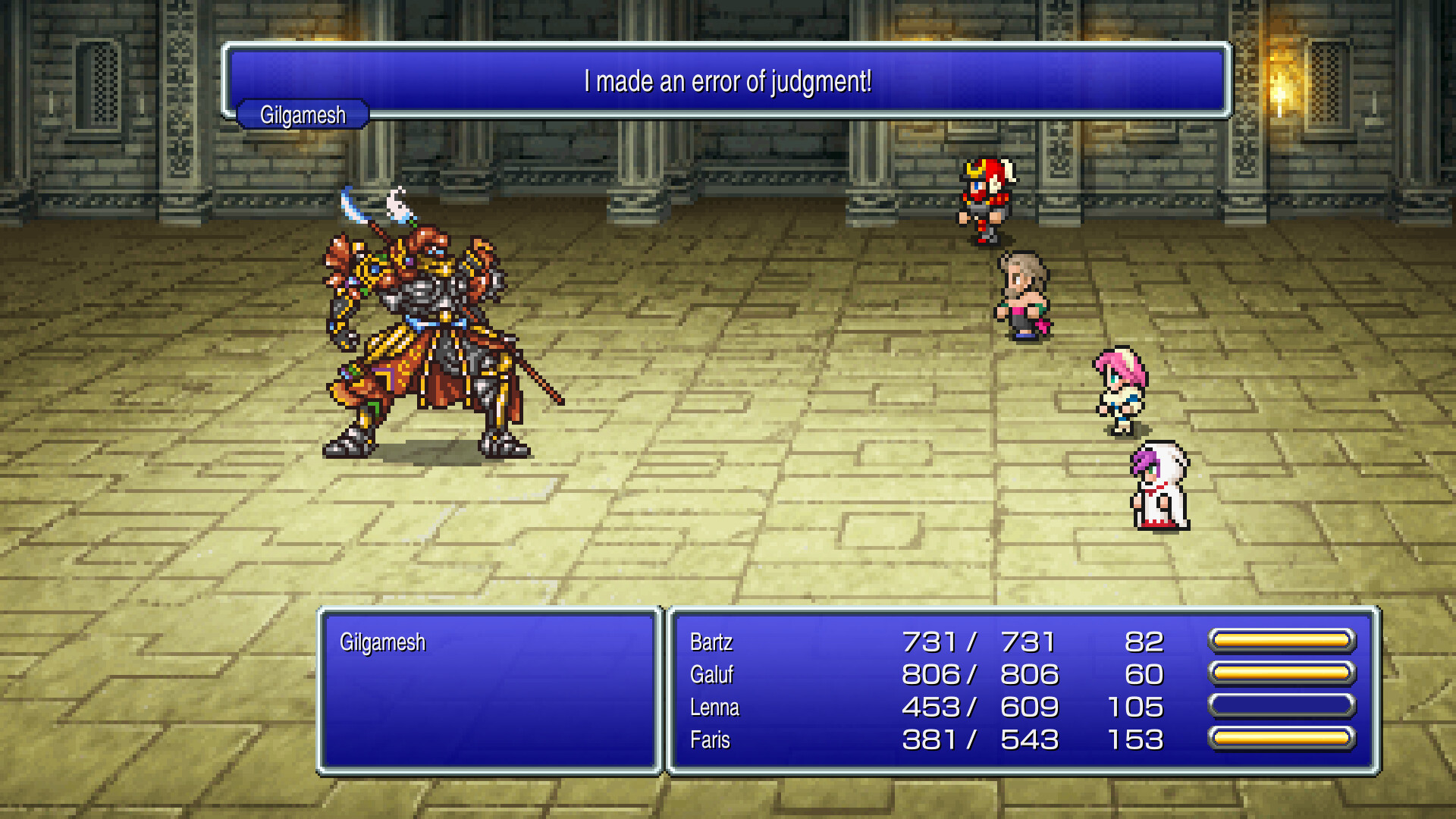
The title presents universally updated 2D pixel graphics that retain the iconic character designs. Players can also switch between a rearranged soundtrack and the original music, offering two auditory experiences.
Both visual and audio updates were guided by the original creators, ensuring the retro aesthetic feels authentic while benefiting from modern polish.
- Toggle between the original and rearranged soundtracks to match your mood.
- Experiment with the default and pixel‑based fonts for clearer reading.
02 / THE GUIDE
Expanded Job and Ability Mechanics
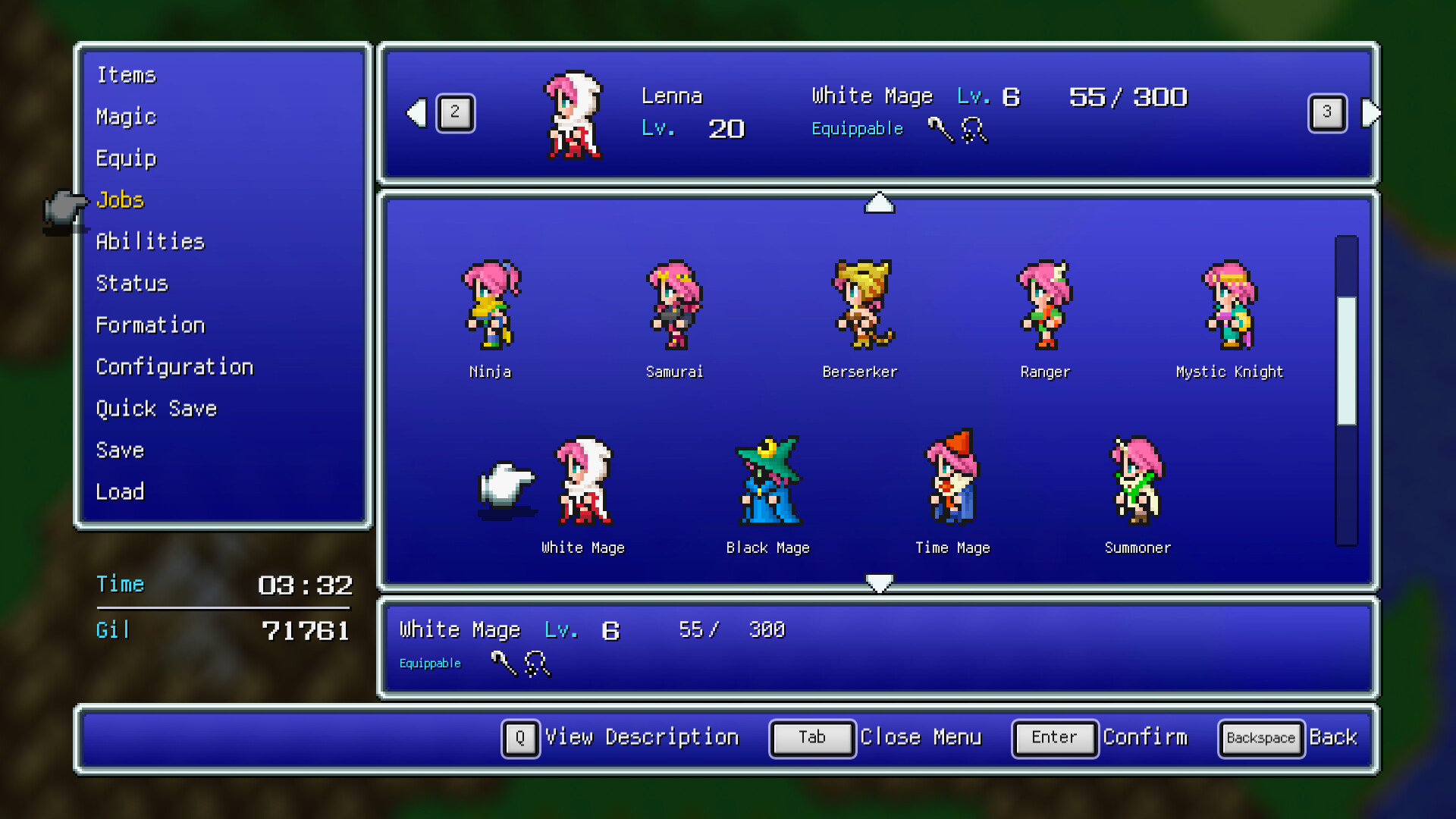
Building on earlier entries, the remake includes a diverse selection of jobs and a unique ability system that lets players combine skills. This flexibility encourages experimentation with character development.
Players have free reign to develop characters, allowing strategic depth in battles throughout the fifth installment of the series.
- Mix and match abilities across jobs to discover powerful combos.
- Focus on a few jobs early to master their skill trees before expanding.
03 / THE GUIDE
Customizable Gameplay Settings
Modernized UI, auto‑battle options, and the ability to switch off random encounters give players control over difficulty. Experience and ABP multipliers can be set from 0 to 4, tailoring progression speed.
Additional boost features let you adjust fonts and toggle random encounters, supporting both casual and hardcore playstyles.
- Raise the experience multiplier for faster leveling during early runs.
- Disable random encounters if you prefer a story‑focused experience.
04 / THE GUIDE
Bestiary, Gallery, and Music Player
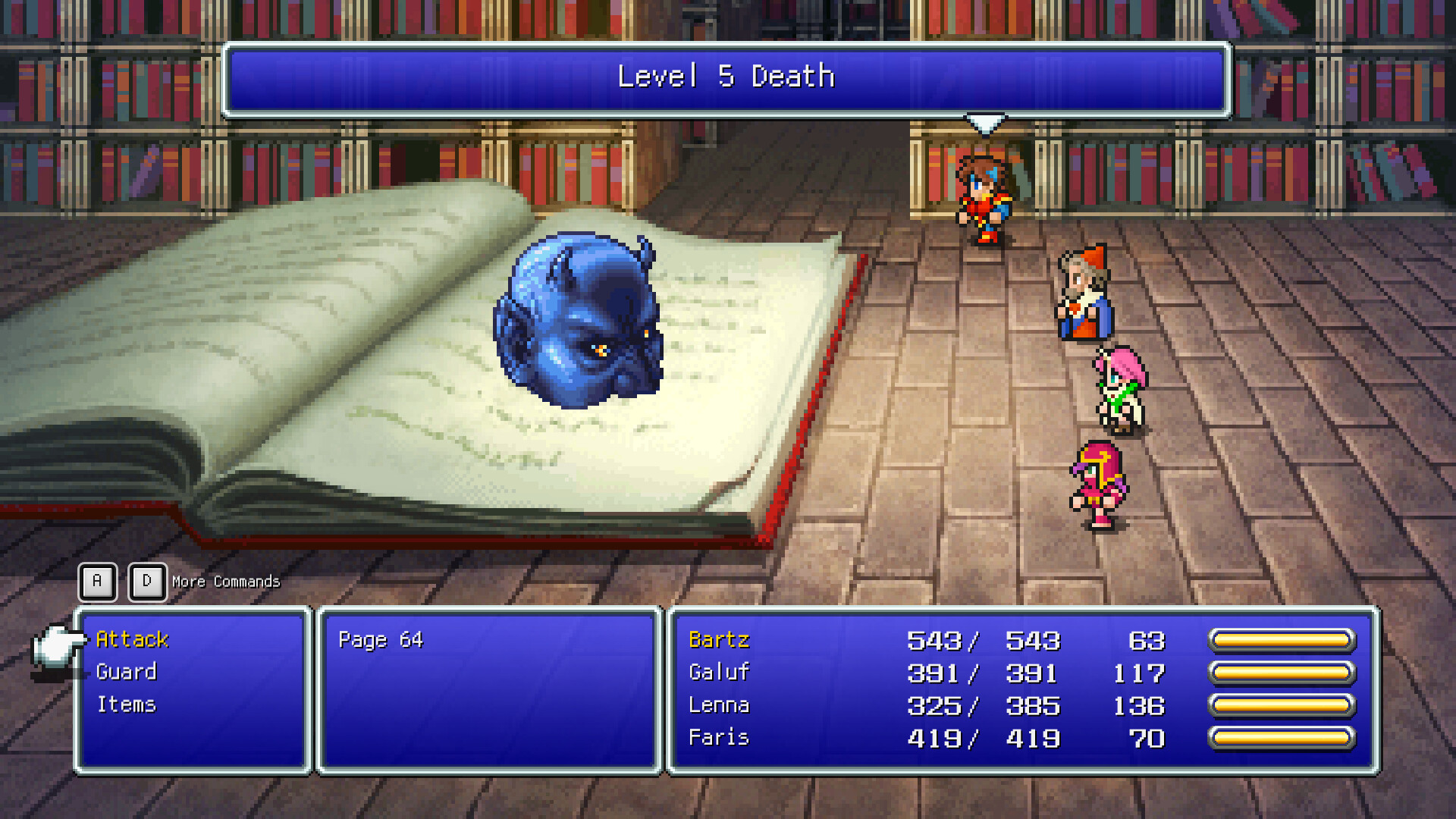
Beyond the core adventure, the remake offers a bestiary, illustration gallery, and a music player. These extras let players explore lore, view artwork, and listen to tracks at will.
The supplemental content enriches the world, providing reference material and a convenient way to enjoy the soundtrack outside of gameplay.
- Use the bestiary to identify enemy weaknesses before battles.
- Play the music player while you’re away from the game for a nostalgic break.
05 / THE GUIDE
Accessibility and Comfort Options
The game supports partial controller input, keyboard‑only play, and features like Camera Comfort and Custom Volume Controls. Save‑anytime and Play‑at‑your‑own‑pace modes remove timed input pressure.
Steam Cloud, Family Sharing, and achievement support further enhance accessibility across different play environments.
- Enable Camera Comfort if you experience motion discomfort.
- Take advantage of Save Anytime to experiment without penalty.
COMMUNITY
Player discussion