 GameWiki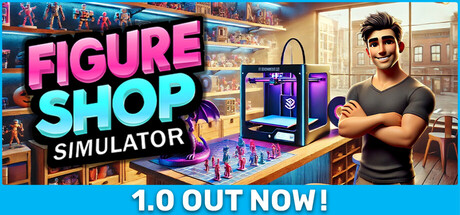
GET YOUR BEARINGS
About Figure Shop Simulator
Figure Shop Simulator lets you run a detailed figure shop where you produce, stock, and sell 3D‑printed collectibles. You handle everything from manufacturing to pricing, aiming to please customers and grow profits.
The game emphasizes strategic decisions about storage, store expansion, and market trends. By customizing your shop’s layout and creating rare collector items, you can climb to the top of the figure‑collecting industry.
01 / THE GUIDE
3D Figure Production
The core of the game is producing figures with 3D printers, allowing you to customize each item before it reaches the shelves. Production choices affect the variety of figures you can offer to customers.
Customization lets you tailor designs to match collector interests, which can influence demand and profitability. Efficient production is key to maintaining a steady inventory.
- Experiment with different designs to see which styles attract more customers.
- Balance production speed with detail to avoid overstocking low‑demand items.
02 / THE GUIDE
Shelf Management & Pricing
Managing shelves involves arranging stocked figures and setting appropriate prices. Proper organization helps customers find items quickly, while pricing impacts satisfaction and sales volume.
Customer satisfaction hinges on both the availability of desired figures and fair pricing, making these systems central to success.
- Regularly review shelf layout to keep popular items within easy reach.
- Adjust prices in response to sales data to maintain competitiveness.
03 / THE GUIDE
Store Expansion & Design
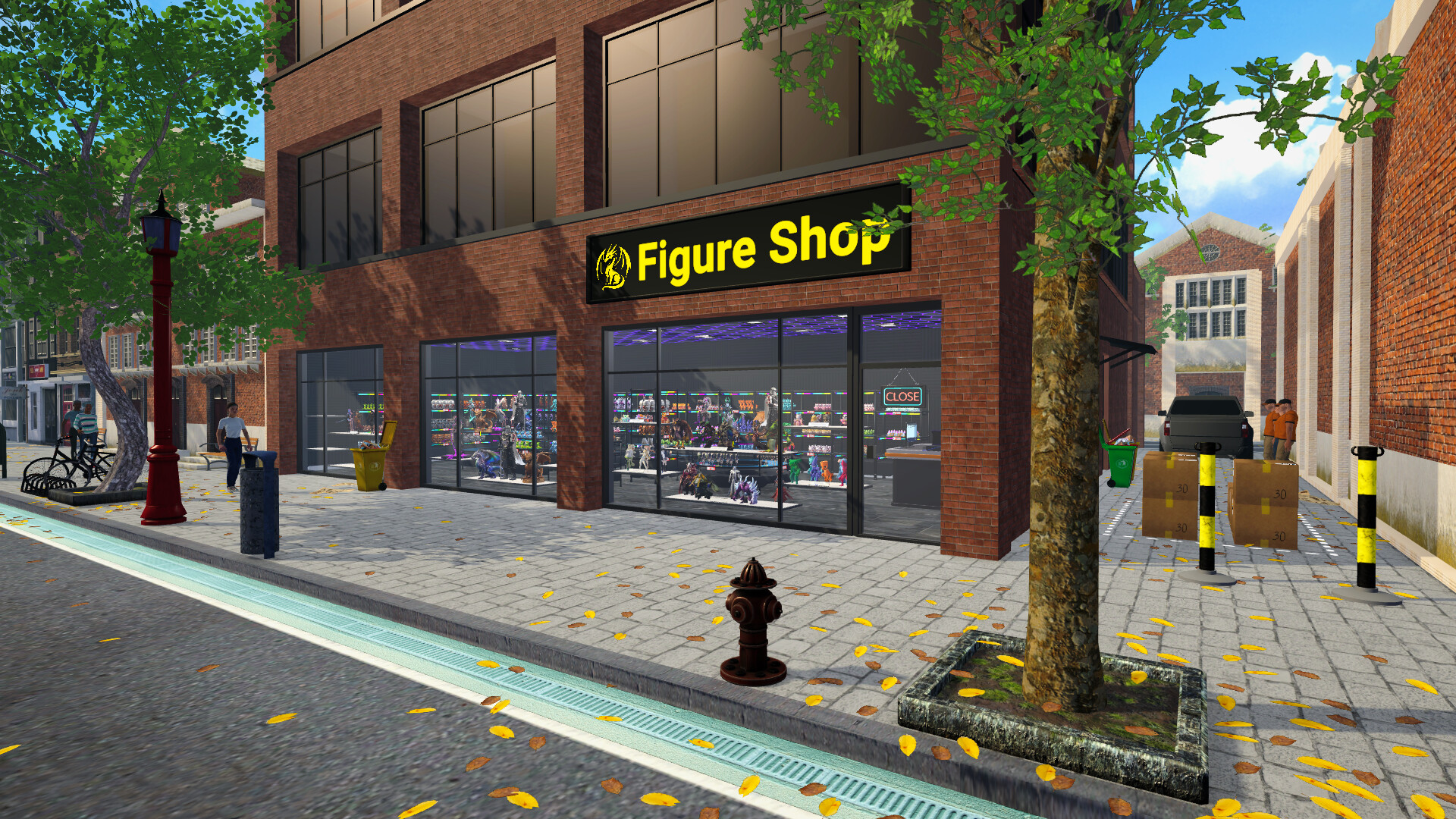
As profits rise, you can expand your shop’s physical space and personalize its design. Larger stores accommodate more inventory and allow for aesthetic choices that enhance the shopping experience.
Design customization lets you create an environment that reflects your brand, potentially drawing more visitors.
- Prioritize expansions that unlock additional shelving before adding decorative elements.
- Use design themes that complement the types of figures you specialize in.
04 / THE GUIDE
Collection Sets & Rare Figures
You can create themed collection sets and hunt for rare figures that appeal to dedicated collectors. These special items can appeal to dedicated collectors and attract niche customers.
Rare figures often command higher prices, making them valuable assets when managed correctly.
- Group related figures into sets to encourage bulk purchases.
- Track which rare items generate the most interest for future production.
05 / THE GUIDE
Market Trends & Best‑Selling Products
Staying aware of market trends helps you identify best‑selling products. By aligning production with current demand, you can maximize revenue and keep shelves stocked with in‑demand figures.
Trend analysis is essential for making strategic decisions about which new designs to develop.
- Monitor your sales regularly to spot emerging popular styles.
- Adjust your production queue to prioritize trending figure types.


COMMUNITY
Player discussion