 GameWiki
GET YOUR BEARINGS
About Fight Crab
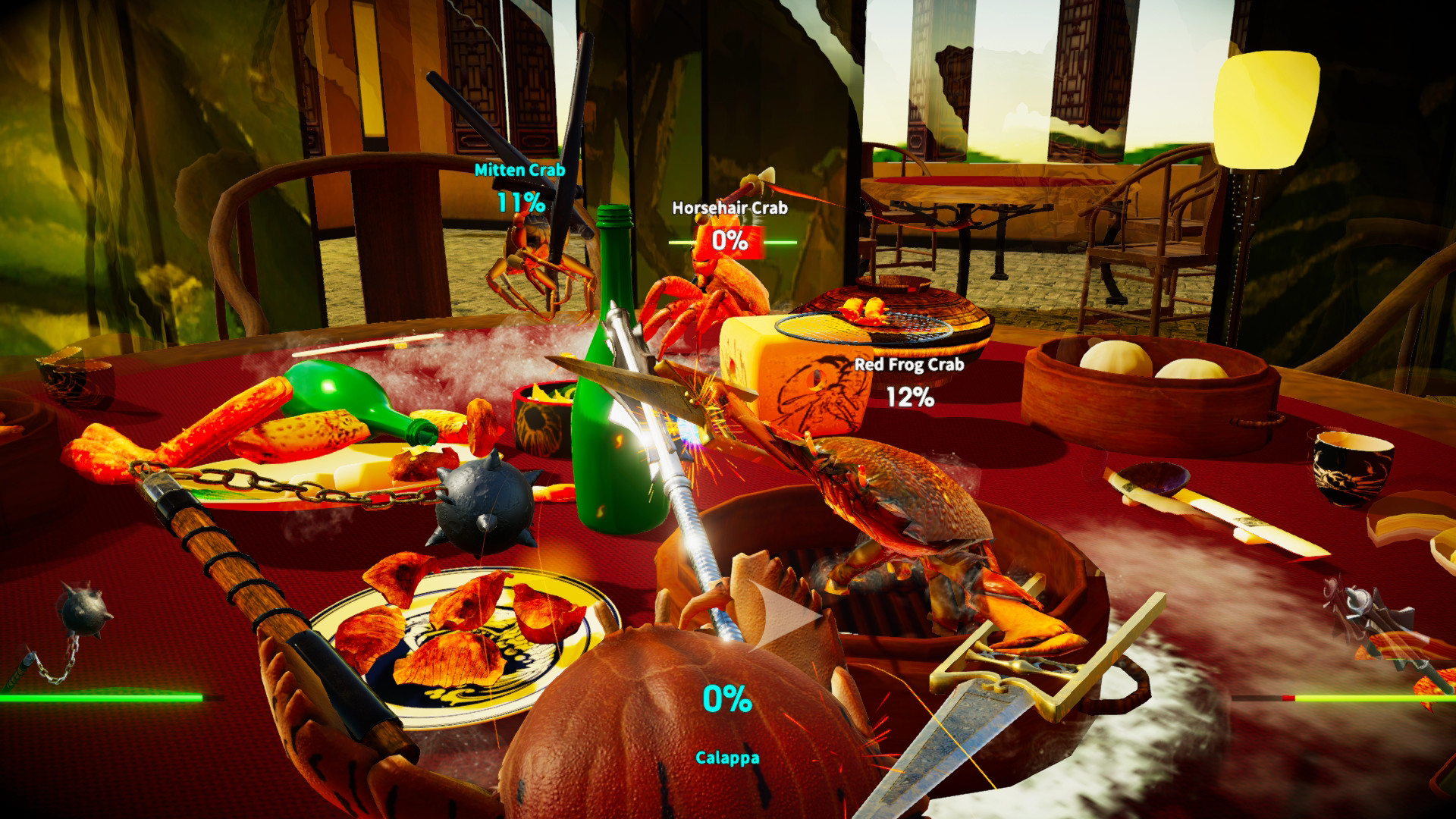
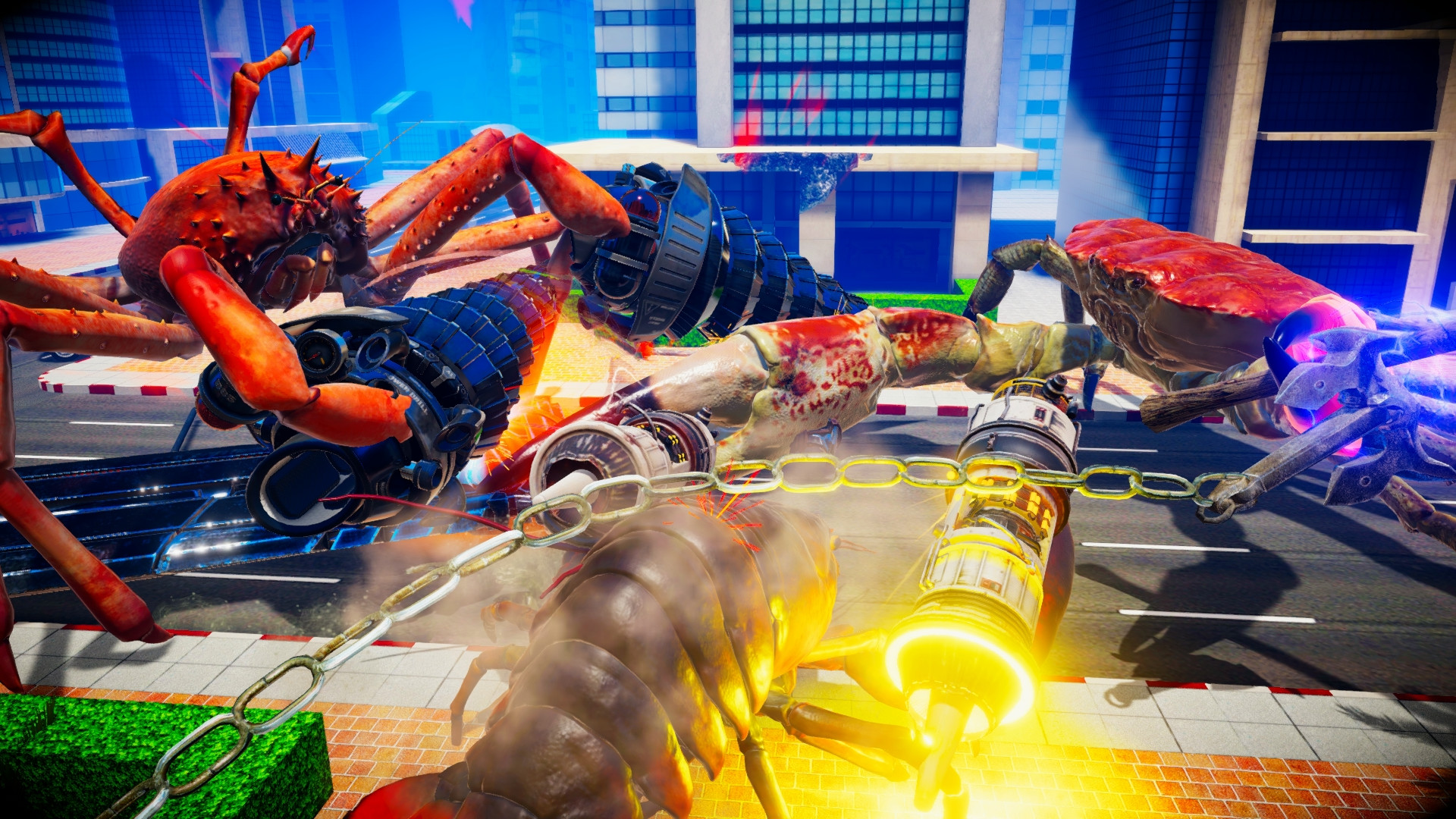
Fight Crab is a 3D action title where players control physics‑driven crabs armed with a variety of equipment, from claws to jet engines. The core objective is simple: flip your opponent onto their back to claim victory. The game offers a mix of solo and multiplayer experiences, including campaign battles, training, and both online and split‑screen PvP.
With 23 crab types, 48 weapons, and 11 stages, the title delivers a range of combat scenarios. Players can compete solo, team up in co‑op, or face off in 1v1 and 2v2 matches, while also customizing their crab with avatars linked through VRoid Hub.
01 / THE GUIDE
Physics‑Based Crab Combat
Crabs in Fight Crab are powered by simulated physics, giving each movement and collision a realistic feel. This physics system underpins the central rule: flipping an opponent onto their back ends the match.
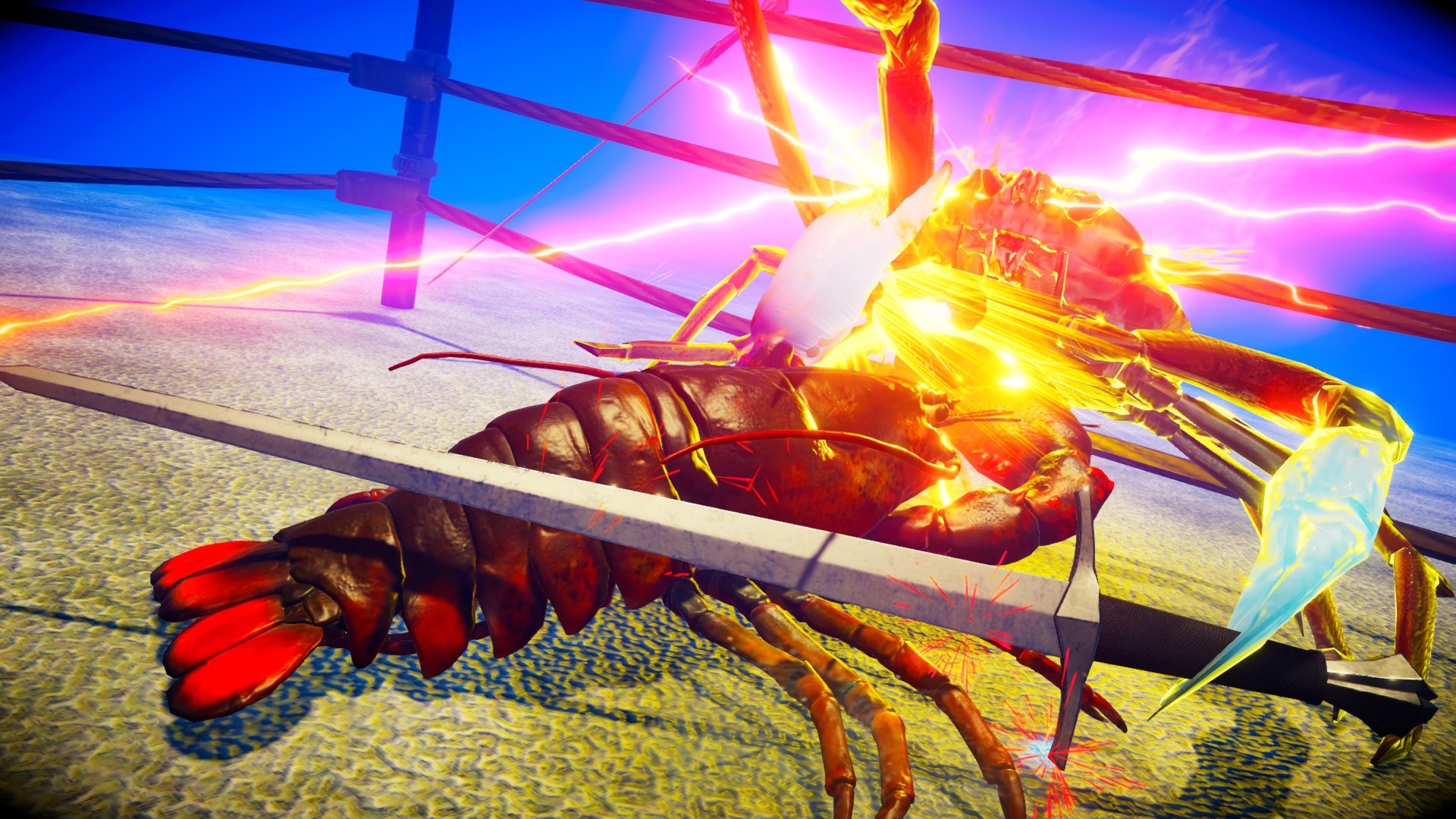
The physics also enables wall‑running and precise weapon interactions, such as stopping a blade with pincers. Players must manage momentum and positioning to succeed in battles.
- Watch your crab’s momentum; a well‑timed push can flip an opponent more easily.
- Use wall‑running to gain height advantage before attempting a flip.
02 / THE GUIDE
Weapon Variety and Equipment
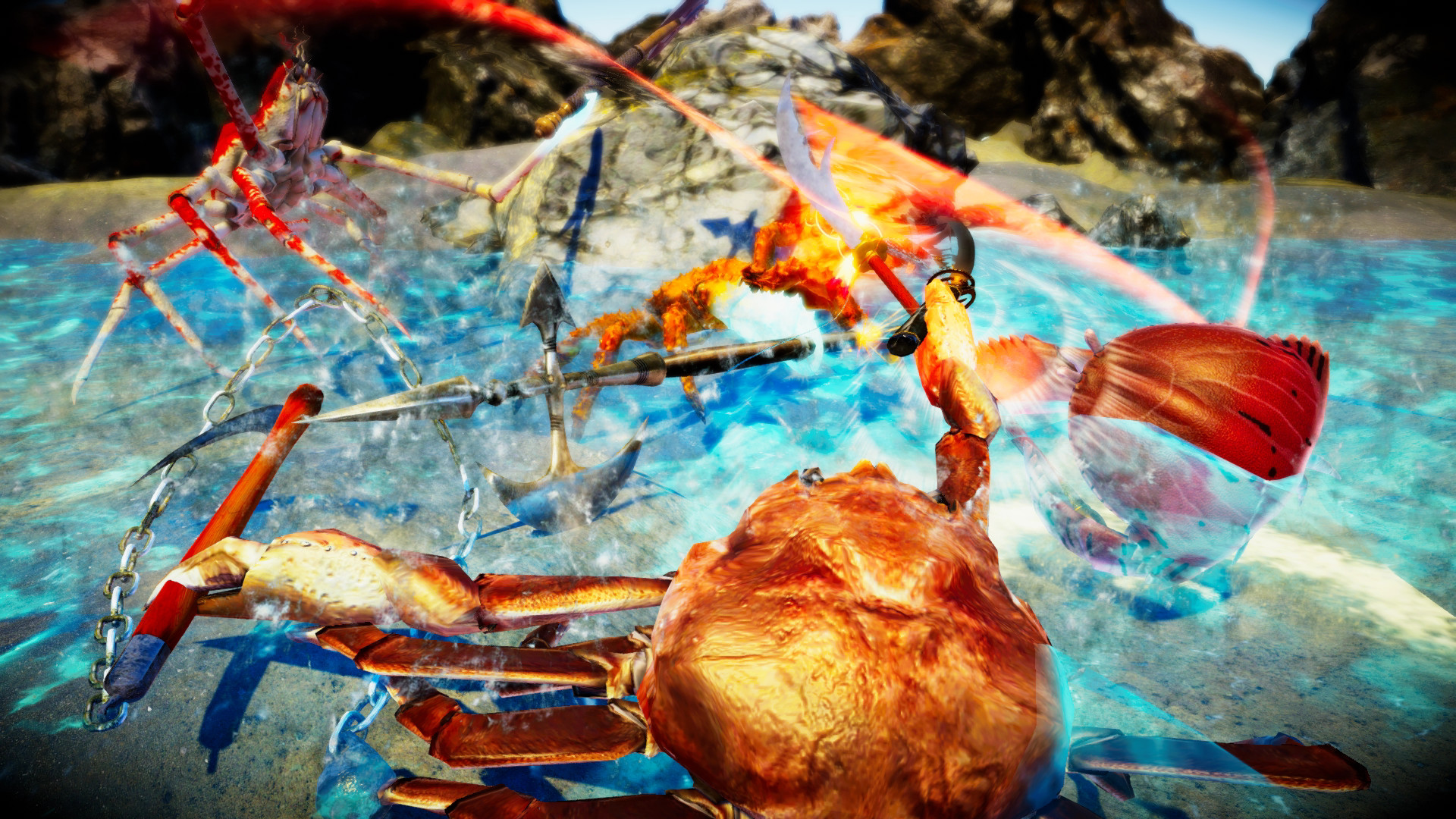
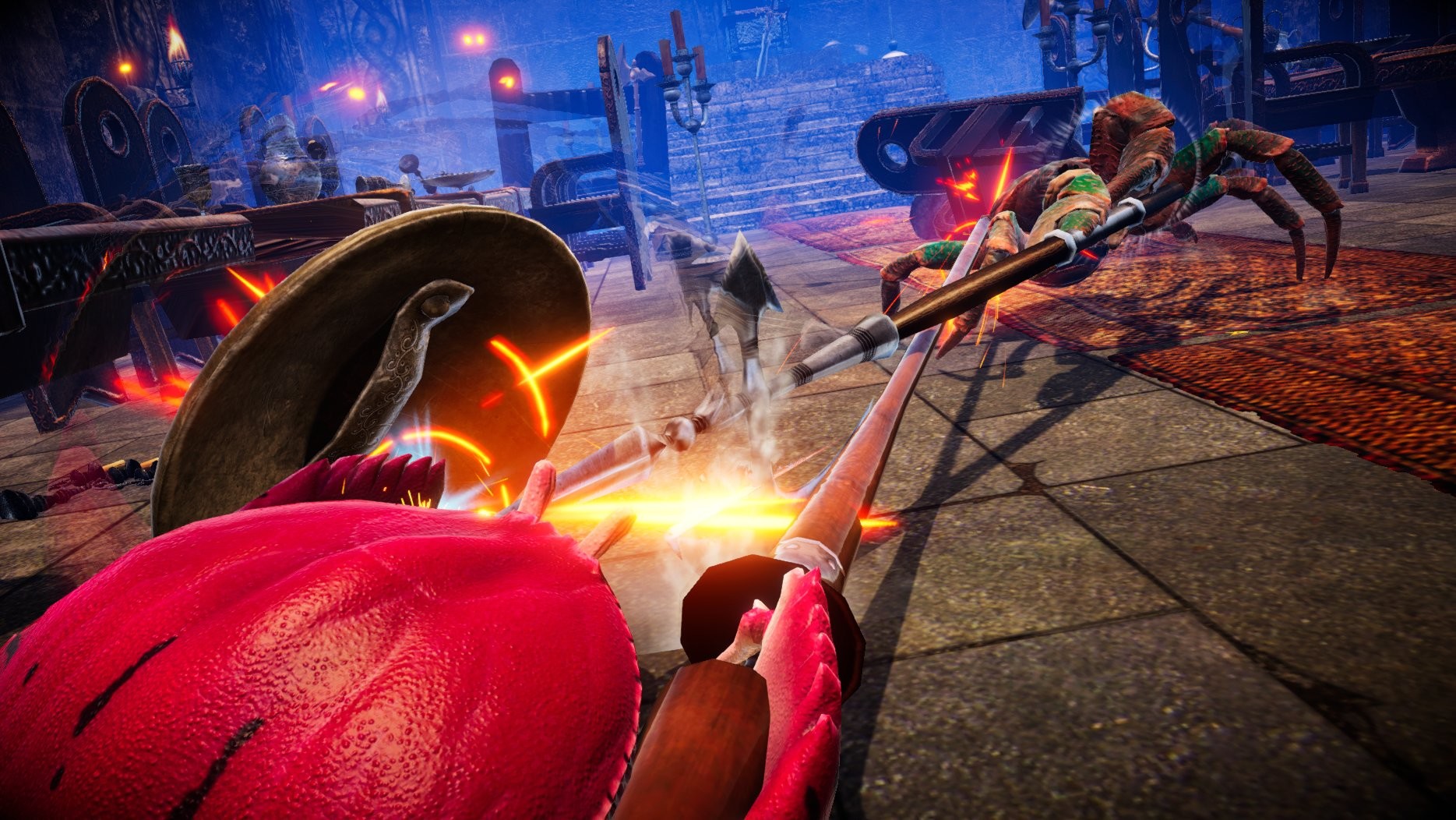
The game features 48 different weapons, ranging from swords and guns to armor and jet engines. Each piece of equipment alters how a crab fights, allowing for diverse strategies.
Players can equip claws to block blades, or use jet engines for rapid movement. The wide selection encourages experimentation to find a playstyle that fits each battle stage.
- Pair defensive gear like armor with offensive weapons for balanced play.
- Try jet engines on open stages to maximize mobility.
03 / THE GUIDE
Game Modes and Campaign
Fight Crab includes a campaign with over 41 battles, a training mode, and multiple PvP options. Players can tackle the campaign solo or cooperate with friends for a shared experience.
Beyond the campaign, there are Hard Mode challenges and wave‑based stages that test skill progression. Both online and split‑screen PvP support 1v1 and 2v2 matches.
- Use training mode to master flipping mechanics before entering PvP.
- Attempt Hard Mode after completing the main campaign for extra challenge.
04 / THE GUIDE
VRoid Hub Avatar Integration
Players can link their VRoid Hub avatars to appear on top of their crab in battle. These custom avatars are visible to other online players, adding a personal flair to matches.
The integration allows for unique visual identity without affecting gameplay mechanics, letting players showcase their creations while competing.
- Create a distinctive avatar to stand out in online matches.
- Check avatar visibility before joining a multiplayer session.
05 / THE GUIDE
Steam and Controller Features
Fight Crab runs on Windows and supports full controller input, Steam achievements, cloud saves, and leaderboards. Remote Play Together and Family Sharing extend accessibility for friends and family.
These Steam integrations provide a seamless multiplayer experience and allow progress to sync across devices, ensuring players can pick up where they left off.
- Enable Steam Cloud to keep your progress across multiple PCs.
- Use Remote Play Together to invite friends without their own copy.
COMMUNITY
Player discussion