 GameWiki
GET YOUR BEARINGS
About Fibbage XL
Fibbage XL is a standalone, English‑only party game where players bluff their way through absurd trivia prompts. Using a phone, tablet, or keyboard as the sole controller, participants type fake answers to fool opponents and score points by guessing the real truth. The game supports 2‑8 local players and emphasizes quick, humorous deception.
Developed by Jackbox Games, the title adds a Family‑Friendly Filter and Twitch login capability to the classic Fibbage formula. It runs on Windows, macOS, and Linux and includes Steam features such as achievements, cloud saves, and Remote Play options.
01 / THE GUIDE
Bluffing Trivia Premise
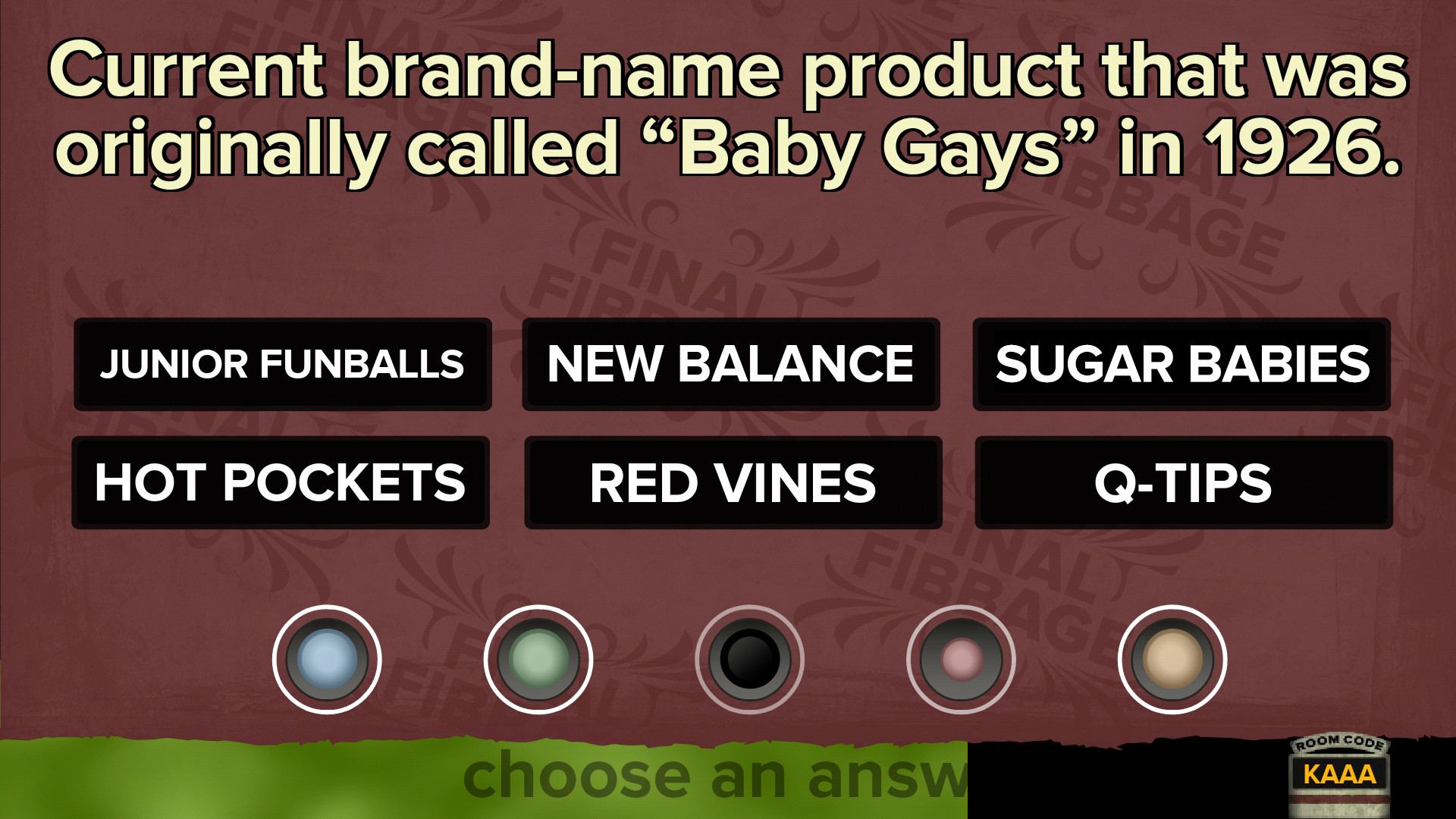
Players are presented with quirky statements that contain a blank, like “The mayor of Rabbit Hash, Kentucky is a _____.” Each participant types a fabricated answer intended to appear plausible. The goal is to trick others into selecting your lie while identifying the actual answer among the crowd‑sourced fakes.
Points are awarded for convincing others to choose your lie and for correctly picking the true answer. Incorrectly choosing an opponent’s lie triggers a humorous “Fibbage fancy dance,” adding a visual flourish to the round.
- Try to match the tone of existing answers to increase plausibility.
- Observe patterns in previous true answers for better guessing.
02 / THE GUIDE
Local Multiplayer and Input Devices
Fibbage XL supports 2‑8 players in a shared or split‑screen setting, with each participant using a phone, tablet, or keyboard as their controller. No additional hardware is required beyond these devices, making setup straightforward for casual gatherings.
The game’s design centers on local play, meaning all participants are in the same physical space while interacting through their personal devices to submit answers and vote.
- Assign each player a distinct device to avoid input overlap.
- Keep devices within easy reach to maintain quick response times.
03 / THE GUIDE
Family‑Friendly Filter and Twitch Login
A Family‑Friendly Filter can be enabled to censor potentially inappropriate content, ensuring the game remains suitable for all ages. This option is a new addition not present in earlier Fibbage releases.
Players may also log in via Twitch, allowing integration with Twitch accounts for streaming or community interaction during gameplay.
- Enable the filter for mixed‑age groups to keep the experience light‑hearted.
- Use Twitch login if you plan to broadcast the session for audience participation.
04 / THE GUIDE
Remote Play on Multiple Devices
Beyond local devices, Fibbage XL can be streamed to phones, tablets, or TVs via Steam’s Remote Play features. This allows a host to run the game on a PC while others join from separate hardware.
Remote Play Together lets friends connect over the internet, extending the local multiplayer experience to remote participants without needing each to own a copy of the game.
- Test your network connection before a remote session to reduce lag.
- Use a TV for the main display while players answer on handheld devices for comfort.
05 / THE GUIDE
Supported Operating Systems
The game is available on Windows, macOS, and Linux platforms, ensuring broad accessibility for PC users across major operating systems. Installation and updates are managed through Steam.
Steam features such as Achievements and Cloud saves are integrated, allowing progress to persist across sessions.
- Check for the latest Steam update to ensure cloud sync works correctly.
- Verify your OS meets the minimum requirements listed on the Steam store page.



COMMUNITY
Player discussion