 GameWiki

GET YOUR BEARINGS
About Feed the Cups
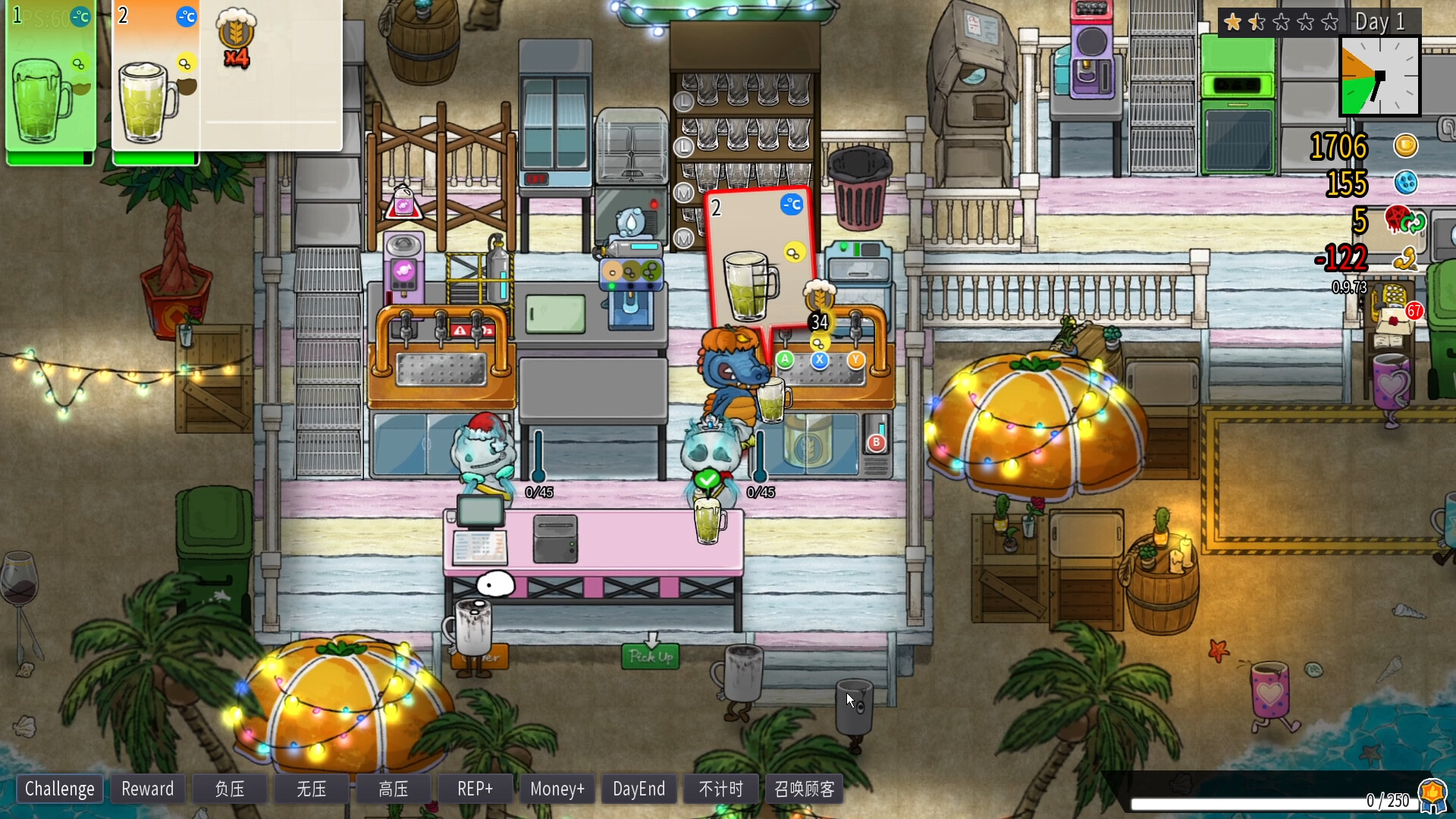
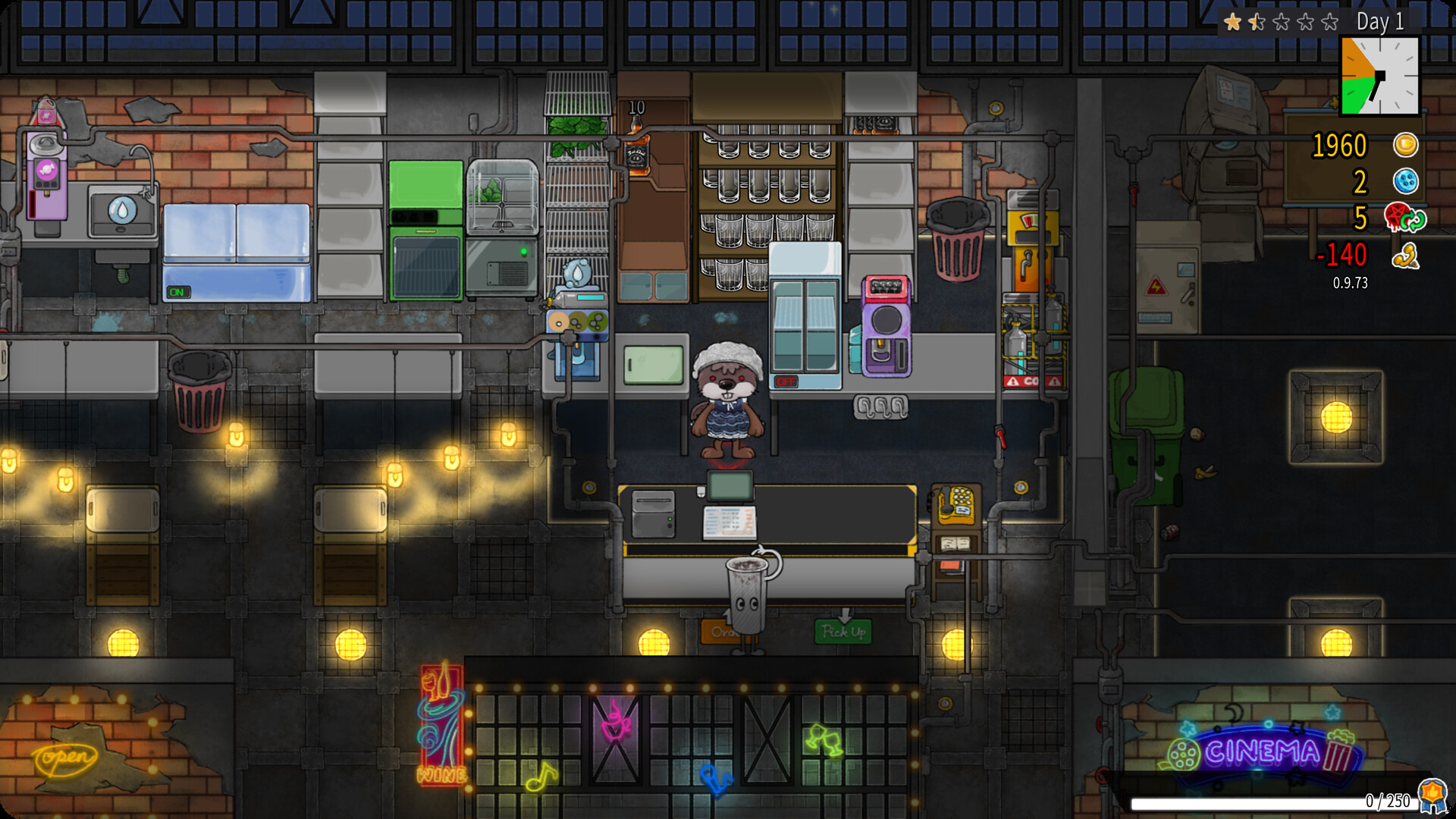
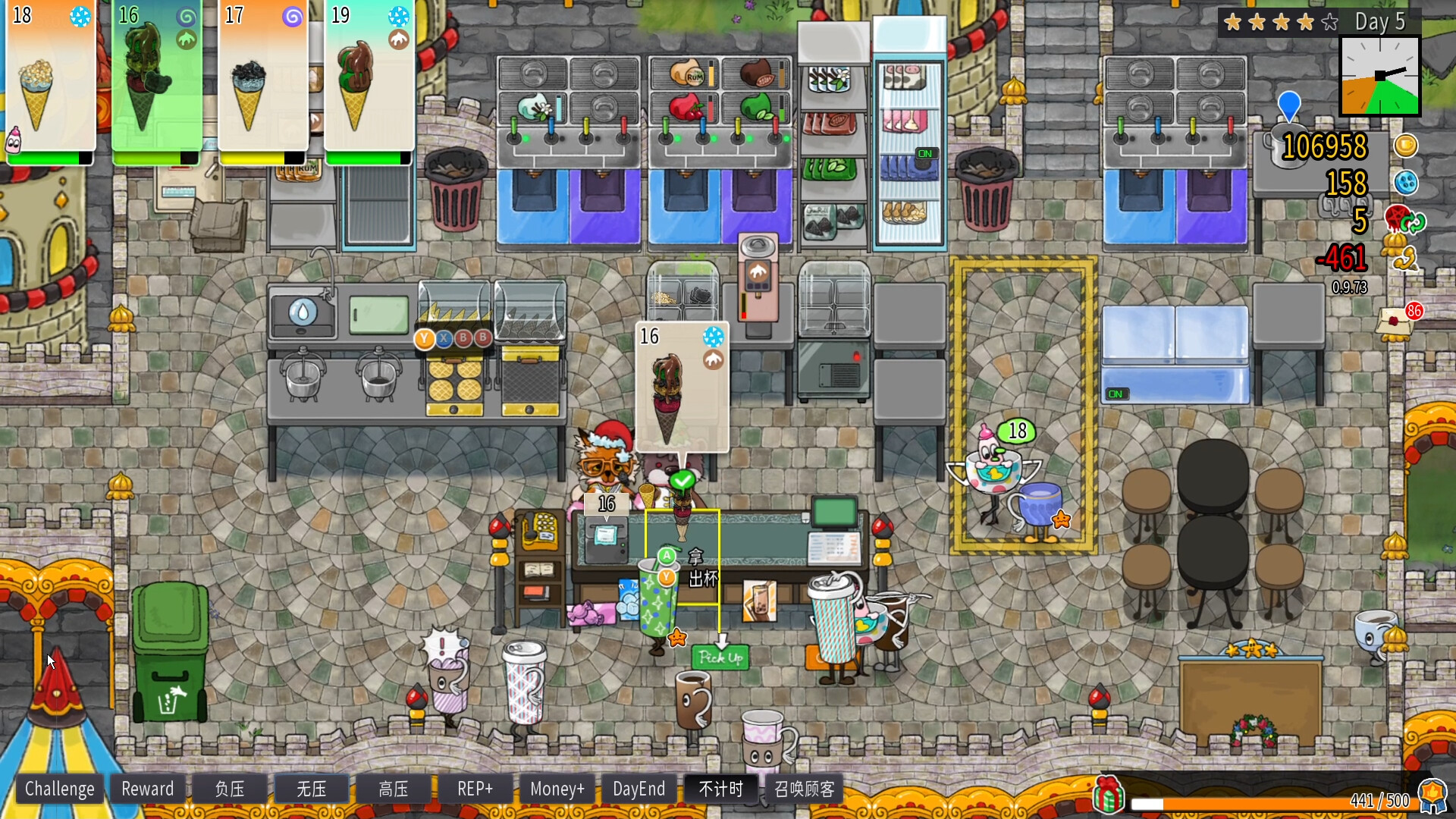
Feed the Cups is a roguelite simulation where players run a drink shop, handling stock, recipes, orders, cleaning, and equipment. The game blends cooperative play with stress management, letting friends join locally or online to serve customers.
Players can upgrade their shop and house with earned cash, while random challenges add buffs that come with trade‑offs. The experience aims to mimic real‑life drink‑shop management, with pressure rising if mistakes accumulate.
01 / THE GUIDE
Co‑op Modes
Feed the Cups supports local 2‑player, remote multiplayer, and a 2‑4 player online cooperative mode. Friends can join the same shop to share tasks like stocking, crafting drinks, and cleaning.
The game tracks mistakes, and too many errors increase a "pressure" meter, affecting all players in the session.
- Communicate task assignments early to avoid duplicated effort.
- Watch the pressure meter; assign a player to focus on cleanup when it rises.
02 / THE GUIDE
Shop Management
Players stock ingredients, prepare drinks, take orders, and clean equipment. Managing inventory and supply prevents debt, while controlling "stress" levels keeps the shop running smoothly.
Mistakes raise pressure, and random challenge choices can grant buffs that have costs, adding strategic depth to daily operations.
- Prioritize restocking high‑demand items first.
- Balance buffs against their costs to keep stress low.
03 / THE GUIDE
Upgrades & Furniture
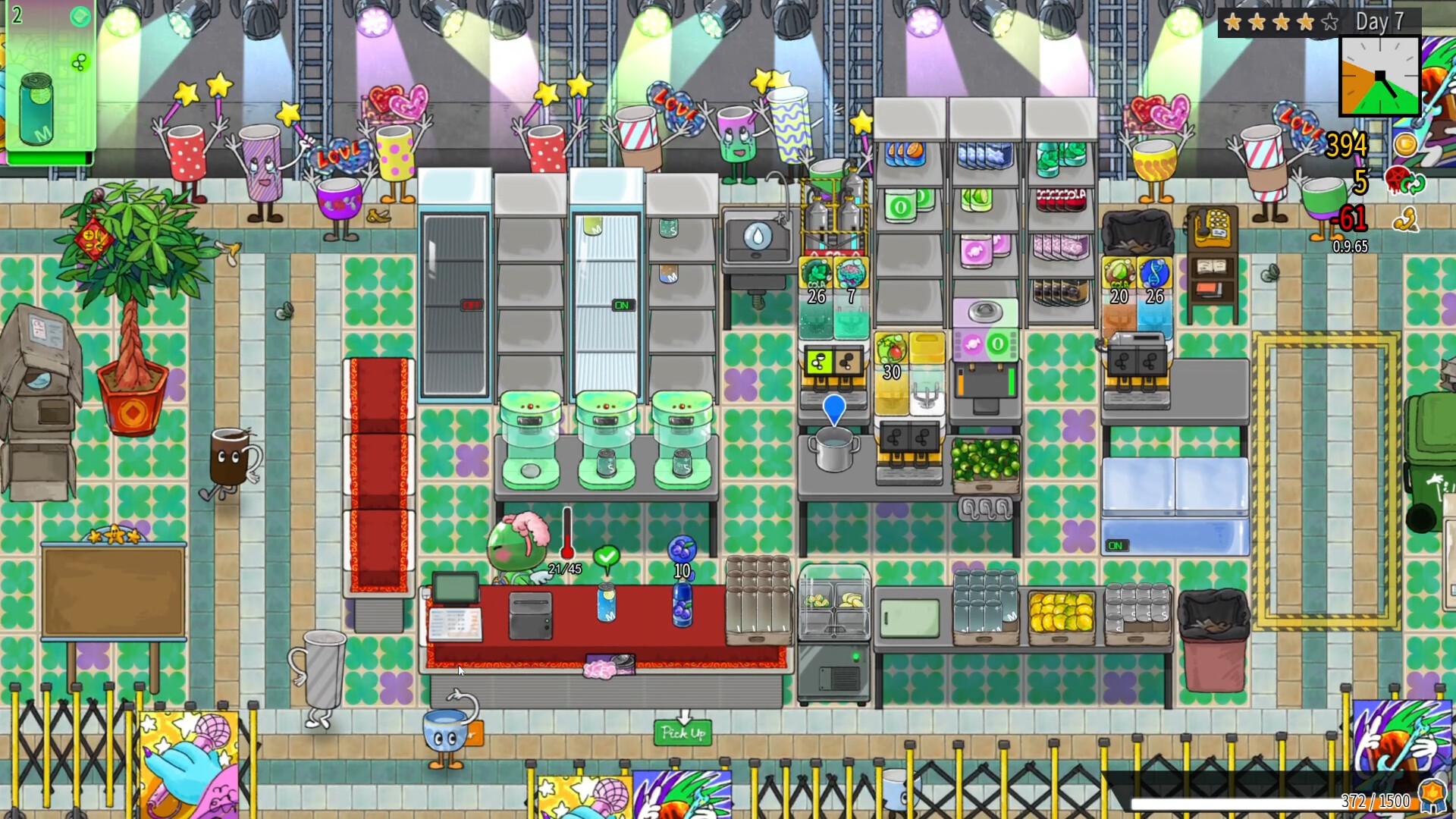
Cash earned from serving customers can be spent on furniture and house upgrades. These purchases improve the shop’s appearance and may affect gameplay indirectly.
The owner expects payment for work, reinforcing the need to earn and spend wisely within each run.
- Invest in upgrades that streamline workflow, like extra counters.
- Save some cash for emergency purchases when pressure spikes.
04 / THE GUIDE
Platform Features
Feed the Cups runs on Windows and macOS, offering full controller support, Steam achievements, cloud saves, and leaderboards. Remote Play Together and Family Sharing are also available.
These features let players enjoy the game across devices and keep progress synced via Steam Cloud.
- Enable Steam Cloud to retain progress across multiple PCs.
- Use Remote Play Together to invite friends without a second copy.
05 / THE GUIDE
Random Challenges
During a shift, random challenge choices appear, granting temporary buffs. Each buff carries a cost, requiring players to weigh benefits against potential drawbacks.
These challenges add variety to each run, ensuring no two days feel identical.
- Assess the cost of a buff before accepting it.
- Coordinate with teammates to maximize a buff’s effect.

COMMUNITY
Player discussion