 GameWiki
GET YOUR BEARINGS
About Fearbonding
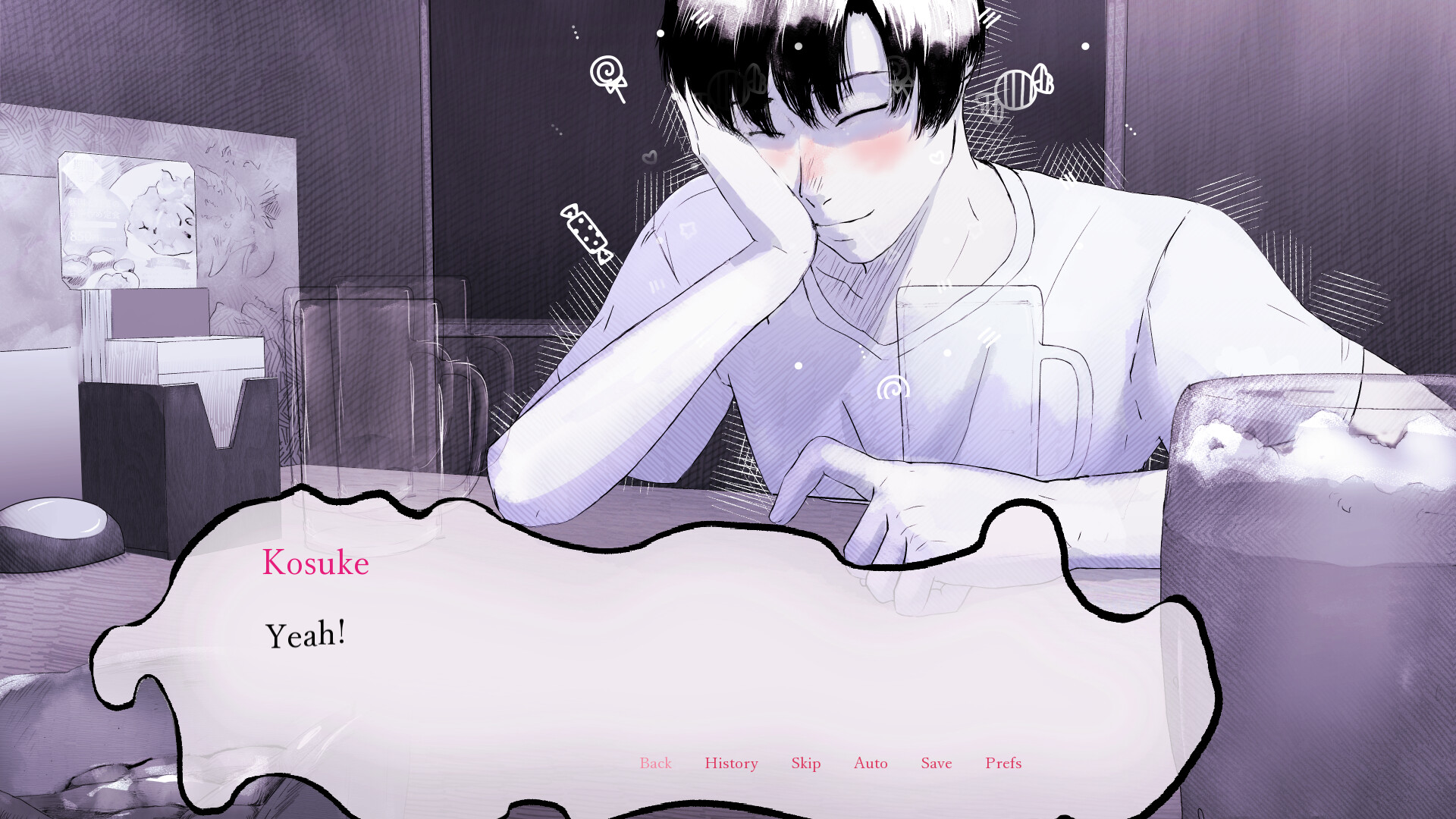
Fearbonding is a BL horror visual novel that follows Hinata Kusumoto, a demon who describes fear as sweet and viscous like honey. After meeting the unsettling Kosuke Arima, Hinata’s goal becomes to harvest Kosuke’s terror without being discovered.
The story contains roughly 14 000 words and offers five distinct bloody endings. It is released for Windows, macOS, and Linux, and lists single‑player and Steam Family Sharing among its features. The in‑game Discord link is currently disabled due to spam concerns.
01 / THE GUIDE
Narrative premise
Hinata Kusumoto is a demon who tastes fear like honey, describing it as “sweet and viscous.” The narrative begins when he encounters Kosuke Arima, whose terror becomes Hinata’s target, establishing the central conflict of feeding versus concealment.
The visual novel presents this conflict through dialogue choices. Each choice can either increase Hinata’s intake of fear or raise Kosuke’s suspicion, directly shaping the story’s direction.
- Watch Hinata’s descriptive language for clues about the intensity of fear being harvested.
- Observe Kosuke’s reactions after each exchange to gauge rising suspicion.
02 / THE GUIDE
Multiple endings
The script totals about 14 000 words and currently includes five separate bloody conclusions. Each ending reflects a different outcome of Hinata’s attempt to satisfy his hunger, ranging from successful harvest to being devoured.
The endings unfold through the story as you play, so revisiting earlier sections and making different choices is the way to see other conclusions.
- Note which dialogue options seem to heighten fear versus those that calm Kosuke.
- Re‑play earlier sections if you wish to explore a different ending.
03 / THE GUIDE
Platform availability
Fearbonding is listed for Windows, macOS, and Linux, meaning a version of the executable is provided for each operating system. This allows players on any of the three major PC platforms to run the visual novel.
The listing covers all three operating systems, so players on each supported platform can install and play the same visual novel.
- Check that your system meets the basic requirements before installing.
- If you have multiple OS installations, you can install the game on each to compare UI scaling.
04 / THE GUIDE
Single‑player mode
The game is described as single‑player, indicating that all gameplay occurs locally without any multiplayer or online components. Progress is made by reading text and selecting dialogue options.
The Discord invite link inside the game is currently disabled, so the Discord community cannot be reached from within the game for the time being.
- Take a moment to read each line of dialogue before choosing, as the text often hints at future consequences.
- Consider keeping a brief note of key decisions to help track narrative branches.
05 / THE GUIDE
Family sharing support
Family Sharing is listed as a feature, meaning the game can be added to a shared library on Steam. This permits another account on the same machine to launch the title from the shared library.
Each account that launches the game accesses the same narrative content, allowing multiple users to experience the story on a single installation.
- Enable Family Sharing in Steam settings before launching if you plan to let another account play.
- Verify that the secondary account can start the game after sharing is enabled.
COMMUNITY
Player discussion