 GameWiki
GET YOUR BEARINGS
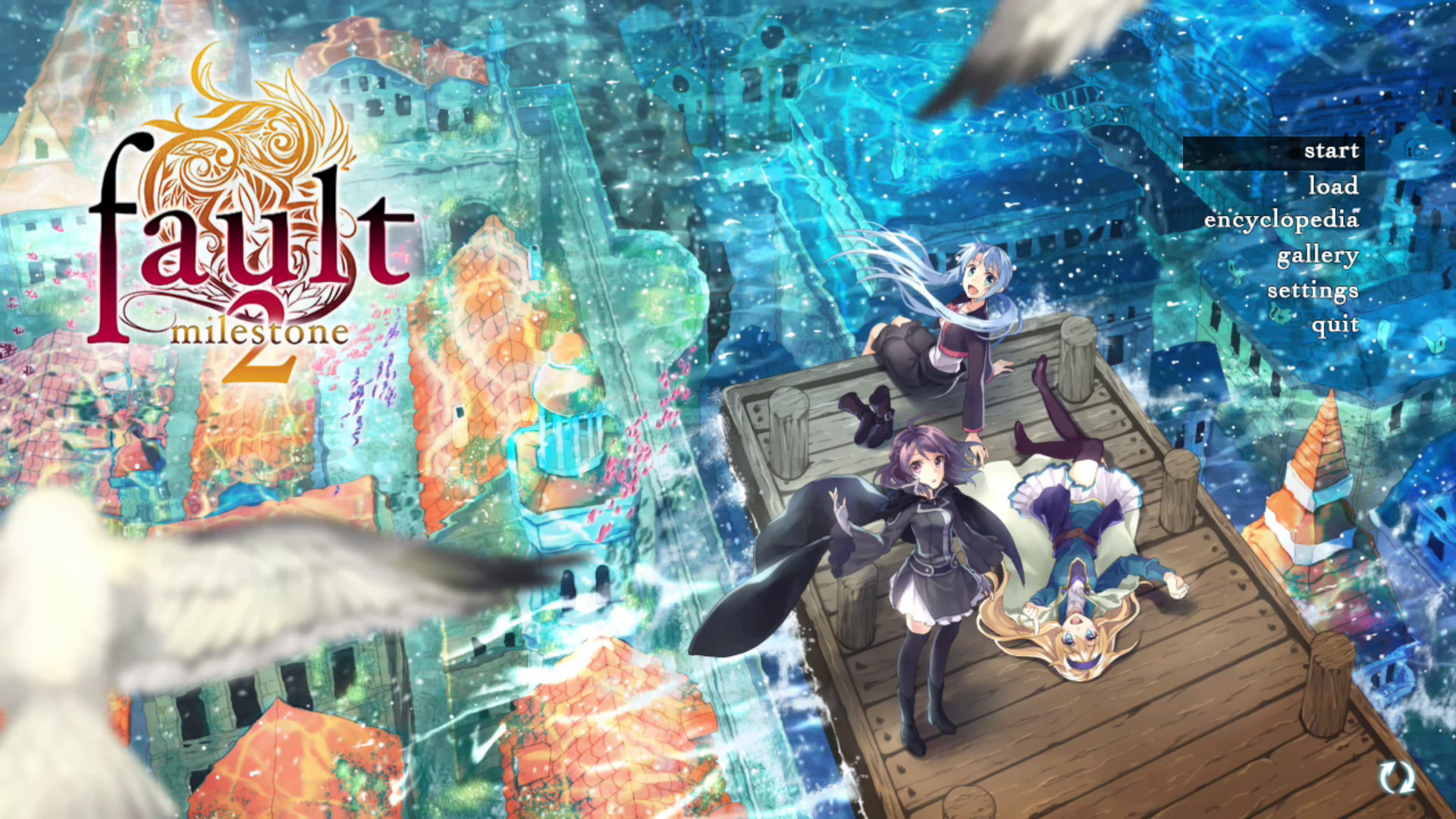
About fault - milestone two side:above
fault – milestone two side:above continues the grand science‑fantasy tale of Selphine and her companions, picking up directly after milestone one. The narrative expands the world while preserving the cinematic visual‑novel style that defines the series.\nA new 3D camera system is introduced to give players a larger‑than‑life reading experience, making the sequel feel more immersive than its predecessor. The game is built for Windows, macOS, and Linux and supports standard Steam features such as achievements and trading cards.
01 / THE GUIDE
Story and Sequel Context
fault – milestone two side:above is a Cinematic Visual Novel that takes place right after the events of milestone one. It is a direct sequel and contains massive spoilers of the first story, so playing the original is highly advised.\nThe plot follows Selphine and the gang as they travel back to their homeland, continuing the grand science‑fantasy narrative established earlier.
- If you haven’t finished milestone one, consider completing it first to avoid spoilers.
- Take notes on characters introduced in the first game to enhance understanding of sequel events.
02 / THE GUIDE
Visual and Camera Enhancements
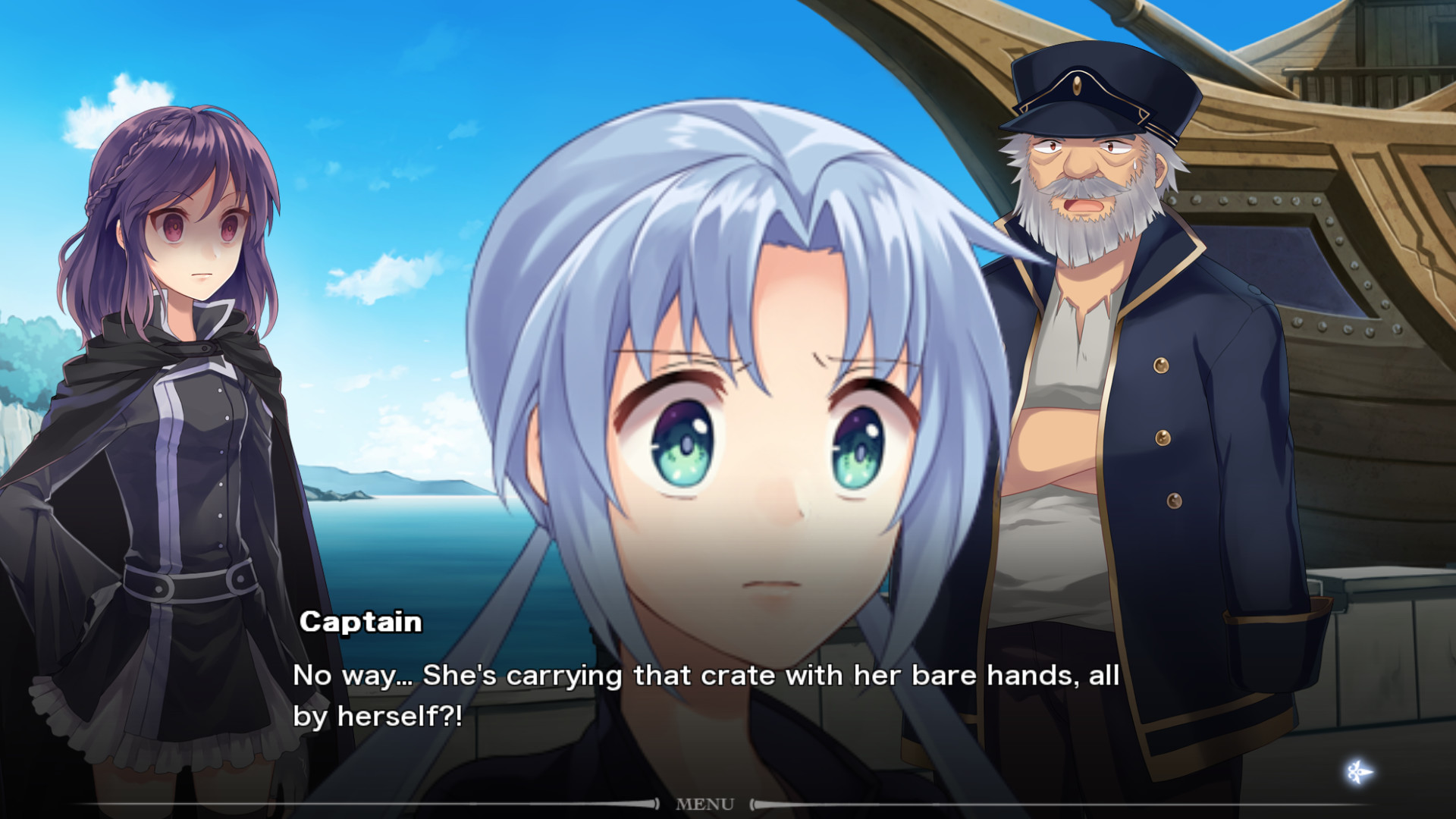
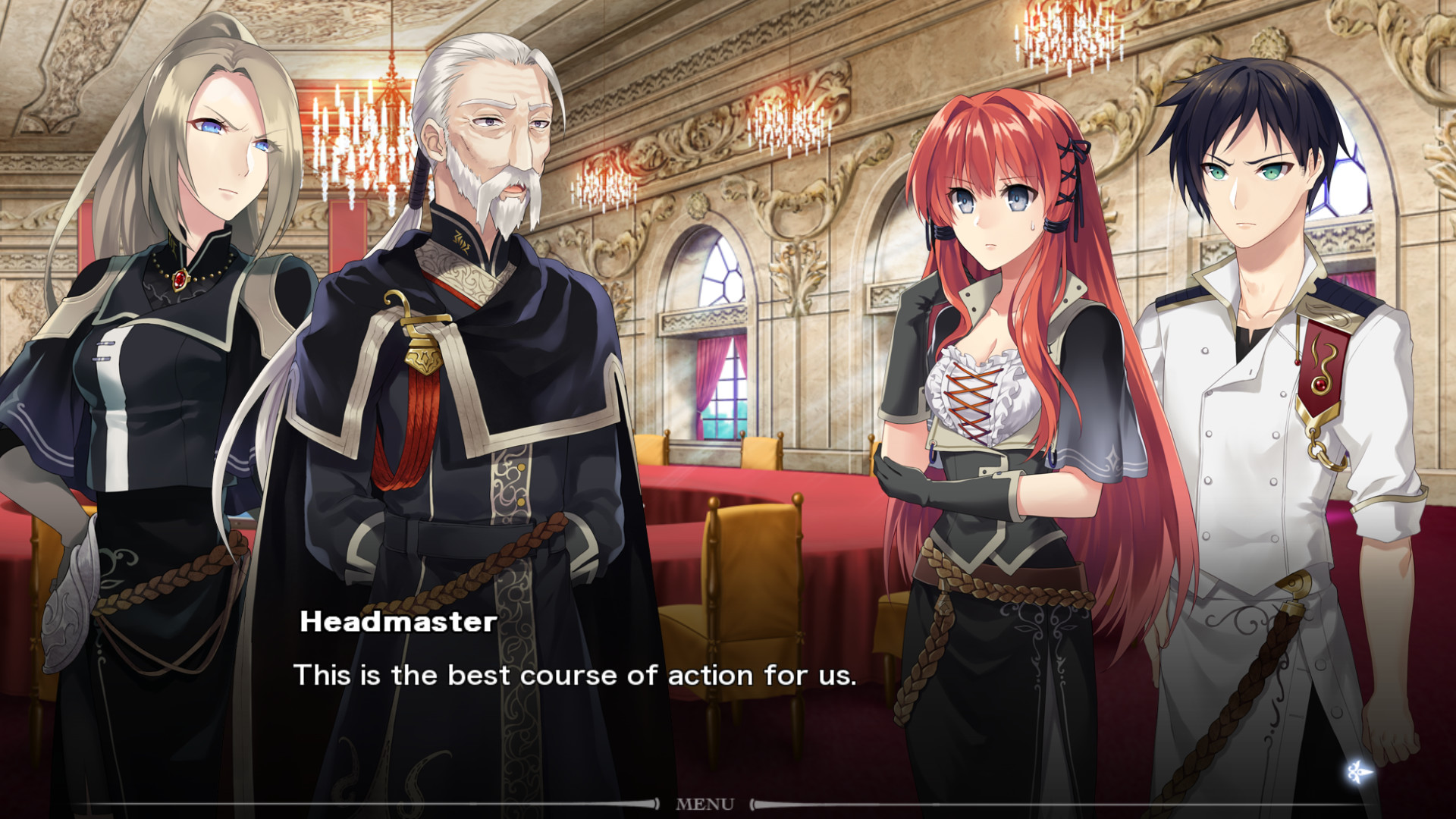
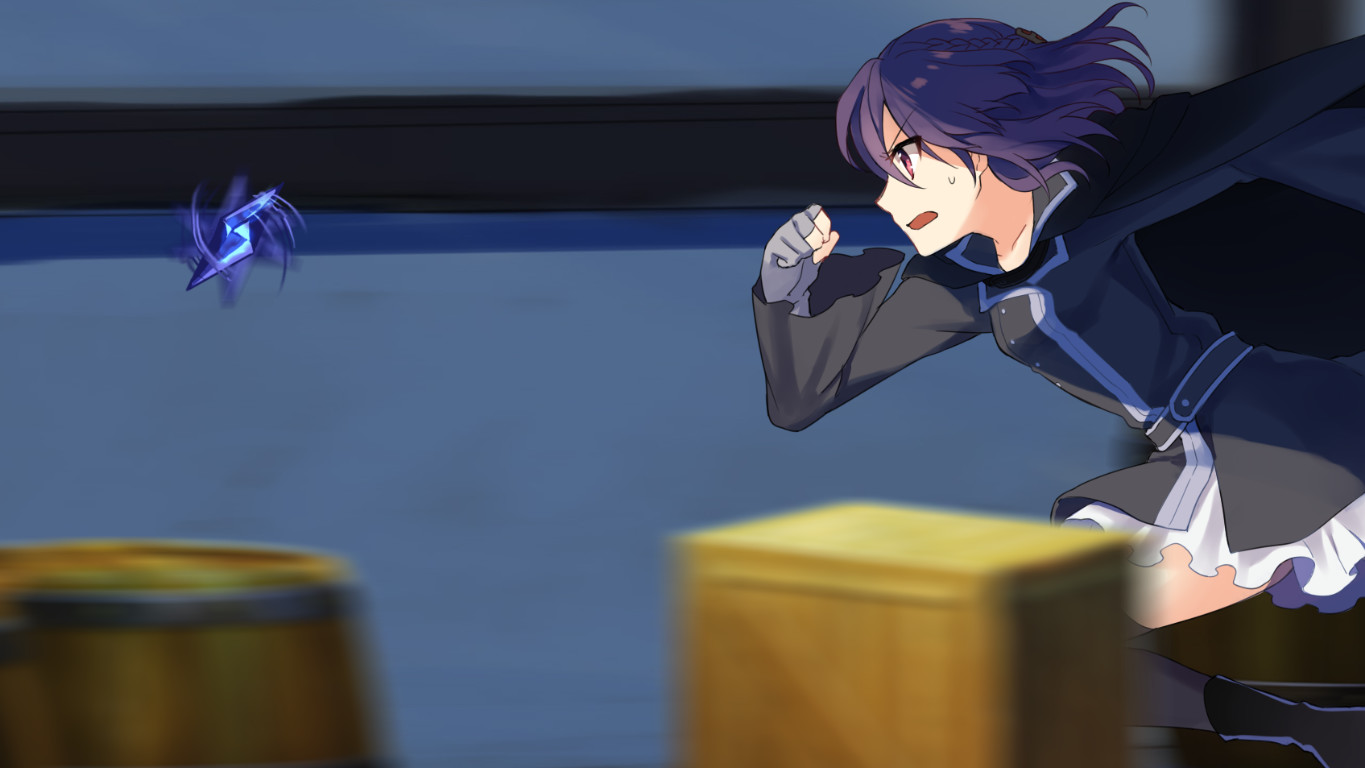
The sequel adds a new 3D camera system, aiming to provide a more immersive and "larger than life" reading experience. This visual upgrade differentiates milestone two from its predecessor while retaining the cinematic feel.\nThe enhanced camera allows scenes to be presented with greater depth, giving players a fresh perspective on the story’s environments and character interactions.
- Observe how the 3D camera changes scene composition compared to the first title.
- Adjust your viewing distance to appreciate the added depth in key moments.
03 / THE GUIDE
Platform Availability
fault – milestone two side:above is released for Windows, macOS, and Linux, ensuring broad accessibility across major desktop operating systems. No exclusive platform restrictions are noted, allowing players on any of these systems to experience the game.\nThe cross‑platform release aligns with the developer’s indie focus, bringing the title to players on each of these operating systems.
- Check your system meets the basic requirements for each OS before installing.
- Use the platform’s native update tools to keep the game current.
04 / THE GUIDE
Steam Features
The title supports Single‑player mode, Steam Achievements, Steam Trading Cards, and Family Sharing. These features integrate the game into the broader Steam ecosystem, allowing players to earn achievements and share the title with family members.\nFamily Sharing lets multiple accounts access the game without additional purchases, while Trading Cards provide collectible items for the Steam marketplace.
- Earn achievements to track progress through the visual novel.
- Consider enabling Family Sharing to let others experience the story on the same device.
05 / THE GUIDE
Demo Save Considerations
Demo saves from milestone two do not carry over to the full version, meaning progress made in the demo is not retained. Because of this, it is recommended to replay the beginning of milestone two after installing the full game to experience the upgraded content.\nStarting from the beginning ensures you encounter the new camera system and any narrative refinements introduced in the full release.
- Treat the demo as a preview rather than a saved checkpoint.
- Re‑play the opening chapters to notice visual and pacing improvements.
COMMUNITY
Player discussion