 GameWiki

GET YOUR BEARINGS
About Fast Food Simulator
Fast Food Simulator lets you run a chaotic fast‑food kitchen either alone or with a crew of up to six players. You can open a single‑player session for friends, or jump into a lobby‑hosted game, using voice or text chat to coordinate. The game models realistic drink machines, grills and fryers while throwing bizarre, unexpected events that test your timing and teamwork. Success hinges on smart task prioritisation and clear delegation to keep customers satisfied and lines moving.
01 / THE GUIDE
Gameplay Basics
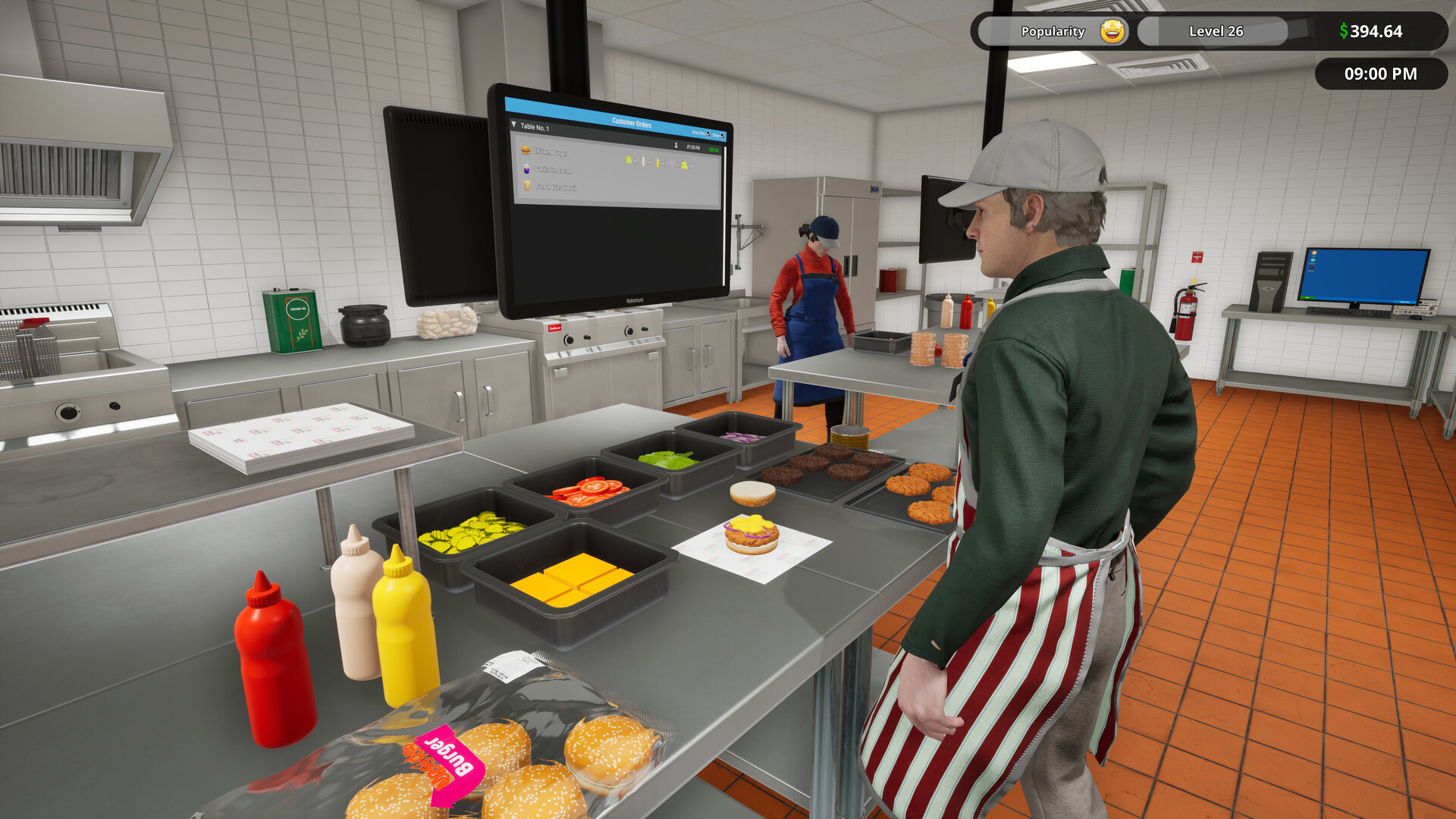
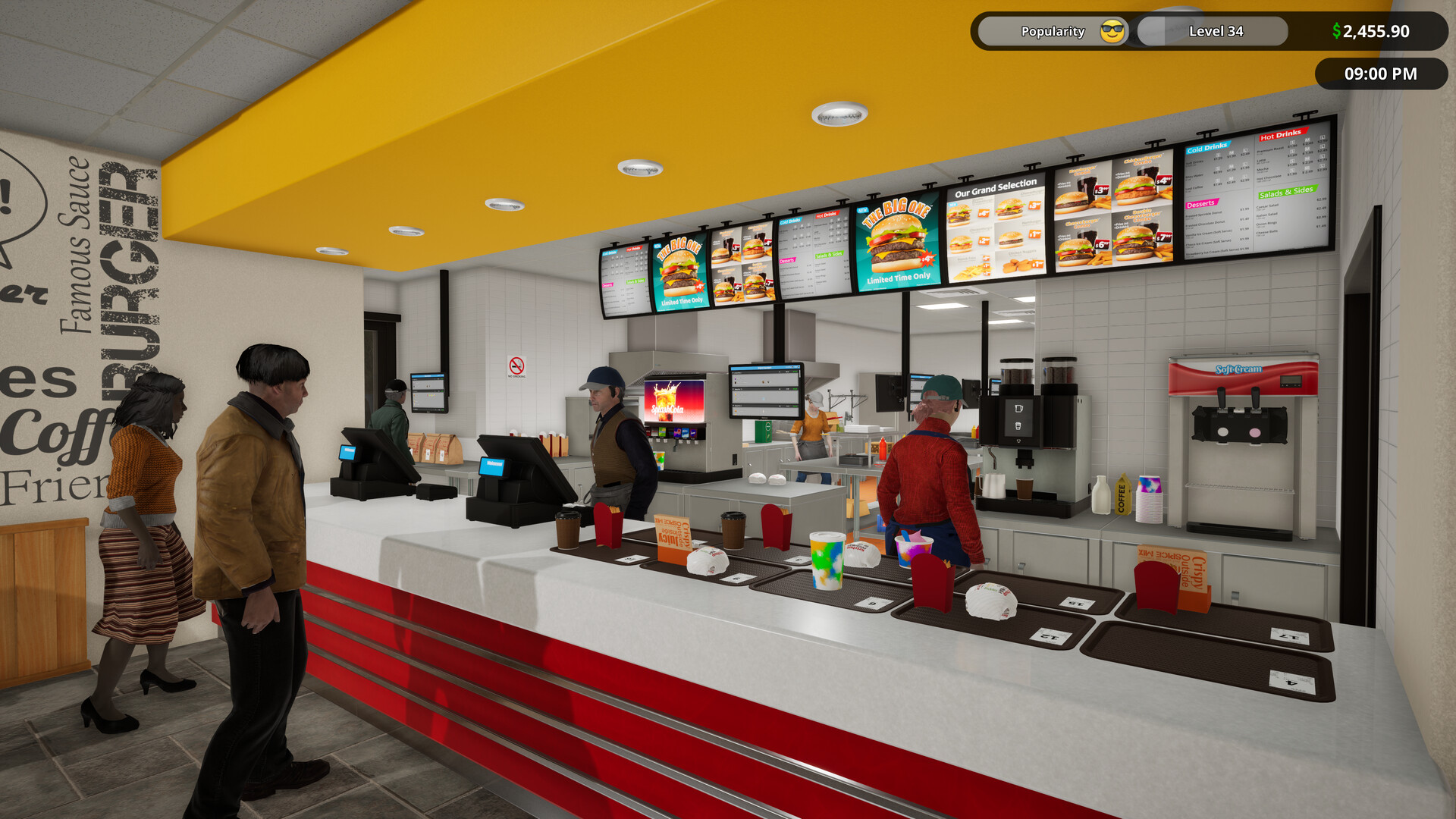
Players manage every aspect of a fast‑food joint, from cooking to serving. The core loop revolves around completing orders quickly to maintain a smooth line. Unexpected events can appear at any moment, requiring rapid adaptation.
Time management is highlighted; you must decide which tasks need immediate attention to keep customers happy. The game emphasizes realistic equipment such as drink machines, grills, and fryers.
- Prioritise orders that are closest to timing out to avoid line backups.
- Assign a dedicated player to monitor equipment for sudden malfunctions.
02 / THE GUIDE
Multiplayer & Co‑op
The title supports solo play and cooperative sessions for up to six participants. You can open your own single‑player game to let friends join, or join an existing lobby hosted by another player.
Communication is facilitated through built‑in voice and text chat, allowing teams to coordinate tasks and respond to chaotic events together.
- Use voice chat for quick task assignments during rushes.
- Rotate roles periodically to keep all players engaged.
03 / THE GUIDE
Partial Controller Support
Fast Food Simulator includes partial controller compatibility, meaning some actions can be performed with a gamepad. This support does not replace mouse‑keyboard input but offers an alternative for certain interactions.
Players may find controller use helpful for navigating menus or selecting items, though full functionality may still rely on traditional inputs.
- Test controller mappings in a solo session before joining a co‑op game.
- Combine controller use with keyboard shortcuts for faster task switching.
04 / THE GUIDE
Steam Integration
The game integrates with Steam services, providing achievements, cloud saves, and family sharing. Achievements reward specific milestones, while cloud saves keep progress across devices.
Family Sharing lets other accounts on the same library access the game without purchasing a separate copy.
- Check the achievement list to set short‑term goals during a session.
- Enable cloud sync to avoid losing progress when switching PCs.
05 / THE GUIDE
Platform Availability
Fast Food Simulator is currently released for Windows PCs. No macOS or Linux versions are listed, focusing development on the Windows platform.
The game is in Early Access, indicating ongoing updates and potential feature additions.
- Verify Windows system requirements before purchase.
- Follow Early Access updates for new gameplay elements.
COMMUNITY
Player discussion