 GameWiki
GET YOUR BEARINGS
About Fast and Low
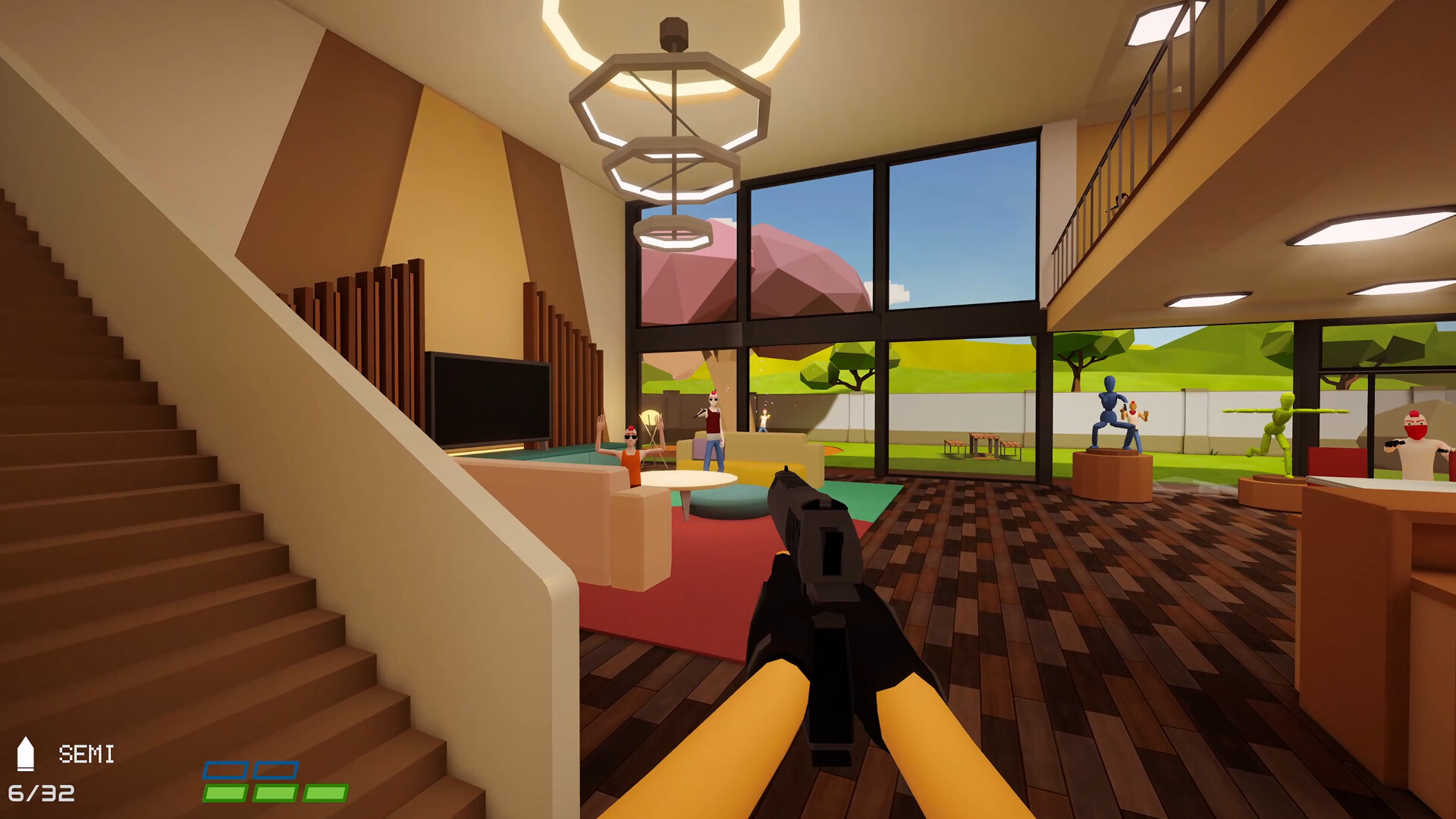
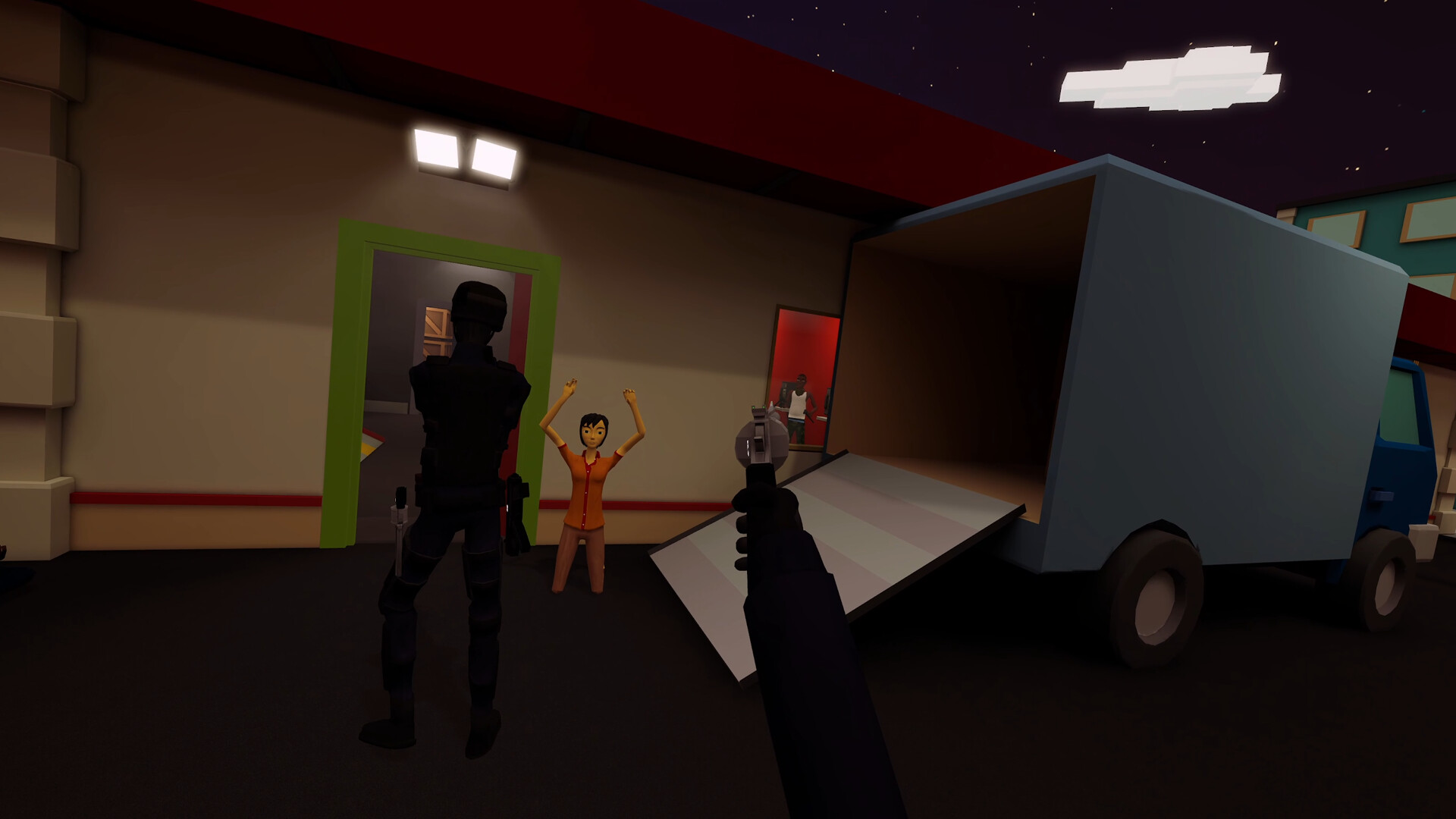
In a burning city, Officer Faust and Officer Lo lead a police force to breach‑and‑clear over 23 handcrafted missions, neutralizing threats and rescuing civilians. The game blends violent, tactical shooting with a colorful, cartoonish aesthetic, demanding precise aim and quick decision‑making.
Fast and Low supports both room‑scale VR and traditional mouse/keyboard FPS play, offering solo, local asymmetric (one VR player plus one FPS player) and up to four‑player online co‑op. Players can physically peek around corners in VR or use a broader toolset in FPS mode, with location‑based damage affecting limbs and civilians.
01 / THE GUIDE
Game Modes
The title provides three core ways to play: Solo missions with an AI partner, Local Asymmetric Multiplayer where a VR player teams with an FPS player on the same PC, and Online Multiplayer supporting up to four players together. Each mode uses the same 23 handcrafted levels, but enemy and civilian spawns are randomized for variety.
Sandbox Mode lets players replay unlocked missions, adjusting civilian and enemy density, health pools, or enabling slow‑motion in multiplayer. A built‑in Spectator Camera allows high‑quality footage capture for sharing.
- Try Sandbox’s density sliders to test how crowd size affects tactical decisions.
- Use the Spectator Camera in co‑op to review team positioning after a breach.
02 / THE GUIDE
VR vs. FPS Play
VR players experience room‑scale interaction, physically peeking around corners and blind‑firing from safety. FPS players receive a wider array of tools and equipment. VR players, meanwhile, can choose free‑locomotion options like arm‑swinging or touch‑pad movement and snap/smooth rotation settings. Accessibility features such as left‑handed mode and comfort vignettes are also available.
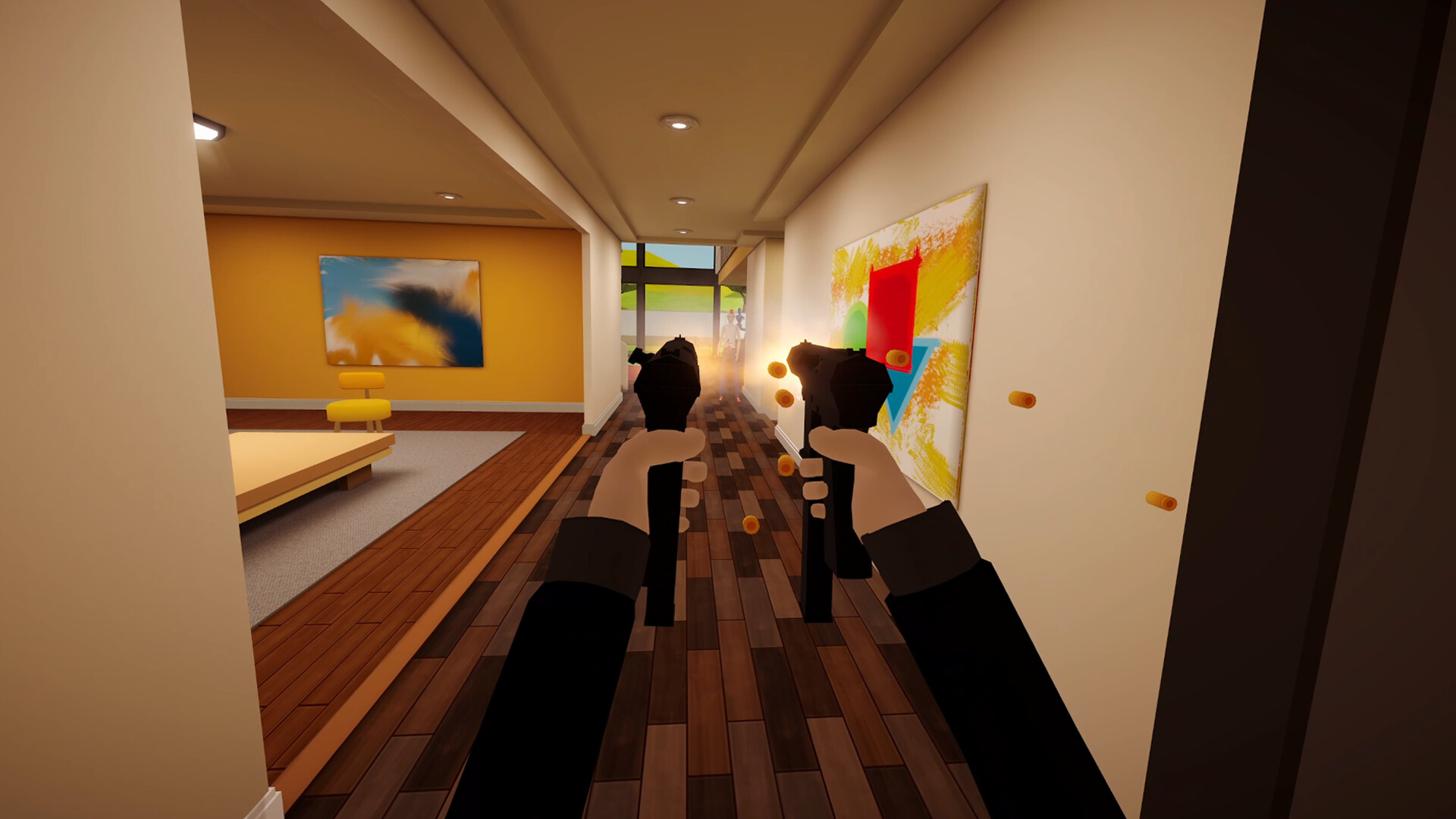
Both control schemes share realistic weapon handling: manually chambering rounds, racking slides, and operating each firearm as intended. This shared handling gives both control schemes a similar feel.
- Experiment with both arm‑swinging and touch‑pad locomotion to find the most comfortable VR movement.
- Enable left‑handed mode if you prefer the dominant hand for aiming.
03 / THE GUIDE
Weapon Handling
Fast and Low emphasizes realistic firearm interaction. Players manually chamber rounds, rack slides, and handle each gun according to its design, creating distinct recoil patterns for each weapon. Seventeen unlockable weapons are available, each crafted with unique recoil behavior, encouraging players to master individual firearms.
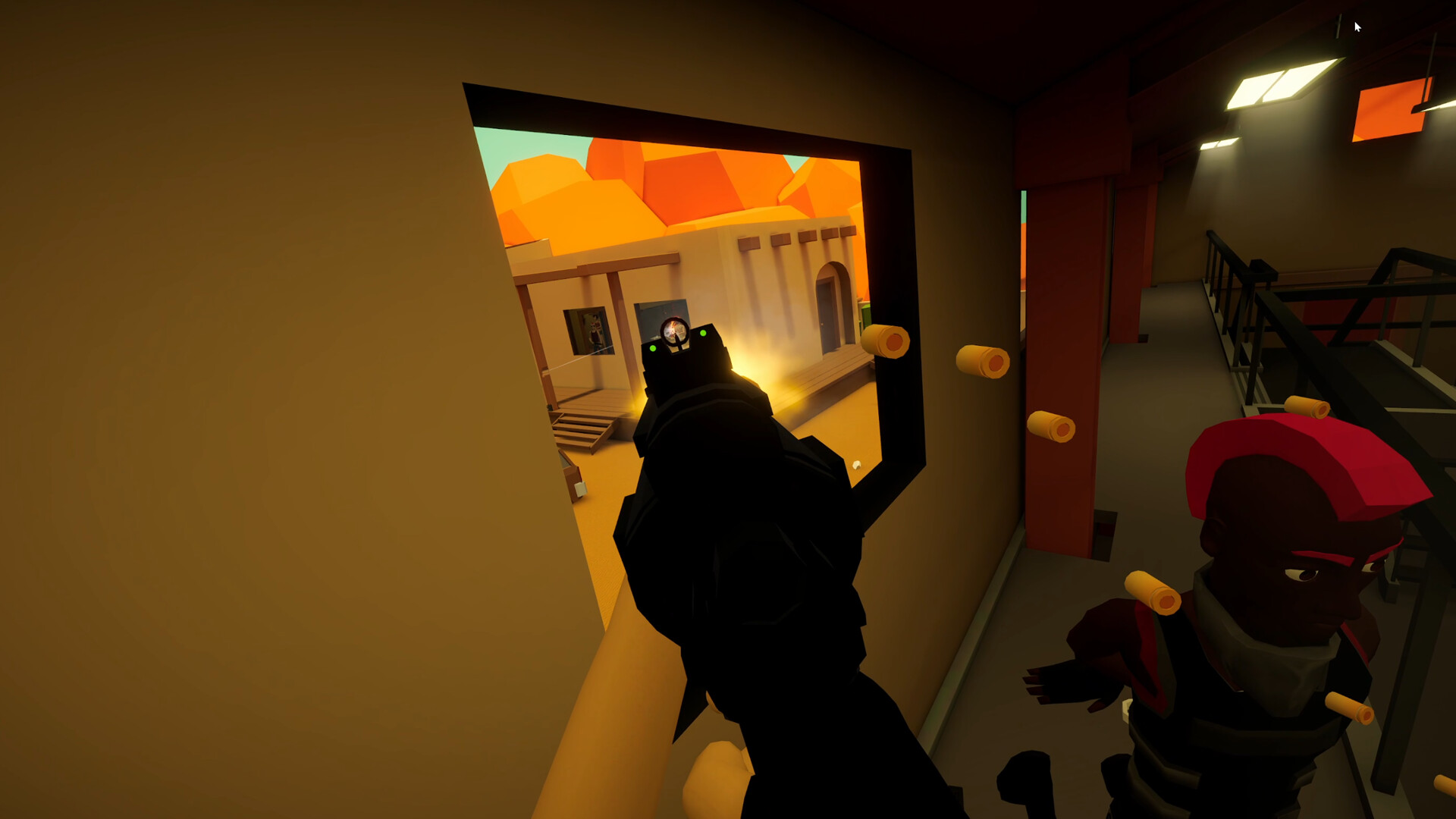
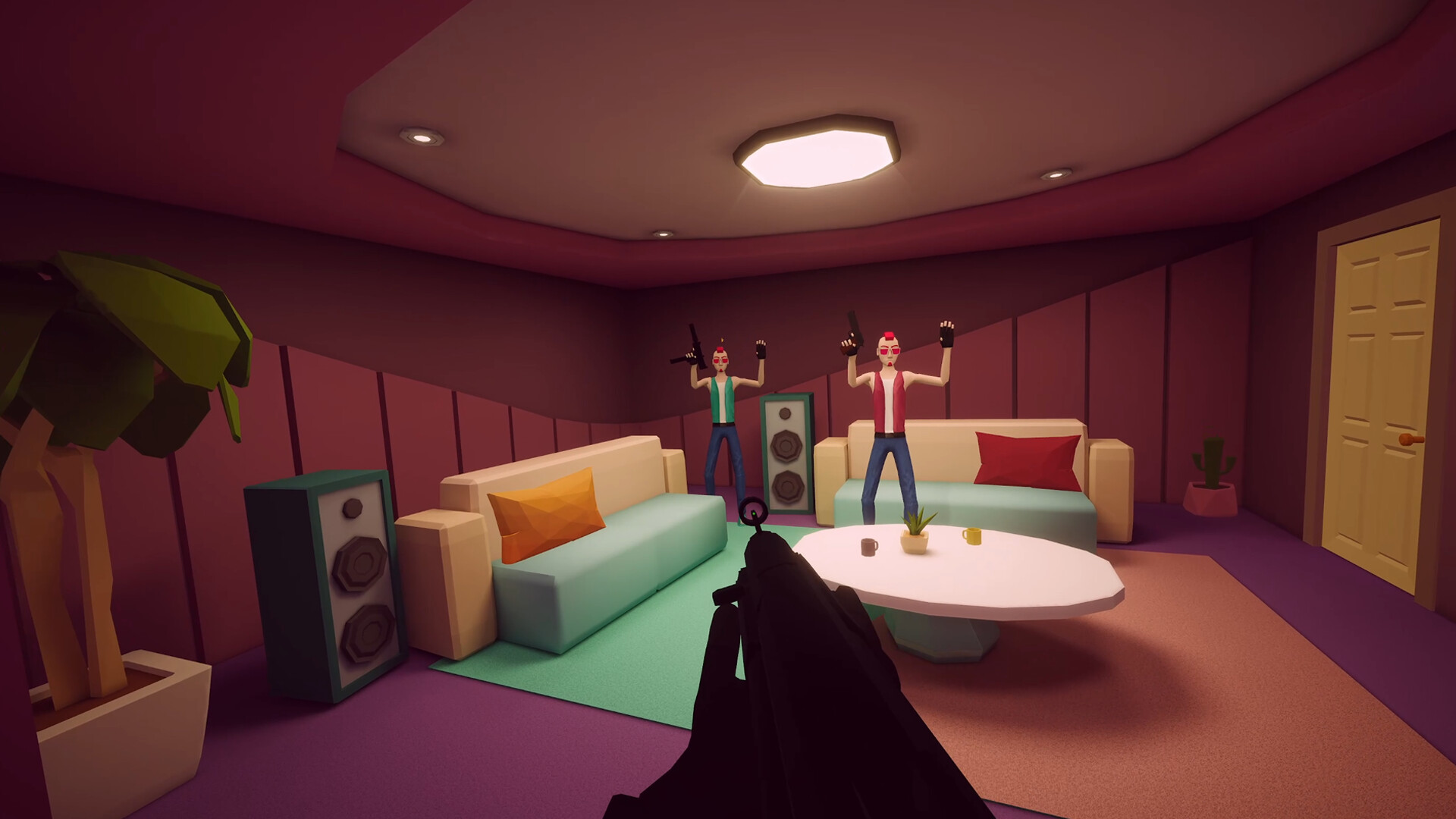
Location‑based damage allows targeting specific limbs: shooting a hostile’s arm can disarm them, while leg shots can cripple movement, increasing the chance of surrender. This system also applies to civilians, adding tactical depth to engagements.
- Practice chambering and racking in a safe environment to become comfortable with each weapon’s rhythm.
- Aim for limbs when you need to neutralize threats without lethal force.
04 / THE GUIDE
Multiplayer Setup
Online co‑op supports up to four players connecting via the game’s networking system. Local Asymmetric Multiplayer runs on a single PC, pairing one VR participant with one FPS participant, allowing both to cooperate in real time. The game includes full controller support, tracked controller support, and compatibility with DualShock, DualSense, and Remote Play Together.
Shared/Split Screen Co‑op is listed as a feature, indicating that multiple players can view the same screen simultaneously, though specific split‑screen arrangements are not detailed.
- Test your network connection before joining an online session to reduce latency.
- When using Local Asymmetric mode, ensure both players have clear view of the shared screen.
05 / THE GUIDE
Accessibility Options
The game provides several comfort and accessibility settings. Players can choose left‑handed mode, adjust movement comfort vignettes, and select between snap or smooth rotation to reduce motion sickness. Free‑locomotion methods include arm‑swinging and touch‑pad movement, catering to different player preferences and physical abilities.
The game itself is built from the ground up for room‑scale VR, and these settings let players tailor the experience to their comfort level.
- Activate movement comfort vignettes if you feel disoriented during fast turns.
- Switch to snap rotation for a steadier visual experience in tight corridors.
COMMUNITY
Player discussion