 GameWiki

GET YOUR BEARINGS
About Farming Simulator 22
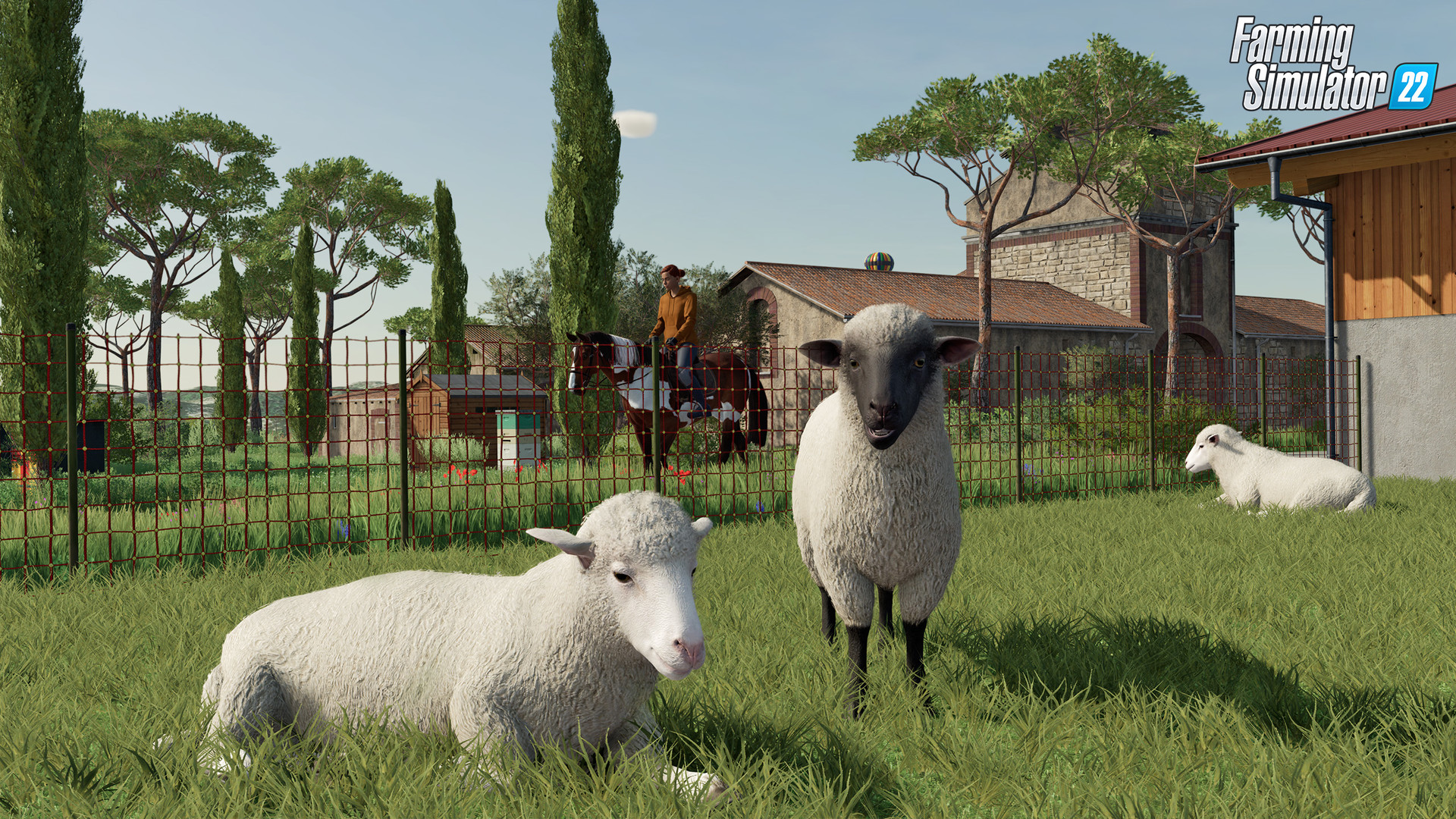
Farming Simulator 22 puts you in the shoes of a modern farmer, letting you manage crops, livestock, and forestry across four seasons. The game challenges you with winter conditions and offers tools to expand your operation into a full agricultural empire.
You can play solo or with friends via cross‑platform multiplayer, using over 400 machines from real brands. New features include mulching, stone picking, greenhouses, beehives, and a character creator, while community mods add even more depth.
01 / THE GUIDE
Seasonal Challenges
The game simulates four distinct seasons, each affecting farming activities. Winter especially tests players with harsher conditions that limit certain tasks.
Players must plan crop cycles and equipment use around these seasonal shifts to maintain productivity throughout the year.
- Schedule planting before the first frost to avoid winter loss.
- Use mulching to protect soil during colder months.
02 / THE GUIDE
Cross‑Platform Multiplayer
Farming Simulator 22 supports online co‑op where friends can manage a farm together, regardless of platform. This includes Windows and macOS players joining the same session.
The feature encourages collaborative building of production chains and shared management of machines and fields.
- Coordinate roles early to avoid overlapping tasks.
- Use voice chat to synchronize planting and harvesting.
03 / THE GUIDE
Machine Variety
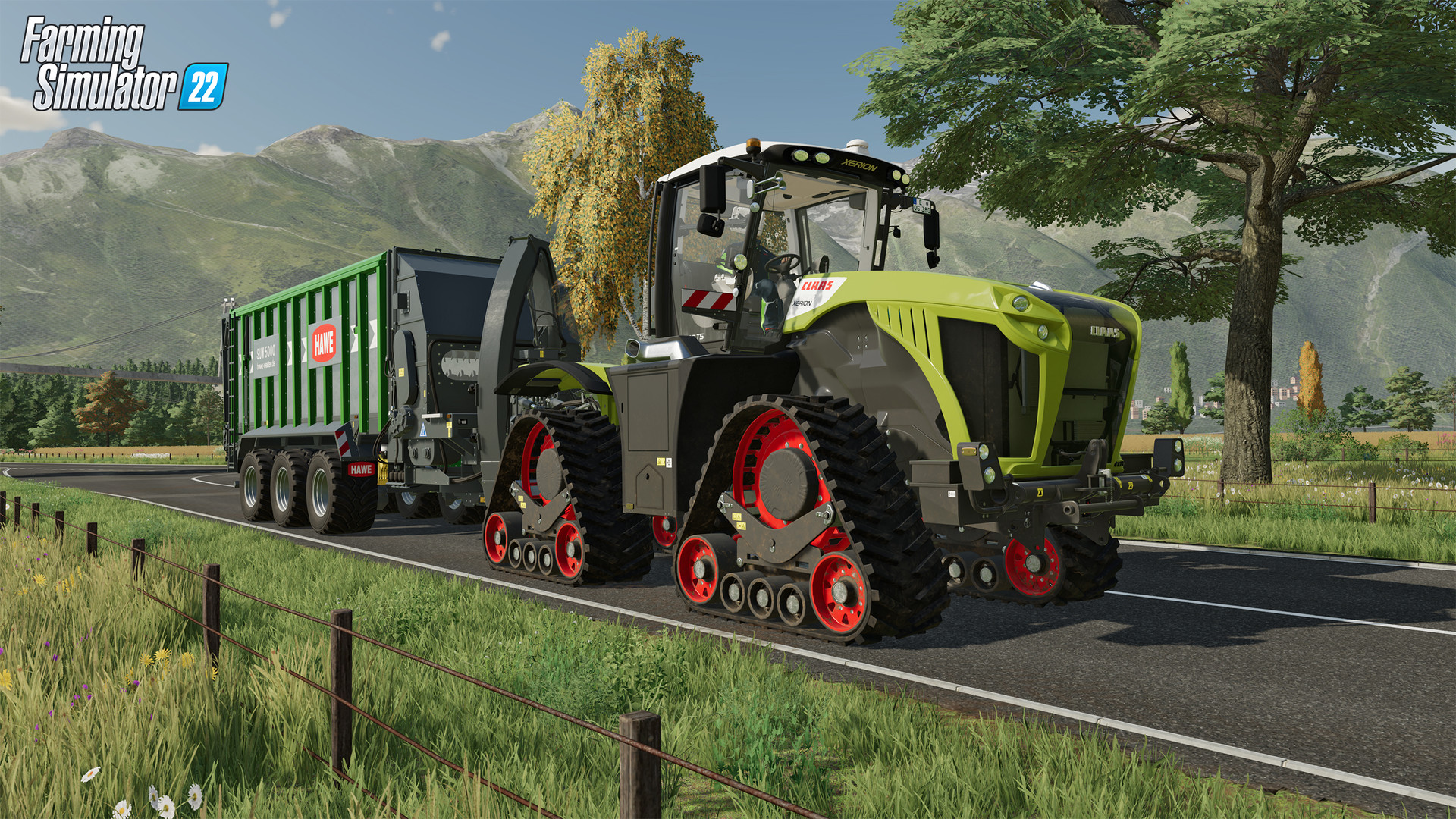
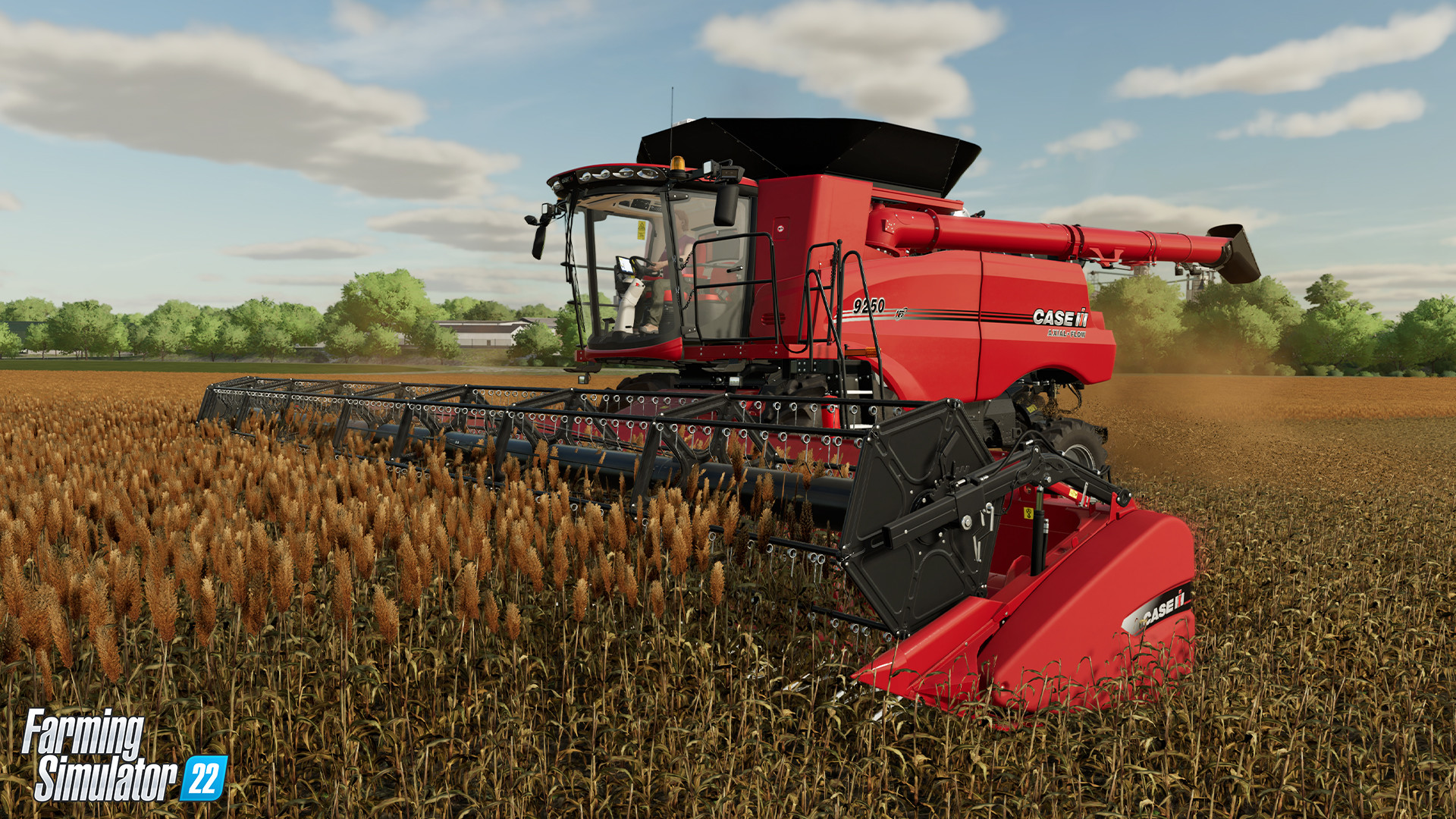
More than 400 machines and tools from over 100 real agricultural brands are available, ranging from tractors to harvesters. Brands include Case IH, CLAAS, Fendt, John Deere, and others.
This extensive catalog lets players select equipment that matches specific field sizes, crop types, and personal preferences.
- Match tractor power to field size for efficient work.
- Experiment with different brands to find preferred handling.
04 / THE GUIDE
New Build Features
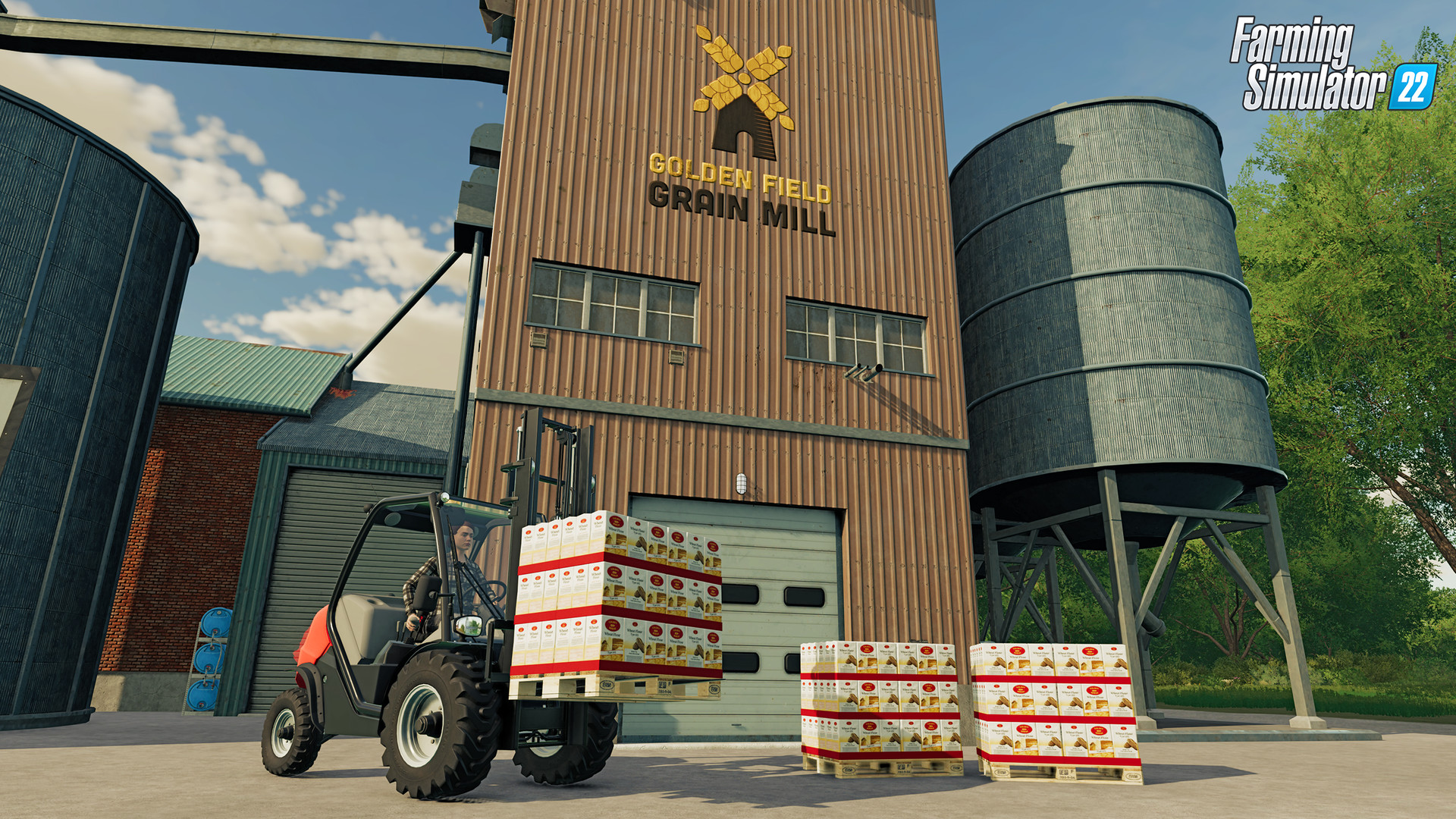
The improved build mode adds structures such as greenhouses and beehives, expanding farming possibilities beyond traditional fields. These additions support diversified production chains.
Players can also use mulching and stone picking as new ground‑working options to prepare soil more effectively.
- Place greenhouses near water sources for easier irrigation.
- Use stone picking before planting to reduce field obstacles.
05 / THE GUIDE
Community Mods
A large variety of free community‑created modifications are officially tested by GIANTS Software, extending the farming experience many times over. Mods can introduce new crops, vehicles, or gameplay tweaks.
These additions are optional but provide additional content for players seeking fresh challenges or aesthetic changes.
- Check the official mod list for compatibility before installing.
- Start with small mods to gauge performance impact.

COMMUNITY
Player discussion