 GameWiki
GET YOUR BEARINGS
About Farm Together
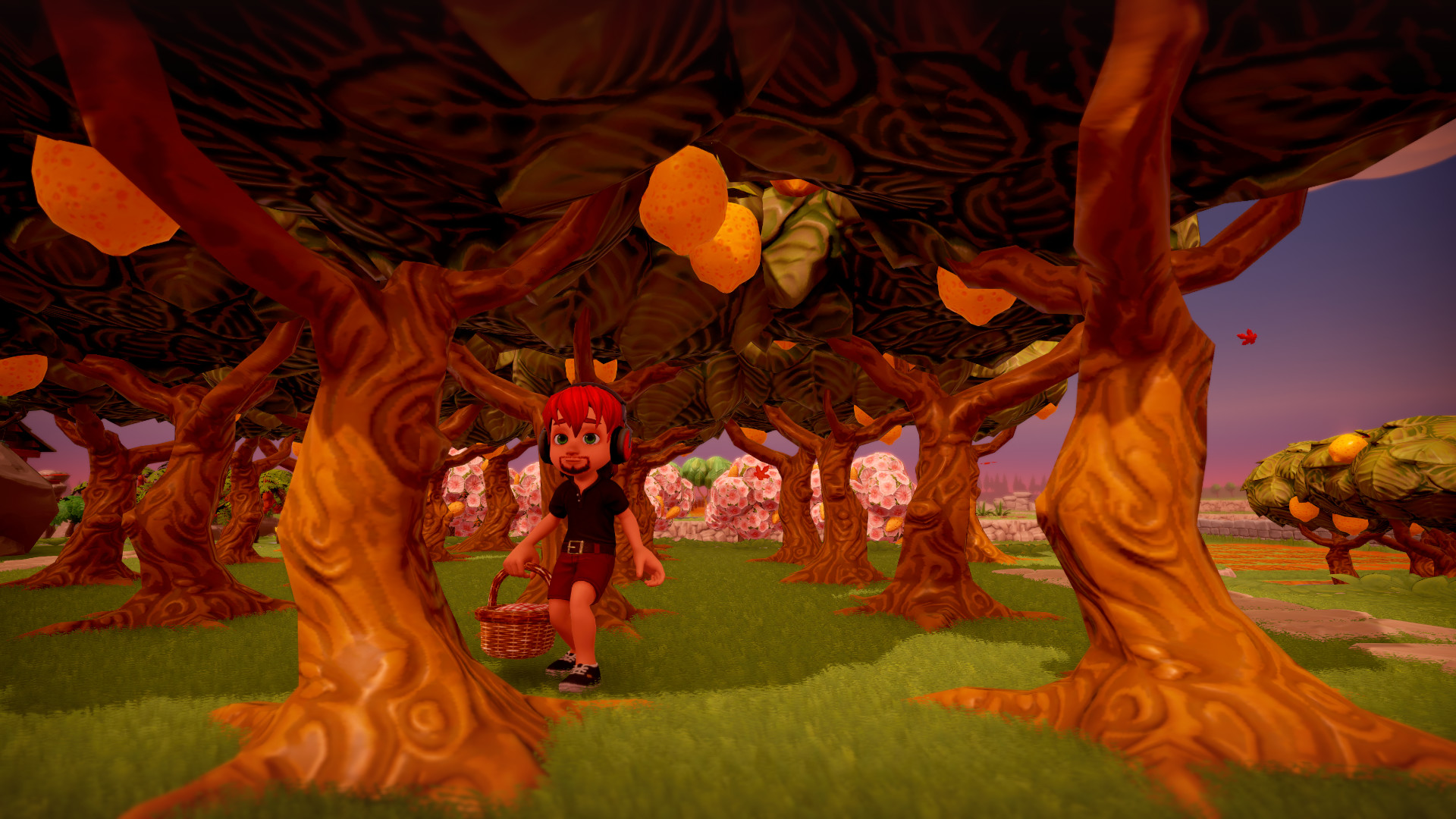
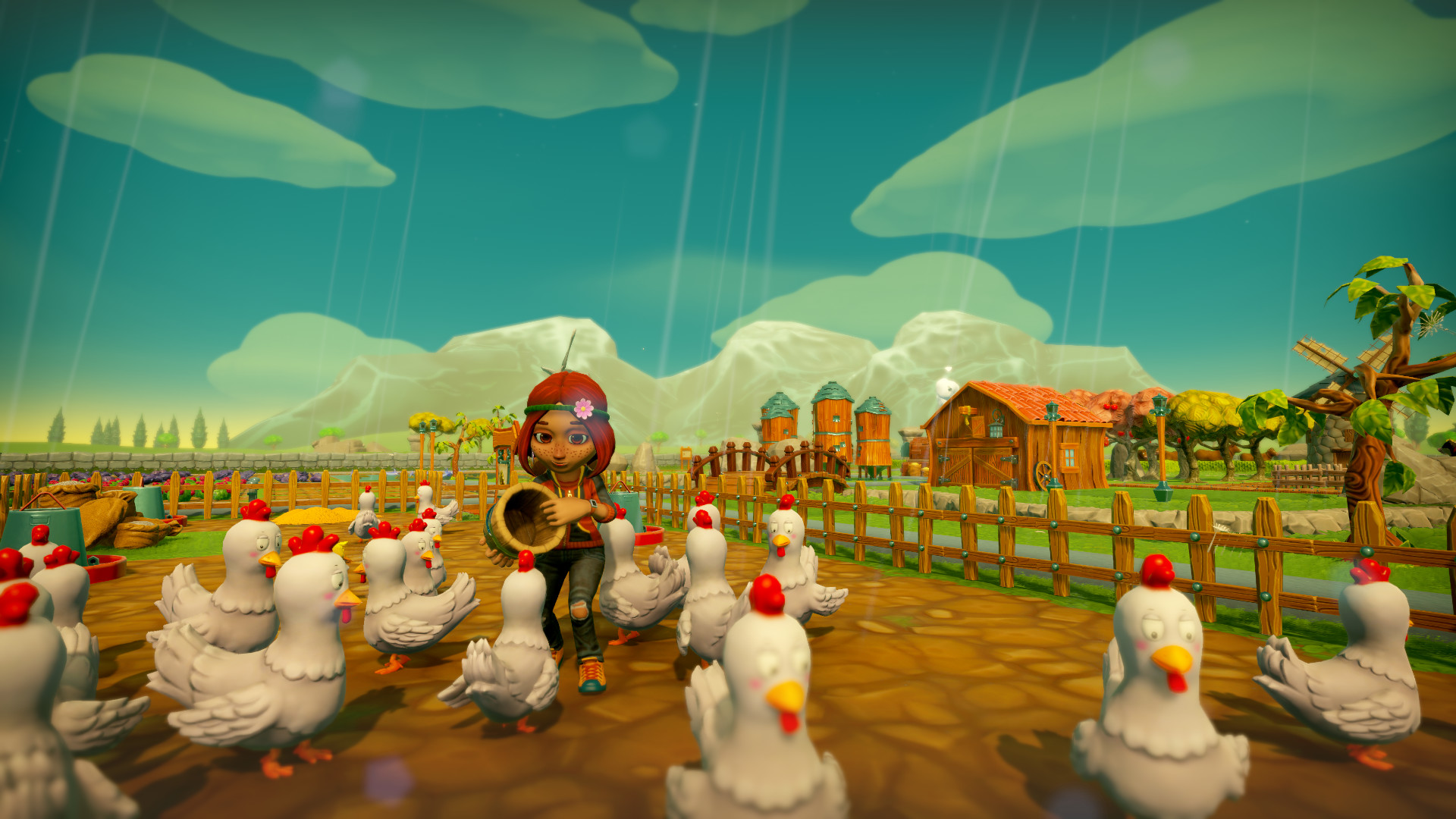
Farm Together offers a casual simulation where you start with a modest plot and expand it into a sprawling farm. You can grow crops, raise animals, and build structures while time continues even when you’re offline. The game supports both solo play and cooperative modes, letting friends or the public help manage the farm. A permission system lets you control what strangers can do, and a range of customization options let you personalize your land, avatar, and even a pet companion.
01 / THE GUIDE
Farming Gameplay
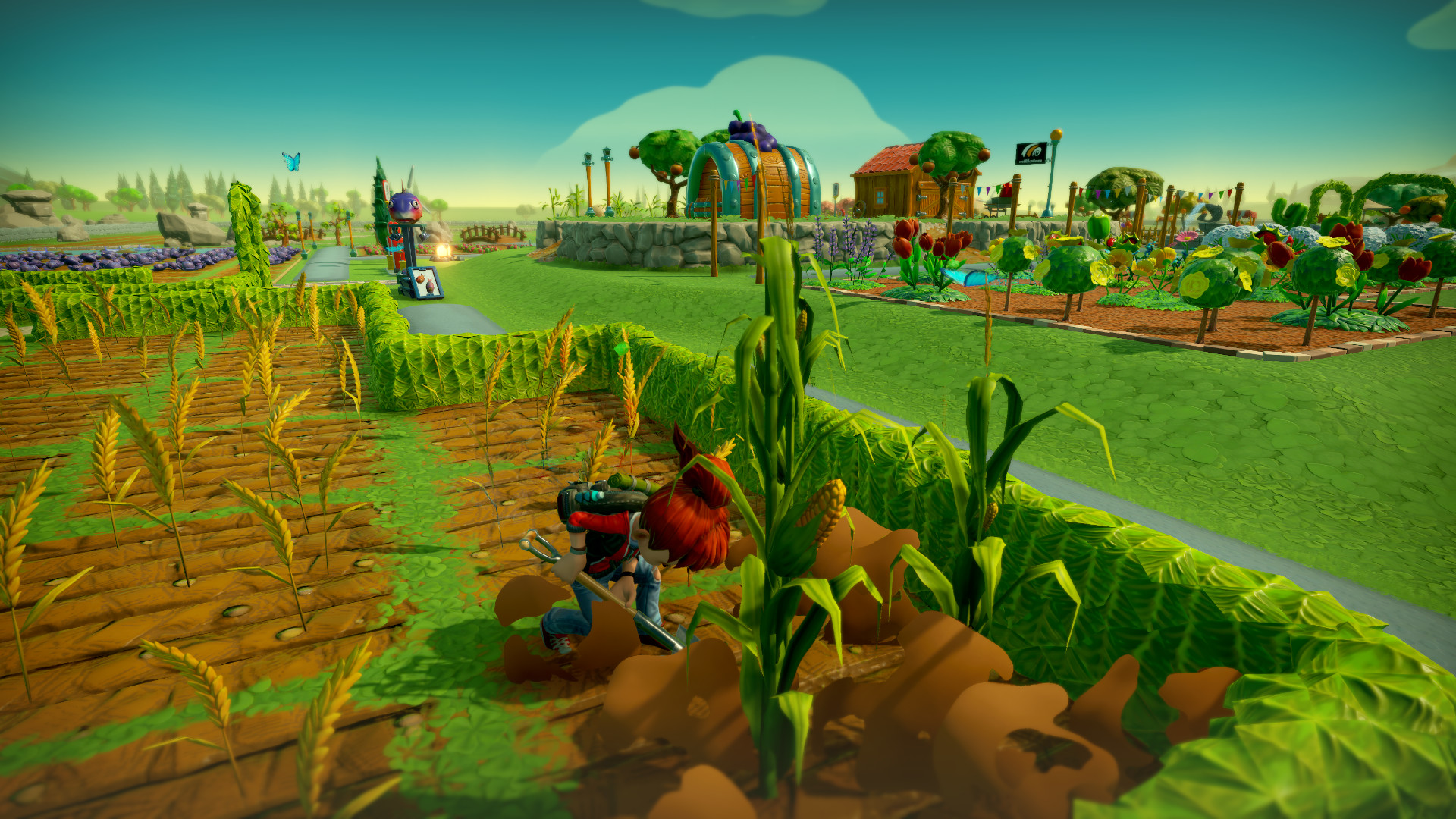
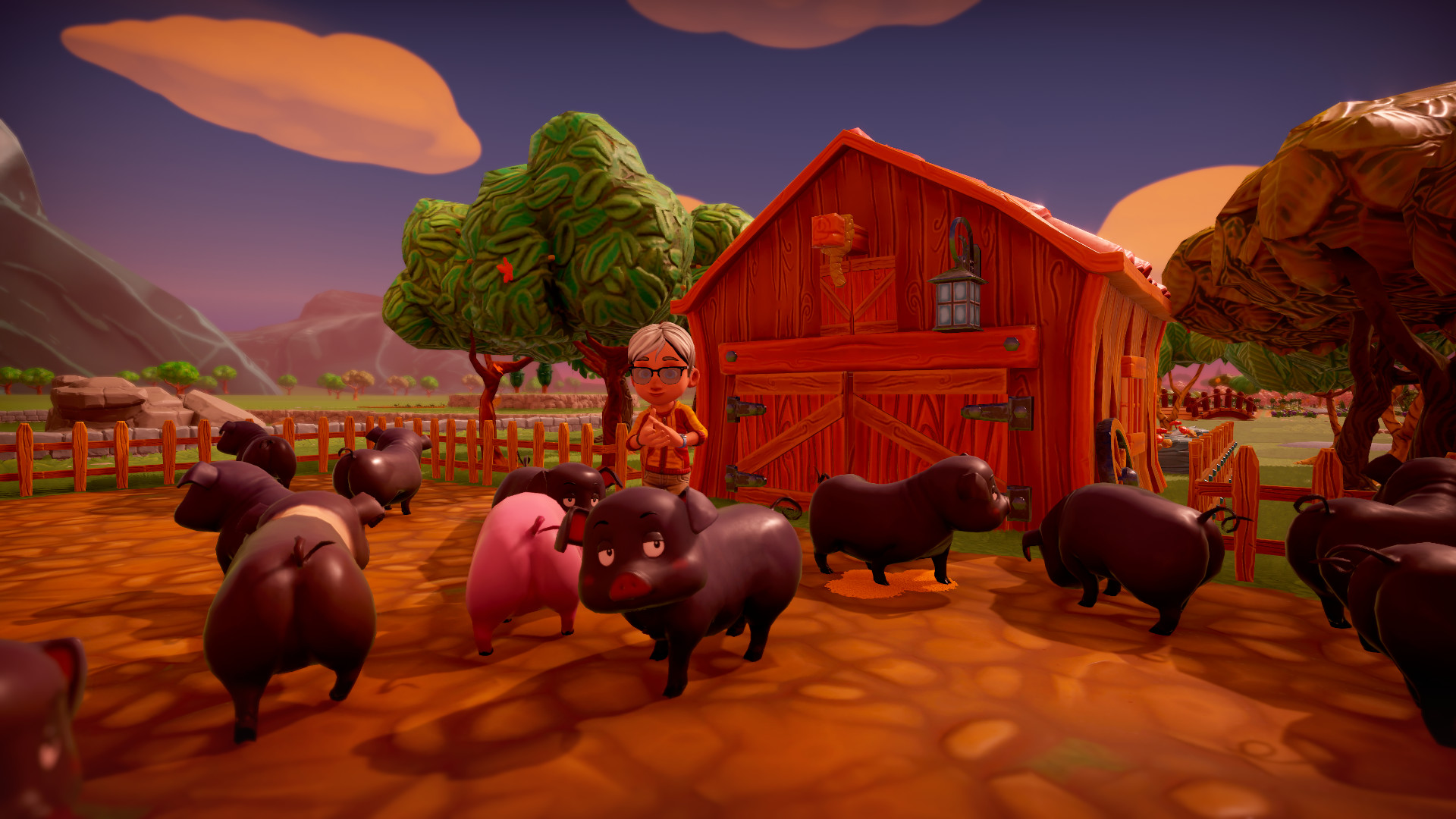
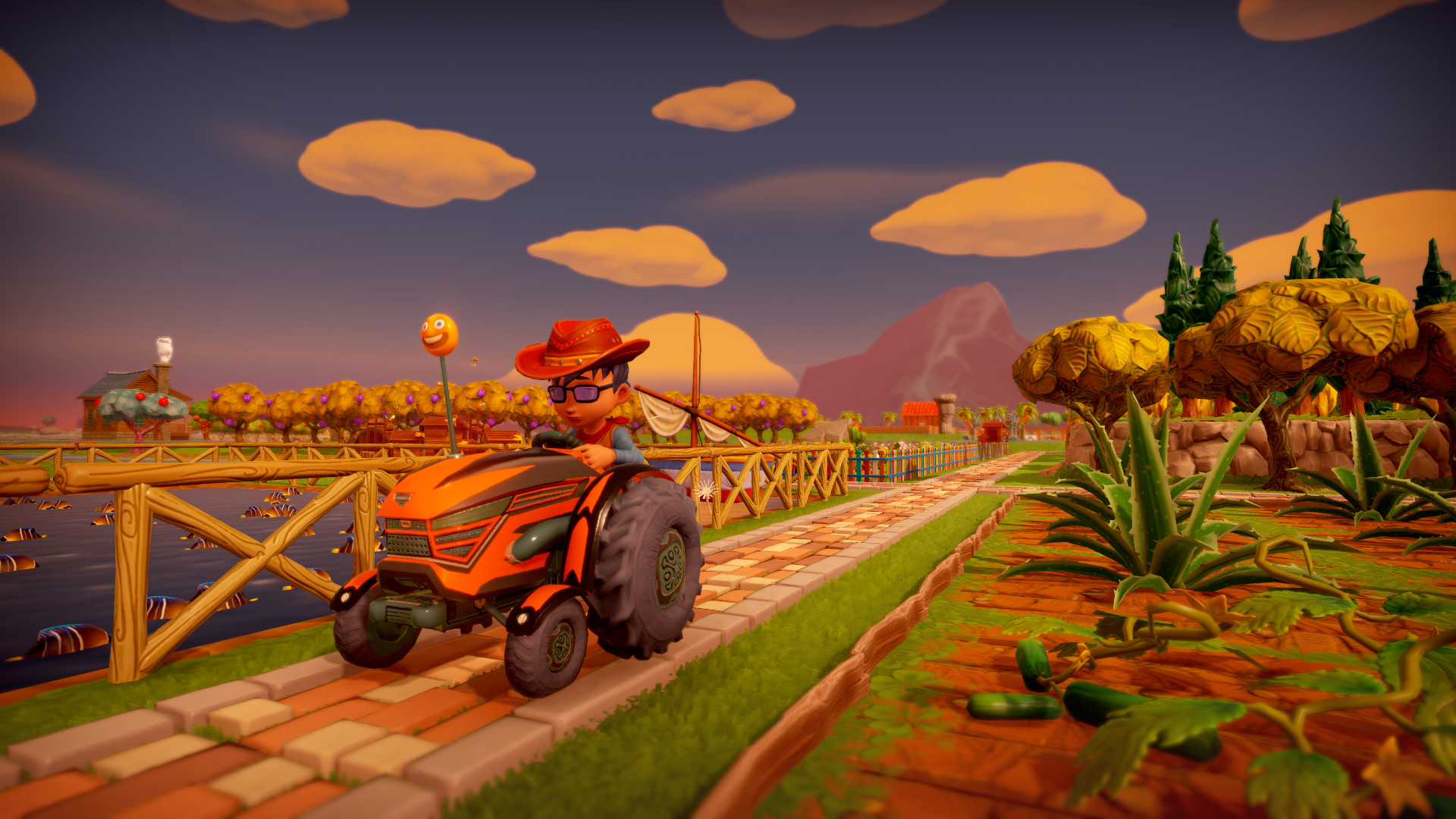
Players can grow crops, plant trees, and tend to animals, using tools like a tractor to speed up tasks. Gas must be monitored to avoid running out during work.
The farm continues to develop while you are offline, ensuring progress even when you are away.
- Plan planting cycles to keep a steady harvest.
- Refill tractor fuel before long sessions.
02 / THE GUIDE
Progression & Unlocks
Experience points are earned through farming activities, unlocking hundreds of new items such as buildings and decorations. Money earned can be spent on these upgrades.
Unlocks expand the visual and functional possibilities of your farm, encouraging continued play.
- Focus on high‑yield crops early for faster XP.
- Save money for permanent structures rather than consumables.
03 / THE GUIDE
Multiplayer & Permissions
You can manage the farm alone, invite friends, or open it to the public. A simple permission system lets you limit what strangers can do, reducing risk of unwanted changes.
Co‑op can be played online, with shared or split‑screen options, and supports remote play on various devices.
- Set strict permissions for public farms.
- Invite trusted friends for collaborative projects.
04 / THE GUIDE
Customization & Avatar
A wide array of fences, roads, buildings, and decorations let you shape the farm’s appearance. Avatars and tractors can also be customized to reflect personal style.
Visiting friends’ farms showcases your design choices and encourages community interaction.
- Match décor themes for cohesive looks.
- Use avatar customization to stand out in co‑op sessions.
05 / THE GUIDE
Pet & House Features
A pet—cat or dog—accompanies you, offering companionship and customizable appearance. Inside your house you can decorate, cook, paint, or compose music.
These personal spaces add a relaxing layer beyond core farming tasks.
- Dress your pet to match farm aesthetics.
- Experiment with house décor for a pleasant break.
COMMUNITY
Player discussion